


Most solo professionals hit the same wall. Leads slip through the cracks, follow-ups get forgotten, and somewhere between a spreadsheet and a sticky note, a deal goes cold.
A CRM fixes that. But picking the right one is where things get complicated. Pricing pages are murky, add-ons stack up fast, and most comparison guides are sponsored lists dressed up as honest reviews.
This one is not. No platform on this list paid to be here. What you will find is a straightforward breakdown of seven CRMs built for freelancers, consultants, and solo founders, covering real pricing, honest tradeoffs, and which tool I personally use every day.
The short version: you do not need the most powerful platform on the market. You need the one you will actually open every morning and trust every afternoon.
Comparison of the 7 Best CRM Software in 2026 With Pricing and Recommended Use Cases
Scroll for my detailed takes on each option, including which one I personally chose and the best free options for beginners.
What Is a CRM?
A CRM (customer relationship management) system is software that helps you organize contacts, track deals, log interactions, and automate follow-ups so nothing slips through the cracks. I like the saying, “What gets measured gets managed.” A CRM makes client work measurable. It gives you control over your pipeline, revenue timing, and repeat business.
Think of it this way: a spreadsheet might help you follow up with 10 leads a week. With a CRM sending reminders and emails, you might reliably follow up with 30, with better context each time. At its core, a CRM lets solo pros and teams capture leads from forms, email, and calls; manage stages and tasks; and convert conversations into signed projects and paid invoices.
Most people pair a CRM with tools like email marketing, e-signature, scheduling, and accounting. Integrations tie these parts together so work moves without friction. Not every CRM is equal, though, so choosing the right fit matters more than choosing the flashiest option.
How to Choose the Best CRM
Picking a CRM can feel overwhelming. There are dozens of options, and the differences hide in setup limits, automations, and surprise add-ons. I wrote this guide to help you find a CRM that matches how you sell, how you bill, and how you like to work, without wasting weeks testing everything.
Most guides you’ll see are written by vendors or sponsored lists that put pay-to-play tools on top. I’m not sponsored by any platform on this list. This is a straight take based on my team’s research, my own usage, and real tradeoffs I’ve seen.
Here are some questions you should ask when looking for a CRM:
- How generous is the free plan, and what are the key caps?
- Can I add contacts, deals, and tasks fast without extra clicks?
- Will this scale from solo to a small team if I grow?
- What happens to pricing as contacts and seats increase?
- Does it include the features I need (email, quotes, e-signature)?
- Are analytics helpful for forecasting and closing rates?
- How hard is it to export and migrate if I switch later?
- Does the vendor publish uptime, security, and support SLAs?
- Any technical needs, like APIs, custom fields, or integrations, that I must have?
7 Best CRM Software in 2026
Here are my top picks for the best CRM software:
- HubSpot CRM
- Pipedrive
- Bonsai
- HoneyBook
- Zoho CRM
- Capsule CRM
- Freshsales
Let’s see which one is right for you.
1. HubSpot CRM
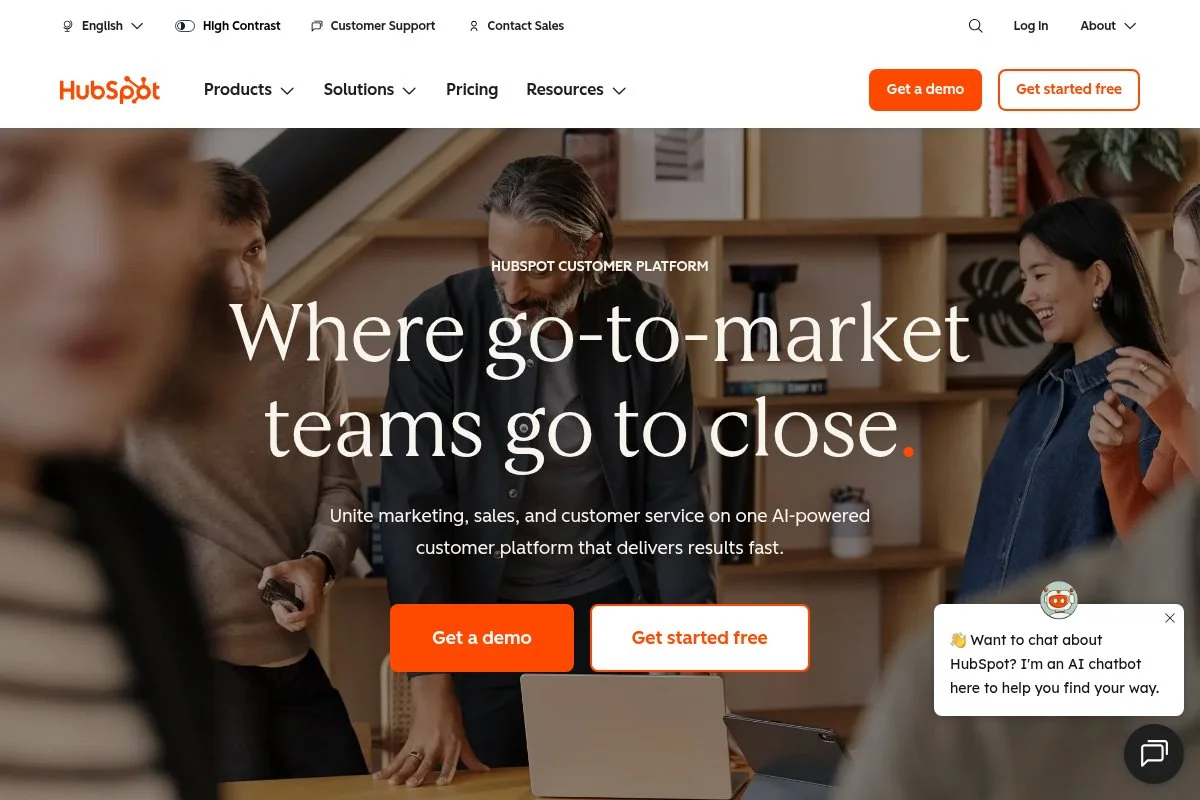
HubSpot CRM is an all-in-one platform built for marketing, sales, and service under one roof. It’s backed by a well-known company with years of product maturity and a massive education library. You can start for free with core CRM features. Setup is quick: import contacts, add deals, and connect email for tracking. The daily workflow centers on a clean timeline, tasks, and a drag-style pipeline.
Recent pushes in AI assistance, prospecting, and integrated help desk make it more practical for solo operators. You can move from lead to deal to ticket without jumping tools. Higher tiers add sequences, workflows, revenue forecasting, and custom reports. If you grow, you can bolt on marketing automation, chat, and a knowledge base, rare to find in one stack that still feels usable.
I use HubSpot for contact history and simple automations. It’s not sponsored. I stuck with it because the free core is strong and upgrades are there if I need them. I also appreciate the Academy courses and templates. When I hand off tasks, the training material is already written and easy to share.
How HubSpot CRM Works and Key Features
The interface gives you a visual pipeline, a contact timeline, and email tracking in one place. Templates and snippets speed up replies, and meeting links reduce back-and-forth scheduling. Customization covers custom fields, deal stages, and tags. Advanced users can extend with APIs, webhooks, and a large marketplace of apps for billing, chat, and forms.
Reporting spans activity, funnel, and revenue projections. Workflows automate lead routing, follow-ups, and handoffs. You can add landing pages, forms, chatbots, and a lightweight CMS if needed. Support resources are strong: docs, courses, and community. “It’s the only CRM my tiny team and I actually open daily,” one consultant told me. Overall, it balances beginner-friendly simplicity with room to grow into more advanced automation and reporting.
Who HubSpot CRM Is For
Best for consultants, coaches, one-person agencies, and creators who want contact tracking, email logging, and pipelines without heavy setup. It shines for lead capture, nurturing, and light service tickets. If you need deep quote-to-cash or highly specialized sales ops, another tool may be a better fit. It’s beginner-friendly, with advanced power tucked away.
HubSpot CRM Pricing
HubSpot uses a freemium model with paid upgrades based on feature set and seat count. You can use the free CRM indefinitely and add paid hubs as you grow.
- Free: $0, basic CRM, email tracking, forms, and pipelines
- Starter (CRM Suite): from roughly $20/user/month, simple automation and email tools
- Professional: higher-tier automation, sequences, and reporting
- Enterprise: advanced permissions, custom objects, and governance
Value is solid for solo users on the free or Starter plan. Costs can rise as you add hubs and contacts. Annual billing usually lowers the price. If you plan to scale marketing automation quickly, map out costs in advance.
Pros and Cons
- Pros: Excellent free plan; clean pipeline; strong integrations; upgrade path across marketing, sales, and service
- Cons: Pricing can climb with add-ons; advanced reporting takes time; some features are gated to higher tiers
If you want a trusted, expandable starter that you won’t outgrow quickly, HubSpot is an easy first choice. If you need super granular sales ops from day one, look further down this list.
HubSpot CRM Reviews
G2: 4.4/5 rating (~11,000+ reviews). Capterra: 4.5/5 rating (thousands of reviews). Ratings are consistently strong for ease of use and breadth.
2. Pipedrive
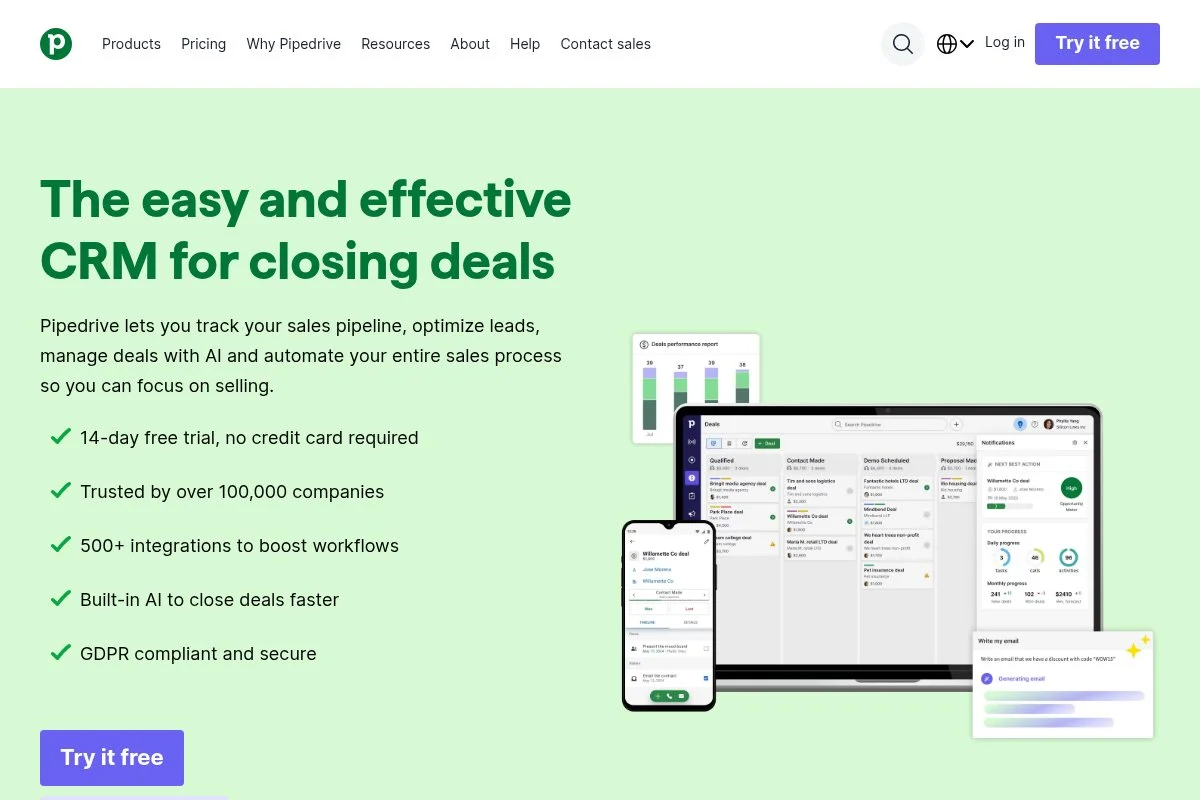
Pipedrive is a sales-focused CRM designed for momentum. The company popularized the visual pipeline view and keeps the daily workflow fast and focused on next actions. Getting started is quick with a guided setup. Plans start around the mid-teens per user, monthly, on an annual billing plan. Drag deals from stage to stage, add activities, and let reminders keep you honest.
Recent updates have improved web forms, lead routing, and add-on tools like Projects and Campaigns. That helps solo sellers run more of their process inside one app. Higher tiers offer automation, revenue forecasting, and more custom reporting. Built-in calling, document tracking, and e-signature reduce the need to switch tools compared with lightweight CRMs.
I don’t use Pipedrive daily today, but many solo founders I trust swear by it. They like how it nudges them to do the right thing next, not six fancy things later. Support material is clear, and the UI stays quick even with lots of deals. It’s easy to keep moving, which is what matters most.
How Pipedrive Works and Key Features
Pipedrive centers on a kanban-style pipeline and activity inbox. You can customize stages, fields, and filters. Templates cover emails and proposals, and you can track opens and clicks. Advanced users can connect APIs and integrations for billing, scheduling, and accounting. Reporting covers activities, conversion rates, and revenue forecasts. Automations handle rotations, task creation, and follow-up emails.
Add-ons expand into project tracking, web forms, lead chat, and basic marketing emails. Live chat and help docs are steady. A user told me, “It keeps me honest. If it’s in Pipedrive, it gets done.” It’s ideal if you want a sales engine without bloat, while still having headroom to scale.
Who Pipedrive Is For
Great for consultants, agencies, brokers, and B2B service providers who run outbound and inbound deals through clear stages. It excels at reminders and follow-up discipline. If you need deep marketing automation or a built-in help desk, other tools may suit you better. It’s beginner-friendly and fast for pros.
Pipedrive Pricing
Pipedrive uses tiered per-user pricing with optional add-ons. A free trial is available.
- Essential: from about $14.90/user/month, core CRM and pipeline
- Advanced: higher automation and email sync
- Professional: deeper reporting and forecasting
- Power/Enterprise: larger teams, permissions, and support
It’s a good value if your work revolves around deals and activities. Annual billing brings savings. Costs rise with add-ons, so bundle only what you’ll use weekly.
Pros and Cons
- Pros: Best-in-class visual pipeline; fast activity flow; helpful automations; fair entry price
- Cons: Add-ons can stack; marketing tools are basic; fewer service features than all-in-one suites
If your sales process is clear and you crave speed, choose Pipedrive. If you need richer marketing or support features, consider HubSpot or Zoho.
Pipedrive Reviews
G2: ~4.2/5 rating (~2,000+ reviews). Capterra: ~4.5/5 rating (thousands of reviews). Feedback highlights ease of use and pipeline clarity.
3. Bonsai
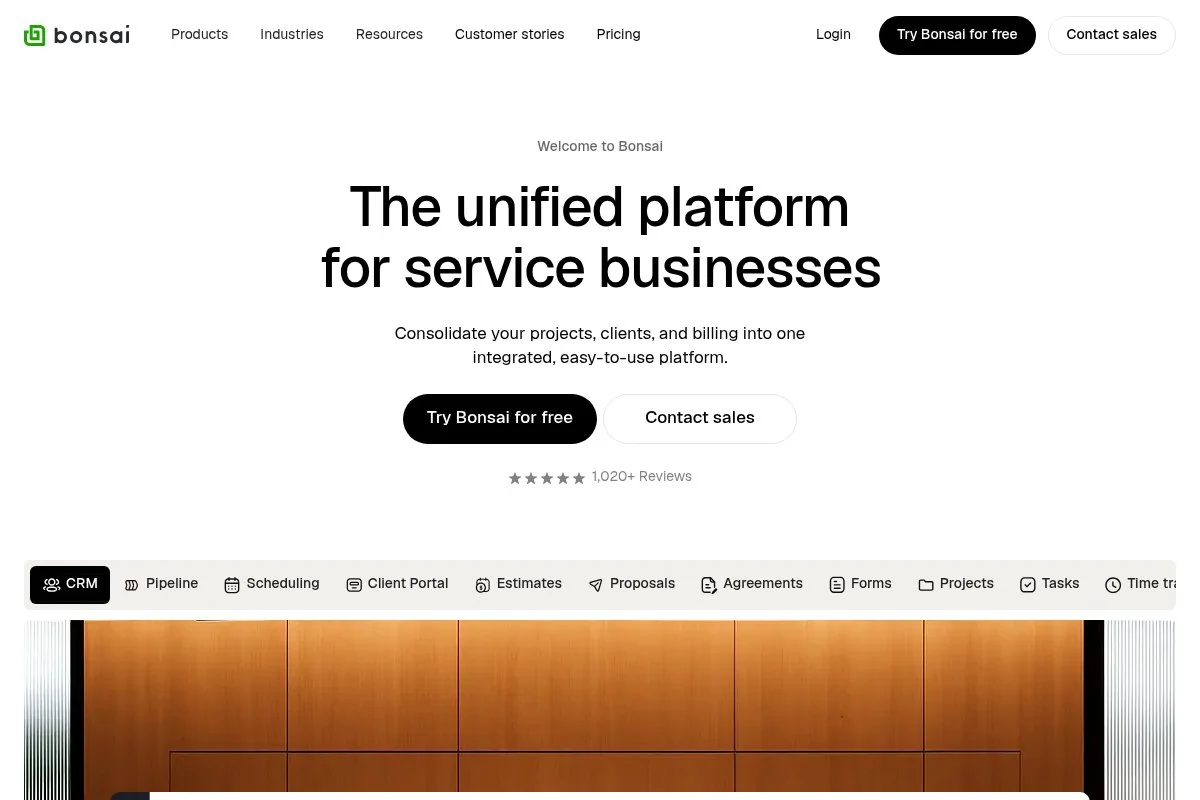
Bonsai is an all-in-one platform built for freelancers and studios of one. It combines CRM, proposals, contracts, time tracking, and invoices into a single clean dashboard. You can start with a trial, then choose a simple monthly plan. Setup is fast: import leads, send a branded proposal, and get a contract signed in minutes.
Recent improvements tightened client portals, invoice options, and workflow templates. That shortens the gap from “lead” to “paid,” which matters for cash flow. Premium tiers add multiple users, subcontractor management, and advanced branding. While pure-play CRMs may offer more advanced sales features, Bonsai wins by covering the entire client lifecycle.
I like Bonsai for solo service work where the proposal and billing moment is as important as the pipeline itself. It keeps the admin tidy. Templates for proposals and agreements are strong. You’ll spend less time reinventing paperwork and more time delivering.
How Bonsai Works and Key Features
The interface is minimal and task-first. You’ll manage contacts, proposals, contracts, and invoices in a left-hand menu with clear flows and previews. Templates cover proposals, SOWs, and NDAs with customization for branding and scope. You can add an e-signature, accept payments, and track time directly on projects. Automations link proposal acceptance to contract generation and invoicing. Basic analytics show revenue by client, outstanding invoices, and time logs. Integrations cover accounting and calendars.
Support is responsive, and help docs are geared to freelancers. “It feels built for how I actually sell projects,” a designer told me. Overall, it’s beginner-friendly and powerful enough for most solo studios.
Who Bonsai Is For
Ideal for freelancers, designers, copywriters, coaches, and small studios who want CRM tied to proposals, contracts, and billing. It excels at fast quote-to-cash. If you need highly advanced sales analytics or complex pipelines, a sales-first CRM may be a better fit. No deep technical skill required.
Bonsai Pricing
Bonsai uses flat monthly tiers, with discounts on annual billing. A free trial is available.
- Starter: around $25/month, 1 user, proposals, contracts, invoices
- Professional: around $39/month, advanced branding, workflow automations
- Business: around $79/month, multiple users, subcontractors, and approvals
For solo pros, value is strong because it replaces separate tools for proposals, e-sign, and invoicing. Annual plans cut costs. Scale pricing if you add users or heavy branding needs.
Pros and Cons
- Pros: True one-stop workflow; fast to send proposals and collect payment; fair pricing for solos
- Cons: Sales analytics are lighter; pipeline customization is limited vs. sales CRMs; fewer enterprise features. Pick Bonsai if your work is project-based and paperwork-heavy. If you run complex, multi-stage B2B deals, consider Pipedrive or HubSpot.
Bonsai Reviews
G2: ~4.7/5 rating (hundreds of reviews). Capterra: ~4.7/5 rating. Users praise proposals, contracts, and invoicing flow.
4. HoneyBook
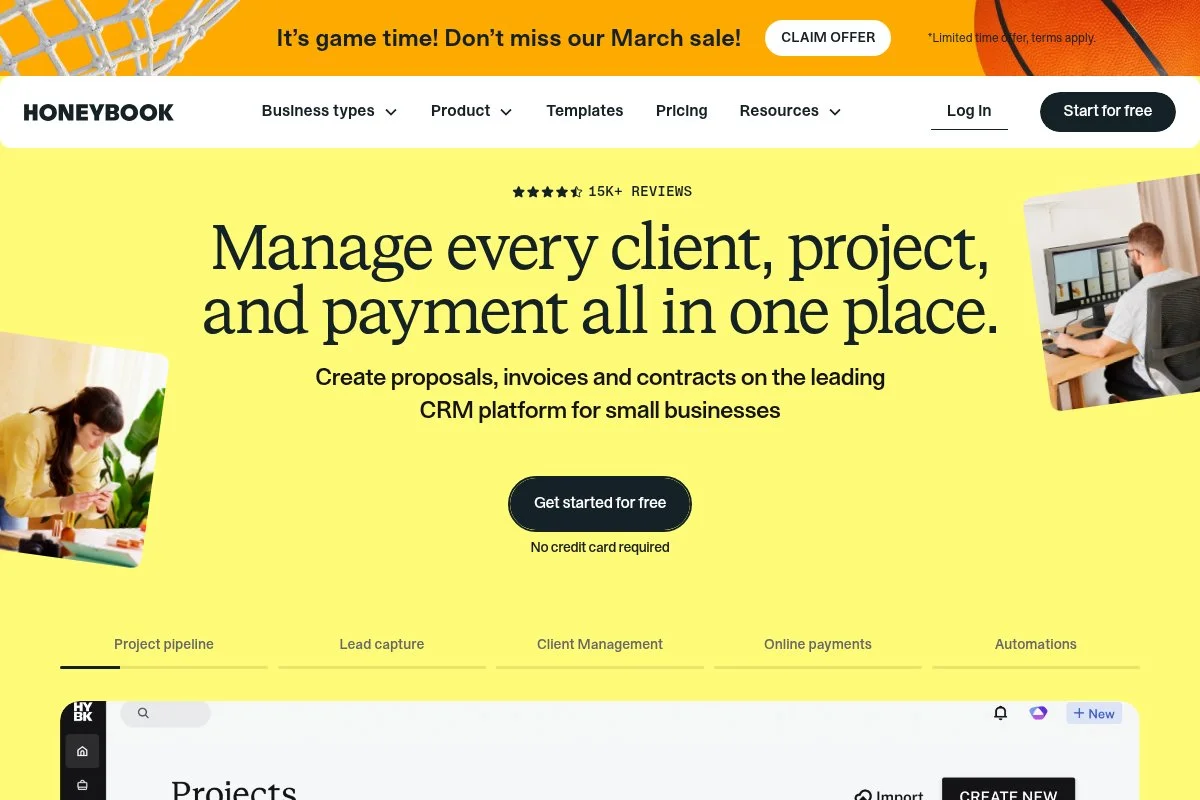
HoneyBook is a clientflow platform built for creative pros and service providers. It blends CRM, proposals, contracts, scheduling, and payments into one polished experience. You can trial it, then choose a solo-friendly plan. Setup is guided: import leads, customize brochures, and send a proposal that converts in a few clicks.
Recent updates improved scheduling, templates, and client portals. That makes it easier to showcase packages and collect deposits without separate tools. Upper tiers add automation, branding, and team collaboration. It’s not the deepest sales CRM, but it’s a joy for booking projects fast.
I recommend HoneyBook to photographers, designers, and coaches who sell fixed packages. It removes friction at the moment a lead is ready to say “yes.” Support is friendly, and onboarding templates save time when you’re busy delivering work.
How HoneyBook Works and Key Features
The UI guides you through leads, proposals, contracts, invoices, and scheduling in a tidy flow. Templates for proposals and brochures look great and are easy to customize. Advanced users can embed forms, sync calendars, and connect to bookkeeping. Automations send reminders, payment nudges, and next-step messages. Reporting covers bookings, revenue, and pipeline health.
Client portals centralize messages, files, and payments. “My clients actually complete everything on time,” a coach told me. Support and help docs are strong for non-technical users. It’s beginner-friendly and has enough power for most solo client businesses.
Who HoneyBook Is For
Perfect for photographers, event pros, designers, coaches, and consultants selling packages. Shines where branded proposals, contracts, and payments matter. If you need heavy sales analytics or multi-division workflows, look to Pipedrive or Zoho CRM. No technical skill required.
HoneyBook Pricing
HoneyBook offers clear tiers with a trial period. Pricing is per business, not per contact.
- Starter: around $19/month, core client flow and invoicing
- Essentials: around $39/month, automations, and advanced templates
- Premium: around $79/month, team features, and priority support
Value is strong for creatives who’d otherwise pay for separate e-signature and invoicing tools. Annual billing discounts are typical. Check payment processing fees when comparing totals.
Pros and Cons
- Pros: Beautiful proposals; contracts and payments built-in; automations reduce follow-up work
- Cons: Sales analytics are lighter than sales-first CRMs; fewer enterprise permissions; limited deep customization
If you sell defined packages and need polish, HoneyBook is hard to beat. If you live in spreadsheets and forecasts, pick Pipedrive or HubSpot.
HoneyBook Reviews
G2: ~4.7/5 rating (hundreds of reviews). Capterra: ~4.8/5 rating (thousands of reviews). Users call out easy booking and client experience.
5. Zoho CRM
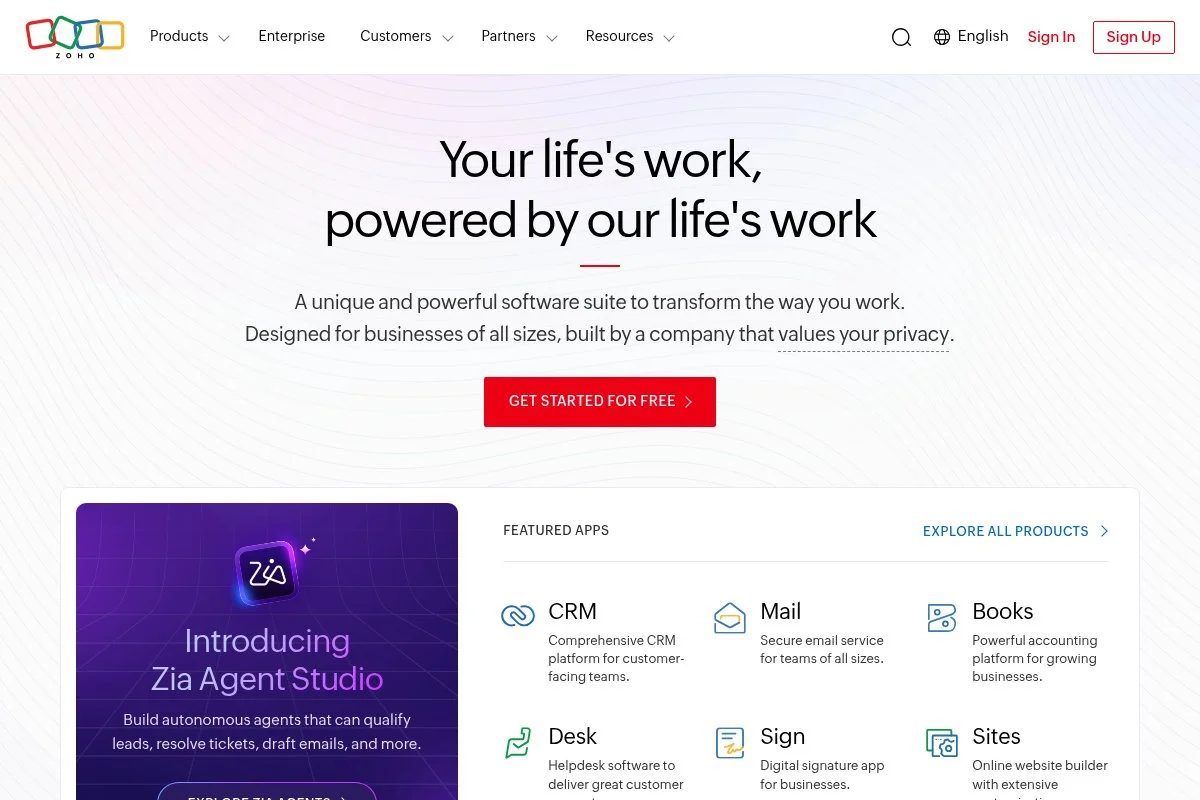
Zoho CRM is a feature-rich CRM that packs a lot for the money. It’s part of the larger Zoho suite, known for broad coverage across business apps. You can test it with a trial, then pick a low-cost tier. Setup includes modules, fields, and blueprints that you can tailor to your process.
Recent enhancements improved AI suggestions, omnichannel communication, and analytics. That helps small teams, and solos punch above their weight. Higher plans unlock deeper automation, advanced reports, and territory or role-based controls. It’s a great fit if you want power without premium pricing.
I respect Zoho for its value. It requires a bit more setup than “plug and go,” but the flexibility pays off as you grow. Docs are thorough, and the ecosystem means you can bolt on help desk, finance, and projects under one brand.
How Zoho CRM Works and Key Features
Zoho CRM uses a modular interface: Leads, Contacts, Deals, Activities, and more. You can customize layouts, fields, and automation rules to mirror your process. Templates support emails and quotes. Advanced users can use Deluge scripting, APIs, and marketplace apps. Analytics provide dashboards for funnel, pipeline, and revenue.
Automations cover scoring, routing, and multi-step workflows. Add-ons include telephony, web forms, and surveys. Support is steady, with active forums and training. It’s powerful once configured, and still approachable for new users with patience.
Who Zoho CRM Is For
Best for consultants, agencies, and B2B services that want flexibility and strong value. It excels when you need custom fields, roles, and advanced workflows. If you want a super simple setup, Capsule or HoneyBook may be faster. Some technical comfort helps.
Zoho CRM Pricing
Zoho uses per-user tiers with generous features for the price. A free trial is available.
- Standard: from about $14/user/month, core CRM and customization
- Professional: more automation and inventory features
- Enterprise: advanced customization, AI, and analytics
- Ultimate: full analytics suite and higher limits
Value is strong against bigger names. Annual discounts apply. Model your costs as you add users and advanced add-ons across the Zoho suite.
Pros and Cons
- Pros: Powerful for the price; deep customization; wide app ecosystem
- Cons: Setup can be longer; UI feels busy; support varies by plan
If you want maximum capability without premium pricing, Zoho CRM is a smart pick. If you want instant simplicity, look at Capsule or Pipedrive.
Zoho CRM Reviews
G2: ~4.0/5 rating (thousands of reviews). Capterra: ~4.3/5 rating (thousands of reviews). Users like value and customization, with notes on learning curve.
6. Capsule CRM
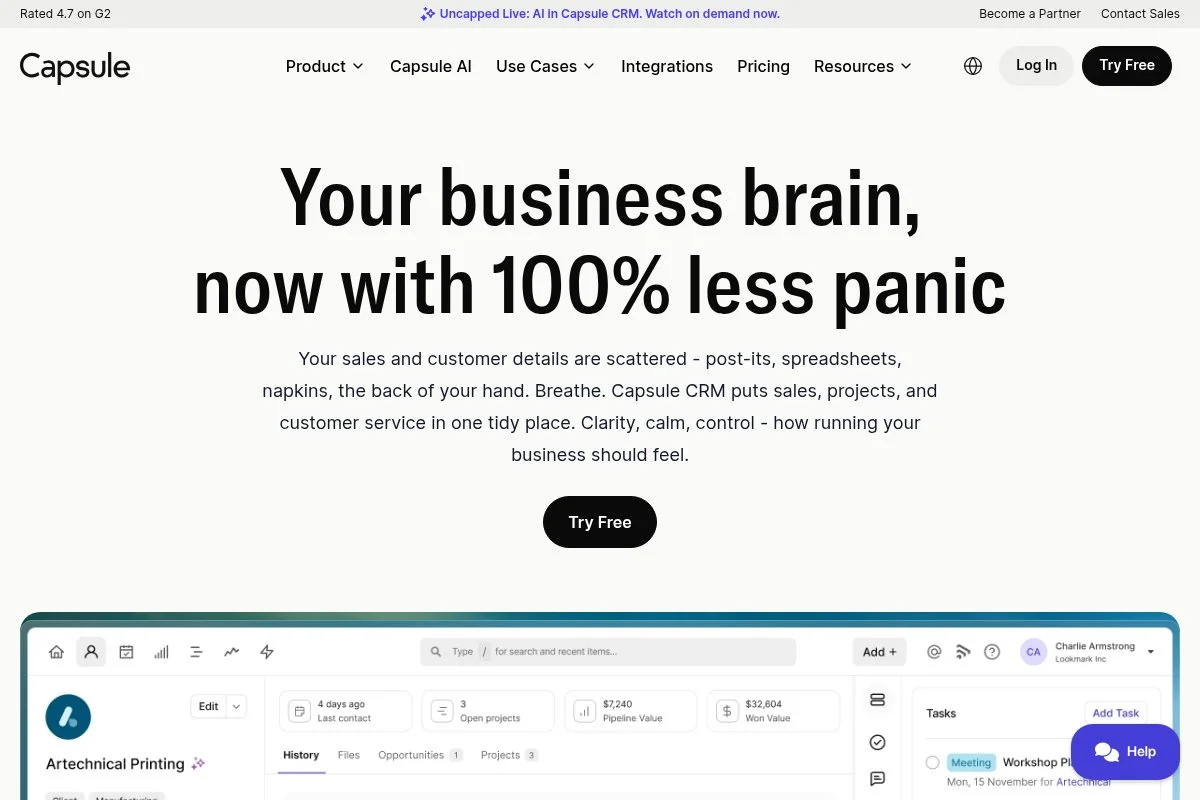
Capsule CRM is a clean, lightweight CRM that nails contact and pipeline basics. It’s been around for years with a reputation for simplicity and fair pricing. You can try it free, then upgrade to a paid plan with more records and features. Setup is quick: add contacts, tag them, create opportunities, and track tasks.
Recent improvements added better email integration, simple projects, and reporting tweaks. It remains focused, which many solos appreciate. Higher tiers boost customization, reporting, and integrations. It’s not trying to be an all-in-one suite, which keeps it speedy and easy.
I like Capsule when someone says, “I just need a tidy CRM that I’ll use.” It succeeds by staying out of your way. The design is calm. That alone helps you open it every day and keep deals moving.
How Capsule CRM Works and Key Features
The interface focuses on People, Organizations, and Opportunities. You’ll track notes, emails, and tasks with clear timelines and tags. Customization includes custom fields and pipelines. Advanced users can connect integrations for accounting, help desk, and email marketing. Reporting covers activities, sales, and forecasts.
Automations are lighter than heavy CRMs, but enough for reminders and workflows via integrations. Support is helpful, and the docs are straightforward. It’s beginner-friendly, with just enough depth for serious solo work.
Who Capsule CRM Is For
Great for freelancers, consultants, one-person agencies, and small B2B service shops that want contact history and a simple pipeline. It shines for straightforward sales cycles. If you need deep marketing automation or built-in billing, choose HubSpot, HoneyBook, or Bonsai. Very beginner-friendly.
Capsule CRM Pricing
Capsule has clear per-user tiers, plus a limited free option for very small needs.
- Free: $0, basic contacts and opportunities with tight limits
- Starter: around $18/user/month, more records and pipelines
- Growth/Advanced: more customization, reporting, and integrations
- Ultimate: higher limits and priority support
Pricing is fair for solos. Annual discounts apply. If you can live within modest limits, Capsule can be your quiet, reliable hub.
Pros and Cons
- Pros: Simple and calm UI; fair pricing; fast setup; good for daily habits
- Cons: Lighter automations; fewer native add-ons; reporting less advanced than larger suites
If you want minimalism that still tracks deals well, choose Capsule. If you need deep automations, pick HubSpot or Zoho.
Capsule CRM Reviews
G2: ~4.5/5 rating (hundreds of reviews). Capterra: ~4.5/5 rating. Users highlight ease of use and tidy design.
7. Freshsales
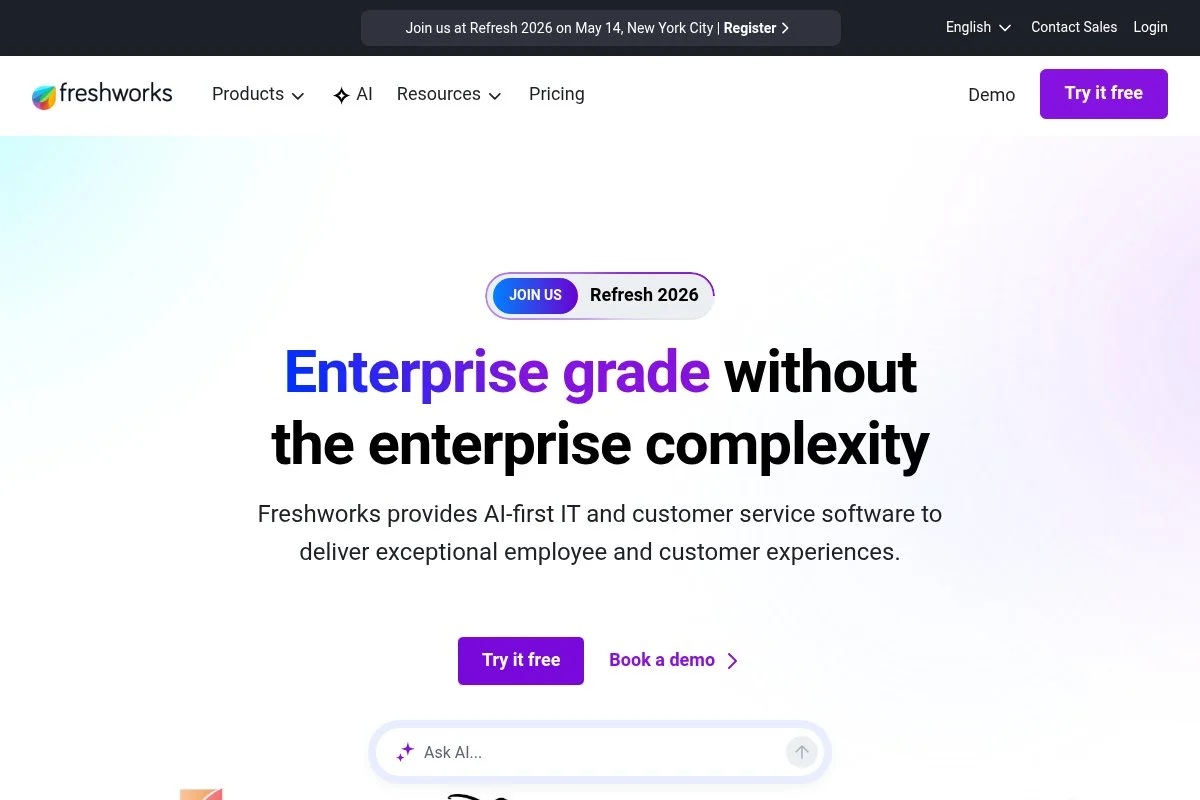
Freshsales, from Freshworks, is a sales CRM with built-in calling, email, and AI features. It aims to keep prospecting and closing under one tab. There’s a free plan to start. Setup includes connecting email, importing contacts, and setting up a pipeline. The daily view puts contacts, calls, and tasks side by side.
Recent updates boosted AI scoring, conversation insights, and integrations across Freshworks apps. It’s more attractive if you also use Freshdesk or Freshmarketer. Higher tiers add advanced sequences, forecasting, and custom permissions. Telephony is built in, which many CRMs make you glue on.
I like Freshsales for call-heavy workflows. If you live on the phone, having it native saves clicks and setup. The UI is organized, and onboarding feels guided without being pushy.
How Freshsales Works and Key Features
Freshsales brings contacts, deals, email, and calling together. Templates and sequences make outreach speedy. You can customize fields, stages, and views for your style. Advanced users get APIs, webhook support, and marketplace apps. Analytics cover activities, funnel, and revenue trends. AI helps with lead scoring and next-step suggestions.
Automations handle follow-ups and routing. You can add landing forms, chat, and support via Freshworks tools. Support is solid with clear docs. A user told me, “Dialing from the CRM saves me hours a week.” It’s beginner-friendly yet strong for call-driven sellers.
Who Freshsales Is For
Great for consultants, agencies, SaaS resellers, and service pros who rely on calling and sequences. It excels at outreach and follow-up at scale. If you need deep proposals or billing, pair it with invoicing tools or consider Bonsai/HoneyBook. Minimal technical skill needed.
Freshsales Pricing
Freshsales uses a freemium model with per-user upgrades and a free plan for basics.
- Free: $0, contacts, deals, email, and limited features
- Growth: from about $9/user/month, sequences and basic automation
- Pro: mid-tier with advanced automation and analytics
- Enterprise: full permissions, governance, and AI features
Pricing is competitive, especially if you’ll use built-in telephony. Annual billing lowers the cost. Model call costs and add-ons when comparing totals.
Pros and Cons
- Pros: Calling built in; strong sequences; fair entry price; good AI helpers
- Cons: Fewer proposal/billing features; some power features gated to higher tiers; ecosystem strongest if you use other Freshworks tools
If you sell by phone and email daily, Freshsales is a good fit. If you need proposal-to-payment flows, try Bonsai or HoneyBook.
Freshsales Reviews
G2: ~4.6/5 rating (thousands of reviews). Capterra: ~4.6/5 rating. Users praise the built-in calling and ease of setup.
What Is the Best CRM Right Now?
My top picks right now are HubSpot CRM, Pipedrive, and Bonsai. They cover three clear paths: all-in-one growth, pure sales momentum, and proposal-to-payment for solos. HubSpot is my personal choice. I use it daily, and this is not sponsored. I found it while testing tools for our editorial team. The moment that sold me was how the timeline stitched emails, notes, and tasks together. I could see context in seconds and act fast.
In terms of value, HubSpot’s free tier is strong for solo use. As I scaled light automations, Starter stayed reasonable. Alternatives can look cheaper at first, but once you add email tracking, forms, and reporting elsewhere, totals creep up. Keeping everything in one place saved both time and subscription creep. Pipedrive is a close second for anyone who lives in the pipeline. It’s fast, opinionated in a good way, and makes follow-ups happen. Recent improvements to automations and add-ons mean fewer bolt-ons than before, helping solos stay focused.
Its strength is momentum: drag a deal, add an activity, hit send. If my work were heavier on outbound and short sales cycles, I’d likely pick Pipedrive. Bonsai is my third pick because it treats proposals, contracts, and invoices as first-class citizens. If your revenue depends on getting paperwork signed quickly, Bonsai might beat any traditional CRM. The barrier to entry is low, and the time savings are real.
I keep more than one tool in my stack. HubSpot for contact history and simple sequences; Bonsai for proposals and billing on creative projects. That mix reflects how I actually work. Choosing between these is tough. I stuck with HubSpot because it grows with me and keeps key features under one login. Pipedrive still tempts me for speed. Bonsai wins every time I need a contract signed today.
I hope this helped you land on a clear next step. If you try one tool this week, pick the free plan that matches your style and start logging every lead. Your future self will thank you.
Frequently Asked Questions
Q: Do I really need a CRM as a solo professional?
If you handle more than a handful of leads, yes. A CRM keeps follow-ups on track, logs context, and prevents missed revenue. Even a simple, free plan helps.
Q: Which CRM is best if I also need invoices and contracts?
Bonsai and HoneyBook shine here. Both include proposals, e-signature, and payments. If you want a traditional CRM, pair HubSpot or Pipedrive with an invoicing app.
Q: What should I import first when switching CRMs?
Start with clean contacts and active deals only. Add key fields you actually use, like source and next step. Bring historical notes later, once the core runs smoothly.
Q: How much should I budget for a CRM?
Many solos spend $0–$40/month early on. Costs rise with the number of seats, automation, and add-ons. Map must-have features now and in six months so you’re not surprised.
Photo by Glenn Carstens-Peters; Unsplash


