


A few years ago, I needed a clean, professional pay stub to verify income for a refinance. I needed it fast, without adding another monthly tool to my stack. Like many self-employed folks, I pay myself irregularly. Lenders, apartment managers, and even car dealers wanted proof that looked official. An invoice wasn’t enough. I needed a proper pay slip. I thought it would be simple: type in numbers, download a PDF. Instead, I ran into upsells, watermarks, and surprise fees at checkout. Some tools even hid net pay until I paid.
That sent me digging. I talked with our team, tried a handful of generators, and compared the recommendations from accountants. The tools that worked best kept it simple: accurate calculations, clean templates, and easy export with no bait-and-switch. Here’s the thing most savvy freelancers do: they keep a free or low-cost stub generator handy, then save detailed records in their accounting app. You don’t need a full payroll suite to create a single pay slip.
My goal here is to help you pick a reliable, free (or very low-cost) option that produces legit-looking stubs you can hand to anyone with confidence. This guide reflects my real-world experience and our team’s research. No sponsorships. No fluff. Just what works, where it falls short, and who it’s best for.
Quick summary first. The comparison table is below.
Comparison of 6 Best Free Pay Stub Generators in 2026 With Pricing and Recommended Use Cases
Scroll for my detailed take on each option, including which one I personally use and the best truly free picks for beginners.
What Is a Pay Stub Generator?
A pay stub generator is a software tool that calculates earnings, taxes, and deductions, then exports a professional payslip you can share, print, or store. I follow a simple rule: what gets documented gets accepted. A clean, consistent pay stub helps you prove income to lenders, landlords, and agencies without debate. Think of it this way: showing two tidy pay stubs with year-to-date totals often carries more weight than five invoices. One accurate slip can save an afternoon of back-and-forth.
At its core, the goal is straightforward: give solo owners and contractors an easy way to enter gross pay and withholdings, pull in company details, and generate a clear, audit-friendly record. Most self-employed folks pair a stub generator with bookkeeping apps, bank statements, and 1099s or Schedule C records to round out proof of income. Not every generator is equal, though. Formats, accuracy, and limits vary, so it pays to choose carefully.
How to Choose the Best Pay Stub Generator
With so many look-alike tools, picking the right pay stub generator can feel overwhelming. I’ve been there, trying to avoid fees, watermarks, and missing fields. I wrote this specifically to help you find a fit for your situation, whether you need a single stub today or a repeatable process for every month.
Most guides on this topic are written by the companies themselves or by lists packed with paid placements. I am not sponsored by any platform on this list. This is my honest overview based on testing, research, and real-world use. Here are some questions you should ask when looking for a pay stub generator:
- How generous is the free tier, and are there watermarks or download limits?
- Can I enter gross pay, taxes, and deductions easily without hidden steps?
- Will this scale if I start paying myself monthly, or if I grow a small team?
- What will it cost if I need direct deposit, tax filing, or storage later?
- Does it support the fields I need (YTD totals, contractor vs. W-2, notes)?
- Are there basic reports or export options to track payments over time?
- If I switch later, can I migrate data or at least keep my PDFs?
- Is the math reliable and up to date for current taxes in my location?
- Does it handle multi-state or international formats if I work across borders?
6 Best Free Pay Stub Generators in 2026
Here are my top picks for the best pay stub generators:
- Payroll4Free
- Shopify Pay Stub Generator
- HR.my
- TimeTrex Community Edition
- eSmart Paycheck
- Bonsai Pay Stub Generator
Let’s see which one is right for you.
1. Payroll4Free

Payroll4Free is a free payroll system designed for very small businesses and solo owners. It’s been around for years and is well known in small-business forums for delivering real payroll features without a base fee. You can start at no cost and set yourself up as an employee or contractor. The interface is old-school but clear. Enter pay, set withholdings, and generate pay stubs and pay history with a few clicks.
In recent years, they’ve tightened up support docs and clarified optional add-ons, which helps new users avoid surprises. The core free tier still covers the essentials that many solo owners need. Beyond basic stubs, higher-tier services offer conveniences such as tax form handling and direct deposit through their partner. Those are optional, which keeps the base free option attractive.
I’ve used Payroll4Free when I needed repeatable monthly stubs and a running record. It’s not flashy, but it’s reliable, and that’s what matters. One more thing I appreciate: they don’t hide exports. You can save PDFs and maintain a tidy paper trail for lenders or audits.
How Payroll4Free Works and Key Features
The interface is form-based and straightforward. You create a company profile, add yourself as an employee or contractor, and set pay schedules. Enter gross pay or hours, and it calculates taxes and net pay. Templates are basic but professional, with company details, pay period, earnings, and year-to-date fields. Customization is light (think logos and standard fields), yet the output looks clean.
Advanced users can tweak deduction settings and withholding options. Reports show pay history and summaries you can export. There’s no fancy automation, but running repeat payroll is quick once set up. Support is handled via help docs and email. It’s not a 24/7 chat, but responses are helpful when you need them. Overall, the experience is beginner-friendly while giving you enough control to stay compliant. Bottom line: if you want dependable, free pay stubs on a recurring schedule, this hits the mark.
Who Payroll4Free Is For
Best for sole proprietors, single-member LLCs, side hustlers, home services pros, and consultants who want recurring stubs. It shines when you pay yourself monthly or semi-monthly and want a PDF log. If you need slick design or deep integrations, look elsewhere. No advanced technical skill is required.
Payroll4Free Pricing
Payroll4Free uses a freemium model. The core payroll and payslip features are free for a small team, which is more than enough for a self-employed person.
- Free: $0/month, up to 25 employees, includes payroll runs, pay stub PDFs, basic reports
- Optional Add‑ons: Usage-based pricing for direct deposit through their partner and for tax services
Compared to full payroll suites, the value is strong if you just need stubs and basic records. If you later need tax filing and automated direct deposit, you’ll pay for those services, but you can stick with free if you’re okay with cutting checks or using your bank.
Payroll4Free Pros and Cons
- Pros: Truly free core payroll; clean pay stubs; supports recurring schedules; solid for record-keeping
- Pros: No watermarking; exports are straightforward; good for solo owners and tiny teams
- Cons: Interface feels dated; limited integrations; add-ons cost extra
- Cons: Setup takes longer than a one-off generator
If you want ongoing stubs with real payroll records, choose this. If you only need a single stub today, a lighter tool may be faster.
Payroll4Free Reviews
Third-party reviews exist on major software directories, though counts and ratings vary over time. If you need social proof, you’ll find a mix of positive notes on value and some comments about the dated UI.
2. Shopify Pay Stub Generator

Shopify’s free Pay Stub Generator is a simple, browser-based tool designed to produce quick, professional pay stubs. It comes from Shopify, one of the most established e-commerce platforms on the market. You can start instantly. Enter business info, employee details, pay period, and earnings. It calculates the totals and exports a clean PDF with your company name and details.
Shopify has refreshed many of its free business tools in recent years, and this generator remains easy to use. It’s perfect for one-off needs like a loan application or lease paperwork. It doesn’t try to be a full payroll system. There’s no recurring scheduling, storage, or tax filing. That’s the tradeoff for speed and zero cost. I use this when I need a single, clean stub without setting up an account. It’s reliable and fast.
I also like that the template looks professional without extra branding, which keeps the focus on your business.
How Shopify Pay Stub Generator Works and Key Features
The interface is a short web form. Add employer and employee info, pay dates, hours or salary, and any deductions. The output is a printable PDF with line items and year-to-date fields. There are no deep templates to customize, but the defaults look sharp. It doesn’t support custom code or integrations. This is a pure generator.
There’s no analytics or automation because it’s a one-off tool. You’ll download the PDF and keep it in your own records. Help content is available through Shopify’s resource library if you get stuck. Overall, it’s beginner-friendly and ideal for quick, accurate results without creating an account or paying a fee.
Who is Shopify Pay Stub Generator for
Best for freelancers, consultants, creators, real estate pros, and gig workers who need a single pay stub right now. It’s great for verifications and loan packets. If you need recurring payroll, storage, or tax services, you’ll want a different tool. No technical skill required.
Shopify Pay Stub Generator Pricing
The tool is free. I haven’t seen any usage caps for generating and downloading pay stubs. You don’t need a Shopify store to use it.
- Free Tool: $0, unlimited use, exports PDFs instantly
- Optional Ecosystem: Shopify’s paid products are separate and not required
For a one-off stub, the value is excellent. If you want ongoing payroll, this isn’t designed for that. Think of it as a fast, free document generator.
Shopify Pay Stub Generator Pros and Cons
- Pros: 100% free; fast; no signup; clean PDFs
- Pros: Backed by a trusted company; good for one-off needs
- Cons: No storage, scheduling, or taxes; limited customization
- Cons: Not suited for recurring payroll workflows
If you need a single, professional stub today, choose this. If you need monthly runs and records, pick a payroll-style tool.
Shopify Pay Stub Generator Reviews
This free tool itself isn’t rated on major review sites. Shopify’s broader platform is widely reviewed, but those ratings don’t reflect this specific generator.
3. HR.my
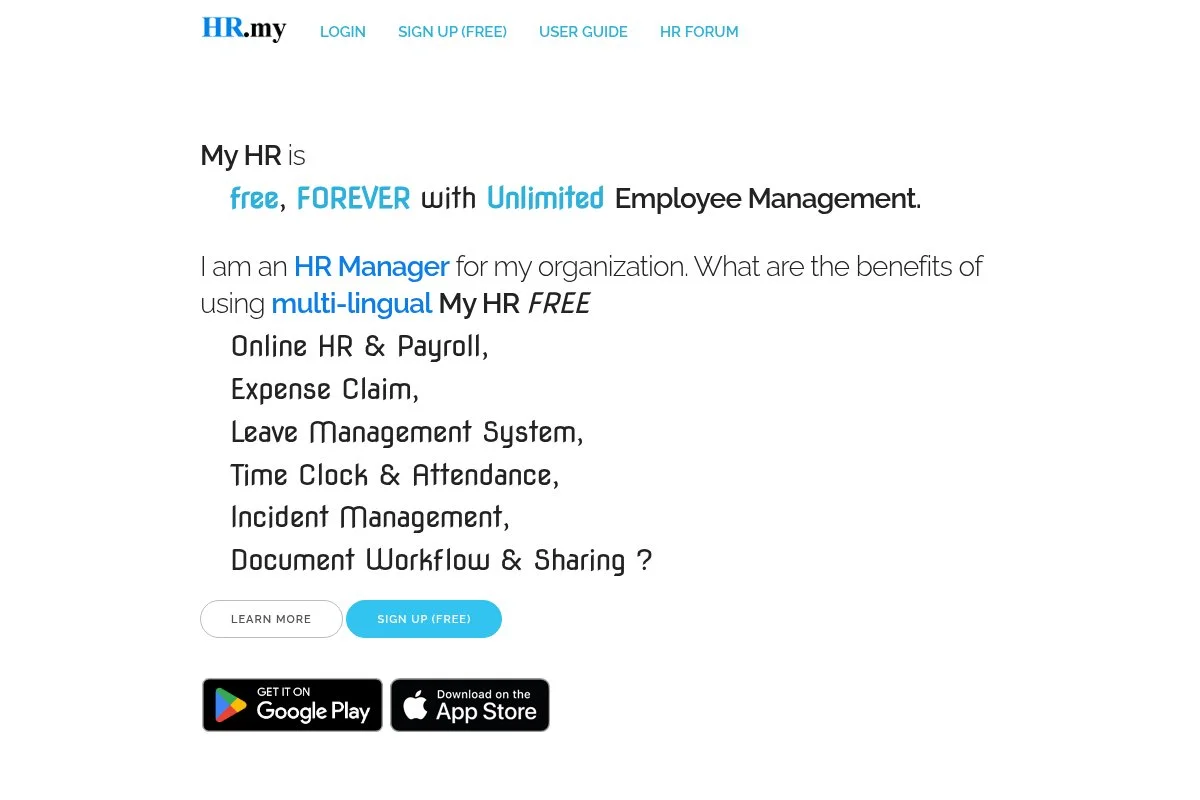
HR.my is a free, cloud-based HR and payroll platform designed for small businesses and freelancers worldwide. It’s known for a community-supported, free-forever promise. You can set up your company, add yourself as a staff member, configure pay items, and generate payslips. The interface covers attendance, leave, and documents, which is handy if you wear every hat.
Over time, HR.my has expanded its localization and language options, helping global freelancers create region-appropriate payslips. Premium-style features such as employee self-service, multilingual portals, and document workflows are available at no additional cost. That’s rare for a free tool.
I appreciate HR.my for international readers who need payslips that aren’t strictly US-focused. It’s flexible and practical. The community forum and guides are helpful if you run into setup questions, especially on regional settings.
How HR.my Works and Key Features
HR.my uses a dashboard with modules for payroll, attendance, claims, and documents. You configure pay items, earnings, deductions, and generate payslips per period. Templates are built in and support multiple languages. You can add company branding and customize pay items. While it’s not code-heavy, there’s solid flexibility for different pay types.
Reports include salary registers and payslip archives. There’s no deep automation, but recurring pay runs are easy. Support comes through docs, tutorials, and community help. Overall, HR.my balances beginner-friendliness with useful extras for global workflows.
Who HR.my is for
Ideal for international freelancers, digital nomads, small agencies, and nonprofit side projects needing free payslips. It excels when you want multi-language support and a basic HR hub. If you need US tax filing or bank integrations, consider another tool. No advanced technical skill required.
HR.my Pricing
HR.my is free, supported by its community and optional contributions. Core HR, payroll, and payslip generation don’t require payment.
- Free: $0/month, includes payroll, payslips, attendance, and employee self-service
- Optional Support: Donations or support options may be available, but aren’t required
Value-wise, it’s hard to beat for global users who don’t need US-specific tax services. There’s no annual contract to worry about.
HR.my Pros and Cons
- Pros: Free forever; multi-language; solid HR features; payslip archives
- Pros: Good for international workflows and remote teams of one
- Cons: Not a US tax filing system; interface can feel dense
- Cons: Limited integrations compared to paid suites
If you need global-friendly payslips and basic HR in one place, it’s a smart pick. If you want US payroll automation, look elsewhere.
HR.my Reviews
Formal ratings on big review sites are limited. User feedback tends to highlight its generous free model and multi-language support.
4. TimeTrex Community Edition

TimeTrex Community Edition is a free, open-source suite for time tracking and payroll, including payslip generation. The company has offered this edition for years alongside paid plans. You can deploy it on your own server or choose installer options. Setup takes longer than a simple web form, but you gain deep control and reporting.
Recent updates have modernized parts of the UI and expanded installer options, making it more approachable for solo users who want serious payroll features without a subscription. Advanced features include detailed timesheets, accruals, and compliance rules. Those are usually locked behind paywalls elsewhere.
I recommend TimeTrex if you’re comfortable with software setup and want long-term control. It’s a power move for a one-person shop that wants to grow. Documentation is solid, and there’s an active community for troubleshooting and tips.
How TimeTrex Works and Key Features
TimeTrex uses a web dashboard with modules for time tracking, scheduling, payroll, and reporting. You define pay periods, earnings, and deductions, then generate payslips per run. Payslip templates are professional and include YTD totals. Customization spans pay codes, accruals, and rules. Technical users can configure the stack and integrate with other systems.
Reporting is a strong point: pay summaries, tax details, and export options. Automation includes scheduled pay runs and recurring items. Support comes via docs, forums, and paid support if needed. Overall, it’s powerful for advanced users while still workable for beginners who don’t mind a guided setup.
Who TimeTrex Is For
Great for consultants who bill hourly, tradespeople tracking time, small studios, and tech-savvy freelancers. It excels if you want open-source control and payroll depth. If you dislike setup or server tasks, pick a simpler tool. Basic comfort with software installation helps.
TimeTrex Pricing
The Community Edition is free and self-hosted. Paid editions add cloud hosting and support, billed by features and user counts.
- Community Edition: $0, self-hosted, full payroll and payslips
- Paid Editions: Vary by plan, add hosting, support, and extras
If you’re cost-sensitive and willing to self-host, the free edition offers strong value. Paying for hosting later can reduce maintenance if you grow.
TimeTrex Reviews
There are public reviews across software directories and forums. Feedback commonly praises feature depth and notes the steeper setup compared to simpler generators.
5. eSmart Paycheck
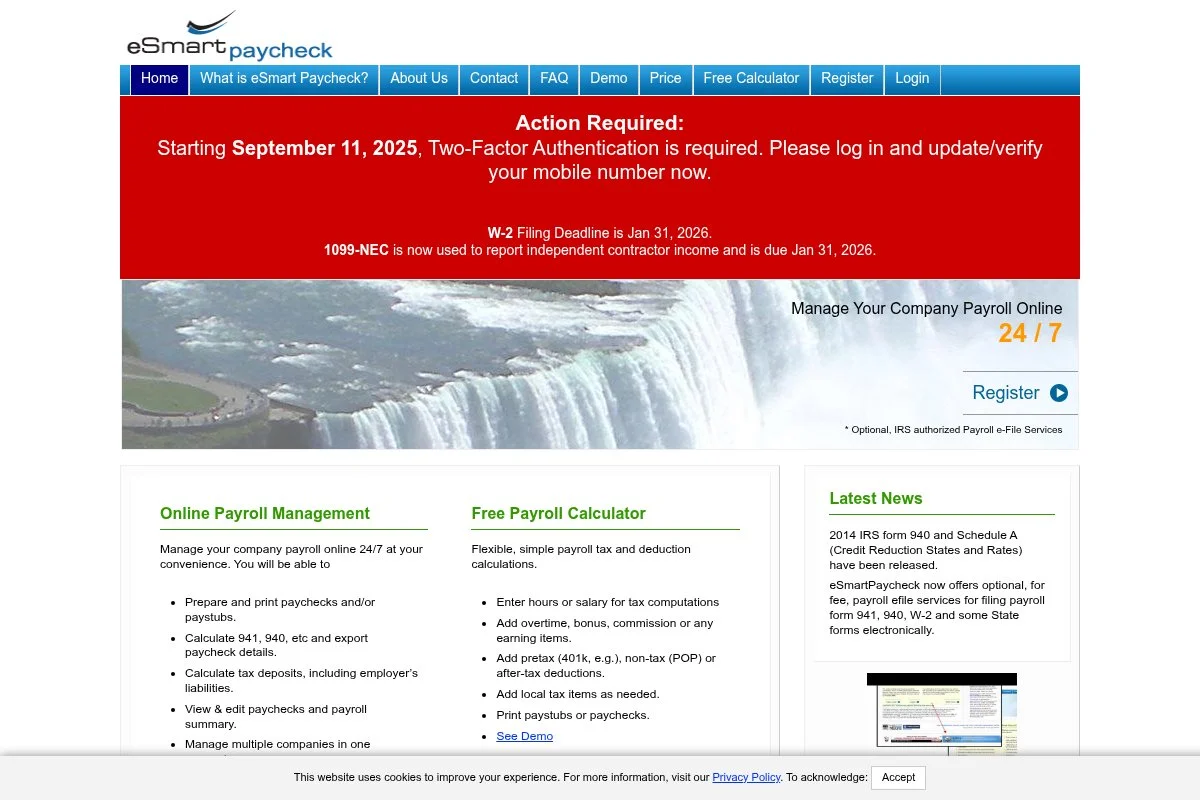
eSmart Paycheck offers a free online paycheck calculator that helps you compute gross-to-net and create a printable pay stub. It’s focused on accuracy and simple outputs. Getting started is quick. Plug in earnings, federal and state taxes, and any deductions. You can then print or save the result for your records.
They keep tax tables current, which matters if you’re generating stubs for different years or states. That’s the main reason I keep it bookmarked. Advanced or pro services are available if you need more than a calculator, but the core free tool is enough for many self-employed users.
When I need to double-check net pay before creating a stub elsewhere, I often run the math here first. It’s a helpful cross-check. The site design is simple, which keeps the focus on the math rather than extras.
How eSmart Paycheck Works and Key Features
The main experience is a calculator that accepts income, state selection, filing status, and deductions. It outputs gross, tax, and net amounts, plus line items you can print.
Templates are minimal, not branded. There’s no deep customization or integrations, and that’s okay. This is a math-first tool. There aren’t analytics dashboards or automations. You use it when needed, then save the output as a PDF. Help content explains inputs and common scenarios.
It’s a practical pick for accurate calculations, and you can present it as a simple stub.
Who eSmart Paycheck Is For
Best for contractors, delivery and rideshare drivers, part-time freelancers, and anyone needing to compute take-home pay and print a basic stub. If you want polished templates and storage, choose another tool. No technical skill needed.
eSmart Paycheck Pricing
The core paycheck calculator is free to use. Optional paid services may be offered for users who want more than calculators.
- Free: $0, web-based calculator, printable results
- Pro/Optional: Paid services available separately
As a free calculator that can produce a presentable stub, it offers strong value. If you need recurring runs and archives, use it alongside a payroll-style tool.
eSmart Paycheck Reviews
Formal ratings for the free calculator are limited. User comments often focus on up-to-date tax tables and straightforward outputs.
6. Bonsai Pay Stub Generator
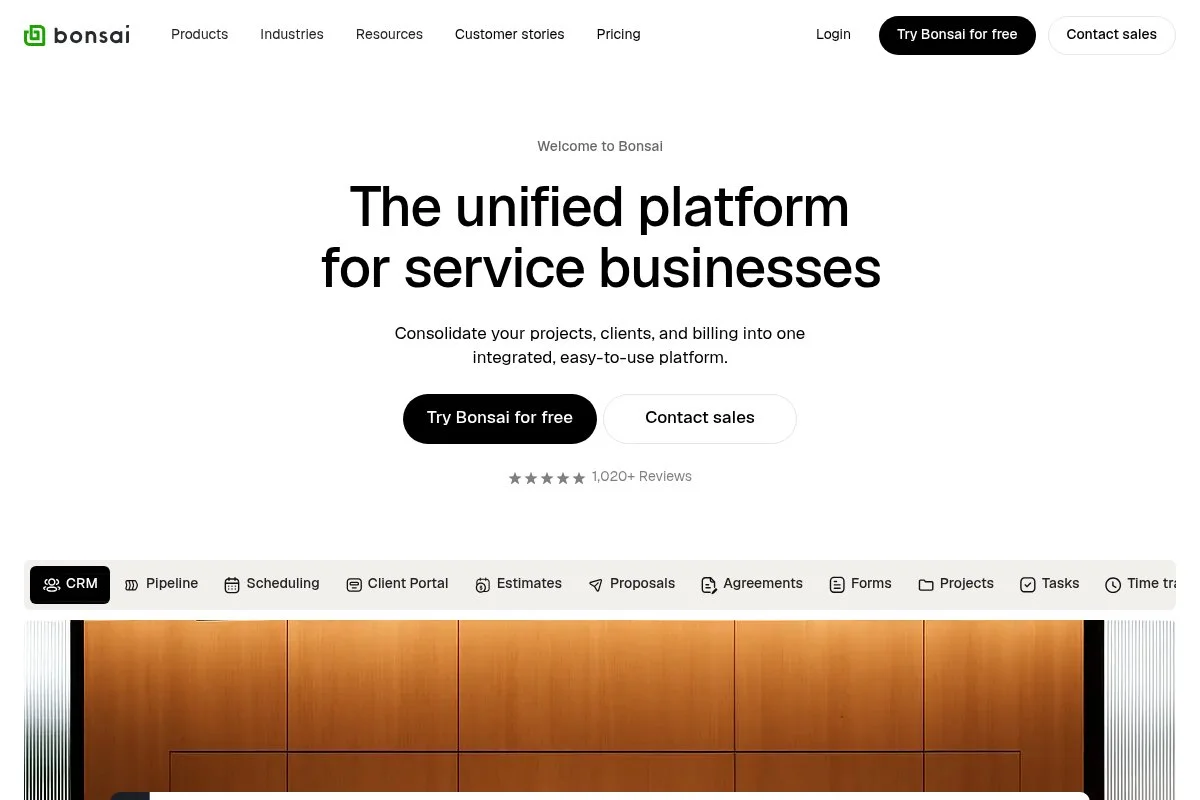
Bonsai offers a free pay stub generator as part of its freelancer resources. The company is well-known for its contracts, proposals, invoicing, and client management suite. You can generate a stub quickly by entering business details, earnings, and deductions. The output looks polished and matches the style of Bonsai’s other freelancer tools.
Bonsai has expanded its templates and calculators over time, making it easier for independents to produce the paperwork clients and lenders expect. If you use Bonsai’s paid suite, you’ll get added benefits like proposals, invoices, and expense tracking in one place. But the stub generator itself is free. I like it when I need a modern-looking PDF to pair with invoices or a client packet. It keeps branding clean and professional. Their resource library is helpful for new freelancers who are learning which documents to prepare.
How Bonsai Works and Key Features
The generator is a streamlined web form that produces a nicely formatted PDF. It’s focused on inputting earnings and deductions, then exporting a stub. Templates are attractive and client-ready. There’s no code or complex integrations in the free tool, but Bonsai’s paid suite connects invoices, proposals, and more.
There’s no analytics or automation tied to the free generator. Support articles explain what to include and how to store documents for later use. In short, it’s beginner-friendly and designed for freelancers who care about presentation as much as they do about accuracy.
Who Bonsai Is For
Perfect for designers, writers, marketers, social media managers, and consultants who want a sleek PDF stub for verifications. It’s strong when your paperwork doubles as part of a client-facing package. If you need full payroll, look elsewhere. No technical skills required.
Bonsai Pricing
The pay stub generator is free. Bonsai’s broader suite is paid, with plans that add proposals, contracts, invoicing, and bookkeeping.
- Free Tool: $0, generate and download a pay stub
- Paid Suite: Subscription plans add client management and finance tools
If you want everything under one roof, the paid suite can be worth it. If you only need stubs, the free tool stands on its own.
Bonsai Reviews
Bonsai’s overall platform is widely reviewed on major sites, with strong satisfaction among freelancers. Those ratings reflect the suite, not only the pay stub generator.
What Is the Best Pay Stub Generator Right Now?
My top picks today are Payroll4Free, Shopify’s Pay Stub Generator, and HR.my. Each serves a different need: recurring payroll records, one-off stubs, and global-friendly payslips. For my own workflow, Payroll4Free is the one I reach for most. This is not sponsored. I found it while hunting for an actually free way to create monthly stubs without watermark drama. The clincher was simple: it generates clean PDFs, keeps a running record, and doesn’t force upgrades to download.
On value, it’s hard to argue. Full payroll platforms can run $40–$80 per month plus per-user fees. If you’re a team of one, that’s overkill. Payroll4Free lets me produce legit stubs and history for $0, and I can add paid services only if I truly need them. My close second is Shopify’s Pay Stub Generator. It nails the quick-use case. If you just need a single document for a loan packet or a lease, it’s faster than anything else on this list. Shopify keeps it simple, and the PDF looks professional.
What I love about Shopify’s tool is how little friction there is. No account, no fluff, just the fields you need. If I didn’t need monthly records, I’d use it every time. Third, I recommend HR.my for readers outside the US or for anyone who needs multilingual payslips and basic HR features. It’s free and flexible. If you want one place to keep documents, leave requests, and payslips, it’s a smart pick.
I actually keep more than one tool handy. Payroll4Free handles recurring stubs and archives. Shopify is my “need it now” option. HR.my covers edge cases for international collaborators. Choosing between these is genuinely tough because your situation matters. I stuck with Payroll4Free because I wanted monthly consistency without paying for a full payroll suite. If I only needed one stub, I’d go with Shopify every time.
I hope this helped you land on the right fit. Keep your records tidy, save your PDFs, and you’ll be ready for any verification that comes your way.
Frequently Asked Questions
Q: Are free pay stub generators legal for self-employed income proof?
Yes, as long as the information is accurate and you can back it up with bank statements and tax records. I always keep PDFs, invoices, and 1099s together.
Q: What should a pay stub include to satisfy lenders or landlords?
Include employer and employee details, pay dates, gross pay, taxes, deductions, net pay, and year-to-date totals. Clean formatting and consistent periods help a lot.
Q: Do I need full payroll software to generate pay stubs?
No. If you just need occasional stubs, a free generator is fine. If you pay yourself regularly, a free payroll-style tool like Payroll4Free can save time.
Q: How often should I generate stubs if I’m self-employed?
I recommend monthly for consistency. Even if income varies, regular stubs with year-to-date totals make verifications smoother later.
Photo by Jonas Leupe: Unsplash


