


I still remember sending my first invoice as a new freelancer and waiting. I refreshed my inbox like it was a slot machine. Weeks later, the client paid, but the process showed me how messy billing can get without the right system. Since then, I’ve helped countless solo pros sort out invoicing. My goal was simple: get paid faster without turning billing into a second job. I wanted clear templates, automatic reminders, and easy payment links that clients could not miss.
What pushed me to research hard was seeing how top independents operate. They do not overbuild. They pick a simple tool, automate follow-ups, and keep payment options front and center. Finding the right fit was harder than I expected. Pricing pages hide gotchas. Free plans vary a lot. And “accounting” tools often feel heavy if you only need invoicing and payments.
You do not need a $50-per-month suite to look professional. You need a trustworthy invoice, clear terms, and automated nudges. The rest is nice to have, not a must-have. This guide is the short list I wish I had earlier. I’ll explain who each tool is best for, the real costs, and the trade-offs. It’s based on my team’s research and my own use, not sponsorships.
If you want the quick take before the deep dive, start with the comparison table below.
Comparison of the 6 Best Invoicing Software in 2026 With Pricing and Recommended Use Cases
Scroll for my detailed take on each option, including which one I use myself and the best free choices if you’re just starting.
What Is Invoicing Software?
Invoicing software is a tool that helps freelancers and small businesses create, send, and track invoices. Its main job is to help you get paid on time with less manual work. There’s a saying I repeat often: what gets measured gets managed. With invoicing software, you track every bill, due date, and payment status, so cash flow stops being a mystery.
Think of it this way: chasing four unpaid invoices worth $500 each is like losing a $2,000 paycheck. If a tool cuts your average collection time from 30 days to 10, that’s real money in your pocket sooner. At its core, invoicing software lets independents and teams issue branded invoices, pull line items from time logs or estimates, send automated reminders, accept online payments, and reconcile what’s paid versus outstanding.
Many freelancers pair invoicing tools with time trackers, proposal builders, payment processors, or lightweight accounting to handle taxes, expenses, and reporting. Not every option is the same, so it pays to match features and fees to how you actually work.
How to Choose the Best Invoicing Software
Picking invoicing software can feel overwhelming. There are free apps, paid suites, and “all-in-one” platforms that promise more than most of us need. I put this guide together to help you choose the right fit for your workflow, budget, and client expectations, without overpaying for extras.
Most articles on this topic are written by the companies selling the tools or by sites with sponsored rankings. I am not sponsored by any platform on this list. What you’ll read here is my honest take based on research and real use. Here are some questions you should ask when looking for an invoicing tool:
- How generous is the free tier? Any hidden limits on clients or invoices?
- Can I create and send a clean invoice in minutes without training?
- Will it scale if I grow from 5 to 50 clients this year?
- What will my costs look like as volume increases, including processing fees?
- Does it support what I need, including recurring invoices, deposits, estimates, and time tracking?
- What analytics are included, such as aging reports, revenue by client, and tax summaries?
- How hard is it to export my data and switch if I outgrow it?
- Is the service reliable, with audit trails and proper security?
- Does it support my clients’ payment methods and currencies?
It’s a lot to weigh, but I ranked the tools below with those questions in mind to save you time.
6 Best Invoicing Software in 2026
Here are my top picks for the best invoicing software:
- Zoho Invoice
- Wave
- Square Invoices
- PayPal Invoicing
- Invoice Ninja
- FreshBooks
Let’s see which one is right for you.
1. Zoho Invoice
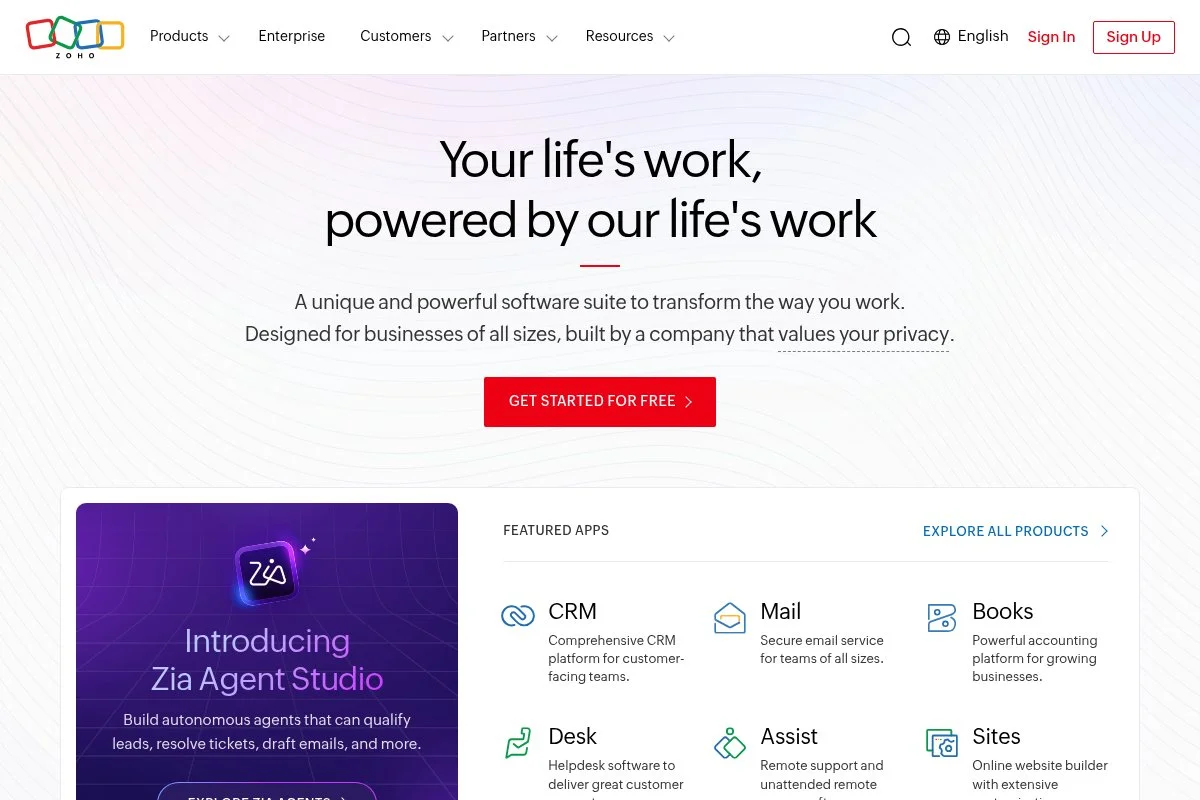
Zoho Invoice is a dedicated, free invoicing platform designed for freelancers and small businesses. It’s part of Zoho’s larger suite, a company with decades in business software and millions of users worldwide. That pedigree shows up in polish and reliability. You can start for free, with no strings attached. Setup takes minutes, and the interface is clean. I can create branded invoices, set up recurring billing, and add automated reminders without digging through menus. Time tracking and estimates flow straight into invoices.
In recent years, Zoho has made Invoice free for everyone, expanded templates, and tightened integrations with Zoho Books, CRM, and popular payment gateways. That shift made it one of the easiest picks for budget-minded freelancers. On the advanced side, Zoho Invoice supports multi-currency, client portals, retainers, and detailed tax handling. For teams already on Zoho, the broader ecosystem (like Books for accounting) adds inventory, bank feeds, and deep reporting when you need more.
I use Zoho Invoice for simple service billing because it checks the important boxes without a fee. The automated reminders and client portal erase awkward follow-ups. Support resources are strong. Zoho’s help docs, webinars, and forums are easy to search, which helps if you’re setting up taxes or recurring schedules for the first time.
How Zoho Invoice Works and Key Features
The interface is straightforward and form-driven. Build an invoice from a template, add line items or tracked time, and send it with a payment link. Templates are highly customizable, from logo placement to terms and custom fields. Advanced users can wire in payment gateways, automate workflows, and connect with other Zoho apps. Analytics cover invoice aging, revenue trends, and tax summaries. Automation handles reminders, recurring schedules, and thank-you notes after payment.
Beyond invoicing, you get estimates, time tracking, a client portal, and expense capture, all of which can be pushed to an invoice. Support is available through email, knowledge base, and community channels. Overall, it’s beginner-friendly yet flexible enough to grow with you.
Who Zoho Invoice Is For
Best for freelancers, consultants, virtual assistants, designers, developers, and small agencies that want full-featured invoicing without a subscription. It shines for recurring services, deposits, and work that needs estimates first. If you need advanced accounting right away, you may outgrow it and end up preferring Zoho Books or another accounting suite. No technical skill is required.
Zoho Invoice Pricing
Zoho Invoice uses a simple model: the software is free. You only pay normal processing fees to your chosen payment gateway when clients pay online.
- Free: $0/month, unlimited invoices, clients, and users; includes estimates, time tracking, client portal, multi-currency, and automated reminders
Compared with paid tools, this is generous. If you need full accounting, Zoho Books is a separate product with tiered pricing and annual discounts. For most solo pros, Zoho Invoice alone covers the billing workflow at zero cost.
Zoho Invoice Pros and Cons
- Pros: Free forever; excellent templates and automation; client portal; multi-currency; easy to learn
- Cons: No full accounting; depends on payment gateways; ecosystem can feel wide if you only want basics
If you want capable invoicing without a bill, start here. If you need full bookkeeping, pair it with Zoho Books or another accounting tool.
Zoho Invoice Reviews
Zoho Invoice holds strong ratings across major review sites like G2 and Capterra. Feedback often highlights its value for money and ease of setup.
2. Wave
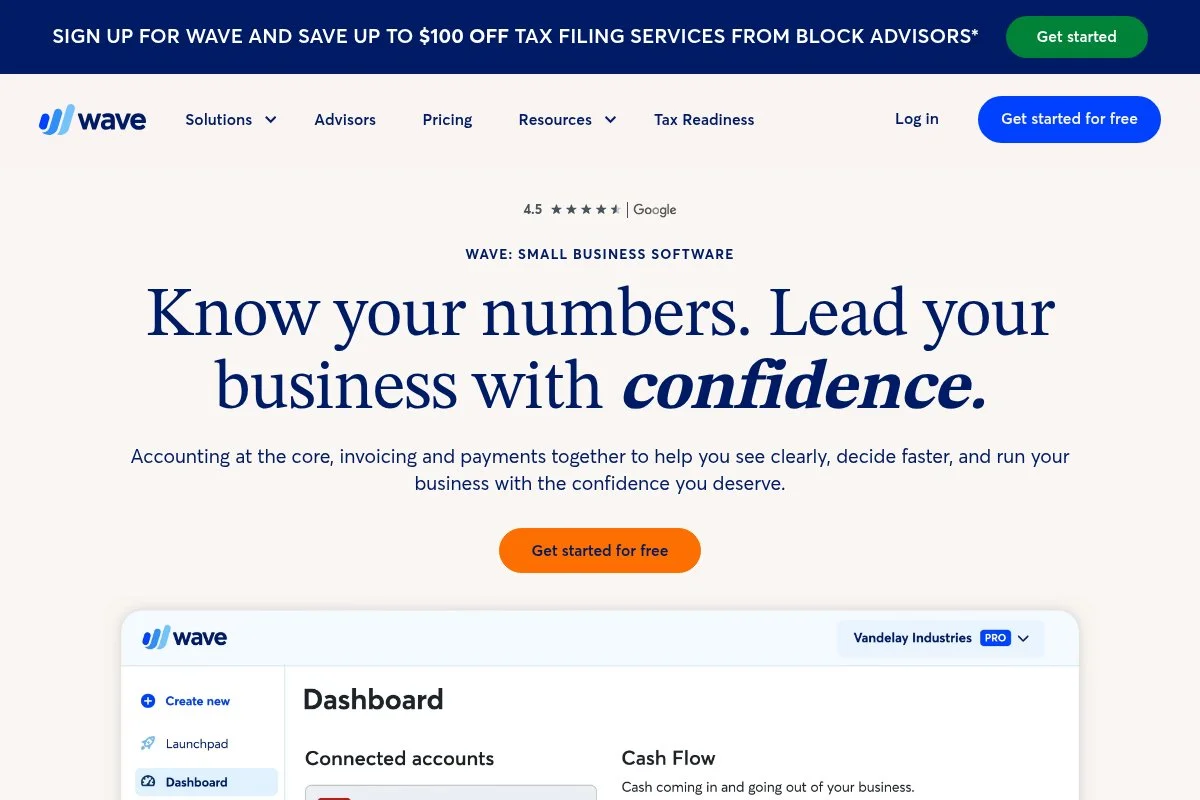
Wave is a free accounting and invoicing platform aimed at small businesses and freelancers. The company has been around for years and is known for offering core tools at no cost, with paid add-ons like payments and payroll. Getting started is quick, and the invoice editor is friendly. You can build branded invoices, send recurring bills, and accept payments through Wave Payments. The bonus includes built-in accounting that tracks income and expenses automatically.
Wave has improved its mobile apps, invoice customization, and payment experience over time. Those updates make it smoother for on-the-go billing and faster client checkout. Paid features include payment processing, payroll (where available), and advanced support options. For a free core, having double-entry accounting plus invoicing in one place is a standout.
I like Wave for freelancers who want simple invoicing tied to basic books. It can be a strong “one login” setup at the start. Another plus: the reports are clear. Even non-finance folks can spot overdue invoices and incoming cash.
How Wave Works and Key Features
Wave’s editor is form-based and easy to follow. Templates are clean, with simple customization for logos, colors, and terms. You can quickly add items, taxes, and discounts. Wave supports online payments, recurring invoices, and automatic reminders. Banking connections feed transactions into your ledger, and reports cover profit and loss, sales tax, and aging. No-code users will be comfortable; advanced customization is limited to what Wave offers.
You also get receipts, estimates, and mobile invoicing. Support is primarily self-serve unless you opt into paid services. For day-to-day billing, the experience is clear and efficient. It’s beginner-friendly, especially if you want invoicing and basic accounting in one free tool.
Who Wave Is For
Best for new freelancers, sole proprietors, consultants, and trades who want invoicing plus lightweight accounting with no subscription. It works great if you plan to accept card payments through Wave. If you need advanced inventory or job costing, you may need a fuller accounting suite later.
Wave Pricing
Wave’s core invoicing and accounting are free. You pay transaction fees for payments and separate monthly fees for optional payroll in supported regions.
- Core: $0/month, unlimited invoices, clients, and basic accounting; pay-per-transaction for online payments
- Payroll (optional): Paid monthly where available, with tax services in some states/regions
As a value play, Wave is strong. Annual billing is not required because the core is free. Your main cost is payment processing if you accept cards or bank transfers.
Wave Pros and Cons
- Pros: Free invoicing and accounting; clean interface; mobile apps; recurring billing; decent reports
- Cons: Customization depth is limited; advanced accounting features may be missing; support tiers vary
Choose Wave if you want invoicing tied to basic books for free. If you need deeper accounting controls, plan to upgrade later.
Wave Reviews
Wave generally receives positive feedback on sites like Capterra and G2 for its value and ease. Some reviews cite limits in advanced features and support options.
3. Square Invoices

Square Invoices is focused on fast, professional billing with instant payment options. It comes from Square, a trusted name in payments for small businesses. If your clients already pay you by card, this keeps everything in one place. The free plan gets you unlimited invoices and estimates, plus online card payments. Setup is simple, and the invoice templates look modern. I like how easy it is to request deposits and set up milestone billing.
Square has added contract attachments, scheduling features, and better project-style invoicing in recent years. Those updates help service-based pros who bill by phase. Square Invoices Plus adds tools like custom fields, multi-package estimates, and advanced automation. If you sell on Square or use Square Appointments, everything ties together, from booking to billing to payout.
I recommend Square Invoices when clients expect to pay by card and speed matters. It feels polished from first send to final receipt. Support resources and help articles are clear, with live options depending on plan and region.
How Square Invoices Works and Key Features
The editor is straightforward, with built-in item libraries, taxes, and discounts. Templates are crisp, and you can add attachments and terms. Payments flow through Square with instant checkout. Automation covers reminders and recurring invoices. Analytics include invoice status, payment times, and sales reports if you’re using more Square products. No coding needed, though developers can explore Square’s APIs for custom flows.
Beyond invoicing, Square offers estimates, contracts, appointments, POS, and a website builder. Support is solid, and documentation is easy to follow. Overall, it’s a great fit for card-first clients and service workflows that benefit from deposits and milestones.
Who Square Invoices Is For
Ideal for contractors, designers, consultants, home services, and event pros who take card payments. It excels at deposits, milestone billing, and quick pay links. If you want deep accounting or heavy customization, pair it with other tools. It’s beginner-friendly.
Square Invoices Pricing
Square Invoices has a free plan for unlimited invoices and estimates; you pay standard processing fees per transaction. The Plus plan adds advanced features for a monthly fee.
- Free: $0/month, unlimited invoices and estimates; pay-per-transaction for online payments
- Invoices Plus: $20/month, adds custom fields, multi-package estimates, and automation upgrades
Value-wise, the free tier is generous. If you already use Square for POS or bookings, Invoices fit neatly and keep costs predictable. Annual billing doesn’t change processing fees.
Square Invoices Pros and Cons
- Pros: Unlimited invoices on free plan; fast checkout; great for deposits and milestones; tight Square ecosystem
- Cons: Processing fees add up; limited accounting; advanced features require Plus
If client card payments are your norm, Square Invoices is an easy win. If you need deep bookkeeping, pair it with accounting software.
Square Invoices Reviews
Square’s invoicing tools receive favorable ratings on platforms like G2 and Capterra, with praise for ease and speed. Users often note the convenience of staying inside Square’s ecosystem.
4. PayPal Invoicing
PayPal Invoicing lets you send invoices through a brand that clients recognize. PayPal is a long-standing player in online payments, and many clients already have accounts, which can speed up payment. Creating and sending invoices is free. Templates are clean, and you can add line items, taxes, and notes. Payment options include PayPal balance, cards, and in some regions, local methods.
Over time, PayPal has refined invoice tracking, partial payments, and tipping. Those small upgrades help capture full payments without back-and-forth email. There’s no monthly fee for invoicing. You pay standard PayPal processing fees on successful payments. If your clients already ask to pay via PayPal, this is often the smoothest route.
I use PayPal Invoicing when a client specifically requests PayPal. It reduces friction, which is the real win. Support is well-documented, with a large help center and community forums.
How PayPal Invoicing Works and Key Features
The interface is minimal and fast. You can duplicate past invoices, manage client details, and track status in a simple dashboard. Templates allow logos, terms, and basic custom fields. You get activity tracking, reminders, and partial payment support. Analytics are basic but show status, amounts, and history. Automations focus on reminders and recurring invoices.
Beyond invoicing, PayPal offers checkout buttons, subscriptions, and a payout system. Support is primarily via help center and community with agent support available. It’s a straightforward, recognizable choice, best when your client prefers PayPal.
Who PayPal Invoicing Is For
Great for freelancers with clients who like paying through PayPal, including international clients. It’s ideal for simple, fast billing without extra features. If you need deep customization or detailed reporting, look elsewhere. No technical skill needed.
PayPal Invoicing Pricing
Creating and sending invoices is free. You pay PayPal’s standard processing fees when a client pays an invoice, with rates that vary by country, payment method, and account type.
- Invoicing: $0/month, unlimited invoices; processing fees apply per transaction
As a value choice, this is solid for PayPal-first clients. If fees matter most, compare processing rates with your card processor for typical transaction sizes.
PayPal Invoicing Pros and Cons
- Pros: Free to invoice; trusted brand; clients can pay quickly with PayPal or a card
- Cons: Processing fees may be higher than some processors; reporting is basic; limited customization
Pick PayPal Invoicing when client preference rules. If you need richer features, pair it with another invoicing tool.
PayPal Invoicing Reviews
PayPal’s invoicing feature is widely used and referenced across review sites. Feedback highlights familiarity and convenience, with common critiques around fees and support response times.
5. Invoice Ninja
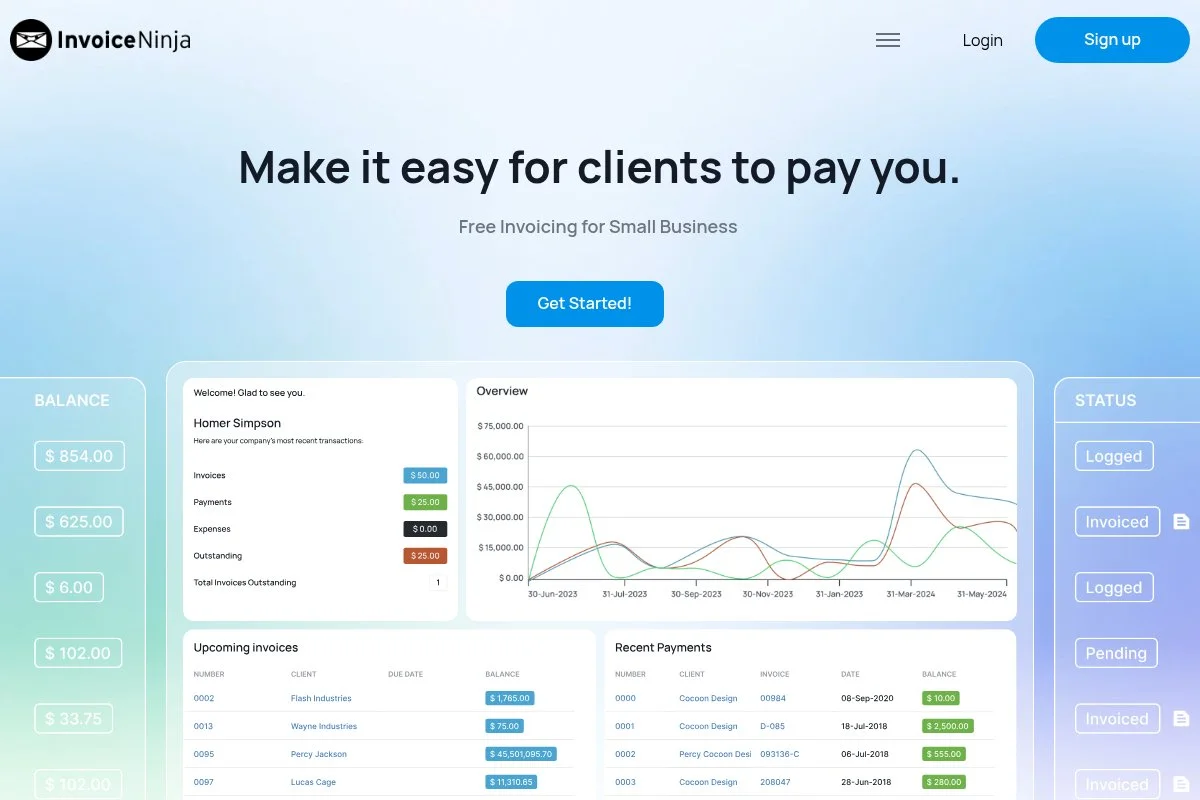
Invoice Ninja is an open-source invoicing platform with a generous free hosted plan. The project has been active for years and attracts freelancers who want control and exportability. Getting started is simple on the hosted version. The editor supports branded templates, item libraries, and taxes. You can accept payments via many gateways, and the client portal looks professional.
Recent releases improved the v5 interface, added more gateway options, and refined quotes-to-invoice flows. Those updates make it smoother to manage the full client lifecycle. Pro and Enterprise tiers unlock custom domains, remove branding, add multiple users, and expand workflow tools. Open-source fans can self-host for maximum control.
I like Invoice Ninja for tech-comfortable freelancers who want flexibility and a safety net if they ever decide to self-host. The documentation is solid, and the community is active, which helps with setup questions.
How Invoice Ninja Works and Key Features
The interface is structured and detailed. Templates are customizable, with variables for client data, terms, and branding. You can easily add custom fields and manage products and tasks. It supports many payment gateways, recurring invoices, and automatic reminders. Reporting covers aging, payments, and taxes. Power users can integrate with Zapier and use API access on higher tiers.
Beyond invoicing, Invoice Ninja includes quotes, proposals, time tracking, expenses, and a client portal. Support comes through docs, forums, and ticket options on paid plans. It strikes a balance: approachable enough for beginners yet offering deep options for advanced users.
Who Invoice Ninja Is For
Great for developers, consultants, agencies, and anyone who values open-source or wants multi-gateway payments. It excels at quotes-to-invoice flows, recurring billing, and client portals. If you dislike tweaking settings, a simpler tool may suit you better. Beginner-friendly, with room to grow.
Invoice Ninja Pricing
Invoice Ninja offers a free hosted plan with limits, paid plans that expand features, and a self-hosted option for full control.
- Free: $0/month, up to 20 clients, branded “Ninja” footer; includes invoices, quotes, time tracking, and client portal
- Pro: From $10/month, more clients, removes branding, custom templates, and additional integrations
- Enterprise: From $14/month for multiple users and advanced features; higher tiers support more users
- Self-hosted: Software free to run; optional paid license for some features
The free tier is one of the best for testing. Paid tiers are budget-friendly compared to many competitors, and self-hosting offers a unique exit path.
Invoice Ninja Pros and Cons
- Pros: Open-source; generous free plan; many payment gateways; strong quotes-to-invoice flow
- Cons: Interface can feel busy; setup has more choices; full power requires paid tiers or self-hosting
If flexibility and ownership matter, Invoice Ninja is a smart bet. If you want dead-simple, pick Zoho Invoice or Wave instead.
Invoice Ninja Reviews
Invoice Ninja draws favorable feedback in developer communities and on review sites for flexibility and value. Users often praise its open-source option.
6. FreshBooks
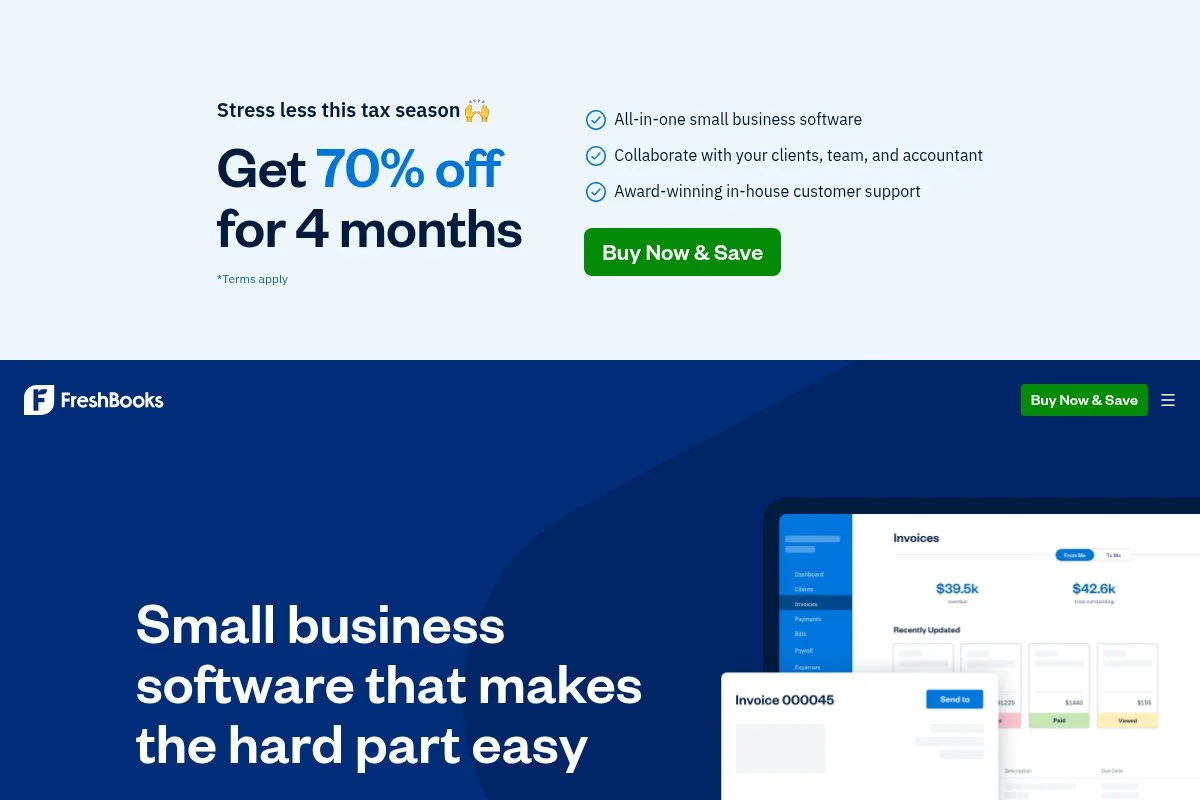
FreshBooks is an accounting and invoicing platform built for service businesses. It’s a long-time favorite among freelancers for its friendly design and built-in time tracking. Setup is smooth, and you can invoice from tracked time with a few clicks. Templates look polished, and recurring profiles are easy to manage. Clients can pay online, and you can track expenses alongside invoices.
FreshBooks has refined its mobile apps, estimates, and client portal over the years. The experience feels cohesive for solo and small teams that bill time. Higher tiers unlock more billable clients, advanced reports, and options like accountant access. FreshBooks also supports proposals and retainers, which help agencies and consultants land and manage ongoing work.
I like FreshBooks when invoicing and time tracking need to live together. It’s more expensive than the free options here, but the workflow is smooth. Support is responsive, with helpful onboarding guides and a large help center.
How FreshBooks Works and Key Features
The interface is clean and intuitive. Time entries roll into invoices, and templates are customizable with logos, colors, and fields. You can request deposits and add late fees if needed.
Analytics include aging, client-level revenue, and project profitability on higher tiers. Automations include reminders, recurring invoices, and late-payment fees. Integrations are strong, with connections to payment gateways and apps like G Suite and Slack.
Beyond invoicing, FreshBooks offers proposals, estimates, expense tracking, and basic project management. Support includes email, chat, and phone, depending on plan and region. It’s beginner-friendly yet powerful enough for growing teams, especially if time tracking is central.
Who FreshBooks Is For
Great for consultants, agencies, designers, developers, and bookkeepers who bill time and want accounting plus invoicing in one tool. It shines for retainers, deposits, and detailed reports. If you only need simple invoices and want free options, Zoho Invoice or Wave may be a better fit. No technical skill needed.
FreshBooks Pricing
FreshBooks uses tiered pricing based on the number of billable clients and features. A trial is usually available, and annual billing often reduces the monthly rate.
- Lite: $19/month, up to 5 billable clients; includes unlimited invoices, estimates, and time tracking
- Plus: $33/month, up to 50 billable clients; adds more automation and reports
- Premium: $60/month, unlimited billable clients; includes advanced reporting and features for growing teams
- Select: Custom pricing for larger businesses; includes dedicated support and advanced controls
Compared with free tools, FreshBooks is a paid step up, but the time + invoicing workflow can save hours. If you’re scaling, the jump from Lite to Plus is the main cost factor to watch.
FreshBooks Pros and Cons
- Pros: Excellent time-to-invoice flow; polished design; strong reports on higher tiers; good support
- Cons: Paid from day one; client limits on lower tiers; processing fees still apply
If time tracking is key, FreshBooks is worth the spend. If you send a few simple invoices a month, the free tools likely cover you.
FreshBooks Reviews
FreshBooks is well-rated on major review sites like G2 and Capterra. Users often praise ease of use and support, with price cited as the main tradeoff.
What Is the Best Invoicing Software Right Now?
My top picks today are Zoho Invoice, Wave, and Square Invoices. They’re affordable (or free), quick to learn, and cover what most freelancers actually need: clean invoices, reminders, and fast ways to get paid. Zoho Invoice is my number one choice, and I use it personally. This isn’t sponsored. I found it while testing options for our team’s recommendations, and the free-for-everyone shift sealed it for me. The client portal, recurring profiles, and auto-reminders worked right away. The fact that it costs nothing is the kicker.
In terms of value, Zoho Invoice is tough to beat. Competing suites often start around $15–$20 per month and climb as you add clients or features. With Zoho Invoice, the software fee is zero, and your only costs are processing fees if you take online payments. That keeps your margins intact as you scale. Wave is my close second, especially if you want invoicing tied to basic accounting. The built-in P&L, expense tracking, and tax summaries mean fewer spreadsheets. If you’re doing your own books and want one login, Wave is a calm place to live.
What I like most about Wave is the free core plus clear upgrade paths, like payroll. If Zoho Invoice didn’t exist or if I needed built-in bookkeeping from day one, Wave would be my pick. Square Invoices is my third choice for anyone whose clients pay by card. The free plan with deposits and milestone billing is handy for service pros. If you already use Square for POS or bookings, staying in that ecosystem keeps everything tidy.
I also keep FreshBooks in my toolkit for projects where time tracking and invoicing need to be a single workflow. Different tools can be right for different client types, and that’s okay. Choosing between Zoho Invoice and Wave is a real toss-up. I stuck with Zoho Invoice because it nails invoicing cleanly without a fee, and I didn’t need full accounting inside the same app yet. If your needs change, switching later is not painful.
I hope this helped you land on a tool that fits your work and your wallet. Here’s to faster payments and fewer awkward follow-ups.
Frequently Asked Questions
Q: What’s the best truly free invoicing tool for freelancers?
Zoho Invoice is fully free and very capable. Wave is also free for invoicing and adds basic accounting. Both charge standard payment processing fees only when clients pay online.
Q: Do I need full accounting software, or is invoicing enough?
If you’re sending a handful of invoices and tracking expenses elsewhere, invoicing alone can work. When you want tax-ready books or payroll, move to an accounting suite like Wave’s accounting or FreshBooks.
Q: Which invoicing apps accept international payments easily?
Zoho Invoice and Invoice Ninja support multiple currencies and gateways. PayPal Invoicing also works well for cross-border clients, though fees vary by country and method.
Q: How do I get paid faster without nagging clients?
Use clear due dates, request deposits, enable online payments, and turn on automatic reminders. I also add late fees after a grace period. Most clients pay once the process is simple.
Photo by SumUp: Unsplash


