

A few years into running my own business, I realized cash sitting in a checking account wasn’t a plan. I needed an easy, low-cost way to invest without babysitting trades. I wanted three things: zero-commission stock and ETF trading, an IRA for tax savings, and a path to a Solo 401(k) when revenue allowed. Simple on paper, messier in practice.
I dug in because I edit money guides for self-employed readers every day. My job is to separate “nice pitch” from “actually works.” I also opened accounts to see where setup felt smooth vs. sticky. What surprised me most? The best investors I know automate what they can, invest in low-cost index funds, and keep fees near zero. They spend more time on work and family, not day trading.
You don’t need fancy features or paid signals to start. A clean app, fractional shares, automatic deposits, and an IRA can take you far, especially in your first year or two. This guide gives you straightforward picks that are beginner-friendly and kind to self-employed taxes. No hype. Just what works, where each app shines, and where it falls short.
Below is a quick comparison, then I’ll walk through my experience with each and share which app I personally stuck with.
Comparison of 6 Best Free Investment Apps in 2026 With Pricing and Recommended Use Cases
Scroll down for my detailed take on each option, including which one I actually chose and where the best free features help beginners the most.
What Is an Investment App?
An investment app is software that lets you buy and sell securities (like stocks, ETFs, mutual funds, and bonds) on your phone or computer with low or no trading commissions. I like the old saying: “Control what you can control.” For investing, that means fees, automation, and behavior. A good app helps you lower costs, stick to a plan, and keep more of your gains.
Put it this way: trimming a 1% annual fee on $20,000 invested is like adding about $200 back every year before compounding. That’s a software decision that shows up in your retirement math. At their core, these apps give self-employed folks a place to move cash from a bank, make recurring investments, track performance, and manage accounts like IRAs or, with some brokers, a Solo 401(k).
Many people pair an investment app with tax software, a budgeting app, and a basic bookkeeping tool to keep contributions steady and deductions clean at tax time. Not every app does the same job well, though, so it’s worth picking the one that matches your habits and your next 12 months of goals.
How to Choose the Best Investment App
With so many “free” apps, this decision can feel overwhelming. Fees hide in different places, and setup can be smooth on one app and clunky on another. I wrote this guide to help you match an app to your actual life as a self-employed beginner: limited time, variable income, and a need to keep costs low.
Most roundups you’ll find are written by the companies themselves or listicles packed with sponsored spots. I’m not sponsored by any platform on this list. This is my honest take based on research, hands-on use, and how these apps fit real solo careers.
Here are some questions you should ask when looking for an app:
- How generous is the free tier, and when are paid add-ons triggered?
- Can I start a recurring deposit and easily buy fractional shares?
- Will this app scale to an IRA now and a Solo 401(k) later?
- How do fees change if I trade options or need margin?
- Does it support index funds and basic automation I’ll actually use?
- What performance and tax reports can I export for bookkeeping?
- How hard is it to transfer my account out if I move on?
- What safeguards, SIPC coverage, and service quality does it offer?
- Any crypto, treasuries, or cash-sweep features I should care about?
It’s a lot, I know. The ranked picks below reflect those questions, so you don’t have to memorize them.
Okay, enough of me rambling, let’s get into the list.
6 Best Investment Apps in 2026
Here are my top picks for the best investment apps:
- Fidelity
- Charles Schwab
- Vanguard
- SoFi Invest
- Robinhood
- Webull
Let’s see which one is right for you.
1. Fidelity

Fidelity is a full-service broker built for long-term investors and beginners. It has decades in business, deep research, and a wide range of retirement accounts, including a Self-Employed 401(k). Getting started costs nothing: $0 account minimum and $0 commissions on US stocks and ETFs. The mobile app feels clean and reliable. I use watchlists, recurring deposits, and fractional shares weekly.
In recent years, Fidelity expanded fractional shares, improved the app experience, and streamlined account opening. The Solo 401(k) setup still happens on the website, but it’s easier than it used to be. For higher-needs users, you can access active trader tools, extensive screeners, and premium research. You can also add advisory services if you want a managed portfolio later.
I keep my main IRA at Fidelity. The combo of zero-commission trades, strong index fund options, and clear tax documents makes my April far less stressful. Support has been steady for me. Phone agents have walked me through contribution limits and transfers without upselling me on things I don’t need.
How Fidelity Works and Key Features
Fidelity’s app gives a straightforward view: balances at the top, positions and watchlists below, and trade tickets that default to simple market or limit orders. Fractional shares and recurring investments are just a few taps away. Templates don’t apply here, but preset screens and curated lists help beginners find broad-market ETFs. Power users can switch to a desktop for screeners, options chains, and detailed fundamentals.
Analytics cover performance, cost basis, realized gains, and account-level returns. You can export activity for bookkeeping and tax software. Alerts and dividend reinvestment can run automatically. Beyond trading, you get IRAs, a Self-Employed 401(k) (via web), HSA options, cash management, and a broad mutual fund lineup. Support includes phone, chat, and branches in many cities.
Overall, it’s beginner-friendly on mobile and deep enough on desktop to grow with you.
Who Fidelity Is Best For
Great for freelancers, consultants, creators, and sole proprietors who want simple IRA investing now and a path to a Solo 401(k) later. Ideal for index fund buyers, set-it-and-forget-it investors, and anyone who values clear tax reports. If you want advanced crypto features or social trading, another app might be a better fit. No special tech skills needed.
Fidelity Pricing
Fidelity uses straightforward, pay-as-you-need pricing. There’s no platform fee for brokerage accounts, and many trades are $0. You’ll pay for certain services or order types.
- Brokerage/IRA: $0/month, $0 commissions on US stocks/ETFs, includes fractional shares and recurring buys
- Options: $0 commission + $0.65/contract, includes multi-leg support
- Mutual funds: Many no-transaction-fee funds; others have a transaction fee
Compared with peers, the value is strong, especially in research and account types. Annual billing isn’t a thing here; costs depend on what you trade. If you add advisory services, that carries a separate fee schedule.
Fidelity Pros and Cons
Pros
- $0 commissions on US stocks/ETFs and fractional shares
- Solo 401(k) available for self-employed growth
- Clear reports and strong index fund choices
- Reliable support without pushy sales
Cons
- Solo 401(k) setup is web-first, not in-app
- Advanced tools live mostly on desktops
- Crypto access is limited compared to trading apps
If you want one account to start and keep for years, Fidelity is hard to beat. Traders chasing crypto or social features may prefer a different app.
Fidelity Reviews
Formal software review sites like G2 and Capterra have limited, uneven coverage for big brokers. Consumer review sites mix product feedback with service complaints, so I weigh them lightly.
2. Charles Schwab
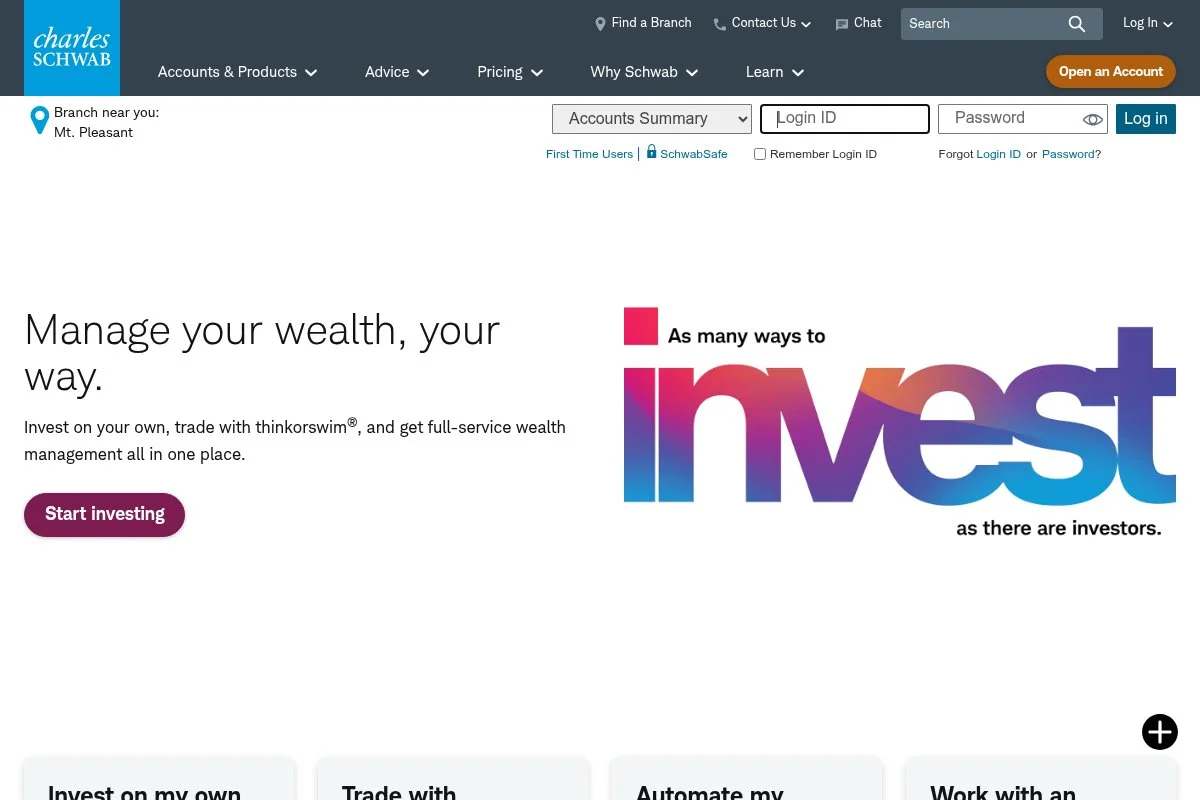
Schwab is another long-standing broker with $0 stock and ETF trades, strong research, and a wide menu of accounts, including individual 401(k) for self-employed savers. Opening an account is quick, and the app is clear for first trades and recurring deposits. I like the automatic dividend reinvestment and easy ETF purchasing with plain language.
After the TD Ameritrade integration, Schwab folded in thinkorswim platforms, bringing advanced charting and tools under one roof. That gives beginners room to grow without switching brokers. As your needs expand, you can add managed portfolios, advisor access, and fixed income offerings. The branch network is wide if you want in-person help later.
I’ve leaned on Schwab for cash management and index ETFs. Transfers have been smooth, and tax docs arrive on time. Education is a strong point. The in-app articles, webinars, and ETF explainers are beginner-friendly.
How Schwab Works and Key Features
The Schwab app focuses on clarity: account overview, watchlists, and a simple trade ticket. You can set recurring buys and enable dividend reinvestment with a few taps. For advanced work, the desktop platforms (including thinkorswim) unlock detailed charts, screeners, and options analytics. You can integrate research, news, and earnings calendars.
Reporting covers performance, realized/unrealized gains, and tax lots. Automation includes recurring contributions, auto-invest, and scheduled transfers. Support options include phone, chat, and branches. The overall feel is beginner-friendly, with plenty of room to grow into deeper tools if you decide to.
Who Schwab Is Best For
Best for freelancers, small agency owners, and solo LLCs who might want advice later. Great if you want $0 trades now and a path to managed portfolios. If you need crypto trading inside the same app, this won’t be your pick. Technical skill isn’t required.
Schwab Pricing
Schwab keeps trading costs simple on core assets and charges for certain products or order types. There’s no monthly platform fee for standard brokerage.
- Brokerage/IRA: $0/month, $0 commissions on US stocks/ETFs
- Options: $0 commission + $0.65/contract
- Mutual funds: Many no-transaction-fee funds; others may have a transaction fee
Value is competitive with other large brokers. If you opt for managed portfolios or advisor services, those have separate pricing. Costs scale with what you choose to use, not a flat subscription.
Schwab Pros and Cons
Pros
- $0 stock/ETF trades and good beginner education
- thinkorswim access for advanced tools without moving
- Individual 401(k) and broad account lineup
- Strong in-person support network
Cons
- Interface can feel busy as you unlock Pro Tools
- Crypto trading not native
- Some mutual funds carry transaction fees
Pick Schwab if you want an easy on-ramp with headroom to grow into advanced trading later. Pure crypto or social features seekers should look elsewhere.
Schwab Reviews
Large brokers have limited, uneven listings on sites like G2 and Capterra. Consumer sites include service stories that may not reflect the app itself, so I use them only as one input.
3. Vanguard
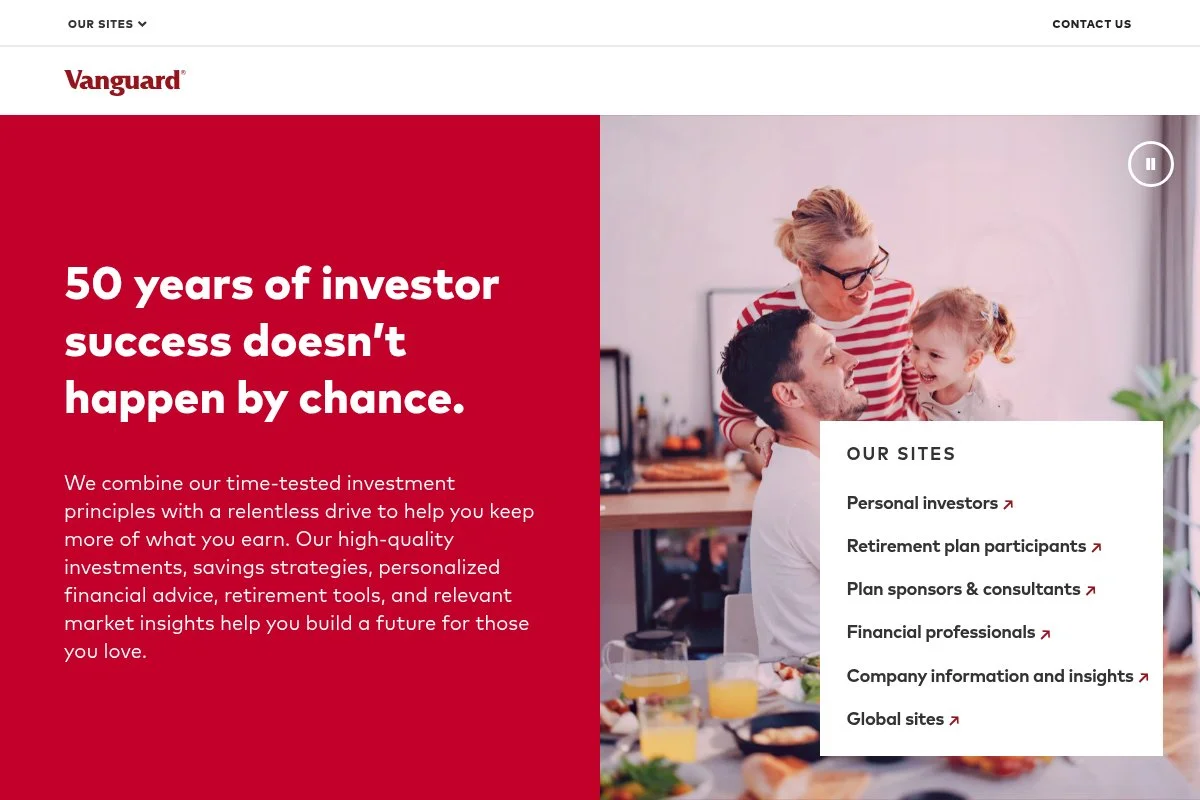
Vanguard is the home of low-cost index funds and ETFs. If your plan is “buy broad-market funds and chill,” its app and funds lineup make that easy. Account opening is straightforward with $0 commissions on most online US stock and ETF trades. The app focuses on holdings and contributions, not day trading bells and whistles.
Recent app updates improved navigation and mobile check deposit for contributions. The overall experience still leans toward the long term and simplicity, which many beginners prefer. Premium options include access to Vanguard Personal Advisor services for goal-based planning. Fund expense ratios remain a key draw for cost-conscious investors.
I use Vanguard for a “set-and-ignore” IRA with a total market ETF. It’s calm by design and keeps me from poking at trades I don’t need. One small plus: educational content is plainspoken and focuses on the basics that matter.
How Vanguard Works and Key Features
Vanguard’s app shows balances, positions, and a clean path to buy or sell funds and ETFs. It favors long-term investing over intraday trading, which keeps decisions simple. You won’t find fancy templates, but you will find broad index funds and target-date funds that fit most beginners. Advanced users can manage tax lots and use desktop tools for more detailed analysis.
Reporting covers performance by account and holding, cost basis, and dividends. Recurring buys and dividend reinvestment help automate your plan. Support includes phone and a library of beginner guides. Overall, it’s built for patient investors who value low costs and fewer distractions.
Who Vanguard Is Best For
Great for freelancers, photographers, tutors, and coaches who want index funds and very low fund costs. It shines for IRA investing and long-term goals. If you want active trading tools, fast options chains, or social features, it’s not the right fit. No special tech skills required.
Vanguard Pricing
Vanguard’s appeal lies in low fund costs and $0 commissions on most online US stock and ETF trades. There’s no platform subscription fee for standard accounts.
- Brokerage/IRA: $0/month, $0 commissions on most US stocks/ETFs
- Options: Commission-free equity trade + per-contract fee applies (check current schedule)
- Funds: Low expense ratios, many no-transaction-fee options
Value is strongest if you stick to Vanguard funds and broad ETFs. Advisory services add separate fees if you choose them. Costs stay low if you keep your strategy simple.
Vanguard Pros and Cons
Pros
- Very low fund expense ratios
- $0 commissions on most US stocks/ETFs
- Calm, long-term investing focus
- Good educational content for beginners
Cons
- The app is minimalist; traders may feel limited
- Advanced charting and options tools are basic
- Customer service queues can be long at peak times
If you want to buy index funds and move on with your day, Vanguard is a good fit. If you want active trading features, choose a different app.
Vanguard Reviews
Traditional brokers like Vanguard aren’t widely covered on SaaS review sites. Consumer review platforms can skew negative due to service issues, so I balance them with personal use and industry data.
4. SoFi Invest
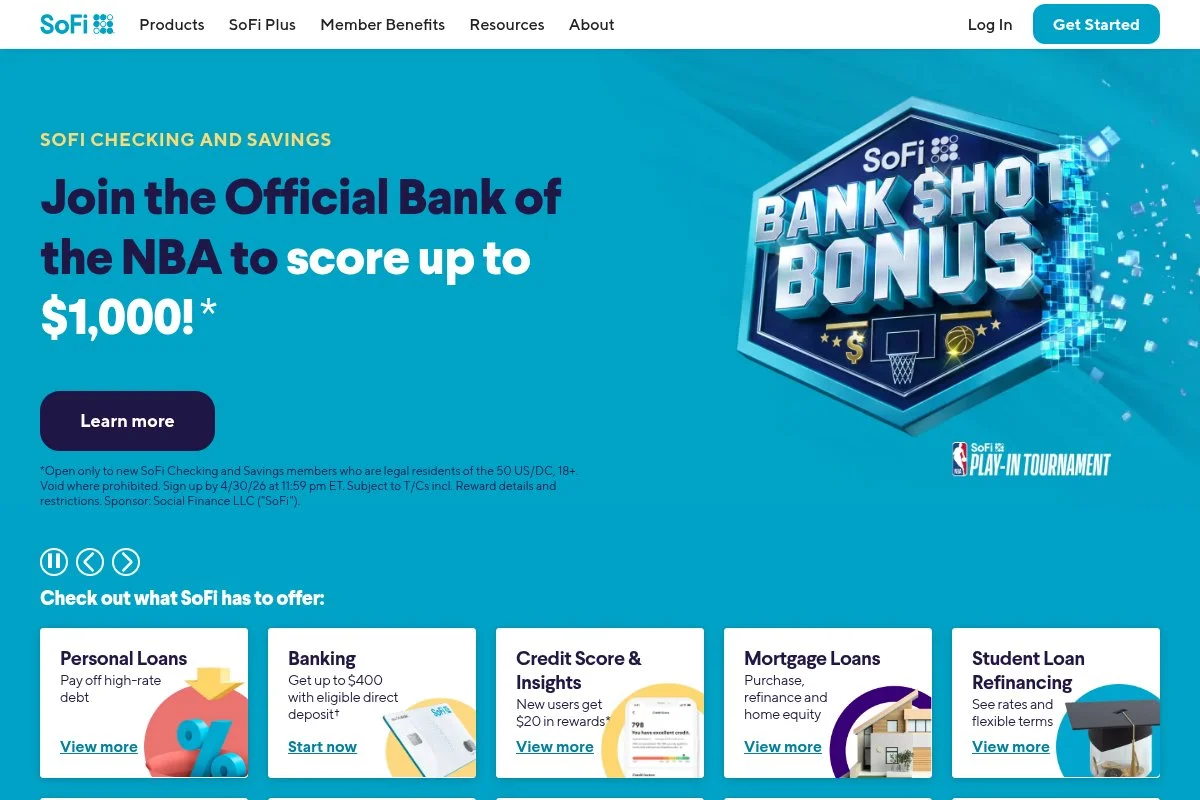
SoFi Invest blends beginner-friendly automation with zero-commission trading. If you like checklists and clear next steps, it’s app nudges you the right way. Opening an account is fast. You can choose active investing or automated portfolios that stick to ETFs. Fractional shares and recurring deposits are simple to set up.
SoFi has steadily improved goal tracking and education inside the app. Banking and credit card ties also make cash moves and round-ups straightforward if you use other SoFi products. Premium features include access to advisors for automated portfolios and expanded research in the active account. It’s a gentle path from beginner to more confident investor.
I like SoFi for friends who want an auto-pilot ETF portfolio first, with the option to buy a few shares of a favorite company on the side. The in-app lessons are short and practical, which helps keep momentum going in the first months.
How SoFi Invest Works and Key Features
The SoFi app shows accounts, goals, and a clear trade path. The interface is minimal, with easy toggles between active investing and automated portfolios. You can set recurring buys, enable dividend reinvestment, and use fractional shares. For advanced users, data and research improve on a desktop, and integrations with SoFi Money tools help automate cash flow.
Analytics include performance charts, sector-by-sector holdings, and goal progress. Automation covers scheduled deposits and rebalancing for automated portfolios. Support includes chat and advisor access for managed accounts. The overall flow suits true beginners who want guidance and fewer choices at the start.
Who SoFi Invest Is Best For
Best for new freelancers, gig workers, and creators who want auto-investing in ETFs and occasional stock purchases. Good for those who like checklists and integrated banking. If you want advanced trading tools or deep options analytics, look elsewhere. No special tech skills needed.
SoFi Invest Pricing
SoFi’s active investing charges $0 commissions on US stocks and ETFs. Automated portfolios carry advisory fees depending on the product and service level you choose.
- Active Investing: $0/month, $0 commissions on US stocks/ETFs, fractional shares
- Options: $0 commission + per-contract fee applies (check current schedule)
- Automated Investing: Advisory fee may apply; includes portfolio construction and rebalancing
Value is strongest for $0 active trades and beginner automation. If you add advice or other SoFi services, fees are à la carte. Costs stay clear as long as you review the advisory disclosures.
SoFi Invest Pros and Cons
Pros
- $0 stock/ETF trades and easy fractional shares
- Automated portfolios for true beginners
- Clean goals and education inside the app
Cons
- Advanced trading tools are limited
- Advisory fees apply for automated portfolios
- Crypto and options features may feel basic
If you want a guided start with room to dabble, SoFi is a solid pick. Power traders will want more depth elsewhere.
SoFi Invest Reviews
Software review sites cover SoFi’s broader ecosystem more than the invest app alone. Ratings vary by platform and timeframe, so I focus on features and my hands-on use.
5. Robinhood
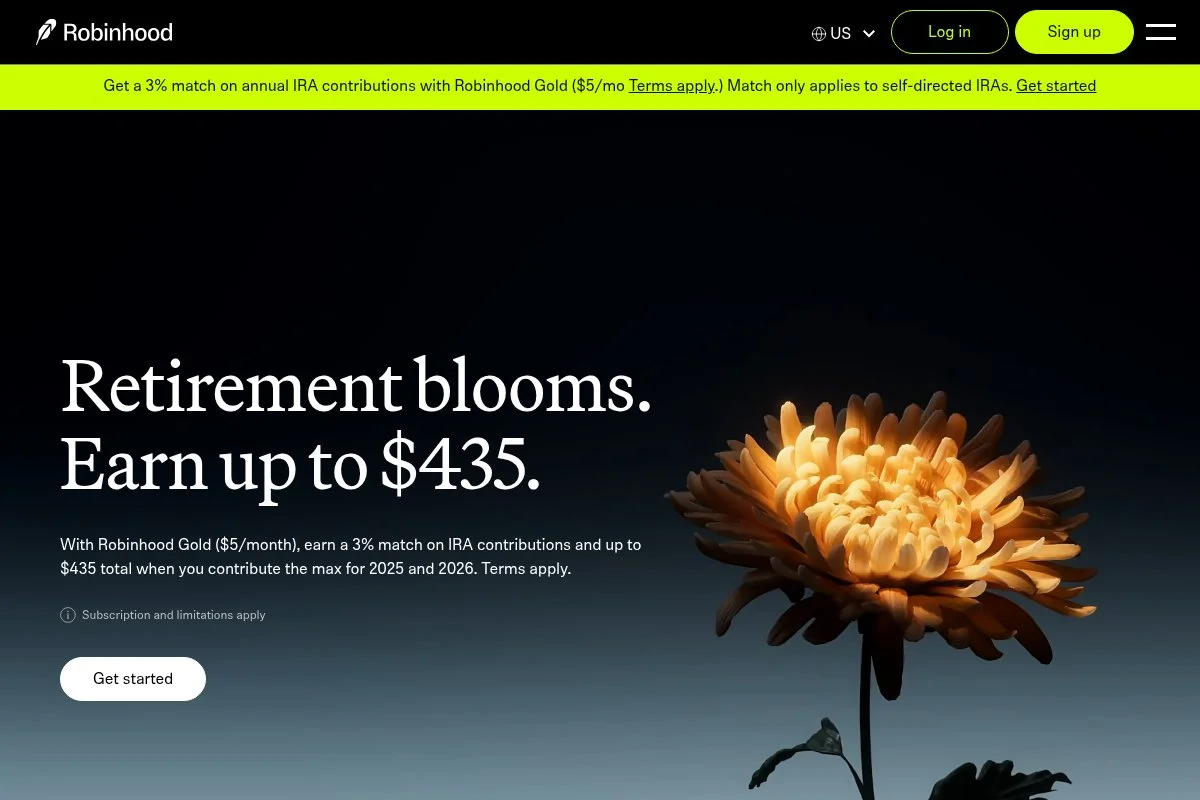
Robinhood helped make zero-commission trading mainstream. It’s fast, simple, and mobile-first, which is why many beginners start here. The entry point is free with $0 commissions and a clean interface. Fractional shares, recurring buys, and simple order tickets make first steps less scary.
In recent years, Robinhood has offered IRAs with a contribution match, which is rare among brokers. That perk can help self-employed savers boost retirement funding. Paid features (via an optional membership) add extras like better interest on cash and advanced data. Options trading has no per-contract fee, which is unusual among big brokers.
I like Robinhood for its sheer simplicity. It lowers the barrier to that crucial first recurring investment. Education has improved, with plain-English explainers and company snapshots for context before you buy.
How Robinhood Works and Key Features
Robinhood’s app is built for speed. Watchlists, a clear buy/sell flow, and instant notifications keep you engaged. Fractional shares make diversified buying possible with small budgets. Customization is light by design, which helps beginners. Advanced users can still trade options with a clean chain view and simple risk tools. Reports cover performance and basic tax documents.
Automation includes recurring buys and dividend reinvestment. Extras include crypto trading, cash management, and an IRA with a contribution match. Support has improved over time, including in-app help and faster responses to account issues. Overall, it’s a good mobile-first starter app, especially if the IRA match aligns with your plan.
Who Robinhood Is Best For
Best for creators and gig workers who want a fast, simple app, fractional shares, and an IRA with a contribution match. Great for light options trading due to $0 per-contract fees. If you want advanced research, in-depth reports, or a Solo 401(k), another broker may be a better fit. Beginner-friendly.
Robinhood Pricing
Robinhood keeps core trading free for stocks and ETFs and charges for certain services. An optional paid membership adds extra benefits.
- Brokerage/IRA: $0/month, $0 commissions on US stocks/ETFs, fractional shares
- Options: $0 commission and $0 per-contract fee
- Membership (optional): Adds benefits like higher cash interest and extra features
For beginners, the free tier covers a lot. If you need advanced data or higher cash yields, the membership may be worth it. Check current terms before upgrading.
Robinhood Pros and Cons
Pros
- $0 commissions and $0 per-contract options fees
- IRA with a contribution match is rare
- Fast, simple mobile experience
Cons
- No Solo 401(k) for self-employed expansion
- Research and reports are lighter than big brokers
- Past service hiccups make some users cautious
If you want a clean on-ramp and like the IRA match, Robinhood can work well. If you need deeper account types or research, choose a traditional broker.
Robinhood Reviews
Third-party review sites show mixed opinions over time, and their counts often change. I treat them as one data point and prioritize real features and reliability.
6. Webull
Webull is a free trading app aimed at data-loving beginners and active traders. It offers $0 stock and ETF trades with a busier interface than pure beginner apps. Setup is quick. The app packs charts, indicators, and a watchlist-first view. Paper trading is great for learning without risking real money.
Over the years, Webull has added more account types and features, including IRAs and extended-hours trading. It continues to refine charting and data. Higher-level uses include options trading, screeners, and Level 2 data add-ons. It’s closer to a light desktop terminal that fits in your pocket.
I recommend Webull to curious beginners who want to practice in paper trading, then move slowly into real positions. Education is better than it used to be, with quick lessons and community posts for context.
How Webull Works and Key Features
Webull’s interface centers on charts and quotes. You can switch layouts, add indicators, and place orders from the chart. For new users, that’s helpful but can feel busy at first. Templates aren’t a thing here, but you can save layouts and watchlists. Advanced users can add drawing tools, options chains, and extra data packages. Reports cover performance and basic tax exports.
Automation includes recurring investments and dividend reinvestment. Paper trading lets you test ideas. Support is primarily in-app help and email, with growing educational content. Overall, it’s powerful for the price (free), but be ready for a short learning curve.
Who Webull Is Best For
Best for side hustlers, part-time traders, and data-curious beginners who want charts, paper trading, and $0 commissions. Good for learning the basics of options before risking real money. If you want a calm, minimal app or advisor access, another platform is better. Some comfort with charts helps.
Webull Pricing
Webull’s core trading is free for US stocks and ETFs. You can add optional data packages and pay standard fees for certain products or services.
- Brokerage/IRA: $0/month, $0 commissions on US stocks/ETFs
- Options: $0 commission; per-contract fees may apply based on the current schedule
- Data add-ons: Optional market data packages available for a monthly fee
For beginners, free trading and paper accounts are the main draw. If you add pro data, costs rise, but you control what you pay for.
Webull Pros and Cons
Pros
- $0 stock/ETF trades and paper trading
- Rich charts and indicators on mobile
- IRAs available with recurring investments
Cons
- Interface can overwhelm true beginners
- Support options are more limited
- Paid data add-ons can add up
If you want to learn by doing and value charts, Webull is a good fit. If you want the calmest path and advisor options, choose a traditional broker.
Webull Reviews
Public ratings swing by platform and time. I treat them as background noise and lean on real features (paper trading, $0 commissions, and IRAs) for my recommendation.
What Is the Best Investment App Right Now?
My top picks right now are Fidelity, Charles Schwab, and Vanguard. All three are beginner-friendly, offer $0 stock and ETF trades, and give self-employed savers clean paths into IRAs and, when you’re ready, a Solo 401(k) at Fidelity and Schwab. Fidelity is my number one. I use it personally. This isn’t sponsored. I landed on Fidelity after testing multiple apps for our guides and kept it because the setup felt smooth, fractional shares were easy to use, and the retirement account lineup fit my goals. The Solo 401(k) path sealed it for me.
On value, Fidelity scales well. You can start with $50 auto-deposits into a total market ETF at $0 commission and never pay a platform fee. If you later trade options, the standard $0.65/contract fee is competitive. Many “free” apps push you into memberships; Fidelity lets you ignore that noise. Schwab is my close second. The TD Ameritrade integration brought thinkorswim into the Schwab family, so you can start simple and still access pro-grade tools later. If I wanted a branch nearby for rare in-person help, I’d lean toward Schwab.
What I like most about Schwab is the steady education and the sense that I can move up the ladder without leaving. If I were coaching a friend who might dabble in options next year, I might point them to Schwab first. Vanguard is my third pick. If you just want low-cost index funds in an IRA and zero distractions, Vanguard is perfect. The app is minimal, which is the whole point for many of us who don’t want to tinker.
I keep multiple accounts for different goals, and I’m not shy about that. My IRA sits at Fidelity, while a small “set-and-ignore” bucket runs at Vanguard. That helps me separate long-term plans from experiments. Choosing between the top two is genuinely hard. I stuck with Fidelity because it checked my boxes first and made Solo 401(k) planning feel doable. If you want a path into advanced tools with a strong education, Schwab might be your winner.
I hope this helped you pick your starter app with confidence. Set up your recurring deposit, buy broad funds, and get back to running your business. Future you will thank you.
Frequently Asked Questions
Q: Which free investment app is best for a first IRA?
I usually suggest Fidelity or Vanguard for a first IRA. Both support automatic deposits, low-cost index funds, and clear tax documents. If you want advisor access later, Schwab is a strong option too.
Q: Can I open a Solo 401(k) in these apps?
You can open a Solo 401(k) with Fidelity and Schwab, though setup happens on their websites. Once open, you can manage contributions and investments through the apps. Vanguard focuses more on IRAs in the app.
Q: Are free trades really free?
$0 commissions on US stocks and ETFs are real, but there are still regulatory fees and spreads. Options usually carry a per-contract fee (except Robinhood). Always check each broker’s current fee schedule.
Q: I have a variable income. How should I start?
Begin with a small recurring deposit you can keep during slow months. Use fractional shares to buy broad ETFs. Increase contributions after the big invoices clear. Consistency beats timing for most self-employed investors.


