

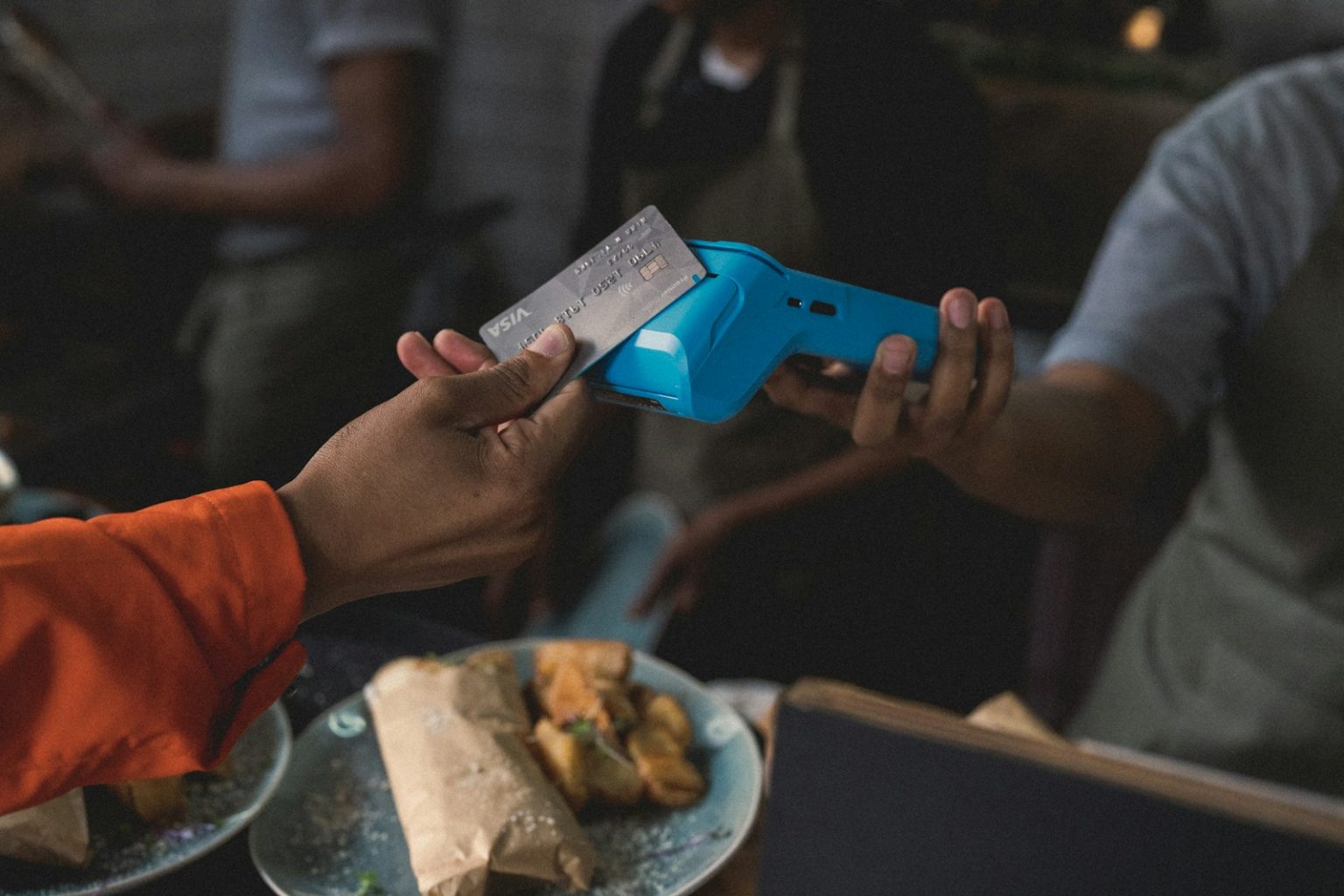
Nothing kills a sale faster than “Sorry, I don’t take cards.” If you run pop-ups, client sessions, or market days, customers expect to tap and go. My goal was simple: accept payments anywhere without drowning in fees or fighting with unreliable hardware.
What pushed me to research this seriously was a weekend market where my old reader dropped its connection three times. I lost sales I had already won. That stung, and it sent me down a rabbit hole of readers, rates, and reliability.
After testing options myself and talking to solo stylists, food truck owners, photographers, and coaches, one pattern kept coming up. The pros keep it simple. They want a reader that connects every time, transparent pricing, and software that handles the basics well: receipts, refunds, and quick reports.
You don’t need a giant POS system or a pricey monthly plan to look professional. You need tools that grow with you, not ones that slow you down on day one.
This guide covers what actually worked for our team and me: the strengths, the trade-offs, and which tools best fit self-employed budgets. I’ll break down rates, hardware options, and who each tool is really built for.
Let’s start with a quick comparison you can skim before diving in.
Comparison of 7 Best Credit Card Readers and Payment Tools in 2026 With Pricing and Recommended Use Cases
Scroll for my detailed takes on each option. I’ll also share which one I personally chose and where beginners can start for free.
What Is a Credit Card Reader and Payment Tool?
A credit card reader and payment tool is hardware and software that lets you accept in-person and online payments, send receipts, and settle funds to your bank account. There’s a saying I live by: make it easy for people to pay you. The real win is control and speed—taking cards anywhere, setting clear prices, and getting paid without waiting on checks.
Think of it this way: landing ten $40 tap payments at a market can rival a full week of chasing invoices. With a solid reader, those same buyers pay on the spot, which boosts actual cash in the bank. At its core, this category helps solo pros, side hustlers, and small teams accept cards, taps, and mobile wallets; sell online via links or at the POS; track sales on their phones; and receive payouts to their accounts.
Many pair these tools with invoicing apps, simple CRMs, booking tools, and accounting software to keep customer data, payments, and taxes tidy. Not every option fits the same needs or budget, so it pays to compare carefully.
How to Choose the Best Credit Card Reader and Payment Tool
Picking a payment setup can feel overwhelming. Rates look close, hardware names blur together, and it’s hard to see the true cost until you process real volume. I wrote this to help you match your workflow, budget, and growth plan with the right choice, not the loudest ad or trend.
Most guides you’ll find are created by providers or stacked with sponsored placements. I am not sponsored by any platform on this list. This is a straight, honest rundown based on hands-on use, team research, and conversations with real sellers.
Here are some questions you should ask when looking for a credit card reader and payment tool:
- Is there a free plan or no monthly fee, and what are the limits?
- How fast can I set up and take a tap, chip, or swipe?
- Will this scale if I double my sales or add staff?
- How do fees change with higher tickets or more volume?
- Does it cover my must-haves: invoices, links, taxes, tips, refunds?
- What sales data and payouts can I track day by day?
- If I leave, can I export data and switch readers easily?
- What uptime, device support, and fraud tools are in place?
- Does it support my devices, wallets, and any needed integrations?
7 Best Credit Card Readers and Payment Tools in 2026
Here are my top picks for the best credit card readers and payment tools:
- Square
- SumUp
- PayPal Zettle
- Stripe Terminal
- Helcim
- Shopify POS
- QuickBooks Payments
Let’s see which one is right for you.
1. Square

Square is an all-in-one payments and POS platform built for small businesses and solo sellers. It’s part of Block, Inc., a public company behind Cash App, which gives me confidence in its scale and stability. You can start free and accept tap, chip, and swipe with a simple reader. The Square Point of Sale app is clean and intuitive. Daily tasks feel easy: ring up items, accept tips, send receipts, and issue quick refunds.
Over the last few years, Square expanded online checkout links, invoices, and Tap to Pay on iPhone and Android in supported regions. That means fewer accessories to carry and faster setup for pop-ups or house calls. Higher plans unlock advanced inventory, employee roles, appointment scheduling, and marketing tools. Add-ons like Square Invoices Plus, Square Marketing, and Square Loyalty help you grow without switching systems.
I use Square for quick events and mobile sales. It’s not sponsored. I just like that I can hand a phone to a customer, take a tap, and move on. Support articles are clear, the app is steady, and deposits have been predictable for me. For many self-employed folks, Square is the default for good reason.
How Square Works and Key Features
Square’s POS app gives you a straightforward checkout with item libraries, taxes, discounts, and tips. You can use simple presets or ring custom amounts. Templates for invoices and receipts save time, and you can customize your business info and branding. For advanced needs, Square supports online checkout links, embedded payment buttons, and basic website tools through Square Online. Developers can tap into Square APIs to integrate with custom apps.
The dashboard tracks gross sales, average ticket, top items, and payout timing. You can set up automated receipts, recurring invoices, and reminders. Help is available through a knowledge base, community forums, and paid support tiers on select plans. Overall, Square stays beginner-friendly while offering room to grow into inventory, appointments, and marketing if you need it.
Who Square Is Best For
Square fits market vendors, food trucks, mobile stylists, photographers, fitness coaches, and consultants. It shines at quick in-person sales, basic retail, and events. The add-ons cover invoices and recurring services. If you need deep retail inventory or custom developer flows, you might prefer Shopify or Stripe. No coding needed to get started.
Square Pricing
Square uses a straightforward, pay-as-you-go model with no monthly fee for core POS. You pay per transaction, and hardware is sold separately. Optional software add-ons have monthly fees.
- Free: $0/month, basic POS, invoices, payment links, online checkout
- Retail Plus: Monthly fee applies, advanced inventory, exchanges, vendor tools
- Restaurants Plus: Monthly fee applies, menus, courses, seat maps
- Appointments Plus/Premium: Monthly fee applies, staff calendars, no-show protection
In the U.S., in-person rates are commonly 2.6% + 10¢ for tap, dip, and swipe. Online and invoice rates are higher. Annual billing on add-ons can save money. Value-wise, Square is very competitive for low- to mid-volume because there’s no mandatory monthly fee.
Square Pros and Cons
Pros
- Fast setup with a free POS app and simple readers
- Transparent per-swipe rates; no monthly fee required
- Strong add-ons: invoices, appointments, marketing, loyalty
- Tap to Pay on supported iOS and Android devices
Cons
- Advanced retail or restaurant tools add monthly costs
- Account reviews and reserves can happen with risk flags
- Online rates are higher than in-person rates
If you want an easy, reliable setup with room to grow, Square is a strong first choice. If you need custom developer control, look at Stripe Terminal.
Square Reviews
Square has extensive third-party feedback across sites like G2 and Capterra. Scores trend above 4/5 in many listings, though experiences vary by use case and volume.
2. SumUp
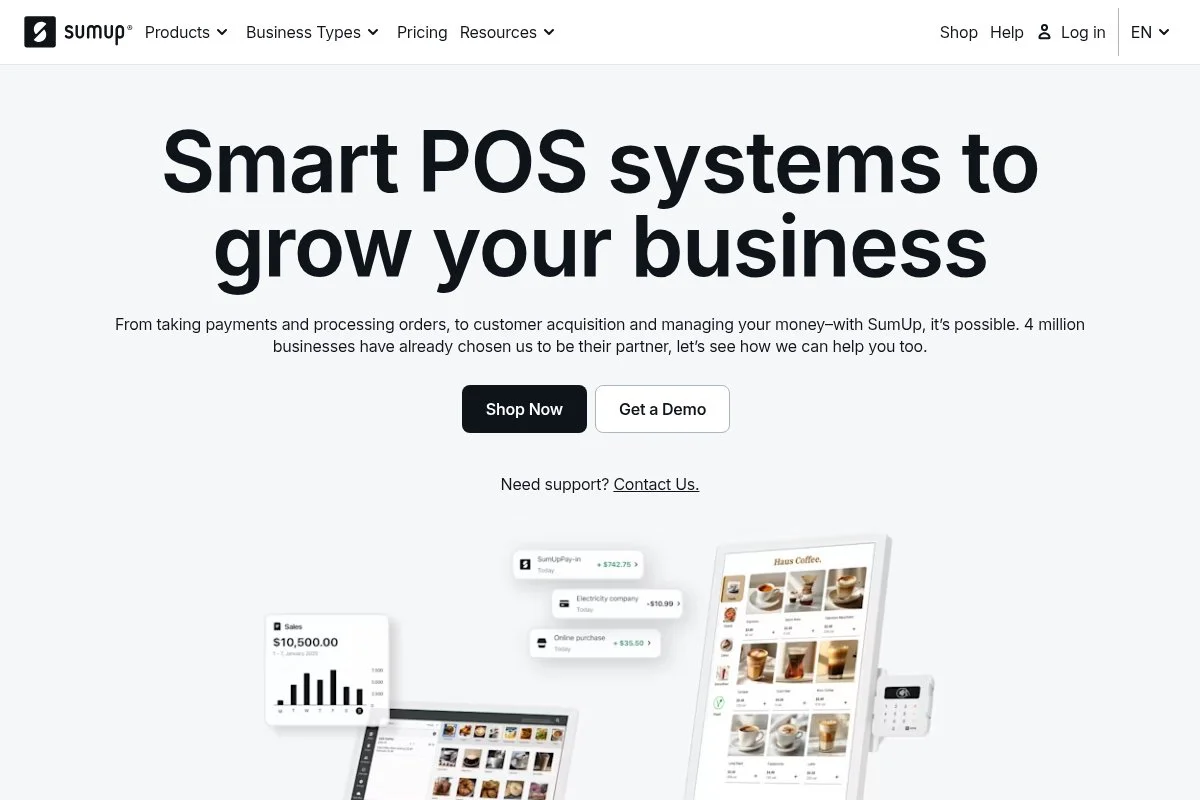
SumUp focuses on simple, low-cost card readers and a no-monthly-fee model for small businesses. The company operates in many countries and is well-known for affordable tap-and-chip hardware. Getting started is quick: order a reader, pair it with your phone, and you’re ready to accept cards. The app handles tips, receipts, and simple item catalogs, which work well for markets and mobile services.
Recent updates include Tap to Pay on supported devices in select regions, as well as expanded invoicing and payment links. That reduces friction for service pros who split time between in-person and remote work. For higher needs, SumUp offers standalone terminals and tools such as invoicing and a simple online store. While it’s not a full retail system, it covers most basics a solo seller needs.
I like SumUp for its straightforward pricing and compact hardware. It’s a strong fit if you want minimal setup and a low-cost reader that just works. Support is responsive in my experience, and the app design is clean. If you ever outgrow it, moving to a more robust POS is simple because your item data is easy to rebuild.
How SumUp Works and Key Features
The SumUp app gives you a lightweight checkout with quick-add items, taxes, and tipping. You can customize receipts and accept contactless wallets like Apple Pay and Google Pay. Templates for invoices and payment links help with remote clients. Technical users can connect via select integrations, but SumUp isn’t a developer-first platform. Analytics include daily sales, item performance, and payout summaries. You can automate receipting and basic invoice reminders.
SumUp also offers compact standalone terminals if you don’t want to rely on your phone. Help is available via email and chat, plus a solid help center. It’s a smooth fit for beginners who want simple tools without extra fees.
Who SumUp Is Best For
Great for crafters, market sellers, fitness instructors, home repair pros, and mobile food vendors. It shines where portability and price matter most. If you need deep inventory management, shift scheduling, or multi-location control, Square or Shopify will fit you better. No technical skill required.
SumUp Pricing
SumUp uses a no-monthly-fee model with per-transaction pricing. You buy the reader and pay as you go. Software basics are included.
- Pay-as-you-go: $0/month, in-person rate commonly 2.75% per transaction
- Hardware: Compact tap-and-chip readers and terminals available at one-time prices
Compared to others, SumUp is budget-friendly for light volume and occasional events. There’s no subscription pressure, and you can upgrade hardware later if you start doing more sales.
SumUp Pros and Cons
Pros
- No monthly fee; simple, predictable pricing
- Affordable, portable readers
- Solid basics: tips, receipts, payment links, invoices
Cons
- Fewer advanced retail features
- Limited developer tools and integrations
- Reporting is simpler than full POS suites
Choose SumUp if you want a low-cost reader and basic tools. If you plan complex retail or multi-staff scheduling, consider Square or Shopify instead.
SumUp Reviews
SumUp has wide user feedback online across sources like Trustpilot and app stores. Ratings vary by country and device, so check the most current listings for your region.
3. PayPal Zettle
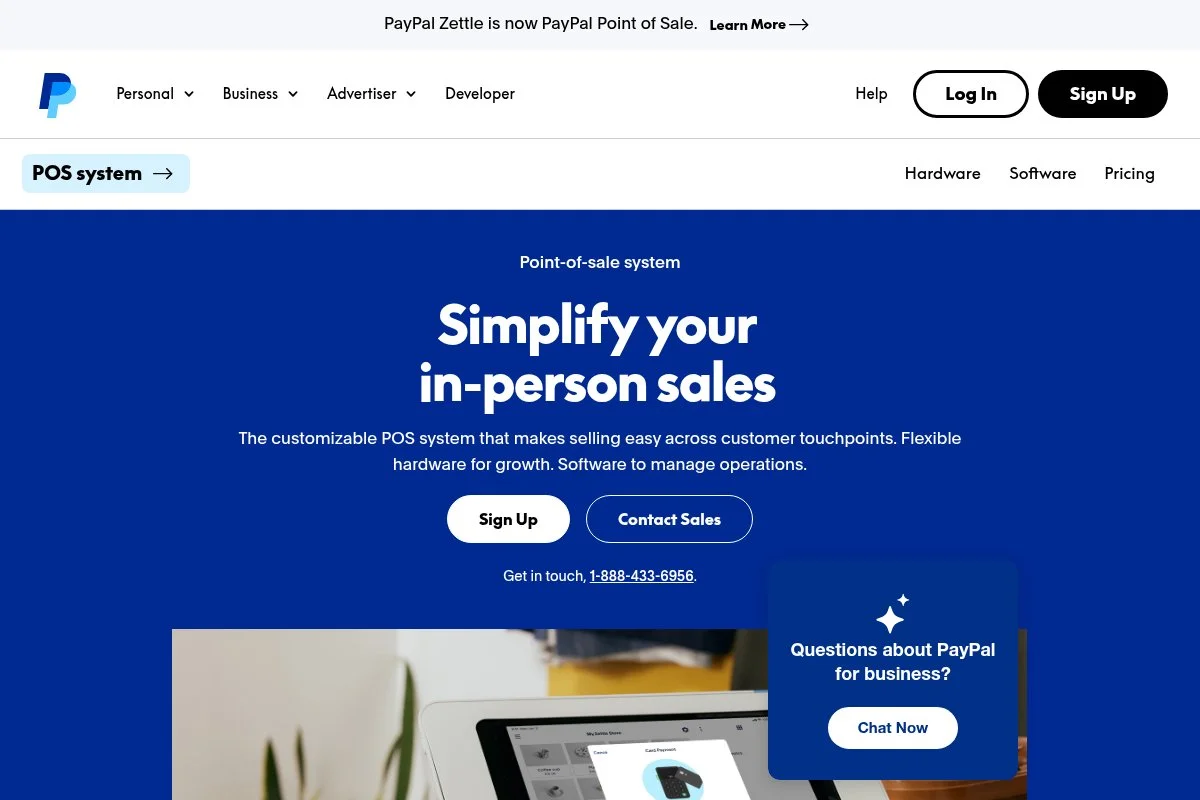
PayPal Zettle is PayPal’s in-person payments system with compact readers and a free app. If you already invoice or sell online with PayPal, Zettle makes your in-person flow feel familiar. Setup is quick: pair the reader, add items, and start taking taps and chips. The app supports tips, taxes, and simple inventory, which is plenty for pop-up selling and service calls.
Recent progress includes better syncing with PayPal checkouts and easier payouts within the PayPal ecosystem. That’s helpful if you move cash between PayPal and your bank often. Zettle’s higher-end terminals add receipt printing and longer battery life. While not built for deep retail complexity, it’s a smart extension for PayPal-first businesses.
I reach for Zettle when a client already uses PayPal for online work and wants a single login for everything. Staying in one ecosystem keeps accounting simple. The hardware is sturdy for its size, and the app feels smooth. If you outgrow it, you can still keep PayPal for online and use a different POS for retail depth.
How PayPal Zettle Works and Key Features
Zettle’s app gives you item catalogs with images and variants, taxes, discounts, and tipping. You can accept all major cards and mobile wallets. Basic reports cover sales totals, top items, and payout timing.
It ties neatly into your PayPal account, which speeds up payouts within PayPal. You can create payment links and simple invoices when you need to bill remotely. Support is available through PayPal help channels and guides. The experience suits sellers who value ease and existing PayPal tools over advanced POS features.
Who is PayPal Zettle Is Best For
Best for PayPal users, pop-up shops, market sellers, home services, and side hustles. It’s ideal if you already invoice or sell online with PayPal. If you need richer retail inventory, employee roles, or marketing tools, Square or Shopify will be better. Beginner-friendly.
PayPal Zettle Pricing
Zettle charges per transaction with no mandatory monthly fee for the core app. You pay for hardware and optional add-ons.
- Pay-as-you-go: $0/month, in-person rate commonly 2.29% + 9¢ in the U.S.
- Hardware: Tap-and-chip reader and terminal options at one-time prices
For light-to-moderate volume, pricing is competitive. If you prefer to hold funds in PayPal and transfer when needed, Zettle keeps that workflow tight.
PayPal Zettle Pros and Cons
Pros
- Great if you already use PayPal for online sales
- Affordable, portable readers
- Simple app with tips, taxes, and item catalogs
Cons
- Not designed for complex retail or restaurants
- Some features trail bigger POS suites
- Payout flows follow PayPal processes
If PayPal is your hub, Zettle is a natural in-person add-on. If you need advanced POS features, consider Square or Shopify.
PayPal Zettle Reviews
Zettle’s app and hardware are widely discussed across PayPal forums and review sites. Ratings vary, and they change over time. Check current listings for the latest scores.
4. Stripe Terminal
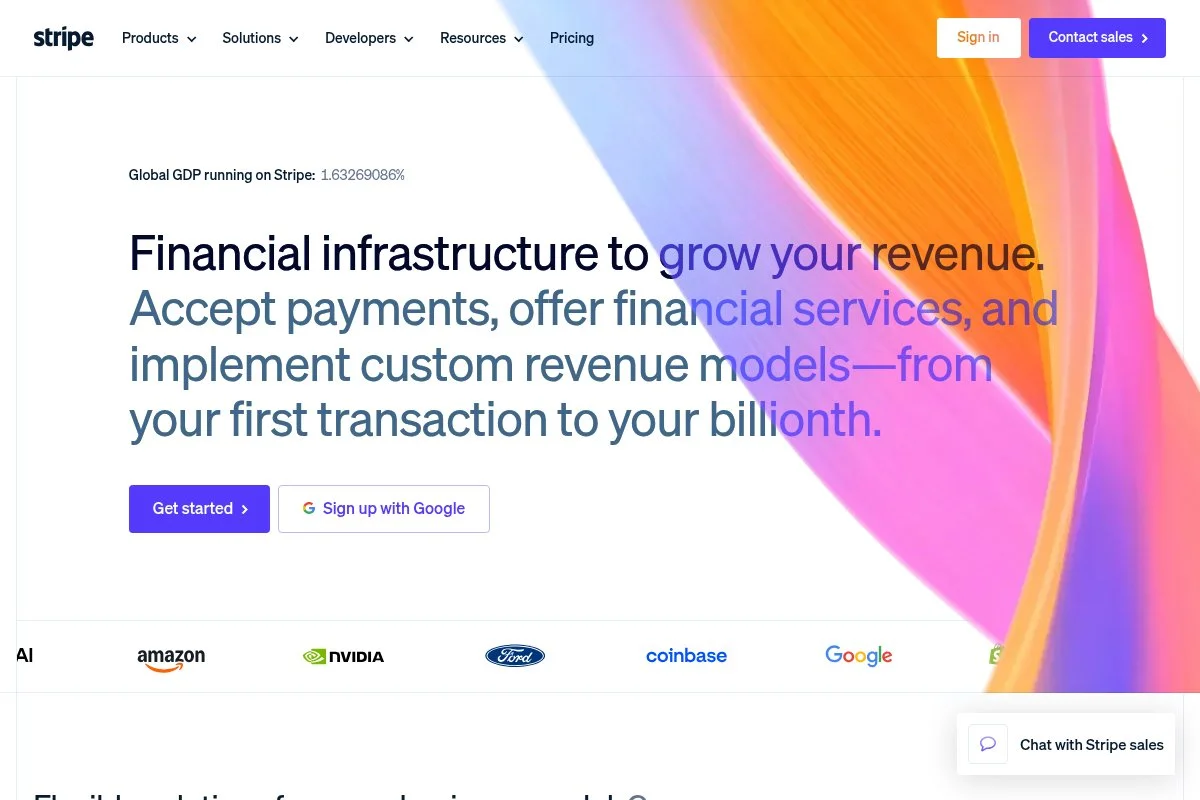
Stripe Terminal brings Stripe’s online payments to in-person checkout with pre-certified readers and SDKs. Stripe is a developer favorite and powers payments for many leading apps and marketplaces. Getting started is easy if you already use Stripe: order a reader, connect with the Stripe Dashboard or your app, and start taking taps and chips. The setup shines if you need custom flows or a branded checkout.
Recent years have brought Tap to Pay to supported devices, expanded global coverage, and stronger risk tools. For businesses mixing web, mobile, and in-person sales, Terminal keeps data in one place. Advanced features include the Payment Element for online, subscriptions, and invoicing through Stripe Invoicing. You also get powerful reporting and APIs that are hard to match.
I reach for Stripe when a client has an app or a booking system and wants in-person checkout to integrate seamlessly. It feels purpose-built for technical stacks. Documentation is excellent, support tiers are available, and the hardware selection covers most needs. If you are non-technical, the flexibility might feel like overkill.
How Stripe Terminal Works and Key Features
Stripe offers a clean dashboard for quick tests, but its power shows through SDKs for iOS, Android, and web. You can build a checkout that mirrors your app and connect readers over Bluetooth or a network. Templates aren’t the focus, but Stripe’s Payment Links and Checkout cover simple needs. Developers can add custom logic, webhooks, and data exports. Analytics include revenue, disputes, authorization rates, and payout timing.
Automations include recurring billing, dunning via Billing, and invoicing reminders. Support ranges from community docs to paid support plans. Overall, it balances flexibility for technical users with reliable hardware for day-to-day sales.
Who Stripe Terminal Is Best For
Best for software builders, SaaS, appointment apps, ticketing, and marketplaces. It excels when you need one system for web, mobile, and in-person. If you want a plug-and-play POS without coding, Square or SumUp is easier. Some technical skills help.
Stripe Terminal Pricing
Stripe pricing is pay-as-you-go with per-transaction rates and separate hardware costs. Online and recurring billing have different rates than in-person billing.
- Pay-as-you-go: $0/month, in-person commonly 2.7% + 5¢ in the U.S.
- Online/Invoices/Billing: Usage-based; rates vary by product
- Hardware: Stripe-certified readers and terminals at one-time prices
Stripe is cost-effective if you value developer control and multi-channel data. There’s no base fee for many features, and you pay more only as usage grows.
Stripe Terminal Pros and Cons
Pros
- Great developer tools and documentation
- One system for online and in-person payments
- Tap to Pay and multiple reader options
Cons
- Setup can be complex without technical help
- Fewer out-of-the-box retail features than POS suites
- Support tiers vary by plan and volume
Choose Stripe Terminal if you need custom workflows. If you just want to start swiping fast, Square or SumUp will be simpler.
Stripe Terminal Reviews
Stripe’s ecosystem is widely reviewed across developer forums and software review sites. Feedback trends positive on flexibility and APIs, with some noting a learning curve.
5. Helcim
Helcim is a payment processor known for transparent interchange-plus pricing with no monthly fee. It’s popular with growing small businesses that want lower effective rates as volume rises. Setup is straightforward: create an account, order the Helcim Reader, and connect to the app. The dashboard covers POS, invoices, online checkout, and customer profiles.
Recent improvements include Tap to Pay on supported devices, more invoice options, and better recurring billing. That helps service pros move from ad-hoc charges to predictable subscriptions. Advanced features include hosted payment pages, a virtual terminal, and surcharge tools where allowed. Interchange-plus pricing—like interchange + 0.1% + 5¢ in-person —can save money at higher average ticket prices.
I like Helcim for established solo businesses that process steady volume. It rewards growth without locking you into a subscription. Support is helpful, and documentation is clear about rates. If you’re rate-sensitive and invoice often, Helcim is worth a hard look.
How Helcim Works and Key Features
Helcim’s POS and dashboard focus on clarity. You get a clean checkout, item catalogs, customer profiles, saved cards with consent, and flexible invoices. Hosted payment pages and online checkout widgets help with remote payments. Advanced users can use Helcim’s API, payment links, and optional surcharging where allowed. Reports include detailed fee breakdowns so you see exactly what you pay. Automations cover recurring invoices, reminders, and saved payment methods.
Support is available through guides, email, and phone during business hours. For many self-employed pros, Helcim hits a sweet spot of savings and simplicity.
Who Helcim Is Best For
Ideal for consultants, medical and wellness clinics, home services, and boutiques with mid-to-high ticket prices. It shines when you process consistent volume and care about fee transparency. If you just want a basic reader for occasional sales, SumUp or Square is easier. Beginner-friendly, with room for advanced use.
Helcim Pricing
Helcim uses interchange-plus pricing with no monthly fee, which can lower costs as volume and ticket size increase. Hardware is a one-time cost.
- Pay-as-you-go: $0/month, in-person commonly interchange + 0.1% + 5¢
- Online/Keyed: Interchange + higher markup (e.g., 0.5% + 25¢)
- Hardware: Helcim Reader available at a one-time price
Compared to flat-rate options, Helcim often becomes cheaper as you grow. If you run higher-average-ticket, the savings can be meaningful. No annual commitment required.
Helcim Pros and Cons
Pros
- Interchange-plus with no monthly fee
- Great for higher volume or larger tickets
- Clear reporting and invoice tools
Cons
- Not the cheapest for very low volume
- Fewer retail add-ons than big POS suites
- Availability varies by region
If you want savings and transparency, Helcim is a strong contender. If you’re occasional or event-only, Square or SumUp may be simpler.
Helcim Reviews
Helcim earns positive feedback for clear pricing and helpful support across multiple review sites. Ratings and counts change, so check current listings for up-to-date details.
6. Shopify POS

Shopify POS ties in-person checkout to Shopify’s ecommerce platform. If you already run a Shopify store, the POS gives you unified products, inventory, and analytics in one system. Getting started requires a Shopify plan. From there, you can add the POS app, pair a reader, and sync your catalog. The checkout is polished, and inventory sync is a major time-saver.
Recent updates improved Tap to Pay on iPhone, staff permissions, and retail reports. If you sell online and at events, Shopify POS can make your life easier. On higher tiers, POS Pro adds advanced inventory management, staff roles, and additional retail tools. The ecosystem of apps and hardware covers most retail scenarios.
I recommend Shopify POS for merchants who already love Shopify online. It keeps everything consistent across channels with little manual work. Support is strong, and the app marketplace fills gaps. If you don’t sell online, the monthly fee might feel like overkill.
How Shopify POS Works and Key Features
The POS app syncs products, variants, and inventory from your Shopify store. You get barcode support, discounts, taxes, tips, and customer profiles. Templates center on retail workflows rather than invoices. You can extend with apps for loyalty, local delivery, and staff scheduling. Reports cover sales by channel, product performance, and inventory changes. Automations handle receipts, restock alerts, and order routing. Support includes 24/7 help for Shopify plans, plus a deep help center. Overall, it’s a strong fit for retailers selling across online and physical channels.
Who Shopify POS Is Best For
Perfect for retail boutiques, pop-up stores tied to an online shop, brand events, and makers with Shopify online. It excels at unified inventory and channel reporting. If you don’t need e-commerce, Square or SumUp is cheaper. No coding required.
Shopify POS Pricing
Shopify POS requires a Shopify plan. Card rates vary by plan, and POS Pro is an optional add-on for advanced retail.
- Shopify Basic: About $39/month, in-person rate commonly ~2.7%
- Shopify (Standard): Monthly fee applies, lower in-person rate
- Advanced: Higher monthly fee, lower processing rates
- POS Pro: Additional monthly fee per location for advanced retail tools
If you already pay for Shopify online, POS is a natural extension. Value improves as you grow SKUs and channels. Annual billing can lower software costs.
Shopify POS Pros and Cons
Pros
- Unified online and in-person inventory
- Great retail checkout and app ecosystem
- Tap to Pay on iPhone supports in select regions
Cons
- Requires a Shopify plan (monthly cost)
- Invoices and service tools are limited compared to POS-first apps
- POS Pro adds extra fees
If retail plus ecommerce is your world, Shopify POS is easy to recommend. If you only need a simple reader, start with Square or SumUp.
Shopify POS Reviews
Shopify POS is widely reviewed in the Shopify app and on software review sites. Feedback highlights strong retail features and online integration, with costs being the main tradeoff.
7. QuickBooks Payments
QuickBooks Payments connects card acceptance to QuickBooks Online. If you live in QuickBooks for books and taxes, taking cards inside the same system can save hours. Getting started is easy if you already have QuickBooks Online. You can accept card payments on invoices, use a card reader for in-person sales, and auto-reconcile much of your accounting.
Recent updates improved invoice customization and payment links. The big benefit stays the same: less manual entry when payments and books live together. Advanced features include recurring invoices, auto-matching to bank feeds, and mobile card readers for simple POS needs. It’s not a full retail suite, but it covers many service workflows.
I recommend it for bookkeeper-first pros: accountants, contractors, and consultants who prioritize reconciled books. The time savings can outweigh rate differences. Support runs through Intuit channels and certified ProAdvisors. If you don’t use QuickBooks, you’ll get more value from a general POS like Square.
How QuickBooks Payments Works and Key Features
In QuickBooks, you can send invoices that accept cards and ACH payments. The mobile app and reader handle in-person taps and chips. Payments sync back to invoices and accounts, reducing categorization work. Templates help you brand invoices and set terms. You can set recurring schedules and automatic reminders. Reports live inside QuickBooks, so you track revenue, taxes, and deposits in one place. Support includes a help center and phone options. It’s a practical fit if you care most about clean books and simple card acceptance.
Who QuickBooks Payments Is Best For
Great for consultants, trades, accountants, and service pros who already use QuickBooks Online. It shines for invoicing and simple in-person payments. If you need rich retail POS, look at Square or Shopify. Beginner-friendly if you know QuickBooks.
QuickBooks Payments Pricing
QuickBooks Payments uses pay-as-you-go processing with different rates by payment type. There’s no required monthly fee for basic acceptance, though QuickBooks Online has its own subscription.
- In-person (swiped/tapped/dipped): Commonly around 2.4% + 25¢
- Invoiced/Online: Commonly around 2.9% + 25¢
- Keyed: Commonly around 3.4% + 25¢
- ACH bank transfer: Often low or capped fees
If you already pay for QuickBooks Online, Payments can cut bookkeeping time. For heavy retail, a POS suite may be more cost-effective, especially with the features it includes.
QuickBooks Payments Pros and Cons
Pros
- Deep QuickBooks Online integration with auto-reconcile
- Strong invoicing and recurring options
- ACH availability for lower-cost payments
Cons
- Requires a QuickBooks Online subscription for full value
- Not a full retail POS
- Rates vary by payment type
Pick this if bookkeeping is your top priority. If you sell many items in person, Square or Shopify may be a better fit.
QuickBooks Payments Reviews
User feedback centers on convenience for bookkeeping and accounting. Reviews vary by plan and region. Check current ratings on software review sites for the latest.
What Is the Best Credit Card Reader and Payment Tool Right Now?
My top picks today are Square for most self-employed sellers, Helcim if you process higher tickets or steady volume, and PayPal Zettle if you already live in the PayPal world. Square is my number one. I use it for pop-ups and quick events, and this is not sponsored. I found it years ago at a street fair where every vendor seemed to have that tiny white reader. What impressed me right away was the speed from sign-up to first tap. The main win for me is the balance of simplicity, reliability, and helpful add-ons when I need them.
In terms of value, Square’s no-monthly-fee model keeps fixed costs low. If you run $5,000/month in in-person sales at common U.S. rates (2.6% + 10¢), the math is clean and predictable. Alternatives with monthly subscriptions can feel heavier unless you need those extra features day one. Square lets you grow into paid add-ons later. Helcim is a close second for anyone with higher-than-average ticket sizes or a steady book of business. Interchange-plus pricing can beat flat-rate costs as you scale, and the invoices and hosted pages are strong. If I were running a services firm with $200 average tickets, I’d give Helcim a serious look.
Its unique strength is fee transparency. Seeing exact interchange and markup helps you price jobs with confidence. If my volume were higher and more predictable, I might pick Helcim for the savings.
PayPal Zettle is my third choice, especially if you already invoice with PayPal or accept PayPal online. Keeping funds, payouts, and disputes in one login saves time. The reader is compact, and the in-person rate is competitive for light-to-moderate volume.
I also mix tools based on the event. I keep Square for pop-ups, Stripe for projects that need custom online flows, and QuickBooks Payments for clients who want everything tied to their books. Using more than one tool is normal.
Choosing among the top three can be tough. I stuck with Square because it let me move fastest with zero friction and add features only when I needed them. Helcim and Zettle are excellent fits depending on your volume and ecosystem.
I hope this helped you land on the right setup for your workflow and budget. Here’s to fewer awkward “Do you take cards?” moments and more paid invoices.
Frequently Asked Questions
Q: Which card reader is the cheapest way to start?
For most self-employed folks, Square or SumUp is the easiest, low-cost way to get started. Both have no monthly fee and affordable readers. If you already use PayPal, Zettle is also a simple, low-friction option.
Q: What fees should I actually care about?
Focus on in-person rates, online/invoice rates, chargeback fees, and any monthly software costs. If you process larger tickets or higher volumes, consider interchange-plus options like Helcim for savings.
Q: Do I need special hardware to take tap payments?
Not always. Many providers now support Tap to Pay on compatible iPhones and some Android devices. If your phone is supported, you can accept taps without a separate reader.
Q: How fast do deposits hit my bank?
It varies by provider and your account history. Most offer standard payouts within one to two business days, with optional instant transfers for an extra fee. Check your provider’s payout schedule before your first big event.
Photo by Yoco Photography: Unsplash


