


A few years ago, I hit tax season with a shoebox of receipts, three spreadsheets, and a knot in my stomach. I run editorial at a small media company, but my solo consulting on the side needed cleaner books. I wanted simple invoicing, bank feeds that wouldn’t break, and reports my CPA wouldn’t reject. I did not need every enterprise feature—just reliable basics that saved time.
I kept hearing how smart solopreneurs close their books monthly. They use rules to auto-categorize, reconcile weekly, and send invoices the same day. That clicked for me. Picking software, though, was harder than I expected. Prices vary by country, limits hide in the fine print, and “free” often means “free until you grow.” I burned hours comparing plans.
What I learned: you do not need the biggest brand to stay compliant and organized. You need strong bank feeds, easy invoicing, clean reporting, and reasonable pricing as you scale.
What is Cloud Accounting Software?
Cloud accounting software is an online bookkeeping tool that connects to your bank, tracks income and expenses, and generates reports for taxes and business decisions.
There is a saying in small business: what gets measured gets managed. Accurate, timely books help you keep more of what you earn, make smarter pricing choices, and avoid tax penalties.
Think of it like GPS for your money. A simple spreadsheet might show where you were last month. Cloud accounting provides near-real-time cash flow, aging invoices, and profit by project in a few clicks.
At its core, this software lets freelancers and solo owners import transactions from banks and payment processors, categorize them, invoice clients, and run reports to see profit and prepare taxes.
Many pairs accounting with tools like payment processors, time-tracking apps, mileage apps, receipt scanners, and payroll to round out their financial stack.
Not every platform handles these tasks equally well, so it pays to choose carefully based on your workflow and growth plans.
How to Choose the Best Cloud Accounting Software
With so many options, picking one can feel overwhelming. Each site promises “easy,” but pricing tiers and limits tell the real story.
I wrote this to help you find a tool that fits your work, not the other way around. My aim is to save you time and help you avoid gotchas.
Most guides on this topic are written by the companies themselves or by media pages built around sponsored placements. I am not sponsored by any platform on this list. What follows is my plain, candid take based on research and real use.
Here are some questions you should ask when looking for a tool:
- Is there a free plan, and what are the real limits?
- How quickly can I send an invoice, match a bank feed, and run a P&L?
- Will it scale if I add contractors, inventory, or multi-currency?
- How does pricing rise as clients, invoices, or users increase?
- Does it cover everything I need: quotes, time, mileage, 1099s, sales tax?
- Are analytics clear: cash flow, aging, project profitability, tax estimates?
- How hard is it to export data and migrate if I switch later?
- Is uptime solid, and how are bank connections maintained?
- Any technical needs, such as API access, batch imports, or custom fields?
Let’s see which one is right for you.
1. Wave
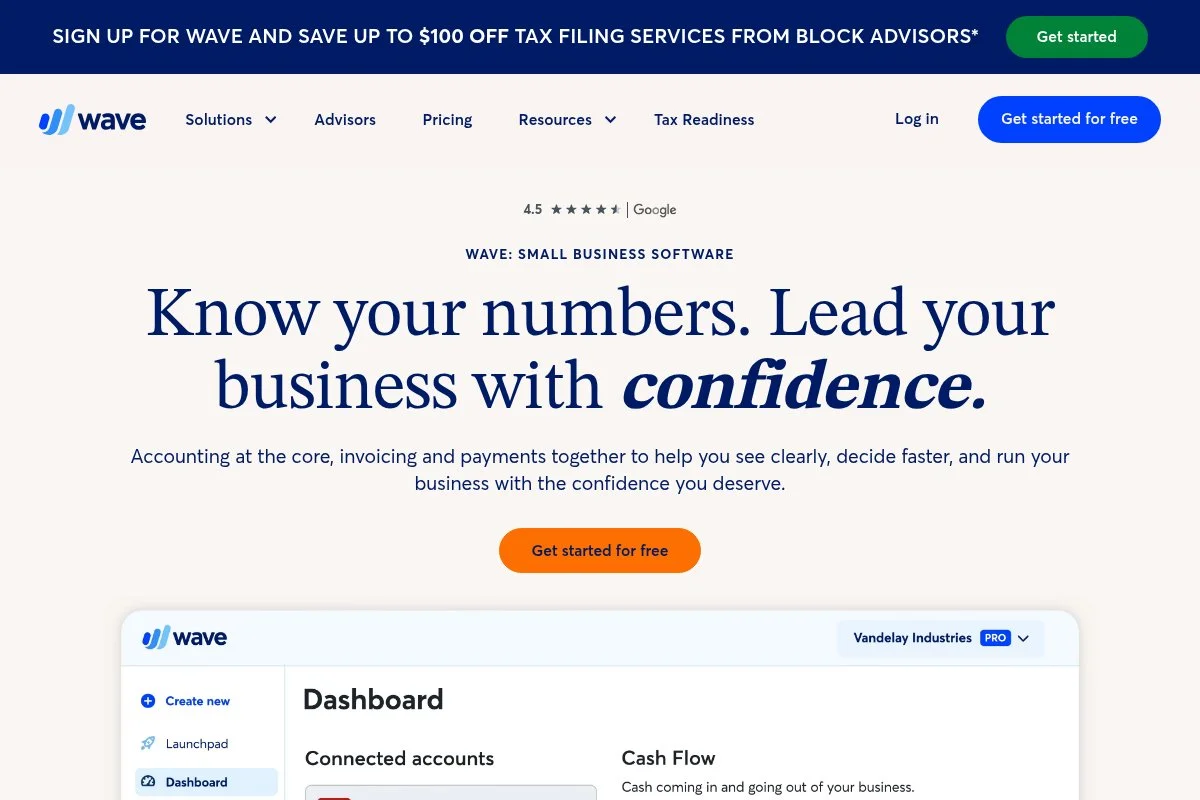
Wave is a free, cloud-based accounting and invoicing platform built for very small businesses and freelancers. The company has been around since 2010 and is widely recognized for offering true free core accounting in North America.
You can start for free in minutes. Connect bank accounts, categorize expenses, and send unlimited invoices. The dashboard is clean, and the transactions screen makes it easy to apply rules and reconcile.
Recent updates improved invoice customization and payout timing for payments. The mobile apps have also gotten steadier, which matters if you invoice on the go.
On paid add-ons, Wave offers integrated payments, payroll in supported regions, and receipt scanning. For many solopreneurs, those extras replace separate tools at a fair per-use price.
I have used Wave for a side project where I needed basic invoicing and simple books. The zero-dollar entry is a relief when cash is tight, and the core tools are enough for many service solos.
Support articles are straightforward and helpful. I also like their plain-language approach to reports, which makes handoff to a CPA easier.
How Wave works and key features
Wave’s interface focuses on a clean transactions ledger, simple invoice builder, and basic reports. Templates are minimal but look professional, and you can add your logo, terms, and payment options.
Advanced users can set automation rules to auto-categorize recurring expenses and match deposits. You can connect Stripe-like payment options directly through Wave Payments and enable ACH for some clients.
Reporting covers profit and loss, balance sheet, sales tax, and aging. There is no deep project accounting, but you can track items and notes on invoices.
Wave also offers receipts via a mobile app, plus estimates/quotes that convert to invoices. Help is available through guides and email support, with paid support options for tax and bookkeeping help.
Overall, it is beginner-friendly and good enough for many solo services, without a steep learning curve.
Who Wave is for
Best for freelancers, consultants, coaches, designers, and other service pros who want free core accounting. Great for issuing invoices, basic expense tracking, and simple year-end handoff. If you need inventory, time tracking built-in, or multi-currency, a different tool may fit better. No technical skill required.
Wave pricing
Wave’s core accounting and invoicing are free. You pay for optional services like online payments and payroll, which are usage-based.
- Accounting & Invoicing: $0/month, unlimited income/expense tracking, unlimited invoices, basic reports
- Payments: Pay-as-you-go processing fees for cards and ACH
- Payroll: Paid add-on in supported regions, priced per month plus per-employee/contractor
Value-wise, Wave is hard to beat for a free start. Costs rise only if you add payments or payroll. Check your state or country for payroll availability and rates, and note that payment fees vary by method.
Wave pros and cons
Pros
- Free core accounting and invoicing with no trial clock
- Simple setup and clean, friendly interface
- Good enough reports for most solos
- Only pay for payments and payroll if you use them
Cons
- Limited inventory and project accounting features
- Payroll not available in every region
- Fewer deep integrations than bigger suites
If you want free and simple, Wave is my top pick. If you plan to grow into advanced features, consider Xero, Zoho Books, or QuickBooks.
Wave reviews
Wave has strong coverage on major review sites like G2 and Capterra. Ratings and counts change often, so I suggest checking those pages for the latest snapshot and detailed user feedback.
2. Zoho Books
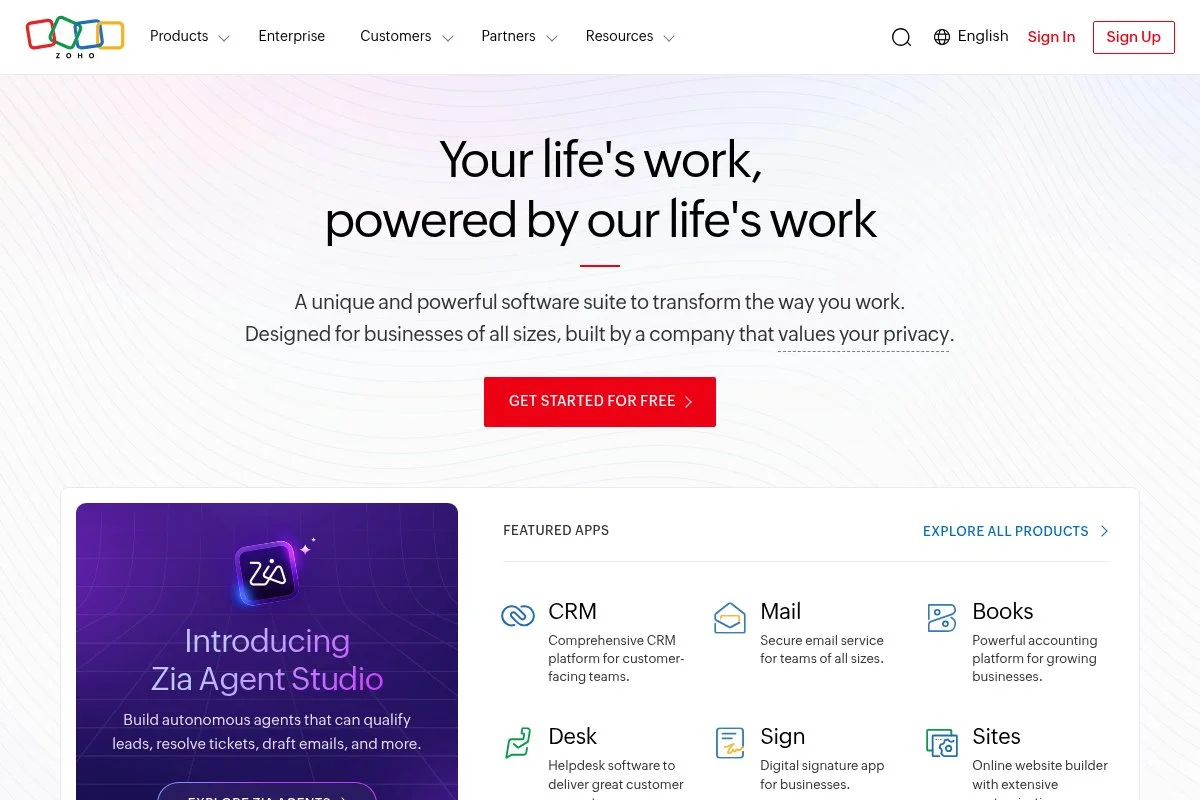
Zoho Books is part of the larger Zoho suite, known for CRM, email, and dozens of business apps. It is a full-featured accounting system that shines with automation and client portals, and it integrates tightly with other Zoho tools.
You can start on a free plan if eligible, or a paid tier starting at a low monthly price. Setup walks you through bank feeds, taxes, and invoice branding. The UI is organized, with clear modules for sales, purchases, banking, and reports.
Recent releases improved workflow rules, payment reminders, and client portal features. The mobile apps feel mature, and the ecosystem keeps growing with marketplace extensions.
On higher tiers, Zoho Books adds project accounting, retainer invoices, advanced reporting, multi-currency, and more users. If you also use Zoho CRM or Zoho Invoice, this becomes a powerful end-to-end stack.
I like Zoho Books for service providers who want automation without a high bill. The approval flows and custom fields help when you outgrow basic tools.
Their help docs are excellent, and support has been responsive for me during setup questions.
How Zoho Books works and key features
Zoho Books uses a clean tabbed interface. The invoice editor is WYSIWYG with good templates and custom fields. You can set rules to auto-categorize, send payment reminders, and run recurring invoices.
Advanced users get an API, webhooks, and marketplace integrations. Analytics include P&L, balance sheet, cash flow, aging, project profitability, and tax summaries.
Automation covers bank rules, workflows for approvals, and scheduled reports. You also get a client portal for estimates, invoices, and payments. Extras include timesheets, expenses with receipt capture, and mileage.
Support is offered via email and chat, and onboarding guides are thorough. Overall, it balances beginner ease with room to grow.
Who Zoho Books is for
Great for consultants, agencies, IT freelancers, coaches, and creatives who value automation and a client portal. Strong fit if you already use Zoho CRM. If your accountant only works in QuickBooks, you may face pushback. It is beginner-friendly but also flexible for power users.
Zoho Books pricing
Zoho Books has a free plan for eligible small businesses in select regions, and tiered paid plans based on features and users.
- Free: $0/month, limited features for small businesses that meet criteria, 1 user + accountant
- Standard: From $20/month, adds more invoices, bank rules, reporting
- Professional: From $50/month, adds bills, vendor credits, purchase orders
- Premium: From $70/month, adds advanced automation and analytics
- Elite/Ultimate: Higher tiers for inventory, advanced analytics, and more users
Compared with peers, Zoho Books offers strong value, especially if you can use the free plan or bundle with other Zoho apps. Annual billing typically reduces the monthly rate. Regional pricing and limits vary, so confirm your country’s page.
Zoho Books pros and cons
Pros
- Free plan available in some regions with useful features
- Excellent automation, client portal, and approval flows
- Deep integration with Zoho CRM and other Zoho apps
- Good value as you scale users and features
Cons
- Free plan region and revenue limits can be confusing
- Some accountants prefer QuickBooks templates and exports
- Inventory and advanced features require higher tiers
If you want automation at a fair price, Zoho Books is an easy yes. If your CPA insists on QuickBooks, weigh the tradeoff.
Zoho Books reviews
Zoho Books is well-reviewed on sites like G2 and Capterra, with many users praising automation and value. Because ratings change, check those listings for current scores and detailed comments.
3. Xero
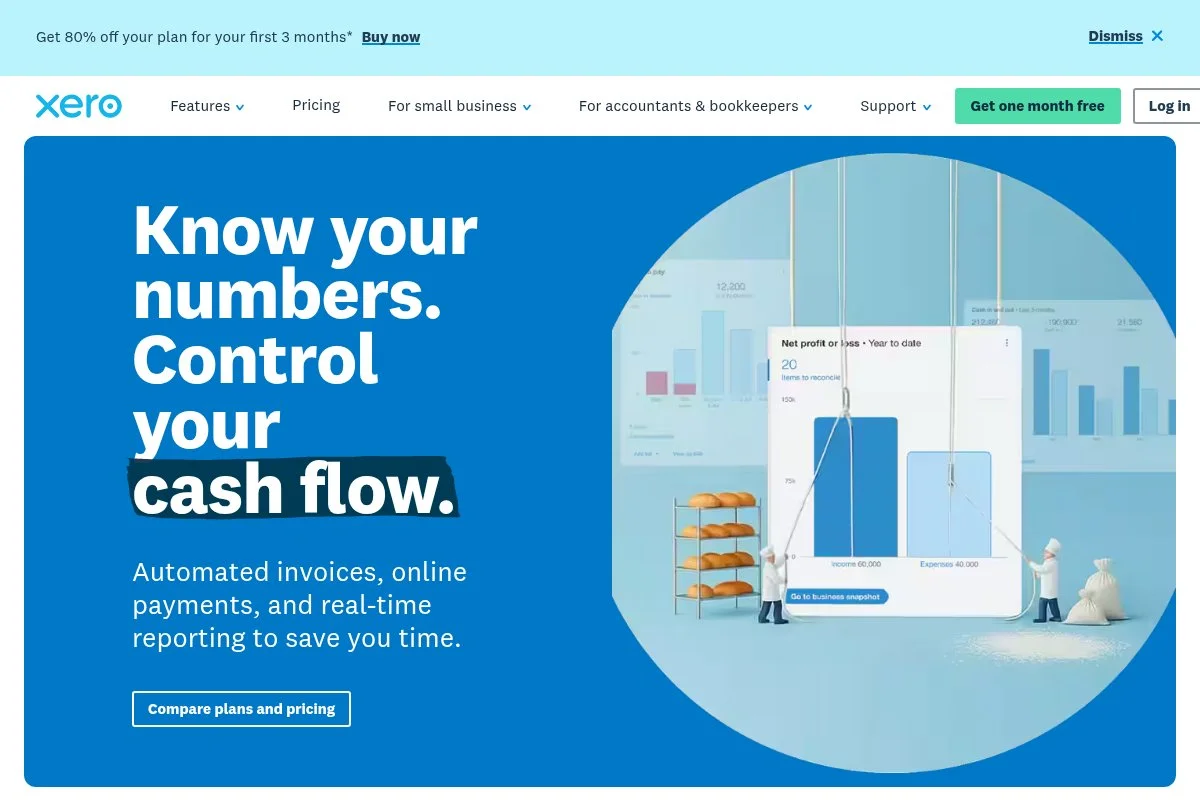
Xero is a modern cloud accounting platform started in New Zealand, with a strong global footprint and a deep add-on marketplace. Many bookkeepers love its clean design and consistent bank reconciliation flow.
Entry pricing is accessible, and onboarding guides are thoughtful. The reconciliation screen is a standout—fast and smart. Invoicing, bills, and bank rules feel polished for daily use.
Recent focus areas include analytics improvements, security enhancements, and continued growth of the app marketplace. This means more niche tools connect well for inventory, time, and reporting.
Higher plans add multi-currency, project tracking, and expense management. The ecosystem also includes Xero Projects and Xero Expenses, which many solos adopt as they grow.
I like Xero for solos who expect to bring on a bookkeeper later. The workflow scales smoothly from DIY to collaborative accounting.
Support resources are extensive, with a community and plenty of video walkthroughs for common tasks.
How Xero works and key features
Xero’s interface centers around bank reconciliation and tidy navigation. Invoices are customizable with templates and items. You can set bank rules and use “find and recode” tools to clean data faster.
Advanced users benefit from a strong API, hundreds of integrations, and custom reports. Analytics include business snapshots, cash flow, aging, and project profitability on higher tiers.
Automation covers bank rules, repeating invoices, and scheduled statements. Extras include purchase orders, expense claims, and support for basic inventory.
Support is delivered through help articles and ticketed help, with many certified advisors worldwide. Overall, it suits both beginners and pros.
Who Xero is for
Best for freelancers, micro-agencies, ecommerce sellers, and international solos who value clean workflows and future scale. Strong if you want app marketplace flexibility. If your local accountant only supports QuickBooks, you may prefer QBO. Beginner-friendly, but advanced features reward power users.
Xero pricing
Xero offers tiered plans in the U.S., generally aligned to feature needs and transaction volume.
- Early: Around $15/month, entry features with invoice/bill limits
- Growing: Around $42/month, unlimited invoices and bills
- Established: Around $78/month, adds multi-currency, expenses, and projects
Versus peers, Xero lands mid-range. The add-on marketplace can replace costlier all-in-one suites. Annual discounts and regional prices vary, so confirm details on your country’s page.
Xero pros and cons
Pros
- Excellent bank reconciliation and rules
- Strong app marketplace and API
- Good path from solo to bookkeeper collaboration
- International features on higher tiers
Cons
- Entry plan has invoice/bill limits
- Multi-currency and projects require higher tiers
- Some U.S. accountants default to QuickBooks
Choose Xero if you want modern workflows and flexibility. Choose QuickBooks if accountant compatibility is your top priority.
Xero reviews
Xero is widely reviewed on G2, Capterra, and other sites, with steady ratings from small businesses and accountants. Check those listings for current scores and comments by role and company size.
4. QuickBooks Online
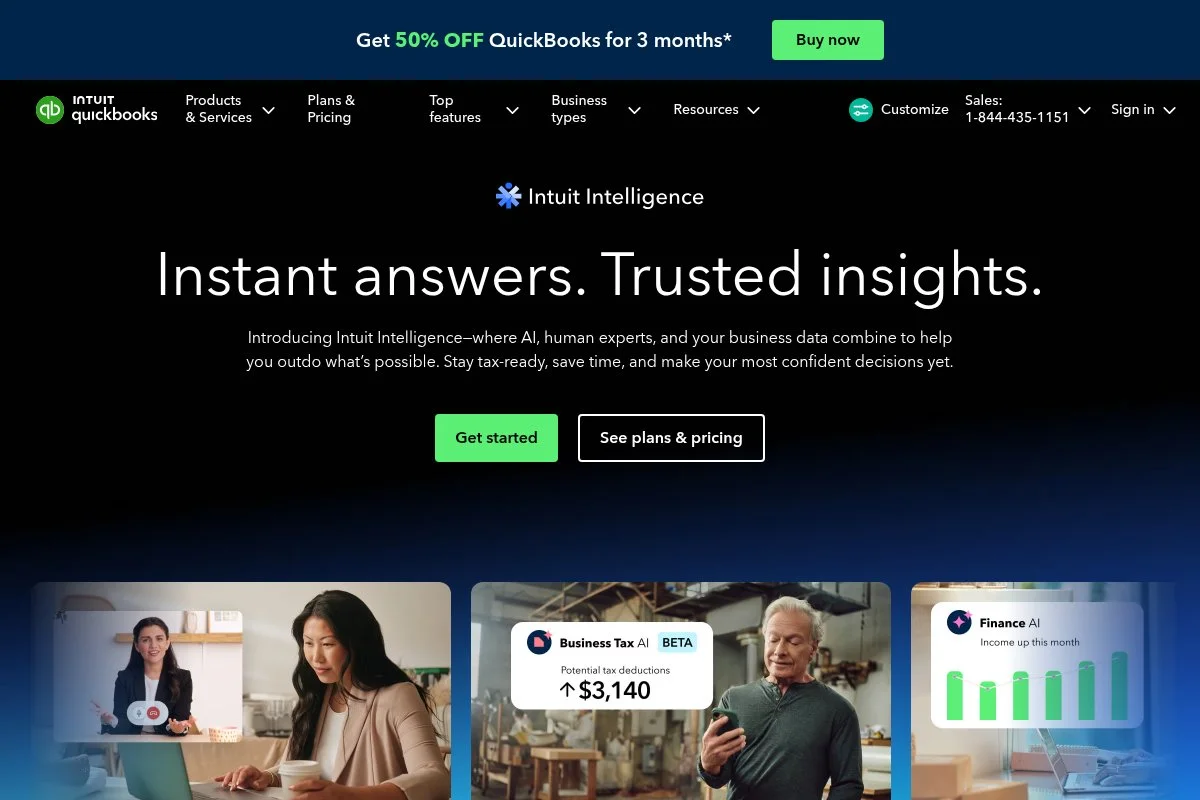
QuickBooks Online (QBO) is the U.S. standard for small business accounting. Most bookkeepers and CPAs work in it daily, and many U.S. tax workflows assume QuickBooks exports.
Setup is guided, with clear prompts for chart of accounts, sales tax, and bank feeds. The experience is fast once you learn the layout. Invoices, bank rules, and reports are easy to reach from the sidebar.
Recent updates include improvements to 1099 workflows, mileage tracking, and payment options. Intuit continues to integrate payroll, payments, and tax features to keep everything under one login.
Higher tiers add bill management, time, inventory, and advanced reporting. The ecosystem includes countless apps and accountant tools for cleanup and close.
I keep a QBO subscription for one of my businesses because my CPA prefers it. The handoff is smooth, and we close faster each quarter.
Support is solid through help articles and chat, and the community forum answers most common questions.
How QuickBooks Online works and key features
QBO’s dashboard surfaces cash flow, invoices, and expenses. The invoice editor is flexible with items, taxes, and payment links. Bank feeds and rules help keep transaction review fast.
Advanced users can use custom fields, classes, and locations. Reports include P&L, balance sheet, cash flow, aging, sales tax, and project profitability on supported tiers.
Automation includes recurring invoices, reminders, and memorized transactions. Extras span payroll, time tracking, and bill pay on upper plans. Integrations are extensive.
Support includes chat and phone on some tiers, with a large network of ProAdvisors. Overall, QBO is powerful yet familiar to most U.S. accountants.
Who QuickBooks Online is for
Best for U.S.-based freelancers, contractors, trades, and ecommerce sellers who want the widest accountant support. Great if you plan to work with a bookkeeper. If you want a lower price or simpler UI, consider Wave or Zoho Books. Beginner-friendly with lots of guides.
QuickBooks Online pricing
QBO pricing is tiered by features and users. Discounts are frequent, but list pricing matters once promos end.
- Simple Start: About $30/month, 1 user, core income/expense tracking, invoices
- Essentials: About $60/month, adds bills and 3 users
- Plus: About $90/month, adds inventory and 5 users
- Advanced: About $200/month, adds advanced reporting and more users
Compared to peers, QBO costs more than Wave and ZipBooks, similar to or higher than Xero and Zoho Books at scale. Annual savings and regional prices vary. Check the QuickBooks site for current promos.
QuickBooks Online pros and cons
Pros
- U.S. accountant and tax workflow standard
- Strong features for bills, inventory, and projects
- Large integration and ProAdvisor ecosystem
- Good onboarding and help content
Cons
- Higher price than some alternatives
- Interface can feel busy at first
- Discounts expire; watch renewal costs
If CPA compatibility matters most, pick QBO. If budget is tight, start with Wave or Zoho Books and reassess later.
QuickBooks Online reviews
QBO has extensive coverage on G2, Capterra, and Trustpilot. Given the volume and frequent updates, check those listings for the freshest ratings and detailed user stories.
5. FreshBooks
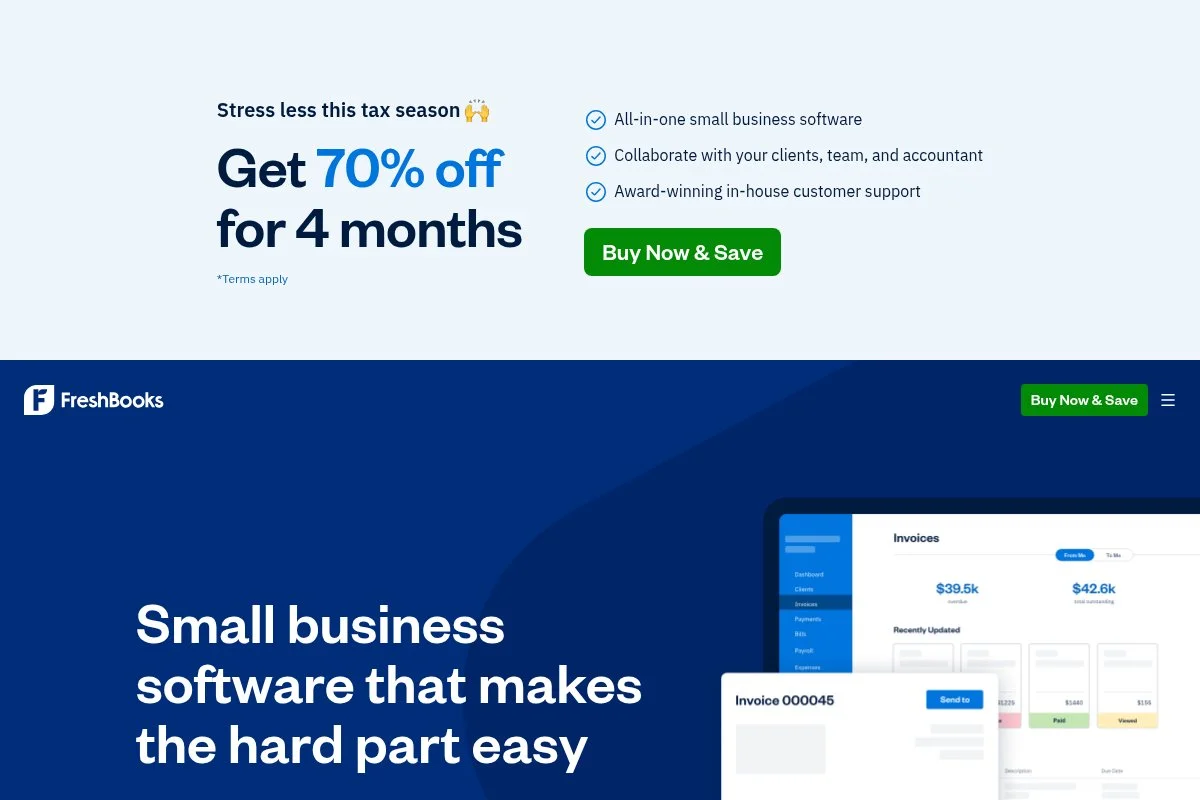
FreshBooks started as an invoicing-first platform and has grown into a service-focused accounting tool. It is popular with creatives and agencies that bill hourly or by project.
Getting started is quick. You can send your first invoice in minutes, track time, and attach expenses. The interface feels friendly, with a clear focus on invoicing and client relationships.
Recent improvements include better project time tracking, retainer billing, and client deposit workflows. Payment options have broadened, helping you get paid faster.
On higher plans, FreshBooks adds more clients, advanced reporting, and additional users. It also offers accountant access to help with reconciliation and year-end close.
I recommend FreshBooks for service pros who live in time tracking. The invoice and estimate flow is one of the smoothest in this group.
Support is personable, and the help center covers most tasks step by step.
How FreshBooks works and key features
FreshBooks centers on a polished invoice and estimate editor, plus built-in time tracking. Templates look sharp and are easy to brand. You can add tracked time to invoices in one click.
Advanced options include proposals, retainers, and automated reminders. Reports cover P&L, expense details, time by client, and aging. The platform integrates with many payment processors and third-party apps.
Automation includes recurring invoices and retainers, mileage tracking, and scheduled reminders. There are mobile apps for time and expenses.
Support includes email and phone in many regions. Overall, it is strong for service workflows while offering enough accounting to keep your books organized.
Who FreshBooks is for
Ideal for consultants, designers, agencies, photographers, and coaches who bill for time or retainers. Great for estimates, proposals, and deposits. If you need deeper inventory or advanced multi-entity features, look at Xero or QBO. Beginner-friendly, with thoughtful onboarding.
FreshBooks pricing
FreshBooks uses tiered pricing based on client count and features. Discounts are common, but here is the typical structure.
- Lite: About $19/month, limited active clients, unlimited invoices, time tracking
- Plus: About $33/month, higher client limits, recurring billing, proposals
- Premium: About $60/month, even higher client limits, advanced reports
- Select: Custom pricing for larger firms and needs
Value-wise, FreshBooks is compelling if invoicing and time are central. Watch client limits, as moving tiers can raise costs. Annual billing usually lowers the monthly rate.
FreshBooks pros and cons
Pros
- Best-in-class time-to-invoice workflow
- Clean client portal and deposit/retainer support
- Friendly interface and mobile apps
- Good accountant access for year-end
Cons
- Client limits can bump you up a tier
- Inventory and complex features limited
- Costs more than free options as you grow
Pick FreshBooks if invoicing and time rule your day. If you sell products, Xero or QBO may fit better.
FreshBooks reviews
FreshBooks earns strong marks on G2 and Capterra, especially from creatives and agencies. For the latest ratings and counts, check those review pages directly.
6. ZipBooks
ZipBooks is a lightweight cloud accounting tool with a generous free starter plan. It focuses on simple invoicing, expense tracking, and basic reports for new businesses.
Getting started is straightforward. You can import bank transactions, create invoices, and accept payments. The interface is uncluttered and friendly for first-time bookkeepers.
Recent updates have focused on reliability and minor UI polish. It keeps the scope tight, which helps with speed and ease.
Paid plans add recurring billing, more advanced reports, and additional features like saved invoice line items and deeper insights.
I like ZipBooks for brand-new solos who want to learn the basics without fees. You can always upgrade or migrate later.
Help docs are clear, and support via email has been helpful in my experience.
How ZipBooks works and key features
ZipBooks offers a simple invoice editor with payment links and basic templates. Bank imports keep your ledger up to date, and you can categorize with rules.
Advanced users can leverage saved items and simple project tags. Reports include P&L, balance sheet, and aging. Automation covers recurring invoices on paid plans.
ZipBooks also supports time tracking and basic team roles on upper tiers. Integrations are more limited than larger suites.
Support is primarily through help articles and email. The experience is beginner-first, with fewer distractions.
Who ZipBooks is for
Perfect for freelancers, trades, and creatives just starting out who want free invoicing and basic books. Good for learning core tasks. If you need inventory, multi-currency, or deep analytics, consider Xero or QBO. No technical skill required.
ZipBooks pricing
ZipBooks has a free starter tier and affordable upgrades.
- Starter: $0/month, basic invoicing, expense tracking, simple reports
- Smarter: About $15/month, adds recurring billing and advanced reports
- Sophisticated: About $35/month, adds more automation and features
Compared with peers, ZipBooks is budget-friendly and transparent. It lacks some advanced features, but the free tier is valuable for new solos. Annual savings may be available.
ZipBooks pros and cons
Pros
- Free starter plan for core tasks
- Clean, simple UI for beginners
- Affordable paid upgrades
Cons
- Fewer integrations and advanced features
- Limited inventory and project tools
- May outgrow it as complexity rises
Choose ZipBooks if you want a gentle start. Switch to Xero or Zoho Books when you need more depth.
ZipBooks reviews
ZipBooks appears on review sites like Capterra and G2, with feedback highlighting ease of use and value. For current ratings and review counts, visit those listings.
7. Sage Accounting
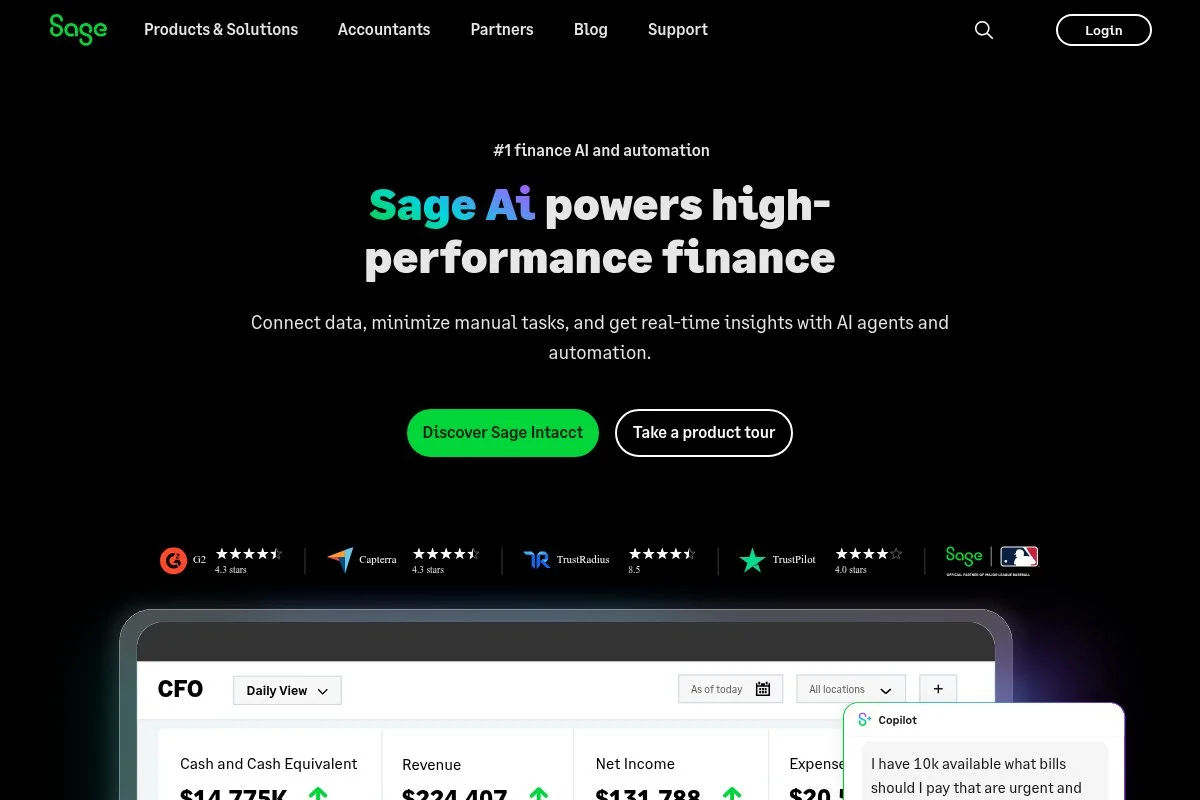
Sage Accounting (formerly Sage Business Cloud Accounting) is a lean online system from Sage, a long-standing name in small business finance. It is popular in the U.K., EU, and other regions with VAT needs.
Setup is quick with guided tax settings and bank feeds. The interface is practical, focusing on sales, purchases, banking, and reports. It is not flashy, but it gets the job done.
Recent improvements refined bank feeds and multi-currency support on higher tiers. Sage continues investing in compliance features for VAT and MTD in the U.K.
Upper plans add quotes, purchase invoices, and multi-currency. If you sell products abroad, this can be a tidy, affordable option.
I like Sage for product sellers who do not need deep inventory systems but want clear VAT handling. It is steady and familiar to many international accountants.
Support is strong in regions where Sage has a large presence, and their guides are practical.
How Sage Accounting works and key features
Sage uses a straightforward interface with basic templates for invoices and quotes. You can connect bank accounts, set rules, and manage taxes with clear menus.
Advanced users get multi-currency on higher tiers and solid VAT tools. Reports include P&L, balance sheet, cash flow, and tax summaries.
Automation covers recurring invoices, reminders, and bank rules. Integrations exist but are lighter than Xero or QBO.
Support is region-dependent, with chat and phone options in many countries. It is a no-drama tool for day-to-day bookkeeping.
Who Sage Accounting is for
Best for small product sellers, consultants billing in multiple currencies, and businesses needing VAT or MTD support. Good fit if your accountant already works in Sage. If you want a large app marketplace, Xero or QBO suits better. Beginner-friendly with clear tax menus.
Sage Accounting pricing
Sage typically offers two main tiers in the U.S., with regional differences elsewhere.
- Accounting Start: About $12/month, core income/expense tracking, invoices
- Accounting: About $25/month, adds quotes, purchase invoices, more features
Pricing is competitive for basics. Multi-currency and some advanced features appear on higher tiers or in regional plans. Look for periodic discounts, and check your local Sage site for exact pricing and tax features.
Sage Accounting pros and cons
Pros
- Affordable entry pricing
- Strong VAT and regional compliance focus
- Simple, practical interface
Cons
- Smaller app ecosystem than Xero or QBO
- Interface feels plain compared to newer tools
- Best features vary by region
Pick Sage if you want straightforward accounting with VAT strengths. Choose Xero if you want more integrations and projects.
Sage Accounting reviews
Sage Accounting is reviewed on platforms like G2 and Capterra, often praised for VAT support and price. For current ratings and counts, refer to those listings directly.
What is the best cloud accounting software right now?
My top picks this year are Wave for a free, simple start; Zoho Books for automation on a budget; and QuickBooks Online if you want maximum accountant compatibility in the U.S.
I personally use Zoho Books for my solo consulting. This is not sponsored. I found it while testing invoicing tools for a guide, and the automation hooks pulled me in. Bank rules, client portal approvals, and recurring invoices made my monthly close feel lighter.
From a value angle, Zoho Books scales well. Starting near $20 per month for paid tiers, it undercuts many suites while adding approvals and project tracking when needed. Compare that with $60–$90 per month on mid-tier QuickBooks or Xero when you tack on certain features, and the math favors Zoho for many service solos.
My second choice is Wave for anyone testing the waters or keeping costs near zero. The accounting and invoicing are free, and payment fees are usage-based. Recent steadiness in bank feeds and the simple reporting make it a strong starter tool.
Wave’s unique strength is the $0 monthly fee without trial pressure. If I were launching a new side gig with a few clients, I would start there and upgrade only if I needed payroll or more depth.
My third pick is QuickBooks Online for U.S. solos who want the least friction with their CPA. QBO’s price is higher, but the time you save during tax prep and the broad app ecosystem can offset the cost of the subscription, especially if you have inventory or more complex needs.
I use more than one tool across projects. For a small media property, we run QBO because our CPA prefers it. For consulting, Zoho Books hits the sweet spot. For a test project, I used Wave to keep overhead at zero.
Choosing among these three can be tough. I stuck with Zoho Books because automation and client approvals save me hours each month, and the price is fair for what I get.
I hope this helped you land on a tool that fits your work and budget. Here is to cleaner books, faster closes, and stress-free tax season.
Frequently Asked Questions
Q: What’s the cheapest way to start with cloud accounting?
Start with a true free option like Wave or ZipBooks Starter. If you qualify for Zoho Books’ free plan in your region, that is another great path. Upgrade only as your needs grow.
Q: Can I switch software later without losing data?
Yes, but plan the move. Export CSVs for transactions, contacts, and chart of accounts. Migrate at month-end, and keep read-only access to your old account for audits.
Q: Do I need payroll built in as a solopreneur?
If you pay only yourself as a sole proprietor, usually no—owner draws can be tracked without payroll. If you hire employees or elect S-Corp status, consider payroll integration.
Q: Which tool makes taxes easiest with a CPA?
In the U.S., most CPAs prefer QuickBooks Online. That said, clean books matter more than the logo. Zoho Books and Xero export solid reports your CPA can work with too.
Photo by Jakub Żerdzicki: Unsplash


