


I learned bookkeeping the hard way: late nights, coffee, and a shoebox of receipts. I wanted control without burning my entire budget on software. I needed clean invoicing, easy expense tracking, and tax-ready reports. I talked with solo designers, rideshare drivers, Etsy sellers, and consultants about what actually worked for them.
What surprised me most was how tricky the choice felt. “Cheap” tools hid limits. “Popular” tools were pricey once you grow even a little. The self-employed folks I trust keep it simple: automate bank feeds, tag expenses fast, and reconcile weekly. They don’t buy more than they’ll use in the next 90 days.
You don’t need a massive system to stay compliant and confident. You need something you’ll actually open every week, and that won’t shock you on renewal.
Scroll down for my hands-on notes, who each tool fits best, and which one I personally picked—with a couple of free choices for true beginners.
What is Bookkeeping Software?
Bookkeeping software is a digital tool that records income, expenses, invoices, and bank activity so you can see profit, stay compliant, and file taxes with confidence.
There’s a saying I live by: what gets measured gets managed. Clear books help you price better, stash money for taxes, and decide when to reinvest or pay yourself.
Think of it this way: tracking every expense in software that reconciles your bank saves hours versus a spreadsheet. Ten minutes each week beats a full weekend in April.
At its core, bookkeeping software lets freelancers and small businesses import transactions, categorize activity, send invoices, and generate reports that reveal cash flow and profit.
Many pair bookkeeping tools with receipt scanners, tax prep apps, time trackers, mileage trackers, and payment processors to speed up the workflow.
Not every option is equal, though, so it pays to pick carefully based on price, limits, and features you’ll truly use.
How to Choose the Best Bookkeeping Software
Picking bookkeeping software can feel overwhelming. Prices, features, and limits vary a lot, and switching later isn’t fun.
I wrote this to help you find the right fit for your actual workflow, not someone else’s idea of “must-have” tools.
Most guides are written by the companies themselves, or by sites with pay-to-play rankings. I’m not sponsored by any platform on this list. This is a straight, honest take based on my research and real use.
Here are some questions you should ask when looking for a bookkeeping tool:
- What does the free tier include, and where do limits kick in?
- Can I connect a bank, categorize expenses, and send invoices without friction?
- Will this scale if I add clients, contractors, or sales channels?
- How does the monthly cost grow as transactions and users increase?
- Does it cover what I need—bank rules, estimates, receipts, mileage, basic inventory?
- Are reports clear—profit and loss, balance sheet, sales tax, cash flow?
- How hard is it to export data if I change tools later?
- Is the app reliable, with good uptime and regular updates?
- Any technical needs like multi-currency, 1099s, or project tracking?
1. Wave
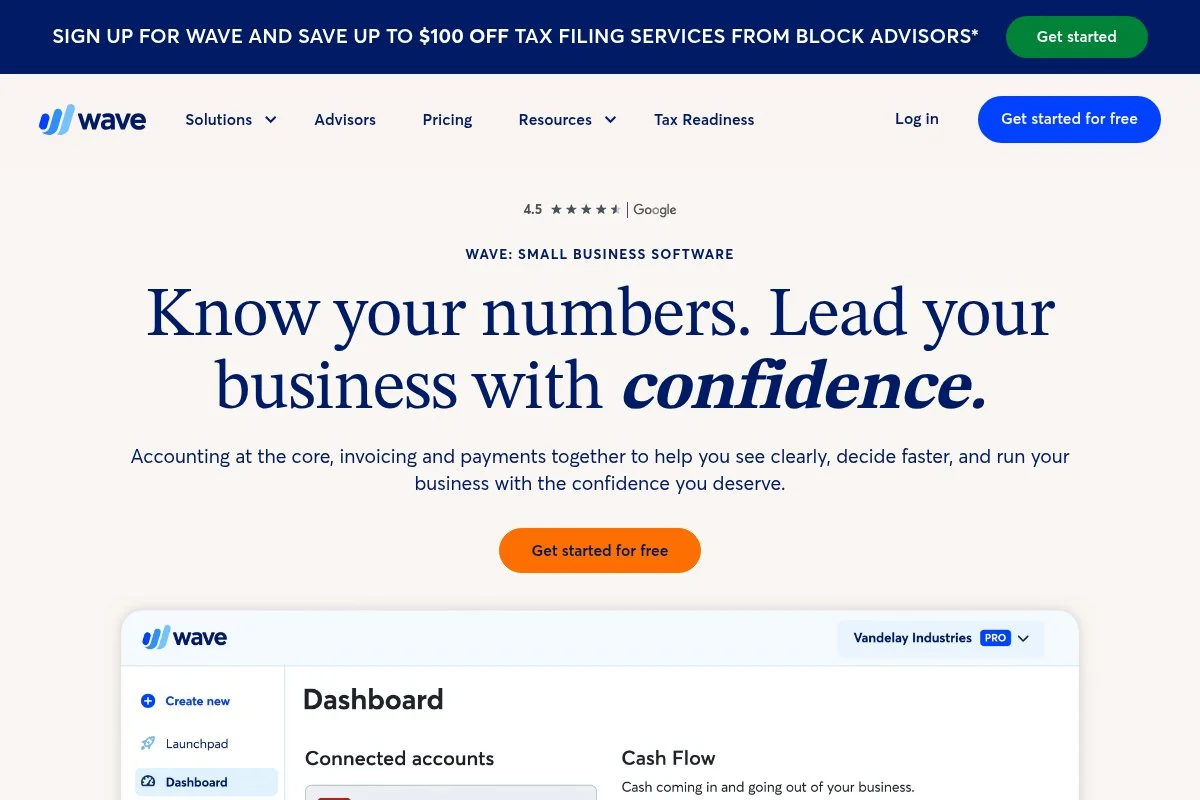
Wave is a free, cloud-based accounting and invoicing platform built for very small businesses and freelancers. It’s backed by H&R Block-owned Wave Financial, which gives it staying power and tax-season credibility.
You can start for $0 with accounting, invoicing, and receipt scanning. Setup is quick: connect your bank, pick categories, and send your first invoice in minutes. Daily tasks feel simple: categorize expenses, reconcile transactions, and run profit and loss reports without fuss.
In recent years, Wave tightened its focus on payments, payroll (in select regions), and tax prep integrations. The invoicing experience has improved, with better templates and client reminders, making it easier to get paid on time.
If you outgrow the free tools, paid add-ons include online payments, payroll, and more advanced automations. The pay-as-you-go model is attractive for side hustlers who want to keep fixed costs near zero.
I’ve used Wave for small test projects and consulting invoices. The free core is hard to beat if you need clean books and simple invoicing without a monthly bill.
I also like that Wave’s help docs are written plainly, and its interface is friendly for non-accountants. That matters when you’re closing books at 10 p.m. on a Sunday.
How Wave Works and Key Features
Wave uses a clean, minimalist web interface. You’ll connect bank and credit card feeds, then categorize transactions with suggested labels and rules. Invoicing is straightforward with editable templates, automatic reminders, and payment links.
Customization is light but covers the basics: logo, colors, invoice terms, and product/services. Advanced users can set simple bank rules, handle sales tax, and export data for a CPA.
Reporting includes profit and loss, balance sheet, cash flow, and aged receivables. Payment automations help speed up cash collection. Extras include estimates, basic receipts, and customer statements.
Support is help-center first, with community resources and email support. Paid services, such as payments and payroll, include enhanced support. As one freelancer told me, “It did everything I needed without making me feel dumb.”
Overall, Wave is beginner-friendly and covers the essentials well. Power users may want deeper automations, but the value at $0 is excellent.
Who Wave is Best For
Wave fits freelancers, creators, solo consultants, local service pros, and side hustlers who want clean books and simple invoicing. It’s great for low-volume transactions and getting paid online. If you need advanced inventory, time tracking at scale, or multi-entity features, consider Zoho Books or Xero. No technical skill is required.
Wave Pricing
Wave’s model keeps the core free and monetizes payments, payroll, and optional services. There’s no time-limited trial for accounting—it’s free to use indefinitely.
- Accounting & Invoicing: $0/month, unlimited invoicing, expense tracking, basic reports
- Payments: Pay-per-transaction, with card and bank transfer options
- Payroll (select regions): Monthly base + per-employee fees
Compared to others, Wave is the best $0 starting point. You pay only if you accept online payments or add payroll. For many self-employed folks, that’s the right balance of cost and capability.
Wave Pros and Cons
Pros
- Free core accounting and invoicing with solid reports
- Fast setup and easy categorization with bank feeds
- Good invoicing templates and reminders
- Only pay for payments and payroll if needed
Cons
- Advanced automations and inventory are limited
- Payroll availability varies by region
- Support is more self-serve on the free plan
If you want free essentials with a gentle learning curve, Wave is my top pick. If you need deeper automation or multi-currency support, consider Zoho Books or Xero.
Wave Reviews
G2 and Capterra list strong satisfaction for the free accounting and invoicing use case, with users praising ease of use. Reviews mention limits for complex needs.
2. Zoho Books
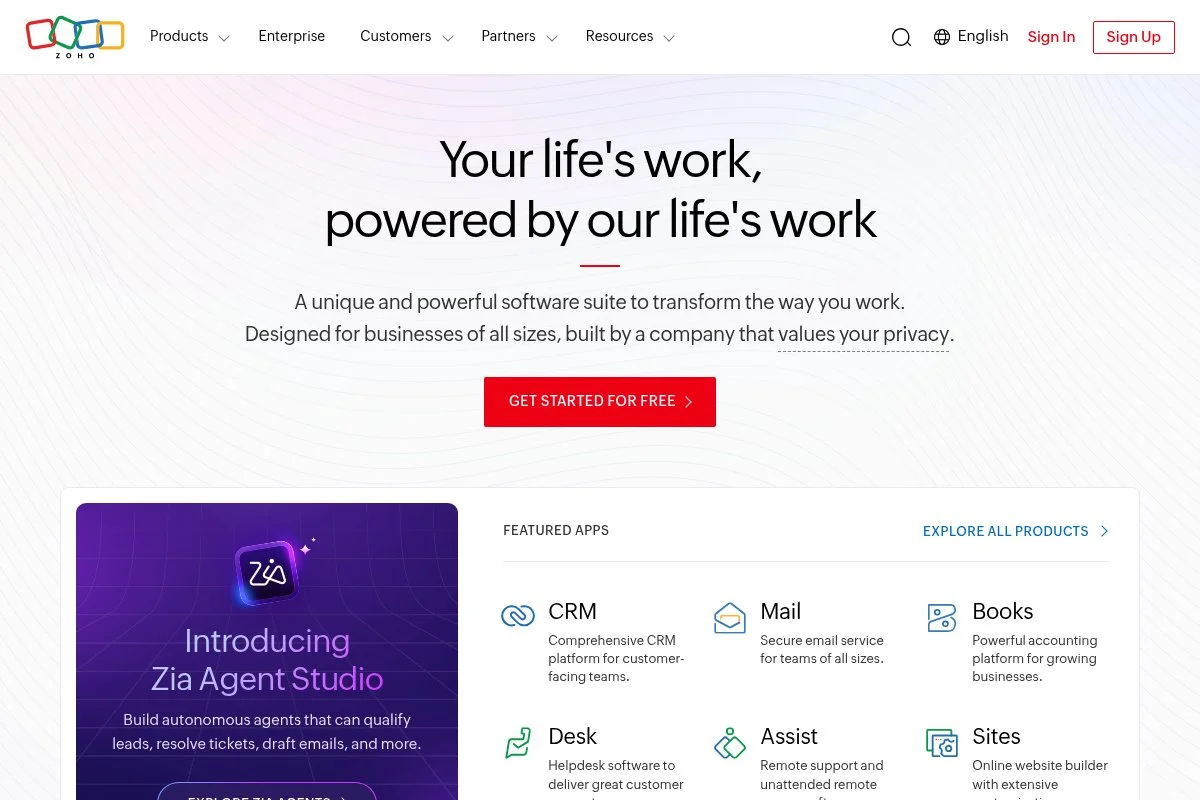
Zoho Books is a full-featured cloud accounting platform designed for small businesses seeking automation and scalability without a hefty price tag. It’s part of Zoho’s long-standing suite used by millions across CRM, email, and finance apps.
Getting started is quick: connect bank feeds, import contacts, and customize your chart of accounts. The dashboard makes cash flow, expenses, and receivables easy to scan. Daily work centers on rule-based categorization, invoicing, estimating, and client portals.
Recent updates strengthened workflow automation, client portal features, and integrations within the Zoho ecosystem. If you already use Zoho CRM or Inventory, Books ties the stack together cleanly.
Higher tiers unlock advanced automation, project accounting, retainer invoices, and multi-currency. The breadth at lower prices is what sets Zoho Books apart from many competitors.
I recommend Zoho Books when a freelancer starts juggling more clients, approvals, or multi-step workflows. It feels “professional,” yet affordable.
I also appreciate Zoho’s clear help articles and active user community. When you’re stuck, you can usually find a direct answer quickly.
How Zoho Books Works and Key Features
Zoho Books has a modern, organized interface with quick filters and bulk actions. Templates for invoices and estimates are polished and highly customizable. Advanced users can set automation rules, recurring transactions, and approval flows.
You’ll get detailed analytics: P&L, balance sheet, cash flow, aging, project profitability, and tax summaries. Automations handle reminders, recurring billing, bank rules, and workflows triggered by status changes.
Zoho Books integrates deeply with Zoho apps and supports third-party connections. You can add client portals, time tracking, mileage, and purchase orders. Support includes documentation, forums, and regional support lines.
A consultant told me, “The automations saved me hours each month as my client list grew.” — IT consultant, solo
Overall, it balances beginner-friendly onboarding with serious power once you grow.
Who Zoho Books is Best For
Ideal for consultants, agencies of one, ecommerce sellers, and creative studios that need automation, multi-step approvals, and client portals. Great if you already use Zoho CRM or Inventory. If you want a forever-free core without limits, Wave is simpler. No advanced technical skill is required beyond basic setup.
Zoho Books Pricing
Zoho Books uses tiered pricing based on features and users. A free plan is available for eligible small businesses with annual revenue in select countries. Paid plans add users, automation, and advanced modules.
- Free: $0/month, available to eligible small businesses (e.g., under $50k annual revenue, region-specific), core invoicing and expense tracking
- Standard: $20/month, 3 users, automations, custom reports, recurring invoices
- Professional and up: Higher tiers add project accounting, purchase orders, multi-currency, and advanced automation
Value-wise, Zoho Books is strong, especially if you qualify for the free plan. Annual billing typically offers a discount. As you grow, the mix of automation and price stays attractive compared to similar suites.
Zoho Books pros and cons
Pros
- Automation and approvals at lower prices
- Free plan eligibility for qualifying small businesses
- Strong reports and client portal
- Tight integrations with the Zoho stack
Cons
- Free plan availability varies by country and revenue
- Feature depth can feel heavy for very simple needs
- Best experience if you commit to the Zoho ecosystem
If you’re growing and want automation without a large bill, Zoho Books is a top value. If you’re just starting, Wave may be easier.
Zoho Books reviews
G2 and Capterra show strong satisfaction for feature depth and price. Some reviews note a learning curve as features expand.
3. ZipBooks
ZipBooks is a friendly, cloud-based accounting tool with a rare $0 Starter plan. It focuses on clear invoicing, simple expense tracking, and basic reports for new businesses.
Setup is fast: connect a bank, add customers, and start billing. The dashboard keeps key numbers front and center. Daily use leans on invoicing, categorizing expenses, and checking profit.
Recent improvements sharpened invoicing options and bank connections. The paid tiers add smart tagging, saved items, and better reporting.
Higher plans offer more bank connections, time tracking, and smart suggestions. It’s a gentle step up when you outgrow a free-only workflow.
I like ZipBooks for side hustles and micro businesses that want a clean start. It’s less crowded than some tools but gets the job done.
Support is responsive for a lean team, and the product feels approachable for non-accountants.
How ZipBooks works and key features
ZipBooks uses a clean, straightforward interface with quick access to invoices, customers, and expenses. Templates are simple and editable. Advanced users can use saved items, categories, and smarter suggestions on paid tiers.
Reporting covers profit and loss, balance sheet, and basic AR. Automations include recurring invoices and reminders. Integrations are lighter than big suites but cover essentials like payments.
Support includes help docs and email. One user summed it up well: “It’s easy enough that I never dread logging in.” — Wedding photographer, solo
Overall, ZipBooks is beginner-friendly and good for simple, budget-first bookkeeping.
Who ZipBooks is best for
Best for side hustlers, part-time freelancers, and micro businesses that want invoicing and basic books without a bill. Great for service pros and creatives. If you need deep automation or project accounting, Zoho Books or Xero is a better fit. No technical skill needed.
ZipBooks Pricing
ZipBooks offers a free Starter plan and paid tiers that add features and flexibility. Pricing scales with features rather than transaction volume.
- Starter: $0/month, basic invoicing, 1 bank account, simple reports
- Smarter: $15/month, more bank connections, saved items, better reports
- Sophisticated: Higher tier with advanced controls and features
The free plan lowers risk for first-time bookkeepers. If you need more bank connections and stronger reporting, the mid-tier price is competitive. Annual discounts may apply.
ZipBooks Pros and Cons
Pros
- Genuinely useful free plan
- Clear interface and quick onboarding
- Mid-tier pricing stays reasonable
- Good fit for very small service businesses
Cons
- Fewer integrations than larger suites
- Advanced automations are limited
- Scaling beyond solo may require switching
If you want to start at $0 and keep options open, ZipBooks is a safe, simple pick. If you know you’ll grow fast, consider Zoho Books.
ZipBooks Reviews
On Capterra and G2, users praise the ease of use and the value of the free tier. Feedback suggests light features for complex businesses, which aligns with its focus.
4. Xero
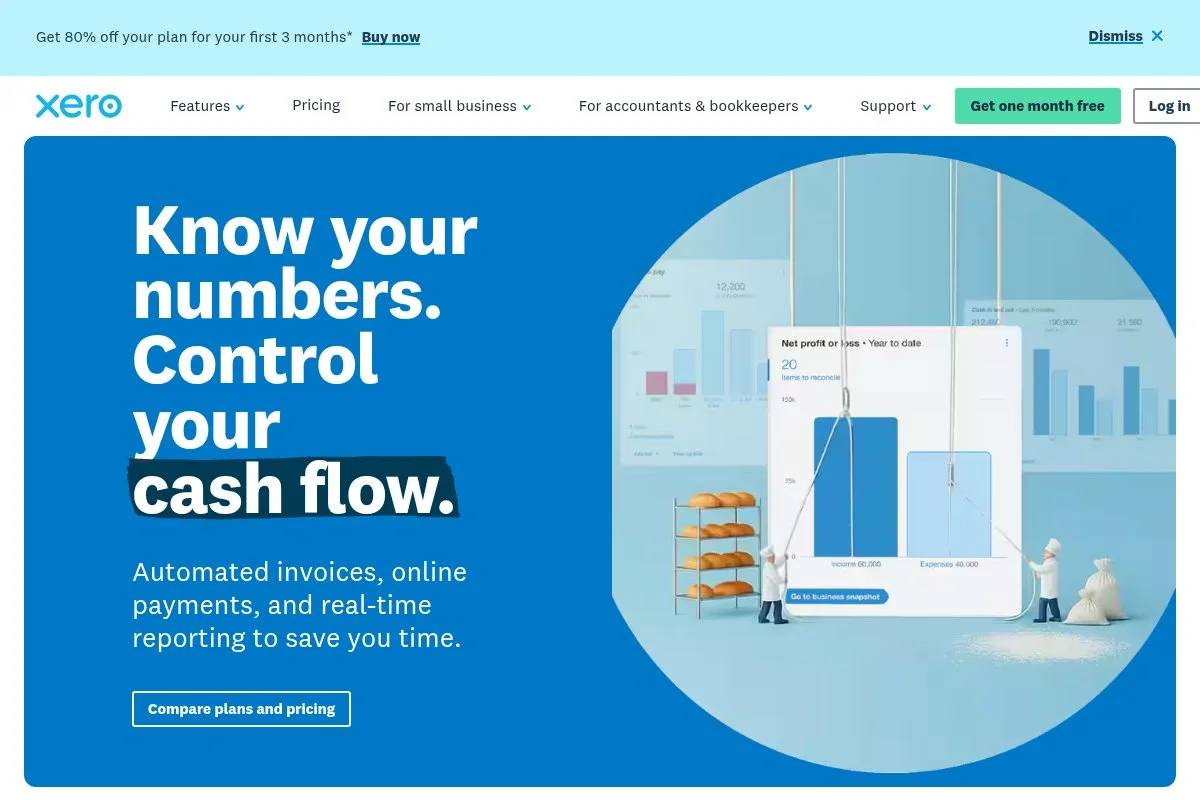
Xero is a mature, cloud accounting platform built for small businesses that want strong bank feeds, rules, and a deep app ecosystem. It’s a global player with accountants and bookkeepers who know it well.
You can start with the Early plan to keep costs down, then grow into unlimited invoicing later. The interface is polished, and bank reconciliation is a highlight. Daily tasks benefit from smart rules and clean reporting.
Xero continues to refine its bank feeds, short-term cash flow tools, and integrations. The app marketplace remains a strength for connecting inventory, ecommerce, and reporting add-ons.
Higher tiers include unlimited invoicing, billing, and multi-currency support. If you plan to hire or manage contractors, the scalability is excellent.
I like Xero for contractors and solo owners who want clean automation and expect to grow. It’s not the cheapest, but it’s efficient.
Documentation is clear, and many accountants support Xero if you need expert help later.
How Xero Works and Key Features
Xero’s interface feels modern and organized. Templates for quotes and invoices are polished and customizable. Advanced users can lean on bank rules, tracking categories, and extensive integrations.
Reports include P&L, balance sheet, cash flow, sales tax, and aged payables/receivables. Automations cover recurring invoices, reminders, and reconciliation suggestions.
Xero’s app store connects to ecommerce, payroll, inventory, and reporting tools. Support includes guides, community forums, and ticket-based help. “Bank rules save me time every week,” a home services contractor told me.
In short, Xero offers a balanced experience for beginners and advanced users, especially if you value bank rules and integrations.
Who Xero is Best For
Great for contractors, agencies, ecommerce sellers, and consultants who want clean automation and room to grow. A strong fit if you plan to connect with other apps. If you need $0 software, Wave or ZipBooks are better. Requires no coding, though setup benefits from a little bookkeeping knowledge.
Xero Pricing
Xero uses tiered pricing based on invoice/bill limits and features. Early keeps cost low with usage limits, while higher tiers remove caps.
- Early: $15/month, send up to 20 invoices, limited bills
- Growing: $42/month, unlimited invoices and bills
- Established: Higher tier adds multi-currency and advanced tools
Compared to peers, Xero is mid- to upper-priced but efficient thanks to bank rules and integrations. Annual plans may reduce cost. If you rarely invoice, Early is a smart budget plan.
Xero Pros and Cons
Pros
- Excellent bank reconciliation and rules
- Deep app marketplace for add-ons
- Strong reporting and multi-currency on higher tiers
- Widely supported by accountants
Cons
- Early plan has invoice limits
- Pricier than free-first tools
- Setup can feel busy for very simple needs
If automation and integrations matter, Xero is worth the spend. If you just need invoices and expenses, a free tool may be enough.
Xero Reviews
G2 and Capterra show positive feedback for bank rules and ecosystem strength. Some users mention the Early plan limits and a learning curve.
5. Sage Accounting
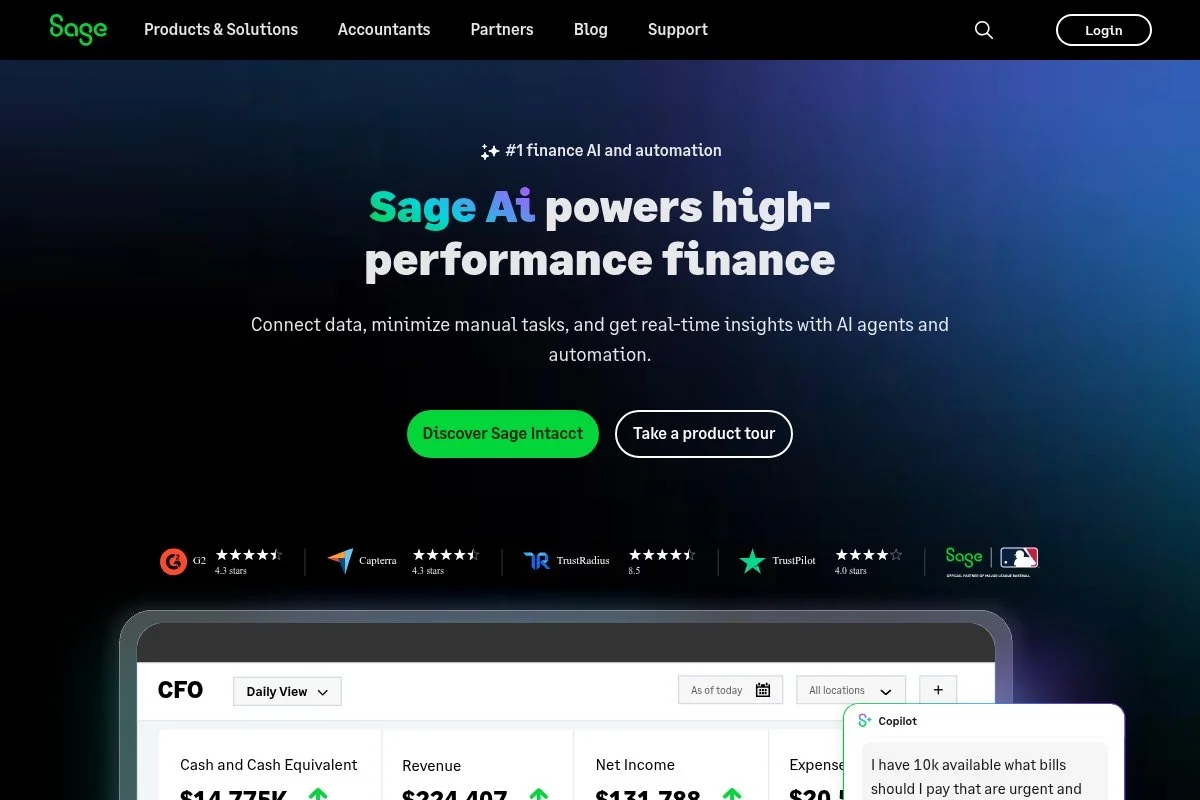
Sage Accounting is a streamlined cloud accounting tool from Sage, a long-established name in small business software. It keeps the basics tidy for solo owners on a budget.
Setup is simple. Connect bank feeds, create customers, and start invoicing. The dashboard surfaces cash in, cash out, and what’s overdue, so you can act fast.
Recent updates focused on simplifying navigation and improving invoice workflows. It’s not flashy, but it’s steady and practical.
Higher plans add quotes, purchase invoices, inventory basics, and multi-currency. It’s a decent path if you expect moderate growth without complex needs.
I recommend Sage Accounting to sole proprietors who want to issue invoices and handle basic bookkeeping without too many menus. It does the job with minimal fuss.
Sage also offers a large help library and accountant network if you want guidance during tax time.
How Sage Accounting Works and Key Features
Sage’s interface is straightforward and task-driven. Invoices and estimates use simple templates. Bank rules and categorization are easy to set up and maintain.
Reports include P&L, balance sheet, cash flow, and aged receivables. Automations handle recurring bills and invoice reminders. Integrations cover payments and select third-party tools.
Support includes guides, community forums, and chat/phone in many regions. A solo bookkeeper told me, “I like Sage because clients learn it fast.”
Overall, it’s practical and has enough power for everyday bookkeeping and invoicing.
Who Sage Accounting is best for
Good for solo consultants, local service providers, trades, and home-based businesses that want simple invoicing and expense tracking. If you need advanced automations or app integrations, Zoho Books or Xero is a better fit. No advanced technical skills required.
Sage Accounting Pricing
Sage offers two main tiers in many regions, with pricing based on features. The entry plan covers essentials for one user.
- Accounting Start: $10/month, 1 user, basic invoicing and expense tracking
- Accounting: $25/month, more features including quotes, purchase invoices, and additional users
Against competitors, Sage’s entry price is attractive. As you grow, the full Accounting plan remains reasonable. Watch for regional promos and annual savings.
Sage Accounting Pros and Cons
Pros
- Low entry price for core features
- Simple interface that’s easy to learn
- Solid reports for tax time
- Backed by a long-standing vendor
Cons
- Fewer integrations than larger suites
- Advanced workflows are limited
- Inventory and multi-currency require the higher plan
Choose Sage if you want affordable basics. If you expect complex workflows soon, plan for Zoho Books or Xero.
Sage Accounting reviews
Capterra and G2 show favorable feedback for price and simplicity. Some users want deeper integrations and automations.
6. Manager
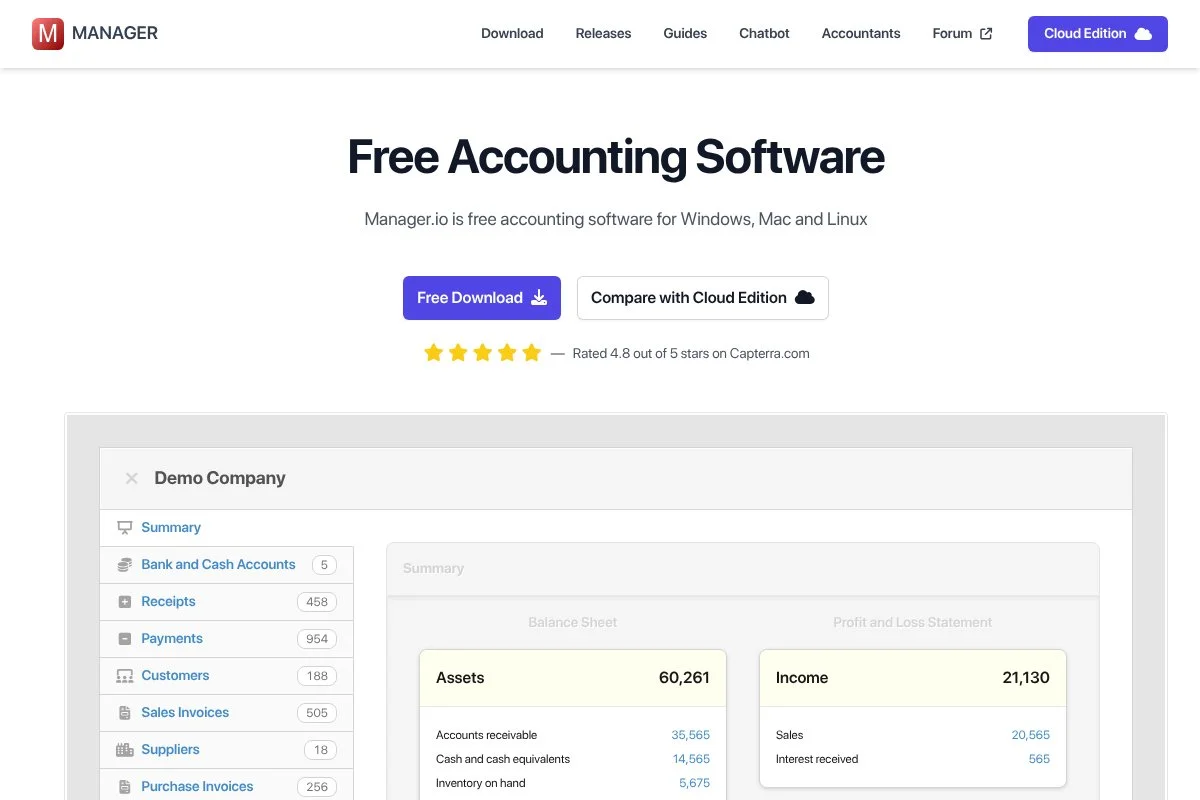
Manager is a free, offline desktop accounting application with an optional cloud edition. It’s built for small businesses that want control without a SaaS subscription.
Start by downloading the app for Windows, macOS, or Linux. You can create a business file, set your chart of accounts, and begin recording invoices and expenses right away.
Recent versions improved speed, reporting options, and reliability. The optional cloud edition adds remote access and collaboration for a monthly fee.
Compared with online tools, Manager’s strength is full-featured double-entry accounting in a free desktop package. You control your data locally.
I suggest Manager for makers and service pros who prefer offline tools or have spotty internet. It’s powerful for $0 if you’re comfortable with basics.
The community forum is active and helpful, which matters for a desktop-first product.
How Manager Works and Key Features
Manager uses a classic desktop UI with modules for invoices, expenses, bank accounts, and reports. Templates are functional and editable. Advanced users can enable modules like fixed assets, capital accounts, and inventory.
Reports include P&L, balance sheet, cash flow, tax summaries, and custom reports. Automations are lighter than cloud tools, but they support recurring transactions.
There’s no built-in marketplace, but you can easily export and back up data. Support comes from documentation and a busy community forum. “It’s surprising how much you get for free,” one artisan retailer told me.
Overall, Manager is powerful for offline bookkeeping and appeals to users who want control and no subscription.
Who Manager is best for
Best for makers, contractors in low-connectivity areas, cost-cutters, and privacy-focused users. It excels at traditional bookkeeping and reporting. If you need online payments, automations, and integrations, pick Wave, Zoho Books, or Xero. Some bookkeeping comfort helps, though beginners can learn.
Manager pricing
Manager offers a free desktop edition and a paid cloud edition. Pricing hinges on where you store and access your data.
- Desktop: $0/month, full-featured local accounting, backups on your device
- Cloud: $49/month, remote access, team collaboration, managed hosting
The free desktop offer is one of the best values if you’re comfortable managing files. If collaboration and remote work matter, the cloud price is straightforward.
Manager pros and cons
Pros
- Free, full-featured desktop accounting
- Strong reporting and double-entry control
- No ongoing SaaS cost if you stay offline
- Active community support
Cons
- Fewer automations than cloud tools
- No built-in online payments or app marketplace
- Cloud edition adds a monthly fee
If you want power without a subscription, Manager shines. If you need online payments and integrations, choose a cloud-first tool.
Manager reviews
Formal third-party reviews are limited compared with those for big SaaS tools. Community feedback highlights value and feature depth for a free desktop app.
What is the Best Bookkeeping Software Right now?
My top picks right now are Wave for true $0 essentials, Zoho Books for affordable automation and growth, and Xero for bank rules and integrations if you expect to scale.
I personally use Wave for small consulting and one-off invoices. This isn’t sponsored—I chose it after trying paid trials and realizing I didn’t need more than clean invoices, simple expense tracking, and basic reports. The first week sold me: bank feeds worked, invoices looked professional, and I could export everything for my CPA.
Value-wise, Wave keeps fixed costs at zero and lets me pay only when I accept online payments. Alternatives with similar basics can run $15–$30 per month, which adds up over a year when you’re lean. If I needed deeper workflows, I’d switch—but I haven’t had to.
Zoho Books is my second choice and a close one. If I were running a small agency or managing projects with approvals, I’d go with Zoho. The automation, client portal, and pricing tiers make it a strong “grow with me” option. If you’re eligible for the free plan, it’s an easy yes.
The specific strength of Zoho Books is how it integrates with the larger suite without forcing you to spend a lot. CRM plus Books is a powerful combo when you start handling more clients and quotes.
My third pick is Xero for anyone who wants serious bank rules and app integrations. The Early plan keeps cost down while you get your process dialed in. When you’re ready, you can remove limits and expand.
I do mix tools at times—Wave for simple client work, Google Sheets for forecasts, and a separate mileage app. That combo suits my workflow better than going “all-in” on one pricey platform.
Choosing between Wave and Zoho Books is a real decision. I stuck with Wave because my needs stayed simple, and zero fixed cost still feels good. If I started taking on more complex projects, I’d shift to Zoho Books without hesitation.
I hope this helped you land on the right fit for your work and your wallet. Keep it simple, reconcile weekly, and give yourself a clean close each month.
Frequently Asked Questions
Q: What’s the cheapest bookkeeping software that’s still reliable?
For most self-employed folks, Wave is the best $0 option. Zoho Books may be free if you qualify based on your region’s revenue. Both are reliable and tax-ready.
Q: Do I need QuickBooks to file taxes?
No. Any tool that gives you accurate P&L, expense categories, and exports to a tax pro or tax software will work. Clean data matters more than the brand.
Q: Can I switch tools later without losing my data?
Yes, but plan ahead. Export reports (P&L, balance sheet), customers, and transactions. Start fresh at the top of a month or quarter to keep reconciliation clean.
Q: What features should a freelancer prioritize?
Bank feeds, quick categorization, invoicing with reminders, and basic reports. Add receipt capture and mileage if you’re on the road. Automation can wait until you grow.
Photo by Jakub Żerdzicki: Unsplash


