

Finding the right scheduling software can be the difference between a calendar that runs itself and one that constantly needs your attention. A few years ago, I was juggling meetings, invoices, and client work from my kitchen table, and every double-booked call cost me real money and trust. I needed a simple, affordable way to let clients book time without the endless back-and-forth.
I started by mapping what I actually needed: a public booking page, automated reminders, and payment options for paid sessions. Finding the right fit was harder than I expected. Free plans buried key features in fine print, some tools charged per staff member, even for solo operators, and a few made simple edits feel like starting from scratch.
Here’s what I learned: the most organized solo operators keep it lean. They use a booking link, clear availability windows, buffers, and auto-confirmations. They don’t chase every feature. They pick the one tool that saves them time every single day.
In this guide, I share the seven budget scheduling tools I keep coming back to, with honest tradeoffs, real pricing, and who each one fits best. No fluff, just what works for self-employed schedules.
Comparison of the 7 Best Scheduling and Appointment Software in 2026, With Pricing and Recommended Use Cases
What Is Scheduling and Appointment Software?
Scheduling and appointment software is a tool that lets clients book time on your calendar without emailing back and forth. It automates availability, confirmations, and reminders so you can focus on work. In my world, “time is money” isn’t a cliché. It’s Tuesday. Every no-show or double-booking hurts. A smart booking system protects your calendar, keeps clients informed, and gives you direct control over your schedule.
Think of it this way: if two missed sessions a month cost you $200, a $10–$20 monthly scheduler that prevents those drops pays for itself in the first week. That’s a simple return most tools can’t match. At its core, scheduling software helps solo pros and small teams publish availability, accept bookings, collect info and payments, sync calendars, and send alerts. The result is interest turned into confirmed, show-up-ready appointments.
Many users pair it with a payment processor, CRM, or email tool, video meeting links, and simple intake forms. Some also add website widgets and SMS reminders for higher show rates. Not every option offers the same features, limits, or pricing, so choosing carefully matters.
How to Choose the Best Scheduling and Appointment Software
With so many look-alike tools, picking a scheduler can feel overwhelming. The fine print on free tiers, add-on fees, and staff limits makes it tricky to compare. I put this guide together to help you match a tool to your actual workflow, not someone else’s. My goal is to save you time, money, and a few calendar headaches.
Most roundups are written by the companies themselves or media sites with sponsored lists. I am not sponsored by any platform on this list. This is a straight, honest overview based on research, hands-on trials, and real use cases.
Here are some questions you should ask when looking for a scheduler:
- What does the free tier include, and where are the limits?
- How quickly can I publish a booking page and take my first appointment?
- Can it scale from solo to multiple services or staff later?
- How does pricing grow as bookings, services, or staff increase?
- Does it cover must-haves like buffers, reminders, payments, and no-show controls?
- What analytics do I get on bookings, show rates, and revenue?
- If I leave, can I export data and migrate easily?
- How reliable are confirmations, calendar sync, and SMS delivery?
- Does it integrate with my tools (Zoom/Meet, Stripe/Square, CRM, forms)?
7 Best Scheduling and Appointment Software in 2026
Here are my top picks for the best scheduling and appointment software:
- Calendly
- Square Appointments
- Setmore
- YouCanBook.me
- Zoho Bookings
- SimplyBook.me
- Appointlet
Let’s see which one is right for you.
1. Calendly
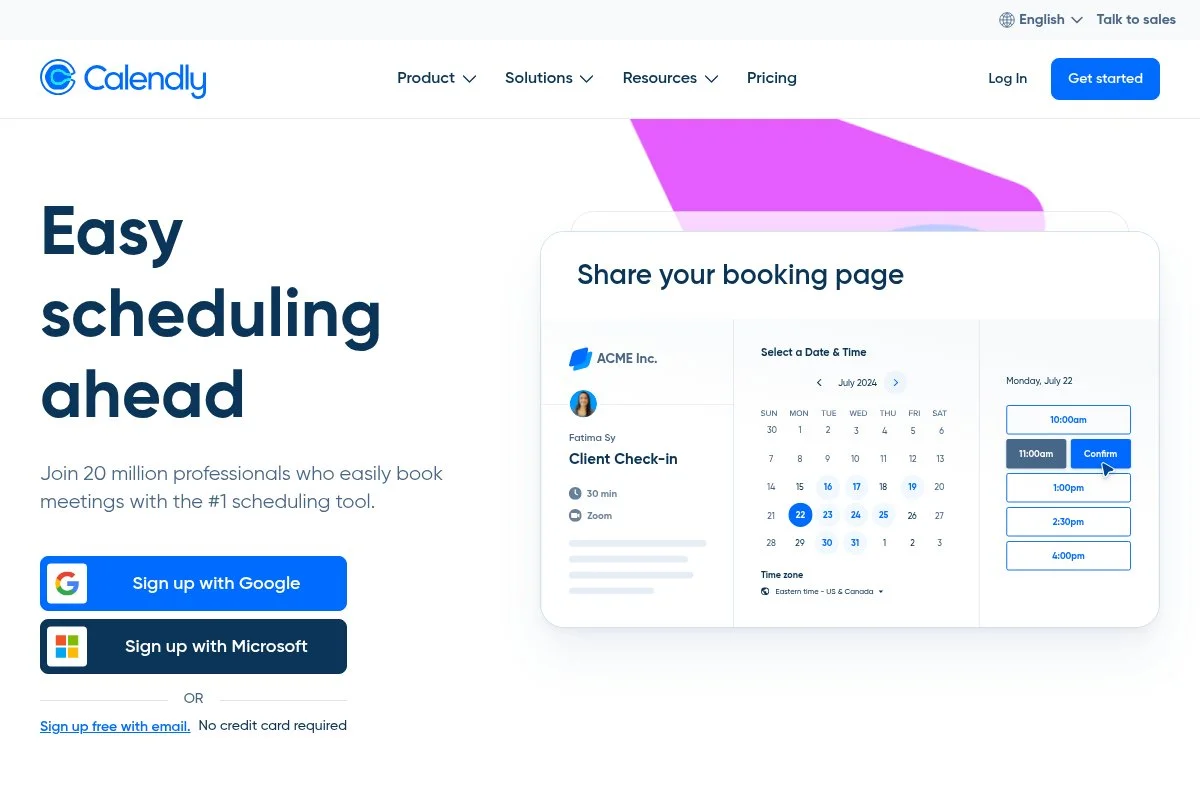
Calendly is a clean, widely used scheduler built for individuals and teams who want quick booking links. It’s one of the most recognized names in this category, with years in the market and strong integrations with Google, Microsoft, and Zoom. You can start for free with one active event type. Setup is fast: connect your calendar, set buffers and meeting lengths, and share your link. Day-to-day, I use the simple event editor, routing for different meeting types, and automated email reminders.
Recent updates have focused on round-robin scheduling, meeting polls, and better routing forms. These help solo pros qualify leads and keep teams from stepping on each other’s time. On paid plans, Calendly adds SMS reminders, follow-up workflows, integrations with HubSpot and Stripe, and customization options for confirmation pages. Routing with form logic is strong for screening prospects before they pick a time. I use Calendly for my weekly interviews and quick intro calls. The low-friction experience keeps my inbox quiet and my calendar accurate. I also like Calendly’s polish, with a clear UI, reliable sync, and helpful templates for common meeting types, all without hunting around.
How Calendly Works and Key Features
Calendly’s interface is minimal and quick. The event builder lets you set availability rules, buffers, and questions. You can pick from simple templates for 15-, 30-, or 60-minute meetings and customize colors and branding on paid plans. Advanced users can add workflows, custom routing forms, Stripe or PayPal payments, and team scheduling types like round-robin and collective. Integrations cover Google and Microsoft calendars, Zoom, Google Meet, Webex, Slack, HubSpot, and more.
Analytics include invitee activity, popular time slots, and meeting volume. Workflows can trigger reminders, follow-ups, and feedback requests. Support resources include a detailed help center and email support, with priority options on higher plans. “It took me ten minutes to go from zero to a live booking link,” a freelance consultant told me after switching from manual scheduling.
Overall, it’s beginner-friendly yet flexible enough for power users who need routing and automation.
Who Is Calendly For?
Great for coaches, consultants, freelancers, virtual assistants, sales pros, and interviewers who need quick links and solid reminders. It shines for discovery calls, paid sessions, and team round-robin. If you need complex resource management or a full client portal, consider SimplyBook.me or Square Appointments. No technical skill required.
Calendly Pricing
Calendly uses tiered pricing based on feature sets and seats. There’s a free plan for one event type, plus a 14-day trial of paid features.
- Free: $0/mo, 1 active event type, calendar sync, basic integrations, email notifications
- Standard: $10/user/mo, multiple event types, automated reminders, integrations (Zoom/Meet), basic branding
- Teams: $16/user/mo, round-robin/collective, routing forms, advanced integrations, admin controls
- Enterprise: Custom pricing, SSO, security reviews, advanced controls, premium support
Value is strong for solos on Standard. Teams is still fair if you need routing and advanced integrations. Annual billing usually lowers the monthly rate.
Calendly Pros and Cons
Pros
- Fast setup with a clean, familiar interface
- Solid free plan for simple needs
- Routing and round-robin on mid-tier pricing
- Reliable calendar sync and reminders
Cons
- Free plan limited to one event type
- Branding and advanced workflows require upgrades
- No deep resource management for complex setups
If you want speed and reliability, choose Calendly. If you run a service shop with resources or add-ons, look at SimplyBook.me or Square Appointments.
Calendly Reviews
Capterra: 4.7/5 rating (3,000+ reviews). G2: 4.7/5 rating (1,500+ reviews). Ratings are consistently high for ease of use and integrations.
2. Square Appointments

Square Appointments is built for service providers who need bookings and payments in one place. It ties into Square’s POS, invoicing, and payment processing, which is great for salons, wellness, and field services. There’s a generous free plan for a single staff calendar. Setup is guided: add services, set durations and buffers, connect to your calendar, and publish a site or booking link. Daily use is smooth with client profiles, SMS reminders, and no-show protection.
Recent improvements include better waitlists, automated reminders, and tighter links to Square hardware and invoices. For solo pros, this reduces tool sprawl and keeps payments tidy. Paid tiers add multiple staff calendars, advanced no-show controls, resource management, and detailed staff permissions. You also get advanced marketing tools through Square’s ecosystem.
I recommend Square Appointments to self-employed stylists, massage therapists, and mobile pros who already use Square. Keeping payments and bookings under one login saves time. Support articles are clear, and the ecosystem depth, including POS, invoices, and gift cards, adds real value as you grow.
How Square Appointments Works and Key Features
The interface feels like a calendar-first CRM. You create services with prices, durations, and buffers, then publish a booking page or full website. Templates cover service menus, staff bios, and built-in Square checkout. Advanced users can set prepayments, cancellation fees, and staff-level schedules. Integrations include Google Calendar, Instagram/Facebook booking buttons, and Square’s POS. Analytics show booking volume, no-shows, and revenue by service or staff.
Automations handle confirmations, reminders, and thank-you messages. Add-ons include invoices, gift cards, and email marketing. Support is handled through Square’s help center and community. It’s great for service businesses that want bookings tied to payment and POS.
Who Is Square Appointments For?
Ideal for stylists, barbers, estheticians, wellness practitioners, home repair pros, and trainers taking on-site or in-studio payments. Excels at prepayments, no-show fees, and resource calendars. If you don’t need POS or staff features, Calendly or Appointlet may be simpler. No coding required.
Square Appointments Pricing
Square Appointments uses tiered pricing by staff count and features. Payment processing fees apply to card transactions.
- Free: $0/mo for a single staff calendar, online booking site, basic reminders, Square payments
- Plus: $29/mo, multiple staff, advanced no-show protection, custom permissions, resource management
- Premium: $69/mo, advanced staff controls, multi-location tools, priority support
It’s a strong value for solo operators on Free. Plus and Premium make sense as you add staff or need tighter controls. Annual savings may be available on some Square products.
Square Appointments Pros and Cons
Pros
- Free for one staff calendar
- Tight integration with Square POS and invoices
- Prepayments and no-show fee options
- Handy client profiles and SMS reminders
Cons
- The best value is if you already use Square
- Processing fees apply to payments
- The interface can feel busy for simple needs
Service pros who charge for time will love it. If you only run virtual calls, other tools may be lighter.
Square Appointments Reviews
Capterra: 4.6/5 rating (2,000+ reviews). G2: 4.4/5 rating (300+ reviews). Users praise the payments and ease for salons and studios.
3. Setmore
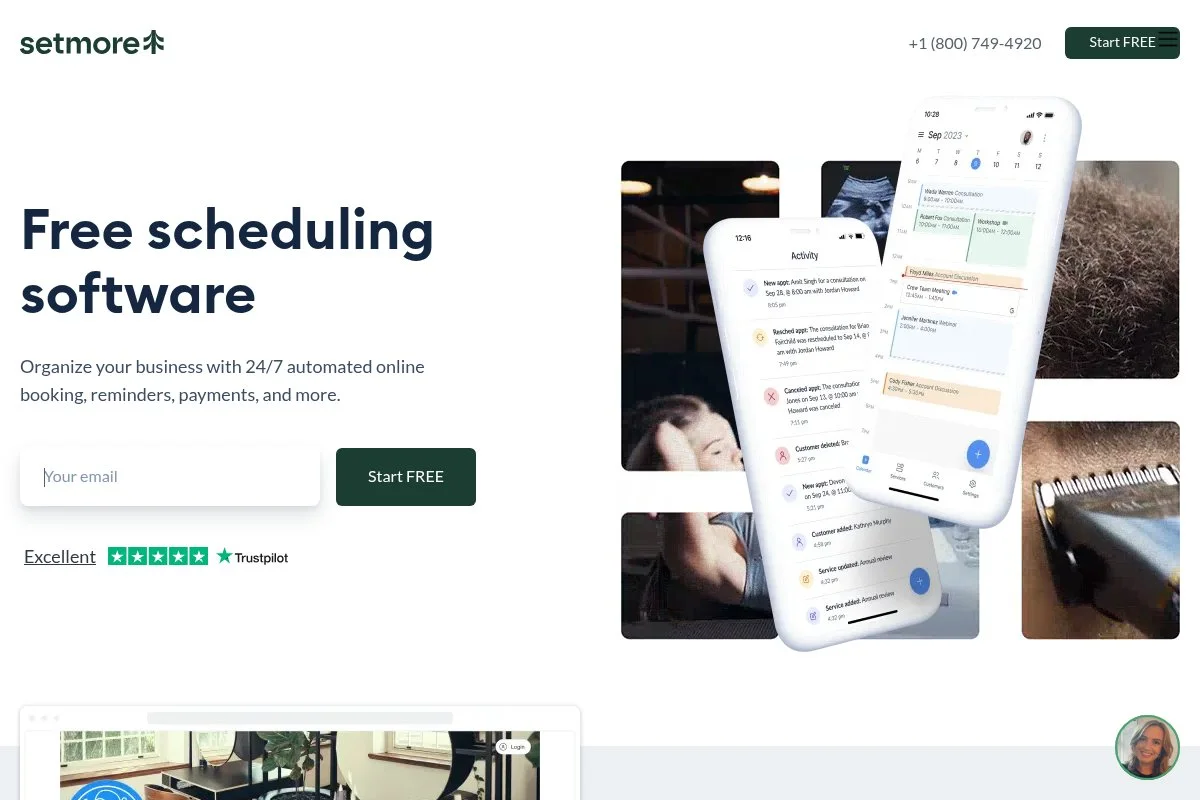
Setmore is a budget-friendly appointment scheduler that supports teams without pricey add-ons. It’s been around for years and is popular among small shops that want simple booking pages, staff calendars, and payment processing. The free plan is workable for solos. Set up flows well: add services, set hours, connect to Google or Microsoft, and share your booking link. The calendar view is clear, and you can add customers, notes, and classes.
Recent updates have improved payments, video meeting links, and reminders. If you need classes or group events, Setmore handles those cleanly for the price. Upgrading unlocks two-way calendar sync, SMS reminders, and payments with Stripe or Square. Custom fields for intake forms help screen clients before they arrive.
I like Setmore for early-stage teams that want shared visibility without the shock of monthly fees. The company also provides straightforward help docs and live chat on paid plans, which smooths onboarding.
How Setmore Works and Key Features
Setmore’s interface centers on a weekly calendar and a simple booking page editor. You can choose templates for services and classes, add staff, and set buffers and lead times. Branding options include colors, logos, and custom intake fields. Advanced users can enable two-way calendar sync, add custom notifications, and connect Stripe or Square for deposits or full payments. Integrations include Zoom, Teleport, Instagram, and Facebook booking buttons.
Analytics track appointments, revenue, and staff performance. Automations send confirmations, reminders, and receipts. Support includes a help center, email, and chat on paid tiers. It’s straightforward for beginners and flexible enough to accommodate staff or class additions.
Who Is Setmore For?
Good for small agencies, fitness instructors, tutors, clinics, and salons that need multiple staff calendars and classes. Works well for deposits and online payments. If you want extensive customization or complex resource rules, SimplyBook.me may be a better fit. Friendly for non-technical users.
Setmore Pricing
Setmore uses a freemium model with upgrades per user for more features and sync.
- Free: $0/mo, basic booking page, unlimited appointments, email reminders
- Pro: From $12/user/mo, two-way calendar sync, SMS reminders, payments (Stripe/Square), recurring appointments
- Team/Custom: Volume pricing, advanced controls, and support
Pricing stays friendly for small teams compared to higher-end tools. Annual billing can lower the effective monthly rate.
Setmore Pros and Cons
Pros
- Useful free plan with unlimited appointments
- Low-cost paid tier for SMS and payments
- Supports classes and group events
- Clear calendar and booking page editor
Cons
- Design customization is basic
- Advanced reporting is limited
- Some integrations require paid plans
If you want value and an easy setup for a small team, Setmore is a strong pick. Heavy customization seekers should look elsewhere.
Setmore Reviews
Capterra: 4.7/5 rating (1,000+ reviews). G2: 4.5/5 rating (200+ reviews). Users like the price-to-feature balance.
4. YouCanBook.me
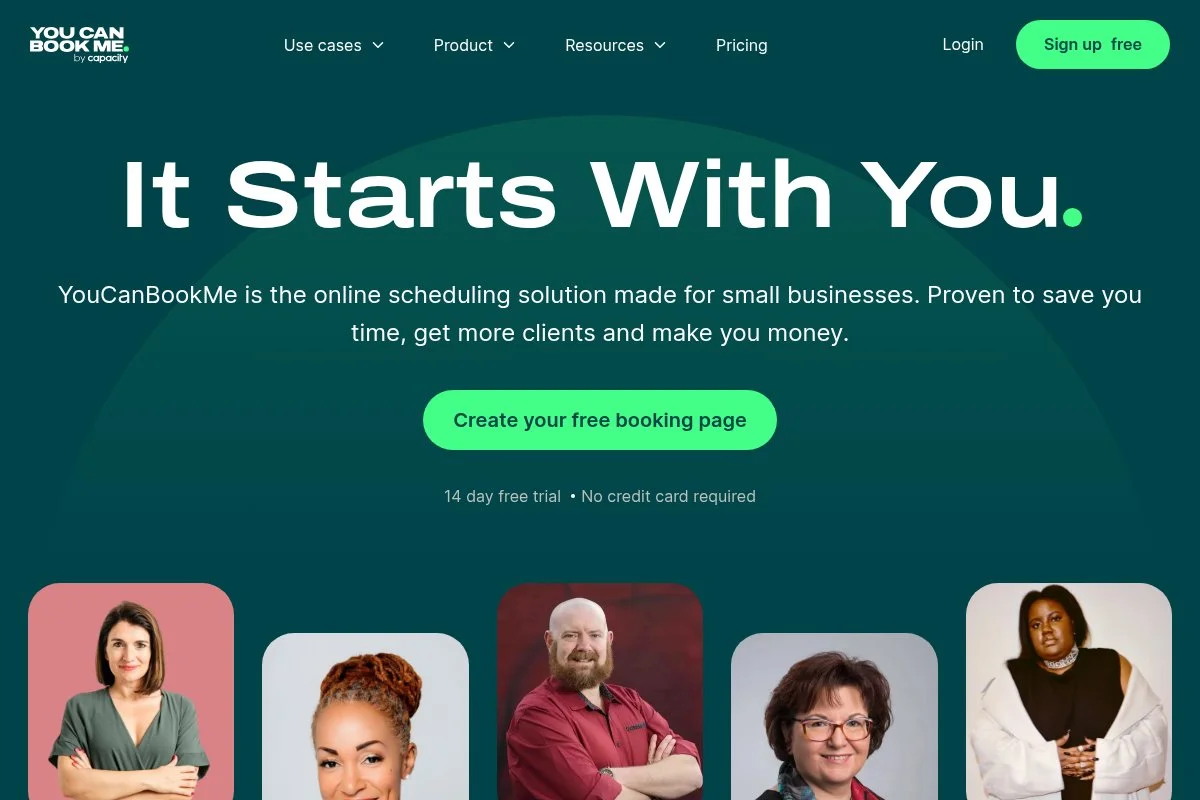
YouCanBook.me is a flexible scheduler that mirrors your Google or Microsoft calendar and gives you detailed control over booking pages. It’s an established, independent company with a loyal user base among educators and teams. Getting started is quick: connect your calendar, customize your page, and set availability. The editor offers many options, including advanced availability rules and detailed confirmation emails.
Recent improvements have focused on better templates and quality-of-life updates across notifications and availability. It remains a favorite for people who want fine control without coding. Paid plans unlock multiple calendars, advanced webhooks, and integrations such as Zoom and Stripe. Conditional questions and custom fields let you gather exactly what you need before a meeting.
I often suggest YouCanBook.me to users who use Google Calendar and want more control than basic tools offer. The documentation is clear, and the UI, while dense in places, offers flexibility.
How YouCanBook.me Works and Key Features
The interface mixes simple setup with deep customization. Templates help you build booking pages fast, then you fine-tune time zones, buffers, and availability. You can customize confirmation emails and SMS (on supported plans) with variables. Advanced capabilities include webhooks, Zapier, custom CSS, and integrations with Zoom/Meet and Stripe for paid sessions. Analytics cover booking volume and trends. Automations handle confirmations, reminders, and follow-ups.
Support is delivered through a strong help center and email. Power users appreciate the control: one told me, “It’s the only scheduler that lets me shape the booking page exactly how I want.” Overall, it’s flexible and well-suited for users who want calendar-first control and branded pages.
Who Is YouCanBook.me For?
Great for educators, consultants, recruiters, support teams, and agencies that need detailed control over booking rules and emails. Strong for multi-calendar setups. If you want a quick, minimal UI, Calendly is simpler. No coding required, but options are deep.
YouCanBook.me Pricing
Pricing is per connected calendar, with a free trial and discounts on annual billing.
- Paid: From about $12/calendar/mo (lower with annual), multiple booking pages, integrations, and advanced customization
- Trial: 14 days full-featured, then choose a plan
Costs scale by calendars you need, not bookings. It’s fair for solos with one or two calendars, and still reasonable for small teams.
YouCanBook.me Pros and Cons
Pros
- Deep customization of pages and emails
- Strong Google/Microsoft calendar sync
- Webhooks and Zapier for advanced workflows
- Fair pricing per calendar
Cons
- No permanent free plan
- Interface can feel dense with options
- Some features require multiple calendars
Pick it if you want control and calendar-native logic. If you need a generous free tier, look to Calendly, Setmore, or Appointlet.
YouCanBook.me Reviews
Capterra: 4.6/5 rating (400+ reviews). G2: 4.5/5 rating (200+ reviews). Users highlight customization and reliability.
5. Zoho Bookings
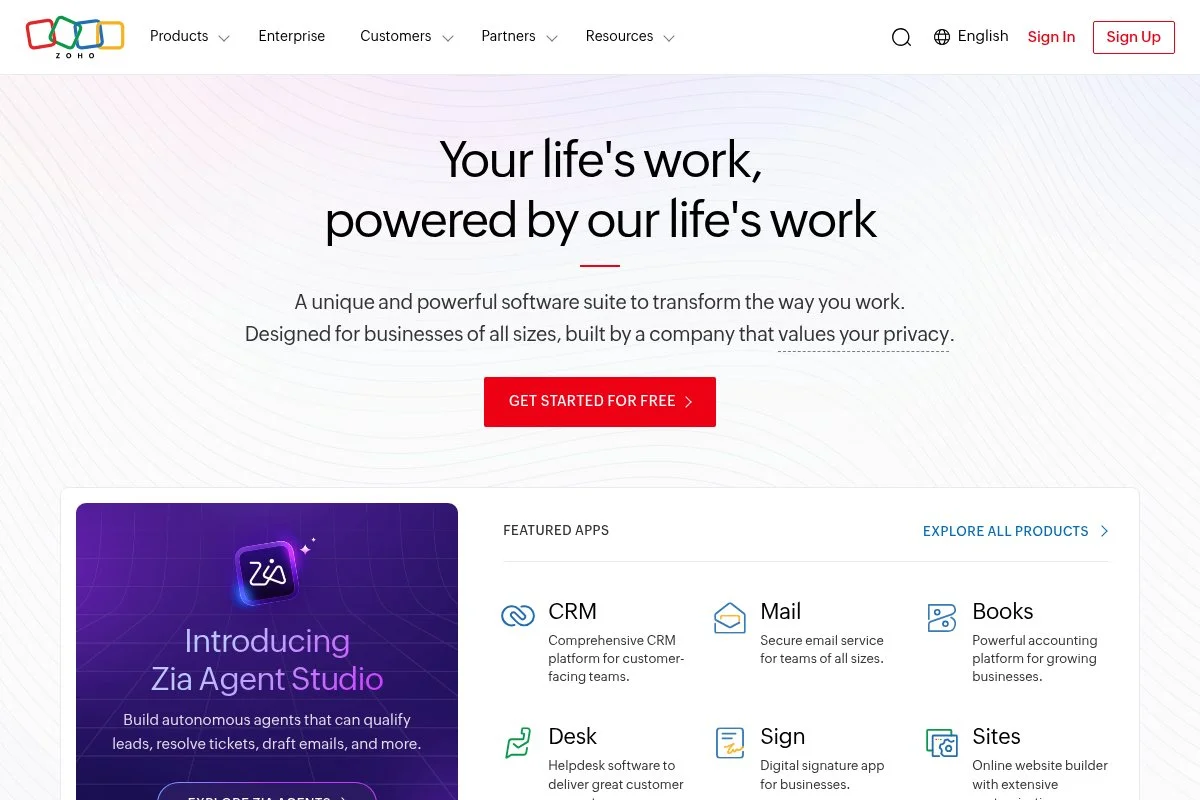
Zoho Bookings slots neatly into the larger Zoho suite (CRM, email, and finance tools). It’s designed for solo users and small teams that want scheduling connected to customer data without duct-tape integrations. Starting is easy: connect calendars, create services, and publish a booking page or embed it on your site. The interface is practical, with tabs for services, staff, and resource availability.
Recent focus areas include deeper Zoho CRM links and improvements to reminders and staff management. If you already use Zoho, Bookings feels native right away. Paid plans add SMS notifications, online payments, and advanced customization. The Zoho ecosystem unlocks more power, like pushing contacts to CRM or creating invoices in Zoho Books.
I like it most for solo pros already on Zoho CRM or Zoho One; fewer systems mean fewer surprises. Documentation is solid, and support is responsive through Zoho channels.
How Zoho Bookings Works and Key Features
Zoho Bookings uses a tabbed dashboard with clear forms to define services, durations, and buffers. You can set staff hours, resources, and custom intake questions. Templates help you build a branded booking page or embed a widget. Advanced users can connect Zoho CRM and Zoho Books via Zapier or use webhooks. Payments can run through Stripe, Razorpay, and other gateways. Reporting covers appointments by service or staff and shows no-shows and revenue.
Automations handle email/SMS reminders and confirmations. Support is available via help docs, email, and Zoho’s community. It balances power with clarity for everyday use. It’s ideal for anyone leaning into the Zoho stack.
Who Is Zoho Bookings For?
Best for consultants, agencies, and service businesses using Zoho CRM, Zoho Mail, or Zoho Books. Great for syncing contacts, invoices, and schedules. If you aren’t in Zoho, Calendly, or Appointlet may be quicker to start. No coding needed.
Zoho Bookings Pricing
Zoho Bookings offers tiered pricing per user with a trial period. It’s also included in Zoho One for suite customers.
- Basic: ~$6/user/mo, core scheduling, booking page, calendar sync
- Premium: ~$9/user/mo, SMS, online payments, advanced customization
- Zoho One: Suite pricing, includes Bookings with broader integrations
Compared to others, pricing is fair, especially if you already pay for Zoho tools. Annual billing reduces the monthly rate.
Zoho Bookings Pros and Cons
Pros
- Strong with Zoho CRM and Zoho Books
- Clear setup and useful templates
- Payments and SMS on higher tiers
- Good value inside Zoho One
Cons
- Less appealing if you’re not in Zoho tools
- Design customization is moderate
Choose it if you already use Zoho. Otherwise, start with a lighter pick like Calendly.
Zoho Bookings Reviews
G2: 4.4/5 rating (100+ reviews). Capterra: 4.5/5 rating (100+ reviews). Reviewers value its tie-ins with Zoho CRM.
6. SimplyBook.me
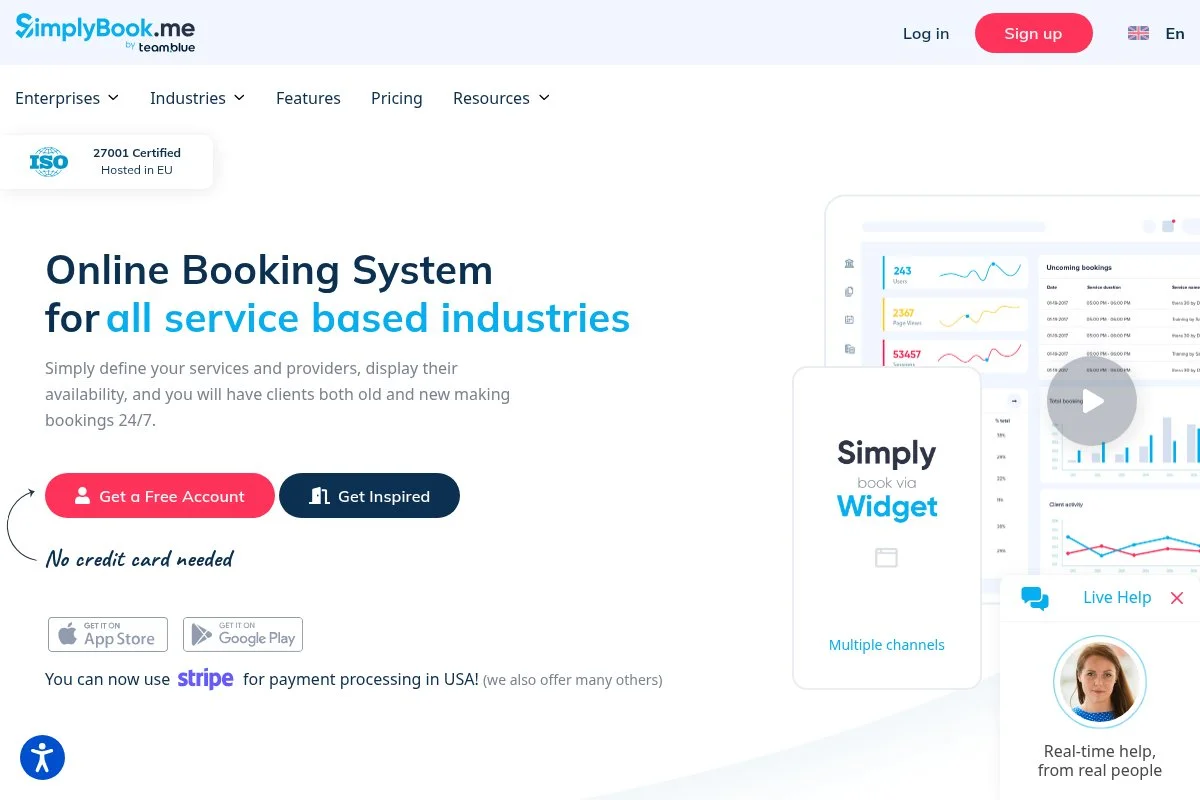
SimplyBook.me is a feature-rich booking system for service businesses that need add-ons, intake forms, memberships, or product sales. It’s popular among wellness, education, and rental-style services that want a client-portal feel. Setup starts with a guided wizard: choose your industry, add services, and pick a theme. The booking site looks more like a full mini-website than a simple link, which helps if you don’t have a site yet.
Recent work has improved themes, client login options, and custom features you can switch on as needed. It scales from solo to small teams without major changes. Premium features include memberships, coupons, intake forms, product sales, classes, and resources. Few budget tools offer this depth of service add-ons.
I recommend it to wellness pros and educators who want bundled offerings and clear upsells at the time of booking. Support includes chat and detailed help docs, and the learning curve is manageable with the setup wizard.
How SimplyBook.me Works and Key Features
You get a themed booking site and a dashboard to manage services, providers, and add-ons. Customization includes logos, colors, sections, and custom fields. You can embed widgets on your site or use the hosted page. Advanced options include memberships, packages, classes, coupons, and product sales at checkout. Integrations cover Stripe, PayPal, Zoom, Google Calendar, and more. Analytics report on bookings, revenue, and service popularity.
Automations handle confirmations, reminders, and follow-ups through email and SMS. Support is available via chat and email, with a helpful knowledge base. It’s powerful for both beginners and those who want to sell more than simple time slots.
Who Is SimplyBook.me For?
Best for wellness clinics, tutors, rental services, photographers, and coaches who need add-ons, memberships, or product sales. Excels with custom intake and client portal features. If you only need a basic booking link, Calendly is faster. No technical skills required.
SimplyBook.me Pricing
SimplyBook.me uses a freemium model with quotas, then tiered plans based on features and booking volume.
- Free: $0/mo, limited bookings/month, basic booking site
- Basic: ~${9.90}/mo, more bookings, custom features, email reminders
- Standard: ~${29.90}/mo, higher limits, SMS options, advanced features
- Premium: ~${59.90}/mo, highest limits, priority support, full customization
Pricing is fair for the depth of features. Annual plans lower the monthly cost. Watch booking quotas as you grow.
SimplyBook.me Pros and Cons
Pros
- Feature depth: memberships, packages, and add-ons
- Good hosted booking site with themes
- Strong payments and intake options
- Reasonable pricing for the feature set
Cons
- More settings to learn
- Quotas on lower tiers
If you want to sell more than time, this is a great pick. If you prefer a minimal tool, try Calendly or Appointlet.
SimplyBook.me Reviews
Capterra: 4.6/5 rating (1,000+ reviews). G2: 4.6/5 rating (200+ reviews). Users like the flexibility for service menus and add-ons.
7. Appointlet
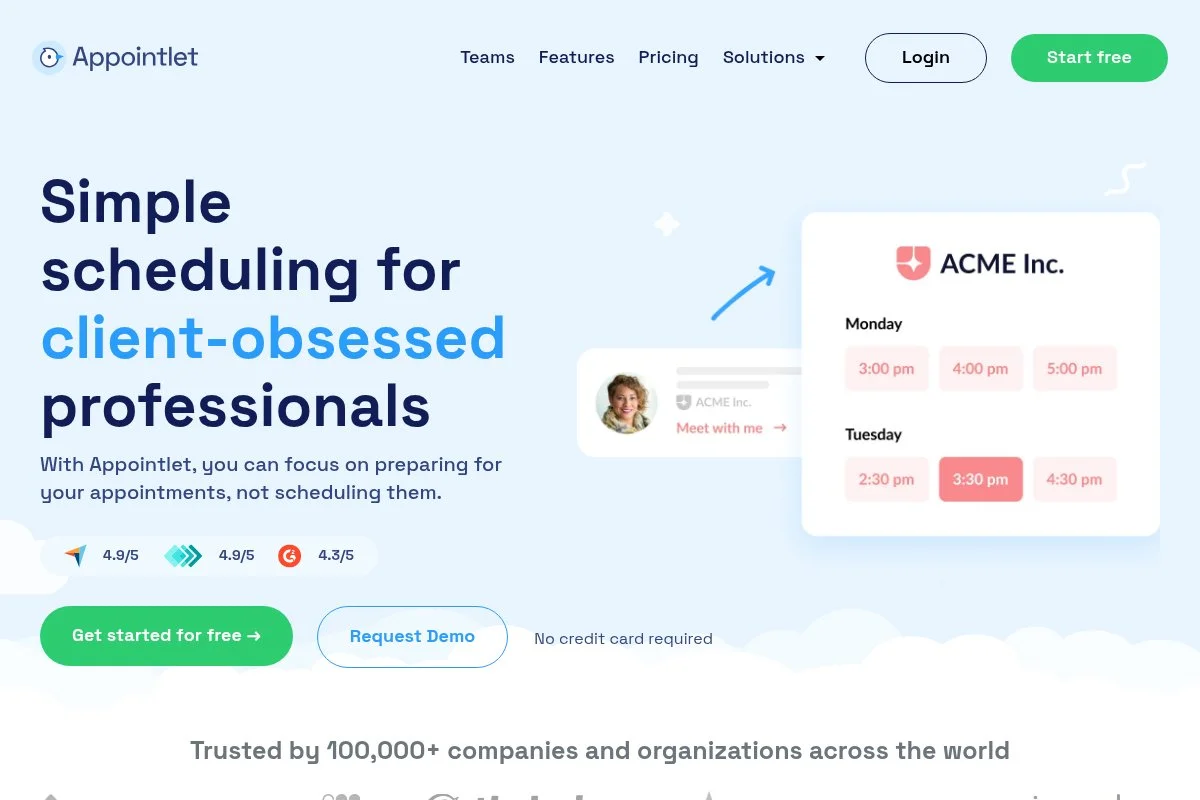
Appointlet is a straightforward scheduling tool built for small teams and client-facing roles. It integrates neatly with Google and Microsoft calendars and supports Zoom and Stripe without fuss. You can start for free and publish a booking page in minutes. The editor lets you define services, buffers, and intake questions. The hosted pages are clean and easy to share.
Recent updates improved the booking page design and expanded reminders. It stays focused on core scheduling rather than trying to become a whole suite. The paid plan adds unlimited booking types, advanced notifications, payments, and branding. For a lean workflow, it hits the mark.
I recommend Appointlet to freelancers and agencies that want capable basics and a generous free tier. The company keeps the UI tidy, which reduces the learning curve for clients booking time with you.
How Appointlet Works and Key Features
Appointlet’s interface is clean, with sections for services, availability, and booking pages. You can customize colors and logos on paid plans, embed buttons on your site, and add custom intake fields. Advanced setups include payments via Stripe, Zoom, and Google Meet links, as well as integrations via Zapier. Reporting covers basic appointment stats. Automations manage confirmations and reminders by email, with SMS support depending on the plan.
Support is delivered via a help center and email. A user told me, “It does what I need without sending me down rabbit holes,” which matches my experience. This is a balanced tool, beginner-friendly and steady enough for busy calendars.
Who Is Appointlet For?
Good for freelancers, agencies, sales reps, and support teams that want a simple, hosted booking page. Works well for discovery calls and paid sessions with Stripe. If you need POS or detailed resource rules, Square Appointments or SimplyBook.me are better. No technical skill required.
Appointlet Pricing
Appointlet offers a free plan and a single paid tier per user, keeping costs easy to predict.
- Free: $0/mo, basic booking pages, unlimited meetings, calendar sync
- Premium: $10/user/mo, payments, advanced notifications, custom branding, multiple booking types
This is one of the simpler pricing models in the space. Annual billing usually offers a discount on the monthly price.
Appointlet Pros and Cons
Pros
- Generous free plan for solos
- Clean, focused feature set
- Simple, low-cost upgrade path
Cons
- Fewer advanced automation options
- Limited resource or staff management
If you want a tool that stays out of your way, Appointlet is a good fit. If you sell complex services, consider SimplyBook.me or Square Appointments.
Appointlet Reviews
Capterra: 4.6/5 rating (200+ reviews). G2: 4.5/5 rating (100+ reviews). Feedback highlights ease of use and fair pricing.
What Is the Best Scheduling and Appointment Software Right Now?
My top picks right now are Calendly, Square Appointments, and Setmore. Each fits a different path: fast solo scheduling, bookings-plus-payments, and budget-friendly team scheduling. Calendly is my number one. I use it weekly for interviews and intro calls. This isn’t sponsored. I first tried it after fighting three email chains to book a 30-minute chat. The first thing that impressed me was how fast I could publish a clean link and stop chasing confirmations. Routing and reminders sealed it for me.
For value, Calendly scales well. The Standard plan at $10/user/mo covers most needs for solos. Teams at $16/user/mo is still fair, since it includes round-robin, routing, and integrations that often require higher tiers elsewhere. Compared to tools that push you to $20–$30 per seat for similar features, it’s a solid deal. Square Appointments is a close second if you charge for in-person time. The free plan for one staff member, plus built-in Square payments and no-show options, makes it hard to beat for stylists, wellness pros, and trainers. Recent polish on waitlists and POS ties makes it even stronger.
Its unique strength is its ecosystem: POS, invoices, gift cards, and marketing, all under one roof. If my work were more in-person and payment-driven, I’d pick Square Appointments without hesitation. Setmore is my third pick for teams on a tight budget. The free plan is useful, and Pro adds two-way sync, SMS, and payments at a price that won’t sting. If you run classes or share calendars across a few people, it’s a friendly place to start.
I also mix tools. For example, I keep Calendly for calls and suggest Square Appointments to friends who run studios. Different jobs, different needs. Choosing between these top options is tough because they’re all strong at their core job. I stick with Calendly because it vanishes into my day. It gives me a reliable link, clean routing, and fewer headaches. That’s exactly what I need.
I hope this helped you land on a tool that saves time and keeps clients happy. Here’s to fewer no-shows and more focused work.
Frequently Asked Questions
Q: What’s the best free scheduling app for one person?
For a solo setup, I like Calendly’s Free plan for simple links and reminders. If you need payments or no-show fees, Square Appointments’ Free plan for one staff member is better.
Q: How do I cut down on no-shows?
Use SMS and email reminders, add buffers, and require deposits for paid sessions. Square Appointments and SimplyBook.me make it easy to set prepayments or fees that encourage attendance.
Q: Can I take payments at booking?
Yes. Calendly, SimplyBook.me, Setmore, and Appointlet support Stripe or PayPal. Square Appointments runs payments through Square, which is great for in-person and online checkout.
Q: Which tool is best for classes or group sessions?
Setmore and SimplyBook.me handle classes well, including capacity limits and rosters. Calendly can manage group events, too, but the class-focused tools offer more add-on and package options.
Photo by Ed Hardie: Unsplash


