


A few years ago, I hit a wall with subscription creep. My bookkeeping bill was creeping up even as my income swung month to month. I needed reliable accounting without the QuickBooks price tag. I manage editorial and budgets for a lean, self-employed operation. My goals were simple: send invoices fast, track expenses automatically, and be tax-ready without a weekend lost to spreadsheets.
Friends running solo shops kept telling me the same thing: you don’t need every bell and whistle. You need clean bank feeds, a painless way to invoice, and reports your tax pro actually uses. So I dug in. Our team researched options, talked with users, and tried several tools in real projects. I learned this the hard way: “cheap” only works if it saves time and avoids tax-season panic.
What I noticed from the most organized freelancers and solo owners: they pick simple software, automate the boring parts, and stick with it. No heroics. Just steady, accurate books. You don’t need the most complex (or most expensive) tool to get clean books. You need the right fit for your workflow and budget.
This guide breaks down seven affordable QuickBooks alternatives I’d actually recommend to self-employed readers. It’s honest, practical, and based on real use—not vendor
What is Accounting Software for the Self-Employed?
Self-employed accounting software is a tool that tracks income, expenses, invoices, and taxes for solo workers and very small businesses. Its purpose is to keep books accurate and ready for filing. There’s a saying I live by: what gets measured gets managed. Clean records mean better decisions, fewer missed deductions, and less stress when your accountant asks for documents.
Think of it like this: if you miss even $100 in deductible expenses each month, that’s $1,200 a year. At a 22% tax rate, you’re leaving roughly $264 on the table—more than many tools cost. At its core, this software helps freelancers, creators, and solo owners connect bank accounts, categorize transactions, send invoices, and generate reports so they can file taxes and plan cash flow with confidence.
Many pair accounting tools with receipt scanners, mileage trackers, time trackers, and payment processors like Stripe, PayPal, or Square for faster cash collection. Not all options are equal in price, features, or ease of use, so choosing carefully matters.
How to Choose the Best Accounting Software
I know this choice can feel overwhelming. There are dozens of tools that look similar until you’re the one reconciling at 10 p.m. on a Sunday. I wrote this to help you pick a tool that matches your setup: your bank, your clients, your tax situation, and your budget. No fluff—just what you need to decide.
Most lists are written by the companies selling the software or by sites that rank whoever paid for placement. I am not sponsored by any platform on this list. This is my honest overview based on real use, research, and reader feedback.
Here are some questions you should ask when looking for accounting software:
- Is there a free plan, and what are the limits?
- How fast can I connect bank feeds and send an invoice?
- Will it scale if I add contractors, products, or more clients?
- How does pricing increase as my invoices or connections grow?
- Does it include features I actually need (estimates, time tracking, mileage, inventory)?
- Are reports and dashboards clear enough to guide decisions?
- How hard is it to export data if I switch later?
- What’s the uptime, and how are bank feeds maintained?
- Does it support my tax rules (sales tax, VAT, MTD, 1099s)?
Let’s see which one is right for you.
1. Zoho Books
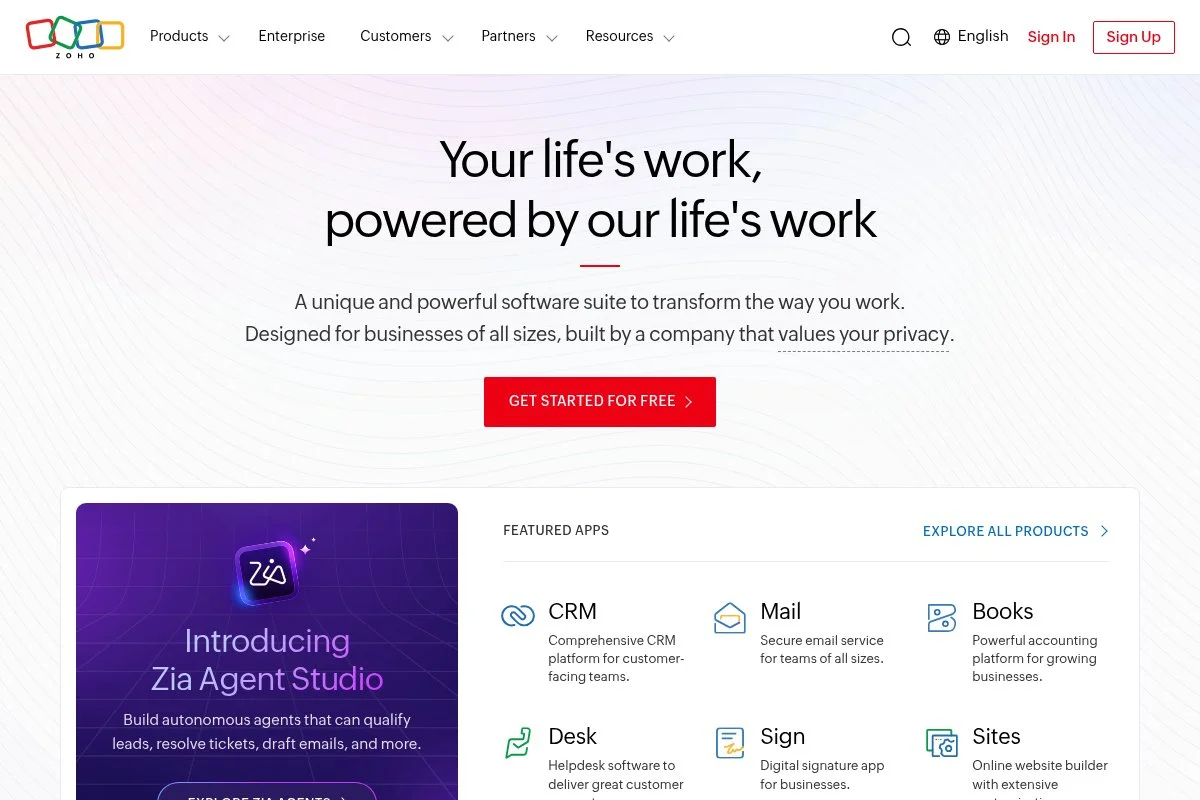
Zoho Books is a full-featured accounting platform designed for small businesses and freelancers. It’s part of the broader Zoho suite, which adds credibility through deep integrations across CRM, projects, and inventory.
You can start on a free plan (availability varies by region) or at $20/month for Standard. Setup is quick: connect bank accounts, import contacts, and send your first invoice in minutes. Daily tasks revolve around bank feeds, categorization rules, invoices/estimates, and client portal payments.
Recent improvements have focused on automation and compliance: better bank reconciliation, more payment gateways, and expanded tax features in key markets. That makes it more practical for solo pros who invoice across borders or manage sales tax/VAT.
Higher tiers unlock advanced inventory, purchase approvals, advanced analytics, and deep project time tracking. As your needs grow more complex, Zoho Books scales without forcing a platform change.
I use Zoho Books for my own side work. It won me over with clean bank feeds, quick recurring invoices, and solid mobile mileage tracking.
One more thing I appreciate: Zoho’s documentation and live chat are straightforward. I rarely wait long, and the help articles usually match real workflows.
How Zoho Books works and key features
The interface is clean and menu-driven. Invoices are WYSIWYG with templates you can brand. Bank rules help categorize transactions at scale. You can customize forms, taxes, and number formats, and add your own fields.
Advanced users can add custom functions, connect to APIs, or integrate with other Zoho apps such as Zoho CRM, Projects, and Inventory. Reports include P&L, balance sheet, aging, cash flow, and sales tax/VAT summaries.
Automation can handle recurring invoices, payment reminders, and approval flows. Extras include a client portal, estimates, purchase orders, bills, time tracking, and mileage. Support is available by chat, email, and a deep knowledge base.
Overall, it hits a sweet spot: beginner-friendly now, powerful enough to grow with you.
Who Zoho Books is for
Best for freelancers, consultants, coaches, solo e‑commerce sellers, agencies with contractors, and service pros who want strong invoices and tax handling. Great if you already use Zoho apps. If you need true job costing for construction or heavy inventory out of the gate, Xero or Sage add-ons may fit better. No technical skill required; advanced options are there if you want them.
Zoho Books pricing
Zoho Books uses tiered pricing based on features and limits. There’s a free plan in select markets, plus paid tiers. A free trial is available.
- Free: $0/month, entry-level limits, invoices, expenses, client portal, bank feeds.
- Standard: $20/month, more contacts, recurring invoices, vendor credits, reporting.
- Professional: $50/month, purchase orders, bills, inventory basics, sales orders.
- Premium: $70/month, advanced analytics, workflow rules, multiple branches.
- Elite/Ultimate: Higher tiers with advanced inventory, integrations, and BI.
Value-wise, it’s strong compared to QuickBooks and Xero in comparable tiers. Annual billing usually discounts the monthly rate. If you’re under light usage, the free plan or Standard tier covers a lot.
Pros and cons
- Pros: Excellent value; reliable bank feeds; great invoicing and client portal; scales with Zoho ecosystem.
- Cons: Some advanced features locked to higher tiers; free plan availability varies by region; learning curve if you enable many modules.
If you want affordable, capable accounting that grows with you, Zoho Books is hard to beat. If you need niche job costing or very specific payroll, check add-ons first.
Zoho Books reviews
G2: around 4.4/5. Capterra: around 4.4/5. Reviews highlight value and ease of invoicing; some mention setup learning curves.
2. Wave
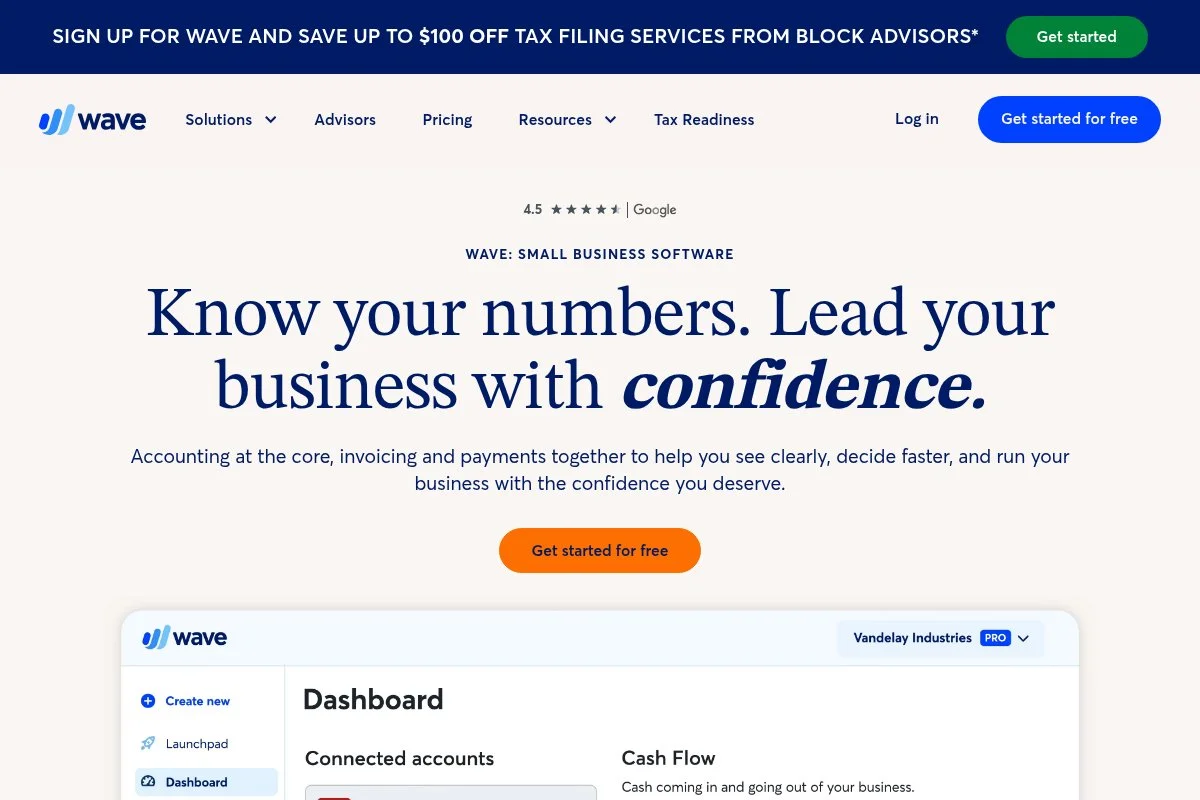
Wave is a free accounting and invoicing tool built for small businesses and freelancers in the U.S. and Canada. It’s been around for years and stays focused on simple, no-cost bookkeeping.
Getting started is quick: create an account, connect bank feeds, send your first branded invoice, and scan receipts from the mobile app. The daily flow is straightforward—categorize expenses, match payments, and check a few key reports.
Wave has doubled down on core reliability after retiring side projects. Bank feed stability and invoice/payment features are where you’ll see most improvements if you tried it a while back.
Paid add-ons include online payments and payroll, so you only pay if you use them. That keeps total cost low for many solo owners.
I recommend Wave often to new freelancers who need clean books without a monthly fee. It’s hard to argue with free when the essentials work.
I also like Wave’s simple reports. Profit and loss and tax summaries are clear enough to send to a CPA without extra cleanup.
How Wave works and key features
The interface is minimal and easy to learn. Invoice templates are simple to brand, and you can enable online payments. Bank connections help auto-categorize expenses with rules. Reports cover P&L, balance sheet, and sales tax.
There’s built-in receipt capture, estimates, recurring invoices, and payment reminders. No advanced inventory or complex project tracking, which keeps it uncluttered. Support is mostly self-serve with community and help docs; paid users get more direct help.
If you want a tool that stays out of your way and handles the basics, Wave delivers.
Who Wave is for
Great for brand-new freelancers, coaches, solo creatives, side hustlers, and contractors who bill a few clients a month. Best if you need free invoicing, simple expense tracking, and basic reports. If you require advanced inventory, multi-currency, or deep time tracking, consider Zoho Books or Xero.
Wave pricing
Wave’s core accounting and invoicing are free. You pay for optional services.
- Accounting & Invoicing: $0/month, unlimited income/expense tracking, unlimited invoices, basic reports.
- Payments: Pay-as-you-go transaction fees for credit card and ACH.
- Payroll: Monthly base fee plus per-employee/contractor fees (varies by state and tax service level).
Compared to QuickBooks, the free core is the draw. If you add payroll and lots of card payments, costs rise but remain predictable. There’s no annual contract for the free core.
Pros and cons
- Pros: Free core features; fast setup; simple invoicing; clear basic reports.
- Cons: Limited advanced features; support tiers favor paid services; availability focused on U.S./Canada.
Choose Wave if you want zero software cost and straightforward books. Skip it if you need complex modules or global compliance.
Wave reviews
Capterra: around 4.4/5. G2: around 4.4/5. Users praise price and simplicity; some cite bank feed hiccups and limited depth.
3. Sage Accounting
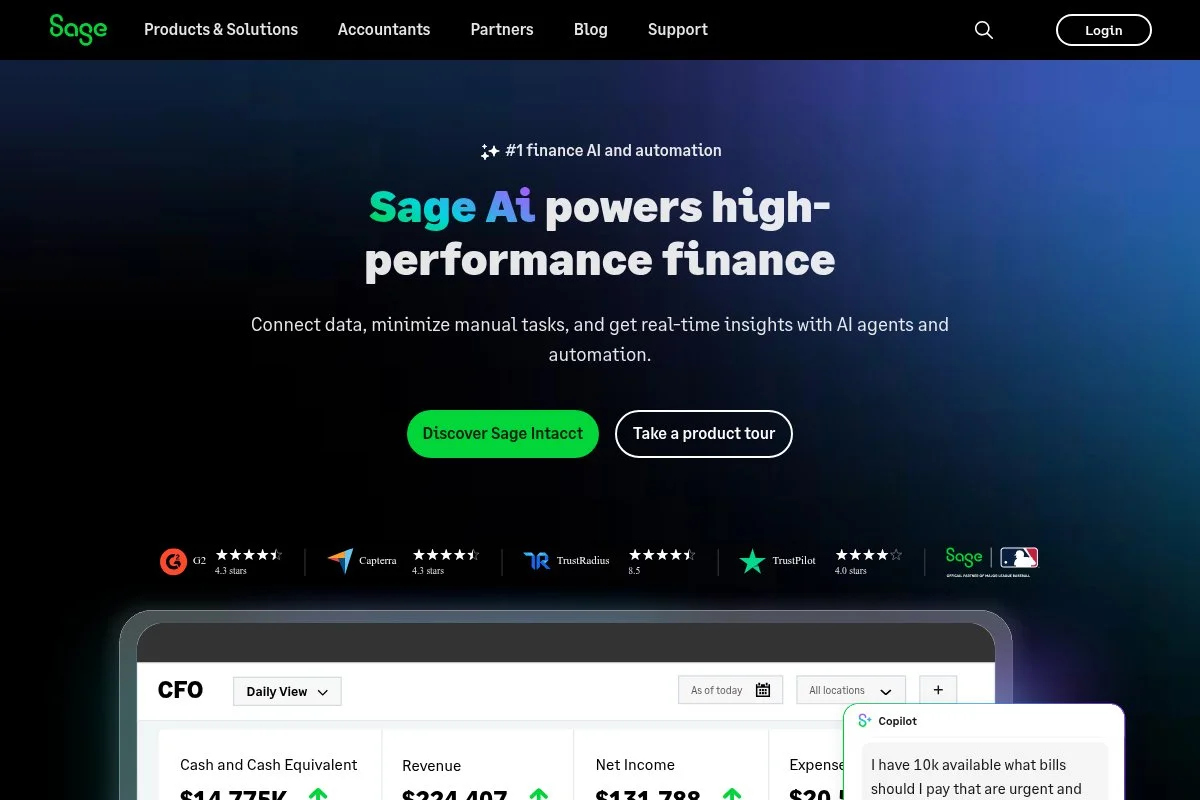
Sage Accounting (formerly Sage Business Cloud Accounting) is a straightforward tool for small businesses and sole traders. Sage has deep roots in accounting, which shows in its steady focus on products and compliance.
You can start with the low-cost Start plan at about $10/month. Setup walks you through taxes, opening balances, and bank feeds. The daily experience centers on invoices, expenses, and reconciliation.
Sage has improved its banking connections and kept pace with tax changes, with strong support in the UK and other markets. Updates lean and practical, not flashy, which many bookkeepers appreciate.
As you upgrade, you unlock quotes, estimates, and cash flow tools. If you need something stable and accountant-friendly, Sage fits well.
I’ve worked with several solo owners who stick with Sage for years because their accountants prefer it. That alone can save headaches at year-end.
Sage’s help content is clear, and there’s live support on paid tiers. I rarely see surprises here—just steady results.
How Sage Accounting works and key features
The interface is tidy with logical menus. Templates for invoices and quotes are easy to brand. Bank feeds and rules help speed reconciliation. Reports cover the essentials, plus cash flow and aged receivables.
There’s support for multi-currency on higher tiers, as well as integrations for payments and banking. You can invite your accountant and set permissions. Knowledge base articles are practical and up to date.
Overall, Sage is simple enough for beginners but reassuring for pros who value compliance.
Who Sage Accounting is for
Ideal for sole traders, tradespeople, consultants, and UK-based freelancers who want stable tax handling. It shines for straightforward invoicing and reconciliation. If you need an app marketplace or deep project tracking, Xero or Zoho Books may be a better fit. Beginner-friendly with accountant-grade guardrails.
Sage Accounting pricing
Sage uses tiered pricing with monthly or annual billing and frequent promos.
- Start: ~$10/month, invoices, expense tracking, bank feeds, basic reports.
- Accounting: ~$25/month, quotes/estimates, cash flow, multi-currency options.
Versus QuickBooks, Sage can be cheaper for core needs. Annual billing and promotions often lower costs. If you keep to the Start plan, it’s one of the least expensive paid options.
Pros and cons
- Pros: Low entry price; accountant-approved; reliable tax support; clear reports.
- Cons: Fewer integrations than Xero; interface feels utilitarian; advanced features require upgrades.
If you value stability and simple pricing, Sage is an easy win. If you want lots of add-ons and bells and whistles, look at Xero or Zoho Books.
Sage Accounting reviews
Capterra: around 4.1/5. G2: around 4.0/5. Feedback cites dependable basics and fair price; some want fresher UI and more apps.
4. Xero
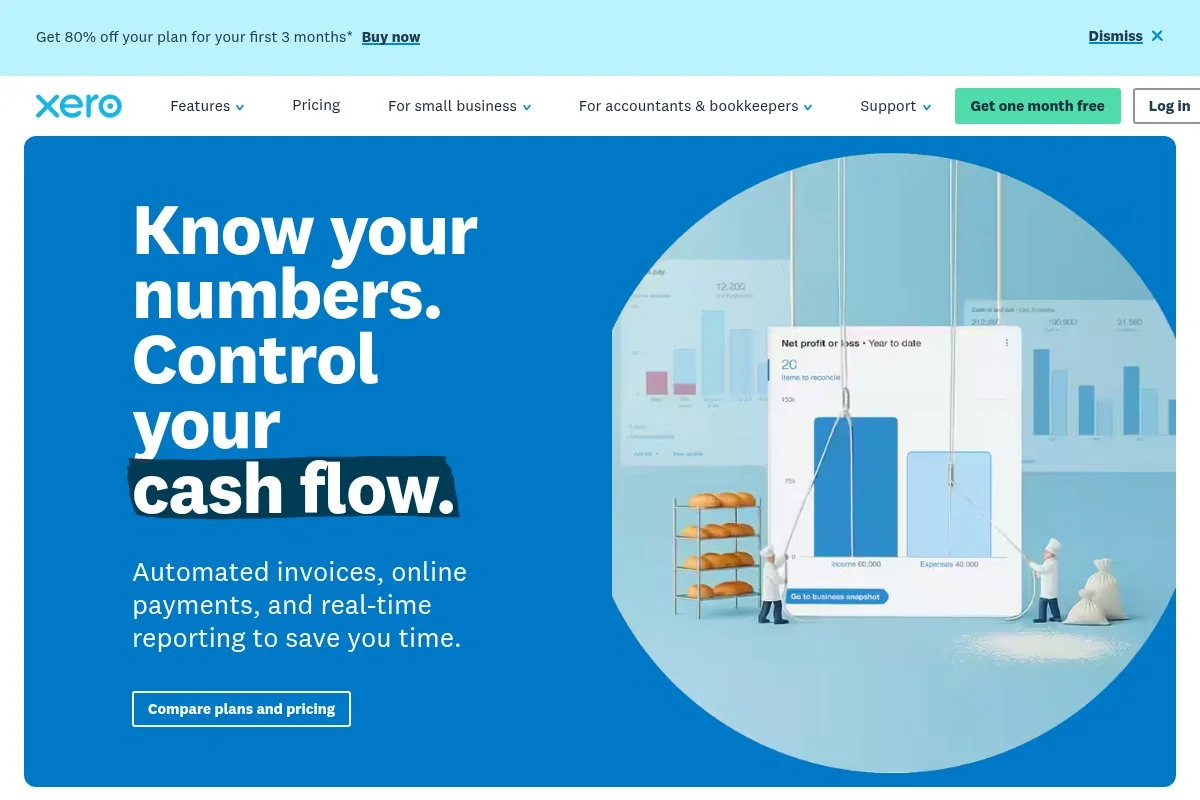
Xero is a well-known small-business accounting platform with a strong app marketplace and an accountant network. It’s trusted worldwide, which makes it a safe long-term choice.
You can start with the Early plan at about $15/month. Setup is smooth: connect your bank, set tax rates, and send your first invoice. The daily flow centers on bank reconciliation with smart suggestions, recurring invoices, and quick reporting.
Recent updates have focused on reconciliation, security, and improving the mobile apps. Xero also continues to expand partnerships with payment and banking providers.
Higher tiers include project tracking (Xero Projects), expense claims, and multi-currency support. Xero’s “cash coding” and bank rules can save serious time once you learn them.
I like Xero for freelancers who expect to grow. The learning curve is real, but bank rules and the app ecosystem are worth it for many.
Support quality is solid through help docs and guided flows, and many accountants are fluent in Xero if you need outside help.
How Xero works and key features
Xero’s interface is modern with quick access to bank reconciliation. Templates are customizable, and branding is easy. Advanced users can use add-ons, APIs, and a large app marketplace for inventory, proposals, and more.
Reporting covers all the standards, with flexible layouts and tracking categories for light job costing. Automation includes recurring invoices, payment reminders, and bank rules. There are extras such as quotes, purchase orders, and basic fixed-asset management.
It’s a balanced experience: powerful once set up, but still friendly enough for a dedicated solo operator.
Who Xero is for
Great for consultants, agencies, creatives, and online sellers who want strong bank rules and app integrations. Works well for those planning to scale. If you only need bare-bones invoicing and free software, Wave may be a better fit. Moderate learning curve; no coding needed.
Xero pricing
Xero uses tiered pricing, with limits on entry plans and features added as you move up.
- Early: ~$15/month; limited invoicing and billing, bank reconciliation, and quotes.
- Growing: ~$42/month, unlimited invoices and bills, bulk reconciliation.
- Established: ~$78/month, multi-currency, expenses, and projects.
Early is cheaper than many QuickBooks plans but has transaction limits. Annual promos pop up. If you need projects or multi-currency, you’ll likely land on Established.
Pros and cons
- Pros: Excellent bank rules; huge app marketplace; accountant network; strong reporting.
- Cons: Entry plan limits; pricing jumps on higher tiers; learning curve for new users.
Pick Xero if you expect to grow and want integrations. If your needs are simple and price-sensitive, consider Wave or Zoho Books.
Xero reviews
G2: around 4.3/5. Capterra: around 4.4/5. Users praise bank reconciliation and rules; some cite cost as a concern as they scale.
5. ZipBooks
ZipBooks is a lightweight accounting tool focused on clean invoicing and simple books. It appeals to freelancers who want clarity without fuss.
The Starter plan is free. Setup is quick: add clients, connect your bank, and send a polished invoice. The daily routine is invoices, categorization, and basic reports—nothing confusing.
Recent product work has centered on reliability and UI polish. It’s not trying to be everything, and that’s part of the charm for solo users.
Paid tiers unlock time tracking, recurring invoices, and more detailed reports. If you invoice often and want a simple system, ZipBooks gets out of your way.
I like how clean the invoice editor is. It looks professional without spending an hour on formatting.
Support is email-first with help docs. For straightforward needs, that’s usually enough.
How ZipBooks works and key features
The interface is minimal with a focus on invoices and payments. Templates are easy to brand. Bank feeds support basic rules, and you can track customers and items. Reports cover P&L, balance sheet, and aging.
Automation includes recurring invoices and reminders on paid plans. There’s light time tracking and simple project tagging. No deep inventory or complex workflows. Support comes through email and articles.
Overall, it’s beginner-friendly and ideal for simple service businesses that bill monthly.
Who ZipBooks is for
Perfect for freelancers, photographers, tutors, and repair pros who want fast invoicing with basic accounting. Good for side hustles with a few clients. If you need advanced automation, inventory, or multi-currency, look at Zoho Books or Xero. No technical skills needed.
ZipBooks pricing
ZipBooks offers a generous free tier, plus affordable upgrades.
- Starter: $0/month, unlimited invoicing, basic reports, simple bank connections.
- Smarter: ~$15/month, time tracking, recurring invoices, saved documents, deeper reports.
- Sophisticated: ~$35/month, advanced features for growing needs.
It undercuts many competitors. If you live on the free tier, your costs are near zero; upgrades stay budget-friendly compared to larger suites.
Pros and cons
- Pros: Free entry plan; clean invoicing; easy for first-time users; fair upgrade pricing.
- Cons: Limited advanced features; smaller integration list; support is lighter than the big names.
Choose ZipBooks if you want simple, affordable invoicing plus basic accounting. If you need depth, pick Zoho Books or Xero.
ZipBooks reviews
Capterra: around 4.5/5. Reviews point to clean design and easy invoicing; some users want more integrations.
6. FreeAgent
FreeAgent is a UK-focused accounting platform loved by freelancers and contractors. It’s owned by NatWest Group, which adds banking ties and stability.
Setup is quick with UK tax defaults. Connect your bank, set VAT if needed, and send your first invoice. Daily tasks include bank reconciliation, expense capture, and automated tax timelines.
Recent improvements emphasize support for Making Tax Digital (MTD) and smoother bank feeds. If you’re UK-based, this matters a lot at filing time.
You get time tracking, projects, and a client portal on standard plans, which is generous compared to many entry-level tools.
I recommend FreeAgent frequently to UK sole traders, especially with the NatWest/Mettle free offer. It keeps costs low while nailing UK specifics.
The mobile app is capable of invoicing, expenses, and time tracking—useful if you work on-site.
How FreeAgent works and key features
The interface is friendly with dashboards tailored to UK taxes. Invoices are customizable with payment links. Bank feeds are solid, and smart categorization speeds up bookkeeping. Reports include P&L, balance sheet, VAT returns, and Self Assessment helpsheets.
Automation includes recurring invoices, payment reminders, and tax date tracking. There’s project time tracking and expenses built in. Support is helpful with UK-focused guides and webinars.
For UK solo businesses, it’s a strong, practical choice with helpful defaults.
Who FreeAgent is for
Best for UK freelancers, contractors, and micro-agencies needing MTD VAT and Self Assessment support. Great if you bank with NatWest Group or Mettle to access the free plan. If you’re outside the UK or need extensive inventory tracking, consider Zoho Books or Xero. Beginner-friendly.
FreeAgent pricing
FreeAgent has simple pricing and a popular banking partnership in the UK.
- Standard: £14/month for 6 months, then £24/month (UK pricing), includes invoices, expenses, projects, and VAT/MTD support.
- Free with NatWest/Mettle/Royal Bank of Scotland business banking (eligibility and terms apply).
For UK users, the banking offer is a significant cost-saver. Compared to QuickBooks UK, FreeAgent is competitively priced with more UK-flavored guidance baked in.
Pros and cons
- Pros: UK tax focus; MTD-ready; time and projects included; strong banking offer.
- Cons: Limited availability outside the UK; fewer third-party apps than Xero; mid-range pricing without the banking offering.
If you’re in the UK, FreeAgent belongs on your shortlist. If you’re not, look at Zoho Books or Xero.
FreeAgent reviews
Capterra: around 4.4/5. Trustpilot: ratings vary by region. Users like the UK tax guidance and bank feeds.
7. TrulySmall Accounting
TrulySmall Accounting, from Kashoo, targets very small businesses that want dead-simple books. It pares accounting down to essentials and avoids clutter.
You can start for about $20/month. Setup connects your bank, lets you add contacts, and gets your first invoice out quickly. Day-to-day, it’s invoices, expenses, and basic reconciliation.
Recent updates focused on speed and stability. If you tried Kashoo years back, this feels lighter and faster.
There aren’t many advanced features, which is the point. If you want to keep overhead and complexity low, it works.
I’ve seen solo consultants and makers pick TrulySmall because it “just works” without choices getting in the way.
Support is straightforward via help docs and email, and the setup assistant is friendly for first-timers.
How TrulySmall works and key features
The interface is minimal and task-based. Invoices are easy to brand, and bank feeds bring in transactions for quick categorization. You’ll get standard reports like P&L and balance sheet, plus customer and vendor lists.
There’s light automation for recurring invoices and reminders. Integrations are fewer than bigger platforms, but that keeps complexity down. Support relies on help articles and email.
This is made for beginners who want a clean, simple workflow without extra modules.
Who TrulySmall is for
Good for freelancers, solo consultants, artisans, and local service pros who only need invoices, expenses, and basic reports. If you need multi-currency, inventory, or project costing, try Xero or Zoho Books. No technical skills needed.
TrulySmall pricing
Pricing is simple and flat, aimed at the smallest businesses.
- Accounting: ~$20/month, invoices, expenses, bank feeds, basic reports.
- Invoices: $0/month (separate lighter tool), basic invoicing without full accounting.
It’s cheaper than many competitors but also leaner. If you only need the basics, the price is right. No long-term contracts required.
Pros and cons
- Pros: Very easy to use; affordable flat pricing; fast setup.
- Cons: Limited integrations; few advanced features; not ideal for complex taxes.
Pick TrulySmall if you want ultra-simple bookkeeping. If you plan to grow or need more automation, consider Zoho Books or Xero.
TrulySmall reviews
G2 and Capterra coverage is lighter than larger tools. Feedback mentions ease of use and simplicity; some users want more integrations.
What is the best accounting software right now?
My top picks right now are Zoho Books, Wave, and Xero. If you want the best mix of price and features, start with Zoho Books. If you need free and simple, use Wave. If you expect to grow into deeper automation and integrations, consider Xero.
Zoho Books is my #1 because I personally use it for solo work and small projects. This isn’t sponsored. I found it after testing multiple tools that either felt limited or too pricey. What impressed me first was the bank feed reliability and how quickly I could set recurring invoices and reminders. The client portal sealed it for me—fewer email chases, faster payments.
On value, Zoho’s Standard plan at about $20/month covers what many freelancers need. Comparable setups in QuickBooks or Xero can cost more as you add features such as recurring billing, time tracking, or advanced reporting. If you stay within Zoho’s limits, you avoid costly add-ons while keeping pro-grade books.
My close #2 is Wave for one reason: free core accounting that works. For brand-new freelancers or side hustles, this keeps monthly burn rate low while you find product–market fit. Recent stability improvements make it easier to recommend to first-timers.
Wave’s unique strength is cost. With free invoicing, expense tracking, and basic reports, you can build a healthy habit without budget anxiety. If I were starting from zero and cash was tight, I’d pick Wave first and upgrade later.
My #3 is Xero for those who expect to scale. Bank rules, “cash coding,” and the app marketplace can save hours each month once you learn them. The Early plan is affordable to start, and you can step up as your needs grow.
I also mix tools based on projects. For example, I’ve kept Wave on a tiny side gig while using Zoho Books for my main work. That split keeps costs low and data clean.
Choosing between these three is a real decision. I stuck with Zoho Books because it gives me pro features without nickel-and-diming me. Bank feeds are reliable, invoices go out fast, and tax time is calmer.
I hope this helped you pick with confidence. Clean books, fewer headaches, and more time for billable work—that’s the goal. See you at tax time with a much smaller to-do list.
Frequently Asked Questions
Q: What’s the absolute cheapest QuickBooks alternative for freelancers?
Wave is free for core accounting and invoicing, so it’s the cheapest place to start. Zoho Books also has a free plan in select regions and low-cost paid tiers.
Q: Can I switch from QuickBooks without losing my data?
Yes. Export your chart of accounts, customers, vendors, products, and transactions from QuickBooks, then import into your new tool. I plan a short overlap period to double-check balances.
Q: Which alternative is best for UK sole traders?
FreeAgent is my go-to for UK users because it’s MTD-ready and maps to UK taxes. If you want more integrations, Xero is a strong UK-friendly choice as well.
Q: Do I need payroll built in, or can I add it later?
You can add payroll later. Start with clean books first. Wave, Zoho Books, Xero, and Sage all integrate with payroll options so you only pay once you hire or start running payroll.
Photo by Microsoft 365: Unsplash


