


I still remember sorting receipts in a shoebox after a long client gig, hoping I didn’t miss a deductible. That mess pushed me to find a better way. My goal was simple: track income and expenses without spending hours every week. I wanted invoicing that actually got me paid on time, and reports I could hand my CPA.
I’ve led teams reviewing small business tools for years, and I talk daily with freelancers, coaches, and micro-agency owners. The same theme keeps coming up: accounting feels harder than it should. What surprised me was how quickly “cheap and easy” can turn into “bloated and pricey” once you add bank feeds, mileage, and tax reports. The trick I’ve seen from successful solo operators is consistency: pick a tool you’ll actually open every week.
You don’t need the fanciest plan or an enterprise brand. You need clean bank connections, fast invoicing, cash flow clarity, and a way to prep for taxes without panic.
Scroll for my detailed take on each, including what I picked for my own work and which free option I recommend if you’re just starting out.
What is Accounting Software?
Accounting software is a tool that records income and expenses, connects to your bank, and produces financial reports. Its main job is to show where your money goes.
I live by the saying, “What gets measured gets managed.” Clear books help you make smarter choices, claim deductions, and avoid tax season stress. That control matters when you’re on your own.
Think of it this way: guessing cash flow is like driving without a dashboard. Solid bookkeeping is the dashboard. A month of clean records often saves more in taxes than the software costs all year.
At its core, accounting software lets self‑employed users import transactions, categorize them, send invoices, track receipts, and produce reports from those data sources, so they can understand profit and plan for taxes.
People often pair accounting tools with payment processors, receipt scanners, mileage trackers, time trackers, and payroll services to round out their back office.
Not every option fits every workflow, though, so choosing carefully makes a real difference.
How to Choose the Best Accounting Software
Picking accounting software can feel overwhelming. There are many plans, and the add‑ons can change the price fast.
I wrote this to help you find the right fit for your work, whether you’re freelancing part‑time or running a full client roster.
Most guides you’ll find are written by the companies themselves or stacked with sponsored placements. I am not sponsored by any platform on this list. What follows is my honest take based on real use, reader feedback, and careful research.
Here are some questions you should ask when looking for a tool:
- How generous is the free plan, and what are the limits?
- Can I invoice, match bank feeds, and categorize expenses quickly?
- Will the tool scale if I add clients, contractors, or sales channels?
- How will my costs change as transactions, invoices, or users grow?
- Does it include the features I need now (mileage, estimates, 1099s)?
- Are reports and dashboards clear enough to guide decisions?
- How hard is it to export or migrate if I switch later?
- Are bank connections stable and data backed up reliably?
- Does it support my country’s tax rules and e‑invoicing, if needed?
1. Wave Accounting
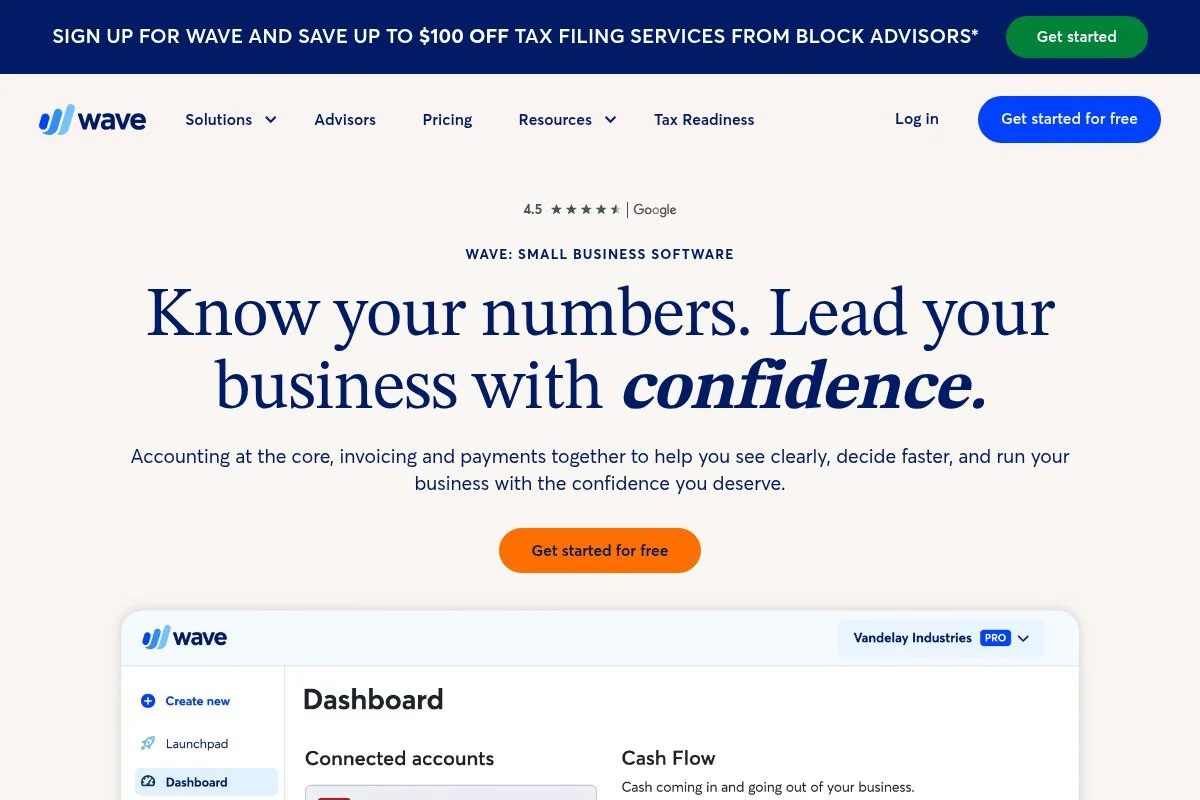
Wave Accounting is a free, cloud-based bookkeeping and invoicing platform built for small businesses and freelancers. It’s backed by H&R Block, which adds trust and long‑term support.
Getting started is fast: connect a bank, import transactions, and create your first invoice in minutes. The core experience centers on bank feeds, simple categorization, and clean invoices with online payments.
Recent updates have focused on a more modern interface, stronger mobile apps, and smoother bank connections. Wave has also tightened its payments experience, so getting paid online is simpler.
On paid add‑ons, you’ll find online payments, payroll (in supported states/regions), and receipt capture. While not as deep as enterprise tools, it covers the needs of most solo business owners.
I use Wave for a side project because the free core keeps costs low while still giving me real P&L and simple invoices. It’s easy to recommend for lean setups.
Support articles are clear, and the design feels uncluttered. For a free tool, the polish and reliability stand out, especially for invoicing and basic reports.
How Wave Accounting works and key features
Wave uses a clean, minimal interface. Connect bank and credit card accounts to pull transactions daily. Categorization is straightforward, and you can create simple rules to speed up repeat entries.
Invoice templates are modern and customizable with your logo and terms. You can accept cards and bank transfers through Wave Payments. Advanced users can connect apps via Zapier and export data for their accountants.
Reports cover profit and loss, cash flow, balance sheet, and tax-friendly expense breakdowns. Recurring invoices and automated reminders help reduce late payments.
Wave offers help docs and email support, plus an active community forum. As one freelancer told me, “It’s the only free tool I’ve stuck with longer than a year.” — Independent Designer
Overall, it’s very beginner‑friendly while still giving enough power for a typical solo business.
Who Wave Accounting is for
Great for freelancers, coaches, solo consultants, Etsy sellers, and new LLCs that need invoicing, expense tracking, and basic reports. It’s strong for lean budgets and simple tax prep. If you need advanced inventory, multi‑currency, or accountant‑level controls, another tool like QuickBooks or Xero may fit better. No heavy technical skill required.
Wave Accounting pricing
Wave’s model is generous: core accounting and invoicing are free. You pay for optional services like online payments and payroll. There’s no time‑limited trial for the core.
- Core Accounting & Invoicing: $0/month, unlimited income/expense tracking, customizable invoices, basic reports
- Payments (optional): pay‑as‑you‑go transaction fees for cards and bank transfers
- Payroll (optional): monthly base fee plus per‑employee/contractor fees in supported locations
Compared to others, the free tier is hard to beat if you don’t need advanced features. If you process a lot of payments, compare transaction fees with Stripe or PayPal. Annual billing isn’t relevant on the free core; payroll pricing varies by state/region.
Wave Accounting pros and cons
Pros
- Free core accounting and invoicing
- Clean interface and easy setup
- Solid reports for tax prep
- Low cost to start; only pay for extras
Cons
- Fewer advanced features (inventory, multi‑currency)
- Add‑on fees can add up if usage grows
- Limited accountant‑grade controls vs. QuickBooks/Xero
If you want the most affordable entry point with the basics covered, Wave is hard to pass up. If you need deeper features or heavy integrations, consider QuickBooks or Xero.
Wave Accounting reviews
G2: 4.0/5 star rating (as of 2024). Capterra: generally positive reviews from freelancers and very small businesses.
2. QuickBooks Online

QuickBooks Online is Intuit’s flagship cloud accounting suite for small businesses and solo operators. It’s the standard many accountants prefer, which makes handoff smooth at tax time.
Plans start with Simple Start, and you can be up and running within an hour. The dashboard shows invoices, expenses, bank balances, and profit trends. Core tasks include receipt capture, bank rules, and invoicing with payments.
Recent improvements include stronger receipt automation, better bank feed stability, and a Solopreneur plan designed for single‑owner businesses. The updates aim to cut manual categorization and speed reconciliation.
Higher tiers add bill management, time tracking, inventory, and advanced reporting. QuickBooks Payroll and 1099 e‑file make it a one‑stop shop for many small teams. These features go deeper than most entry‑level tools.
I’ve used QuickBooks when working with CPAs who insist on it. The biggest win is how nearly every accountant knows the system, which lowers friction and saves billable time.
The knowledge base is extensive, and there’s a huge ecosystem of certified ProAdvisors if you ever need help or cleanup.
How QuickBooks Online works and key features
The interface is structured but approachable. You get a left‑hand menu for Sales, Expenses, Banking, and Reports. Bank rules and receipt capture reduce manual entry and help keep books consistent.
Invoice templates are customizable with payment links. Advanced users can connect hundreds of apps, from Stripe and Shopify to job costing add‑ons. Reports cover P&L, cash flow, sales tax, and more.
Automation includes recurring invoices, reminder emails, and matching transactions. Support includes help articles, chat, and phone options on some plans. Many users highlight how accountants can jump in and fix issues quickly.
In short, it’s powerful for both beginners and those who need depth, especially if you plan to scale.
Who QuickBooks Online is for
Ideal for consultants, agencies, contractors, real estate agents, and service pros who want accurate books and fast CPA collaboration. Great for those expecting to add payroll, bill pay, or inventory. If you’re ultra price‑sensitive or want very simple flows, Wave or FreshBooks may feel lighter. No advanced technical skill is required.
QuickBooks Online pricing
QuickBooks uses tiered pricing tied to features and user seats. There’s no permanent free plan, but discounts for new customers are common, and trials are often available.
- Solopreneur: entry plan tailored for single‑owner businesses, basic income/expense tracking
- Simple Start: around $30/month, 1 user, invoicing, bank feeds, basic reports
- Essentials: higher monthly rate, adds bills and time tracking, 3 users
- Plus: higher monthly rate, adds inventory and project profitability, 5 users
- Advanced: premium pricing, advanced reporting, workflows, and support
Value is strong if your accountant uses QuickBooks and you’ll grow into the features. Annual billing can save money when offered. Costs rise with users and advanced features, so choose the smallest plan that fits your needs today.
QuickBooks Online pros and cons
Pros
- Widely used and accountant‑friendly
- Powerful bank rules and receipt capture
- Deep feature set and integrations
- Scales with your business
Cons
- No permanent free plan
- Interface can feel heavy for very simple needs
- Costs increase quickly on higher tiers
If you want accountant alignment and room to grow, QuickBooks is a strong pick. If budget and simplicity are top priorities, start with Wave or FreshBooks.
QuickBooks Online reviews
G2: solid 4/5‑range feedback from small businesses. Capterra: widely reviewed with generally positive ratings, especially for features and integrations.
3. FreshBooks
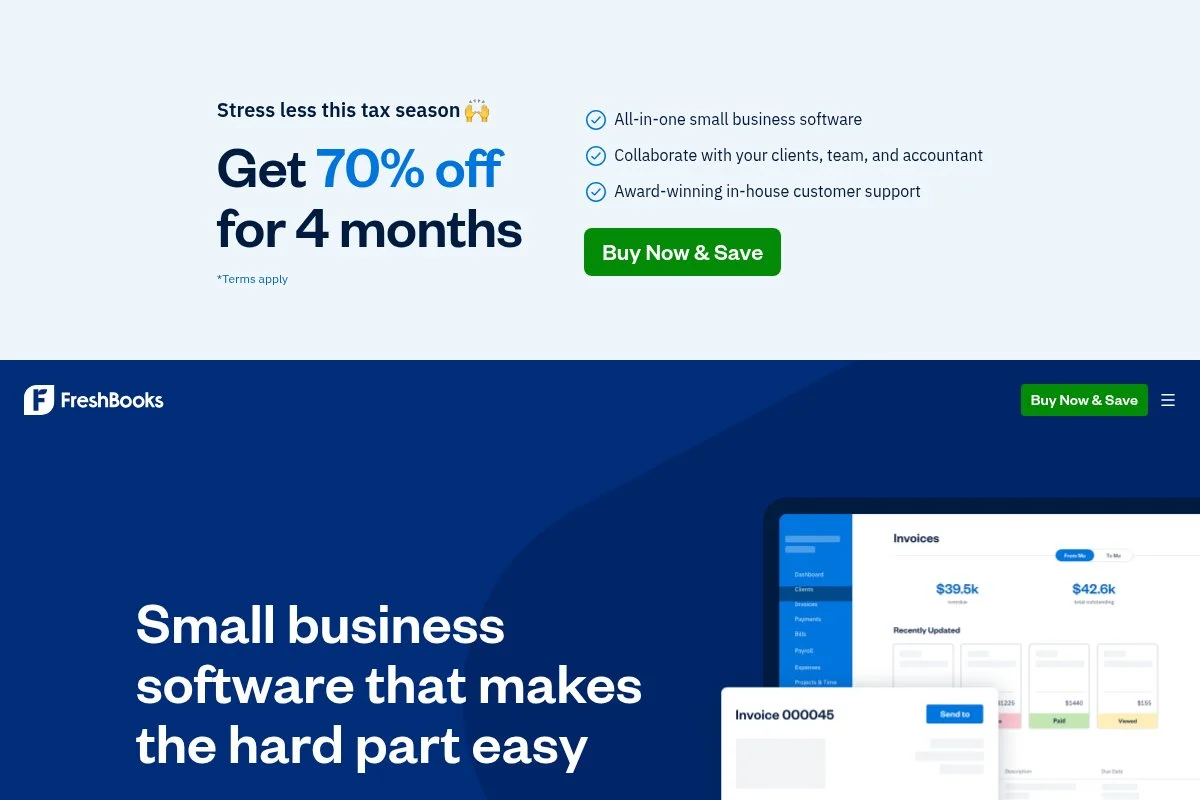
FreshBooks is a client‑friendly accounting and invoicing tool known for great billing and time tracking. It started as a freelancer favorite and has kept that focus on simplicity.
You can start with the Lite plan and send your first invoice fast. The main dashboard highlights outstanding invoices, expenses, and time entries. Mileage tracking and estimates make it useful for service work.
Recent releases improved mileage tracking, estimates to invoices, and richer client portal features. These help freelancers look professional and get paid faster.
Higher tiers add more billable clients, advanced reports, and deeper time tracking. You can also add team members and use online payments. While not the deepest general ledger, it shines at client workflows.
I’ve used FreshBooks on a client‑heavy quarter for its tidy invoicing and late fee automation. It saved me a few awkward emails and tightened cash flow.
The interface feels friendly, with helpful onboarding tips. Support and tutorials are strong, especially for people new to bookkeeping.
How FreshBooks works and key features
FreshBooks offers a clean interface with tabs for Invoices, Expenses, Time Tracking, and Reports. The invoice editor is WYSIWYG, with templates, deposit requests, and payment links.
Time tracking ties directly to projects and invoices. You can connect bank accounts, set expense categories, and attach receipts. Integrations cover Stripe, PayPal, Gusto, and more.
Reports include P&L, sales tax, and time by client. Automations handle recurring invoices, reminders, and late fees. Support is available via help center, email, and live channels depending on plan.
“I switched for the invoicing experience and stayed for the time tracking,” a web developer told me. It’s a balanced choice for service businesses.
Overall, FreshBooks is beginner‑friendly with enough depth for busy freelancers and small teams.
Who FreshBooks is for
Best for designers, developers, consultants, photographers, and agencies that bill hourly or by project. It’s strong for estimates, retainers, and recurring invoices. If you need deep inventory or complex accounting features, QuickBooks or Xero may fit better. No technical skill needed.
FreshBooks pricing
FreshBooks uses tiered pricing tied to the number of billable clients and features. There’s often a trial and frequent intro discounts for new users.
- Lite: around $19/month, up to 5 billable clients, unlimited invoices, expenses
- Plus: higher monthly rate, up to 50 billable clients, recurring invoices, reminders
- Premium: higher monthly rate, unlimited billable clients, advanced reports
- Select: custom pricing for larger teams and needs
Compared to competitors, FreshBooks is fairly priced for client billing. Annual billing can lower the effective rate. If you rarely invoice or have very few clients, Wave might be cheaper overall.
FreshBooks pros and cons
Pros
- Excellent invoicing and time tracking
- Mileage and estimates built for service work
- Friendly UI and helpful onboarding
- Good value for client‑heavy freelancers
Cons
- Less depth in core accounting vs. QuickBooks/Xero
- Client limits on lower tiers
- Add‑ons can raise total cost
If client billing is your workflow center, FreshBooks is a smart pick. If you need deeper GL or inventory, look at QuickBooks or Xero.
FreshBooks reviews
Capterra: strong 4+ star average from service businesses. G2: positive for invoicing and time tracking ease.
4. Zoho Books
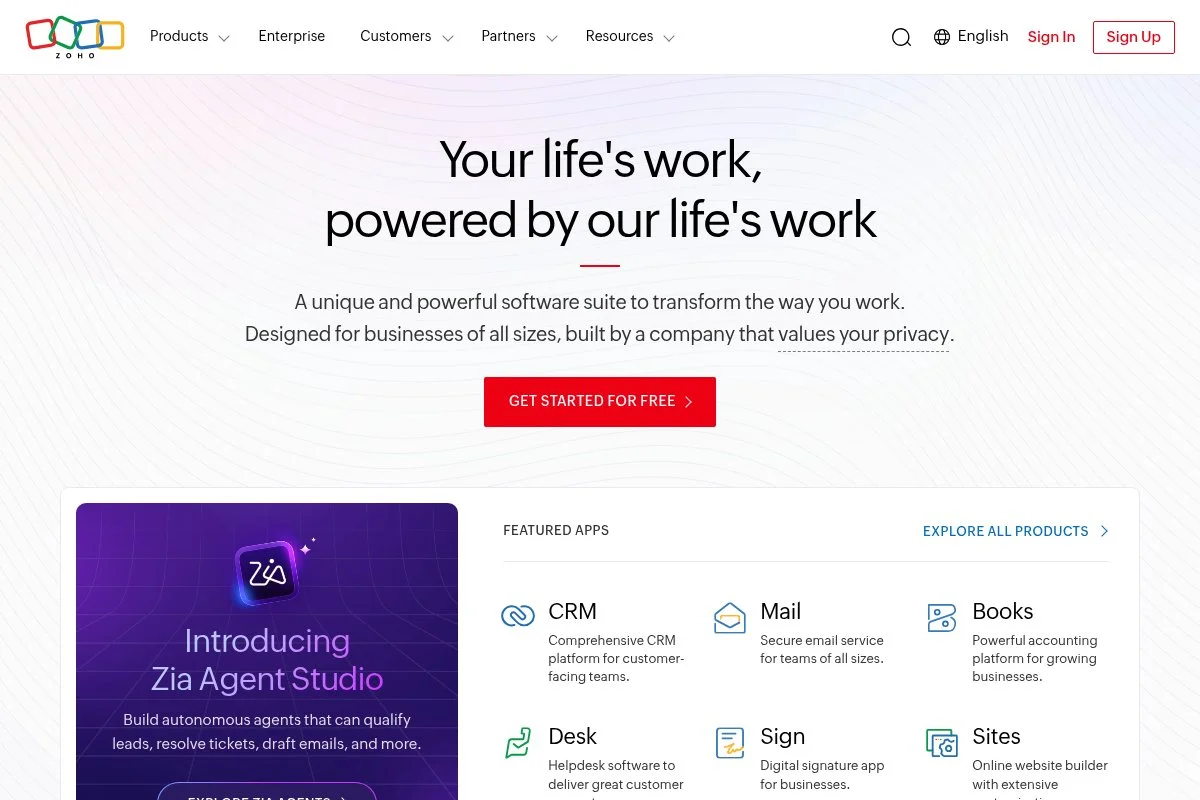
Zoho Books is part of the larger Zoho suite, giving solo businesses an affordable path to serious features. It’s known for generous pricing and steady product development.
You can start on the free plan (availability varies by region) and upgrade as you grow. The interface covers Sales, Purchases, Banking, and Reports with clear navigation.
Recent updates expanded e‑invoicing support in more countries, strengthened automation rules, and enhanced the client portal. The changes help reduce manual categorization and improve compliance.
Higher tiers unlock advanced automation, project billing, multi‑currency, and inventory. Integrations across the Zoho ecosystem (CRM, Projects, Inventory) make it a strong pick if you want an all‑in‑one stack.
I like Zoho Books when someone needs more depth without a high price. The reporting and automation rules punch above their weight for the cost.
Documentation is detailed, and Zoho’s support is responsive. The community and tutorials make onboarding smoother than you might expect for a deeper tool.
How Zoho Books works and key features
Zoho Books uses a structured, feature‑rich interface with tabs for quotes, invoices, expenses, banking, and reporting. Templates are customizable, and you can enable customer portal access for approvals and payments.
Advanced users can set automation rules, custom fields, and connect with other Zoho apps. Analytics cover P&L, cash flow, AR/AP aging, and tax summaries.
Automations handle recurring invoices, payment reminders, and bank rules. Extra tools include time tracking, projects, and inventory on higher plans. Support is available through help docs, email, and live channels based on plan.
Overall, it balances affordability with depth, making it suitable for growth‑minded solos.
Who Zoho Books is for
Great for consultants, online sellers, and international freelancers who want advanced features at lower cost. Strong for those already using Zoho CRM or Projects. If your accountant only works in QuickBooks, collaboration may be trickier. Beginner‑friendly with room to scale.
Zoho Books pricing
Zoho Books offers a free plan in select regions and tiered paid plans based on features and usage. It’s known for competitive pricing and frequent bundle value with other Zoho apps.
- Free: basic invoicing, expenses, and bank feeds (availability varies)
- Standard: starts around $20/month, adds reporting and more transactions
- Professional/Premium: higher monthly rates, projects, multi‑currency, inventory
- Elite/Ultimate: premium pricing for advanced analytics and integrations
Compared to similar tools, Zoho Books offers strong value for features. Annual billing can save money. If you plan to adopt other Zoho apps, combined pricing gets even more attractive.
Zoho Books pros and cons
Pros
- Generous pricing and free plan in some regions
- Deep features and strong automation
- Great fit with the wider Zoho suite
- Good reports for growing businesses
Cons
- Learning curve if you only need basics
- Accountant adoption not as universal as QuickBooks
- Free plan availability varies by country
If you want serious features without a big bill, Zoho Books is a standout. If you need your CPA in the driver’s seat, QuickBooks may be easier.
Zoho Books reviews
Capterra: strong 4+ star feedback for value and features. G2: positive remarks on automation and multi‑currency support.
5. Xero
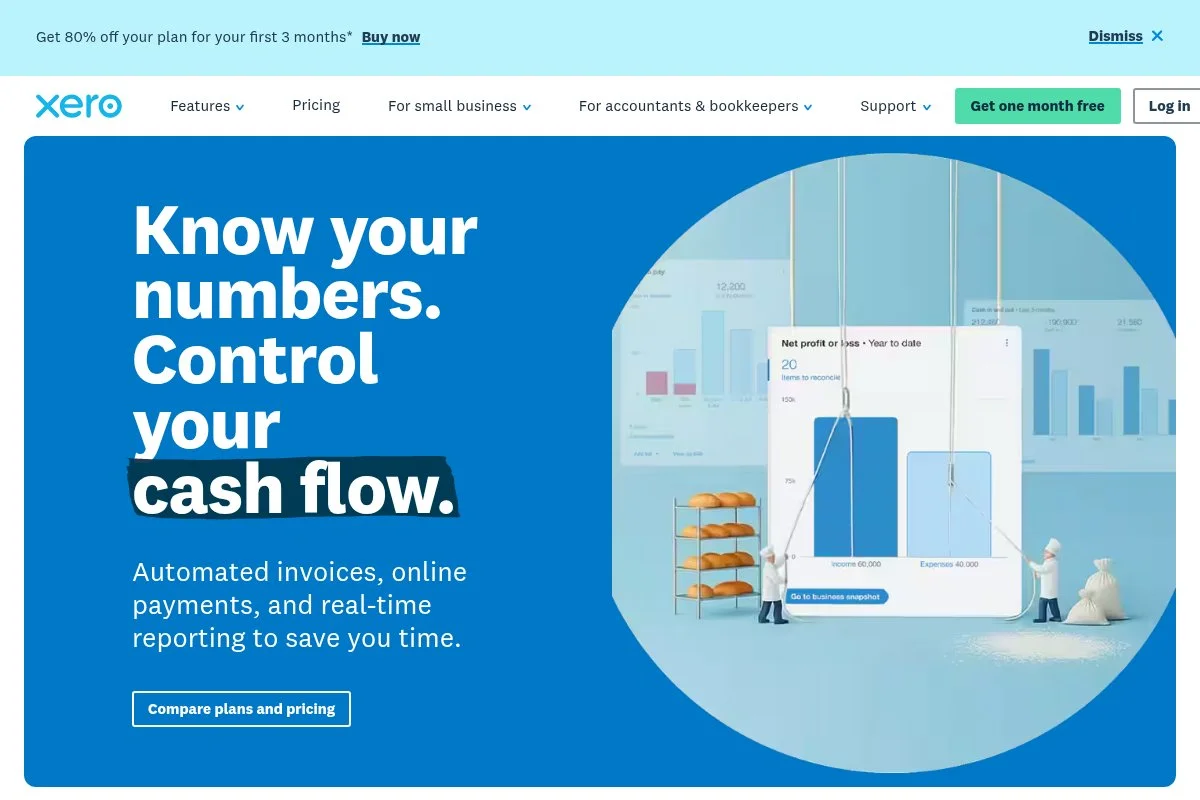
Xero is a cloud accounting platform popular with small businesses and accountants worldwide. It’s known for bank reconciliation, rules, and a wide app marketplace.
You can start with the Early plan to test essentials. The dashboard highlights bank balances, invoices owed, and expense claims. Daily tasks include matching bank transactions and sending invoices with payment links.
Recent product work has focused on AI‑assisted bank reconciliation, improved reporting, and regional compliance updates. These changes help speed up monthly close and reduce errors.
Higher tiers unlock multi‑currency, expenses, and project tracking. Xero’s app store adds inventory, POS, and forecasting, which can rival bigger systems at a smaller price.
I appreciate Xero’s clean design and how fast bank rules can cut bookkeeping time. Many solo owners I know stick with it for years without needing to switch.
Support includes help docs, guided learning, and community forums. The partner network is strong in many regions.
How Xero works and key features
Xero’s interface centers on bank reconciliation with smart suggestions. The invoice editor is polished, and templates are easy to brand. You can enable online payments to speed collections.
Advanced users can customize reports, create tracking categories, and connect apps from the marketplace. Analytics include P&L, cash flow, and AR/AP aging dashboards.
Automation covers recurring invoices, reminders, and bank rules. Extra tools like Projects and Expenses expand on higher tiers. Support is responsive and backed by a large help center.
Overall, Xero is powerful for users who value clean reconciliation and an add‑on ecosystem.
Who Xero is for
Best for consultants, trades, ecommerce sellers using integrations, and anyone who loves bank rules. It’s strong if you plan to build a stack from the app store. If your CPA only does QuickBooks, collaboration may be easier there. Beginner‑friendly with depth for advanced users.
Xero pricing
Xero offers tiered pricing based on features and usage limits, with no permanent free plan. Trials are commonly available for new customers.
- Early: around $15/month, entry‑level invoicing and bank reconciliation
- Growing: higher monthly rate, removes many limits, adds more features
- Established: premium pricing, multi‑currency, Projects, Expenses
Pricing is competitive with QuickBooks for similar tiers. Annual billing deals vary by region. If you need multi‑currency or advanced project tracking, Xero can be cost‑effective compared to piecing together add‑ons elsewhere.
Xero pros and cons
Pros
- Excellent bank reconciliation and rules
- Large app marketplace for extensibility
- Clean interface and good reporting
- Scales from solo to small team
Cons
- No permanent free plan
- Some features gated to higher tiers
- Accountant availability varies by region
Pick Xero if you want flexible integrations and fast reconciliation. If your accountant lives in QuickBooks, that might sway you the other way.
Xero reviews
Capterra: consistently 4+ star averages for usability and bank rules. G2: strong marks for integrations and reporting.
6. Sage Accounting
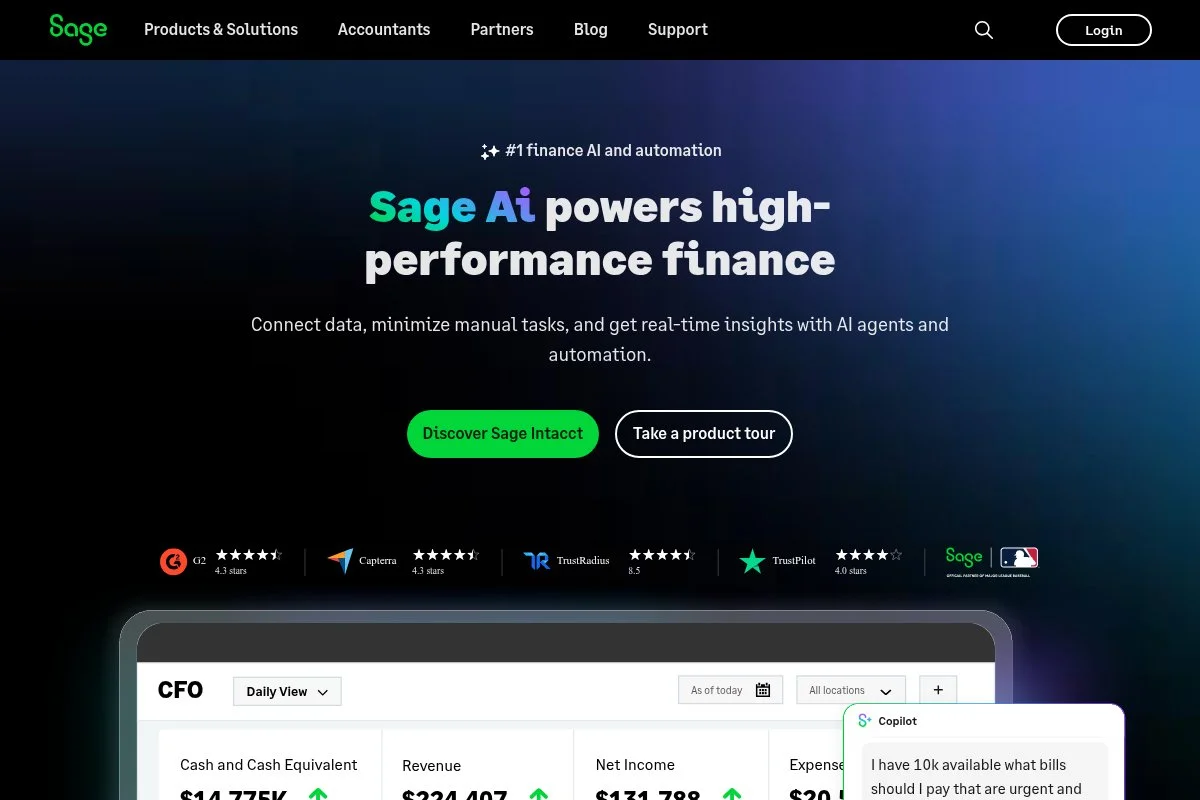
Sage Accounting (also called Sage Business Cloud Accounting) is a straightforward cloud solution from Sage, a long‑standing accounting software company with global reach.
You can start on the low‑cost Start plan for basics. The interface is clean and focuses on quotes, invoices, banking, and simple reporting. It’s quick to get a handle on income and expenses.
Recent efforts have improved bank feeds, mobile apps, and tighter integration with AutoEntry for document capture. These changes reduce data entry and help keep books tidy.
Higher plans add purchase invoices, cash flow forecasts, and multi‑currency in some regions. It’s not the flashiest tool, but it’s steady and reliable for solo traders.
I like Sage for users who want stability and simple workflows. It’s also handy if you or your bookkeeper already know the Sage ecosystem.
Support includes help guides and regional support teams. Sage’s long history gives confidence it will be around when you need it.
How Sage Accounting works and key features
Sage’s interface organizes sales, purchases, banking, and reporting. Invoice templates are professional and easy to brand. Bank feeds pull transactions for categorization and reconciliation.
Advanced users can leverage AutoEntry for receipt capture and connect add‑ons for payments and payroll. Reports include P&L, balance sheet, cash flow, and tax summaries.
Automation covers recurring invoices and reminders. Extra tools vary by region, including payroll integrations. Support is responsive, and the knowledge base is practical.
Overall, it’s a steady, no‑nonsense choice for straightforward solo operations.
Who Sage Accounting is for
Good for sole traders, tradespeople, consultants, and side‑hustlers who want simple invoicing and clear reports. It’s useful if you value AutoEntry for receipt capture. If you need a large app ecosystem or deep customization, QuickBooks or Xero may serve better. Beginner‑friendly.
Sage Accounting pricing
Sage uses clear, tiered pricing that scales by features. There’s often a low‑cost intro plan and discounts for new users, plus trials in many regions.
- Start: around $10/month, basic invoicing and expense tracking
- Accounting: around $25/month, quotes, estimates, cash flow, and more reports
- Higher/Regional tiers: add multi‑currency and advanced features where available
Pricing is approachable for self‑employed users. Annual billing discounts may apply. If you need very advanced features or inventory, compare with Zoho Books or QuickBooks Plus.
Sage Accounting pros and cons
Pros
- Affordable entry plan
- Simple, stable workflows
- AutoEntry integration reduces data entry
- Trusted brand with global support
Cons
- Smaller app ecosystem vs. QuickBooks/Xero
- Fewer advanced features on lower tiers
- Interface feels utilitarian vs. FreshBooks
Choose Sage if you want affordable, steady accounting. If you expect complex needs or many integrations, consider Xero or QuickBooks.
Sage Accounting reviews
Capterra: generally positive for value and simplicity. G2: mixed to positive, with praise for ease of use and support.
What is the best accounting software right now?
My top three for solo businesses today are Wave Accounting, QuickBooks Online, and FreshBooks. Each shines for a different reason: cost, accountant compatibility, and client billing speed.
Wave sits at number one for me because I actually use it for a lean project, and it’s not a sponsored pick. I first tried it after a colleague swore the free core was enough. The setup took under an hour, and my first invoice got paid the same day. The win was simple bookkeeping without a monthly bill.
On value, it’s hard to argue with free core accounting and invoicing. If you process a ton of payments or need payroll, compare fees—but for many solo owners, the all‑in annual cost still beats paid suites. Even when I add receipt capture, I often pay less than a single month of a higher QuickBooks tier.
QuickBooks Online is my close second. If your CPA prefers it, the time you save on handoff can justify the price. Recent improvements in automation and the Solopreneur plan make it friendlier to one‑person shops than it used to be.
Its biggest strength is the ecosystem: apps, advisors, and knowledgeable support. If I were building an agency with payroll and inventory, I might have chosen QuickBooks first.
FreshBooks is my third pick, especially if you bill clients every week and live in your invoice screen. Mileage, estimates to invoices, and friendly reminders help keep cash flow steady. It also has frequent new‑user discounts, which softens the jump from free.
I do use multiple tools across projects. For example, one client insists on QuickBooks, while my small side gig sits in Wave. That mix is normal—use the best tool for each job.
Choosing between these three is tough. I stuck with Wave because my needs are simple and I love that my monthly cost is near zero. If I needed deeper reports, heavier integrations, or tighter CPA collaboration, I’d go with QuickBooks. If client billing speed ruled my life, I’d go FreshBooks.
I hope this helped you narrow it down. Keep it simple, pick one you’ll open weekly, and let the software do the heavy lifting. Happy bookkeeping.
Frequently Asked Questions
Q: Which accounting software is best if I’m just starting with no budget?
I point beginners to Wave. The core is free and covers invoicing, expense tracking, and basic reports. You can upgrade with payments or payroll later if you need them.
Q: Do I need QuickBooks if my accountant prefers it?
Not always, but it helps. If your accountant insists, you’ll save time and billable hours by using QuickBooks. If they’re flexible, Wave or Zoho Books can work fine.
Q: Is FreshBooks enough for tax season?
Yes for most service‑based solos. Keep your categories clean, reconcile monthly, and export reports for your CPA. If you need advanced features, step up a tier or consider QuickBooks.
Q: What if I need to switch tools later?
It’s doable. Export reports and transaction lists, then import into the new tool. Plan the switch at month‑end or year‑end, and keep a backup of your old data just in case.
Photo by Jakub Żerdzicki: Unsplash


