


When you work for yourself, your home address has a way of becoming your business address by default, and that creates real problems. Clients send checks to your apartment. Packages pile up. Your personal address ends up on public filings, invoices, and Google searches.
A virtual business address solves all of that cleanly. For a small monthly fee, you get a real street address where mail is received, scanned, and managed online, with no office lease required. It keeps your home private, makes your business look credible to clients and banks, and keeps everything organized in one place.
The tricky part is that not all virtual address services are created equal. Pricing shifts by location. Some plans include scans; others charge per envelope. A handful support LLC formation and compliance filings, while others are straightforward mailboxes and nothing more.
This guide cuts through the noise. My team and I compared the most credible low-cost options on the market, looking at real pricing, features, and hidden fees that often show up after you sign up. Whether you are a freelancer, an LLC owner, an online seller, or a remote worker, the goal here is simple: help you find the right fit without overpaying for features you don’t need.
Comparison of 7 Best Virtual Business Address Services in 2026 With Pricing and Recommended Use Cases
What Is a Virtual Business Address?
A virtual business address is a service that gives your company a real street address where mail is received, scanned, and managed online. Its purpose is to protect privacy, present a professional image, and centralize mail handling without leasing office space. There is a saying I trust: look like a business to be treated like one. Using a real business address helps with client trust, banking, vendor accounts, and listings like Google Business Profile while keeping your home off public records.
Compared with a P.O. Box, a commercial street address can accept packages from all carriers and works better for registrations. Think of it like swapping an apartment number for a proper suite: the difference shows up in approvals and conversions. At its core, a virtual address serves freelancers, LLCs, and small teams who route postal mail to a secure location, get digital scans from a mobile or web app, and forward physical items only when needed.
Many self‑employed folks pair a virtual address with a registered agent, an LLC formation tool, cloud storage for PDFs, and bookkeeping software to keep statements and checks tidy. Not every provider offers the same pricing, compliance support, or scan limits, so it pays to compare carefully.
How to Choose the Best Virtual Business Address
With so many providers and location-based pricing, choosing a virtual address can feel overwhelming. The plans look similar until fees for scans, forwarding, or recipients start adding up. I wrote this specifically to help you find the right fit for your situation (home-based consultant, Etsy seller, solo agency, or traveling contractor) without overspending.
Most guides on this topic are written by the companies themselves or by media sites with sponsored lists. I am not sponsored by any platform on my list. What follows is a straight, experience-based overview of what I think serves self‑employed professionals best.
Here are some questions you should ask when looking for a virtual business address:
- Is there a true low-cost tier, and what does it include?
- How easy is it to open, scan, deposit checks, and forward mail?
- Can you add recipients and scale locations as your business grows?
- How does pricing change as scans and shipments increase?
- Does it support LLC use, Google profile, and compliance needs?
- What analytics or activity logs help you track mail actions?
- How hard is it to migrate if you change services later?
- What are service-level standards for scanning speed and security?
- Any technical limitations, such as API access, webhook alerts, or app quality?
7 Best Virtual Business Address Services in 2026
Here are my top picks for the best virtual business address services:
- Anytime Mailbox
- iPostal1
- PostScan Mail
- PhysicalAddress.com
- US Global Mail
- Traveling Mailbox
- VirtualPostMail (VPM)
Let’s see which one is right for you.
1. Anytime Mailbox
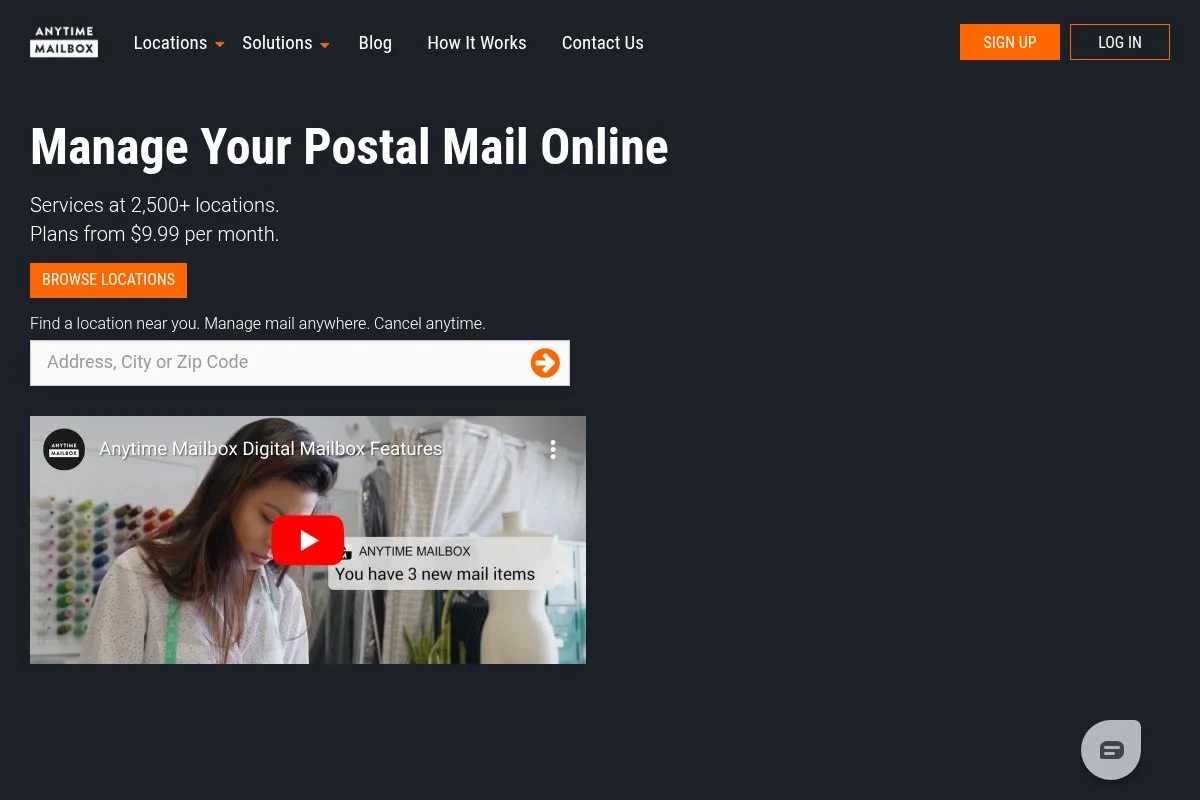
Anytime Mailbox is a virtual mailbox platform designed for flexibility and price. It partners with local mail centers and coworking spaces to offer thousands of addresses worldwide, which is why its entry price can be so low in certain cities. You can start at a budget rate in select locations, then manage everything in a clean web and mobile app. The core experience is straightforward: request open-and-scan, set forwarding preferences, and trash or shred items from your phone.
Over the past few years, the network has grown to cover more neighborhoods and small towns, which helps if you want an address closer to clients. That expansion also brings more variety in plan bundles, so you can pick by included scans or recipients. Higher tiers often add more recipients, include page scans, and offer priority processing, which is useful if you receive contracts, checks, or frequent packages. Some locations offer local pickup, which can save on forwarding costs.
I like Anytime Mailbox for side projects and brand-new LLCs because the setup is fast and the pricing can be very low in the right market. It keeps your home address private without committing to a premium plan. Support quality can vary because locations are independently operated, but the app guides common tasks well and makes day‑to‑day mail decisions quickly.
How Anytime Mailbox Works and Key Features
The interface is minimal and mobile-friendly. You tap an envelope, choose open-and-scan, then receive a PDF in your inbox. Templates do not apply here, but you can easily set forwarding rules and storage limits. Advanced users can automate notifications, export PDFs, and connect to cloud storage via email routing. Activity logs show when items are received, opened, and forwarded, which helps with recordkeeping.
You get core tools like batch actions, shredding requests, and optional local pickup where offered. Support is available via email and, at many locations, by phone during local hours. Overall, it is beginner-friendly and budget-focused, with enough control for growing solopreneurs who want simple mail workflows.
Who Anytime Mailbox Is For
Best for freelancers, Etsy sellers, coaches, new LLCs, and nomads who want the lowest starting price. It works well for Google Business Profile, invoicing, and privacy. If you need consistent scan SLAs, uniform policies, or advanced compliance features, look to VPM or US Global Mail. No technical skill required.
Anytime Mailbox Pricing
Pricing varies by location and includes scans/recipients. Many addresses start at a very low monthly rate, with add‑ons for extra scans, forwarding, and check deposit in select locations.
- Entry plans: $5.99–$9.99/month in select markets, includes basic scanning and a single recipient (varies by site)
- Mid plans: Typically add more scans, recipients, and better forwarding terms
- Top plans: Higher scan volumes, faster processing, and package handling perks
Value depends on the address you pick. In many cities, it is the cheapest credible option. Annual billing at some locations can reduce the effective monthly rate.
Pros and Cons of Anytime Mailbox
Pros
- Lowest entry pricing in many cities
- Huge address selection, including smaller markets
- Easy app for open-and-scan and forwarding
- Good starter fit for brand-new LLCs
Cons
- Policies and service levels vary by location
- Scan, and recipient limits can be tight on low tiers
- Extra fees can add up if you get lots of mail
Pick Anytime Mailbox if you want the cheapest credible address today. If you need uniform SLAs or compliance extras, consider VPM or US Global Mail instead.
Anytime Mailbox Reviews
Third‑party reviews are split across many independent locations, so scores vary. Some addresses have strong Trustpilot feedback, while others have limited public reviews. G2 and Capterra coverage is minimal, reflecting the marketplace model.
2. iPostal1
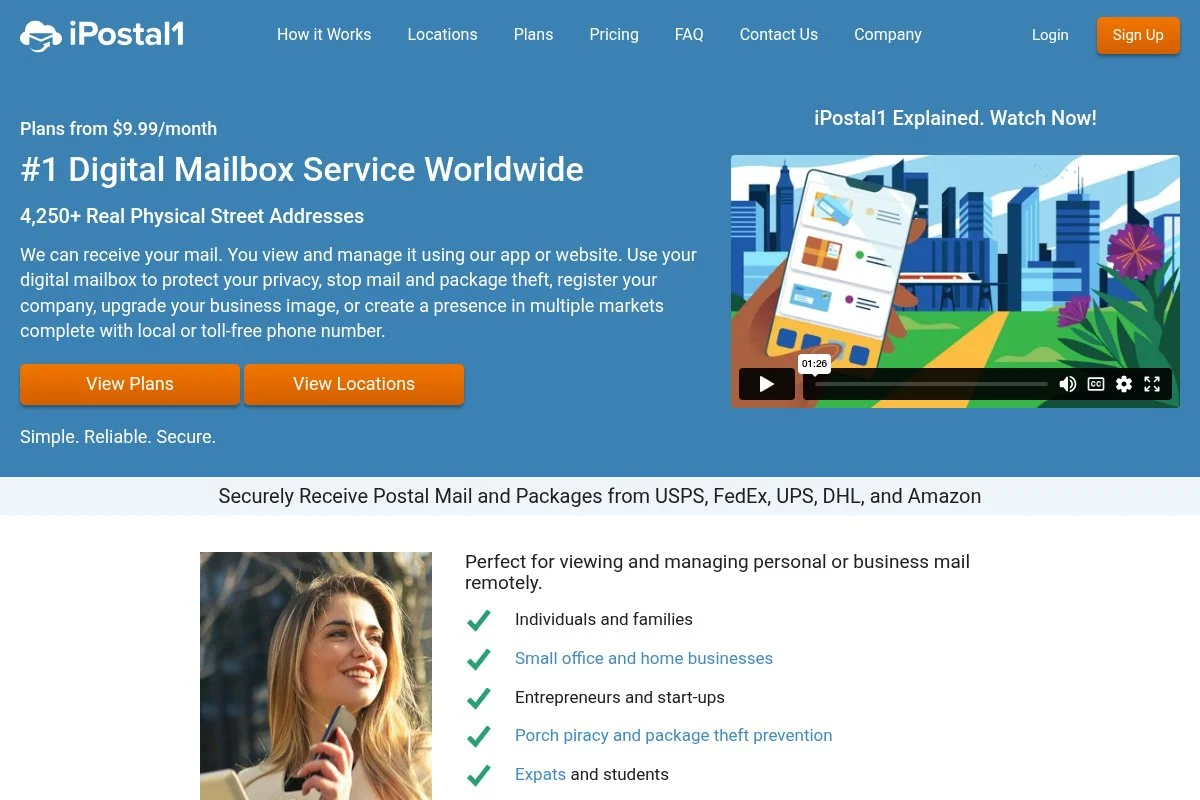
iPostal1 is a long-standing virtual address network focused on affordability and a broad range of locations. It offers virtual mailing, business addresses, and virtual office bundles with phone and fax add‑ons, which makes it a flexible upgrade path for solopreneurs. Getting started is fast: pick an address, choose a plan starting around the ten‑dollar mark, complete USPS Form 1583, and access your digital inbox. The dashboard keeps mail actions simple —open-and-scan, forward, store, or shred—with clear per‑item pricing when you go past the included limits.
In recent years, iPostal1 has expanded its virtual office options, pairing addresses with business phone numbers. That helps one-person shops look established without having to juggle separate vendors. Higher tiers include scans and recipients and unlock features like discounted forwarding or package consolidation. The virtual office add‑ons stand out at this price point if you also need a business phone or fax line.
I have used iPostal1 for a small side brand because the pricing stayed predictable even as mail volume spiked during a launch. It did the basics well and kept my costs under control. The interface is straightforward rather than flashy, but that keeps the learning curve low. Support has been responsive by email when I needed help with forwarding options.
How iPostal1 Works and Key Features
The web interface emphasizes quick actions—scan, forward, discard, rather than heavy customization. You can set forwarding preferences, batch actions, and storage windows. PDFs are easy to download and file. Advanced users can adjust notifications, add recipients, and manage multiple addresses from one account. Activity logs show timestamps for transparency. The platform offers optional phone and fax lines as part of virtual office bundles.
Support is available via email and phone during business hours. Help docs cover USPS form requirements and common workflow questions.
Overall, it strikes a balance: beginner‑friendly for daily tasks yet flexible enough as your mail volume grows.
Who iPostal1 Is For
Great for consultants, creators, eBay/Amazon sellers, and new LLCs who want low monthly costs with the option to add a business phone later. If you require strict, uniform SLAs across locations or advanced compliance tooling, look at VPM. No technical skills needed.
iPostal1 Pricing
iPostal1 uses tiered pricing based on the number of included scans, recipients, and add‑ons. There is a low-cost entry plan, plus virtual office bundles that add phone/fax services.
- Virtual Mailing Address: from $9.99/month, includes basic scans and standard actions
- Virtual Business Address: from entry pricing, adds business features, and more recipients
- Virtual Office: higher tiers, bundles business phone/fax with the address
Compared with rivals, iPostal1 is budget-friendly and predictable. Annual billing can save money. Fees for extra scans and forwarding are à la carte, so heavy mail users should review per‑item rates.
Pros and Cons of iPostal1
Pros
- Low starting price with many locations
- Clear upgrade path to virtual office bundles
- Predictable per‑item fees
- Good fit for side brands and sellers
Cons
- Interface is utilitarian, not fancy
- Policies may vary by address partner
- Heavy scanning can get expensive
Choose iPostal1 if you want low-cost basics with optional phone/fax. If you need tight compliance features baked in, VPM may fit better.
iPostal1 Reviews
Public ratings are spread across multiple review sites and specific address partners. iPostal1 has a sizable user base, but scores vary by location. Formal G2/Capterra coverage is limited.
3. PostScan Mail
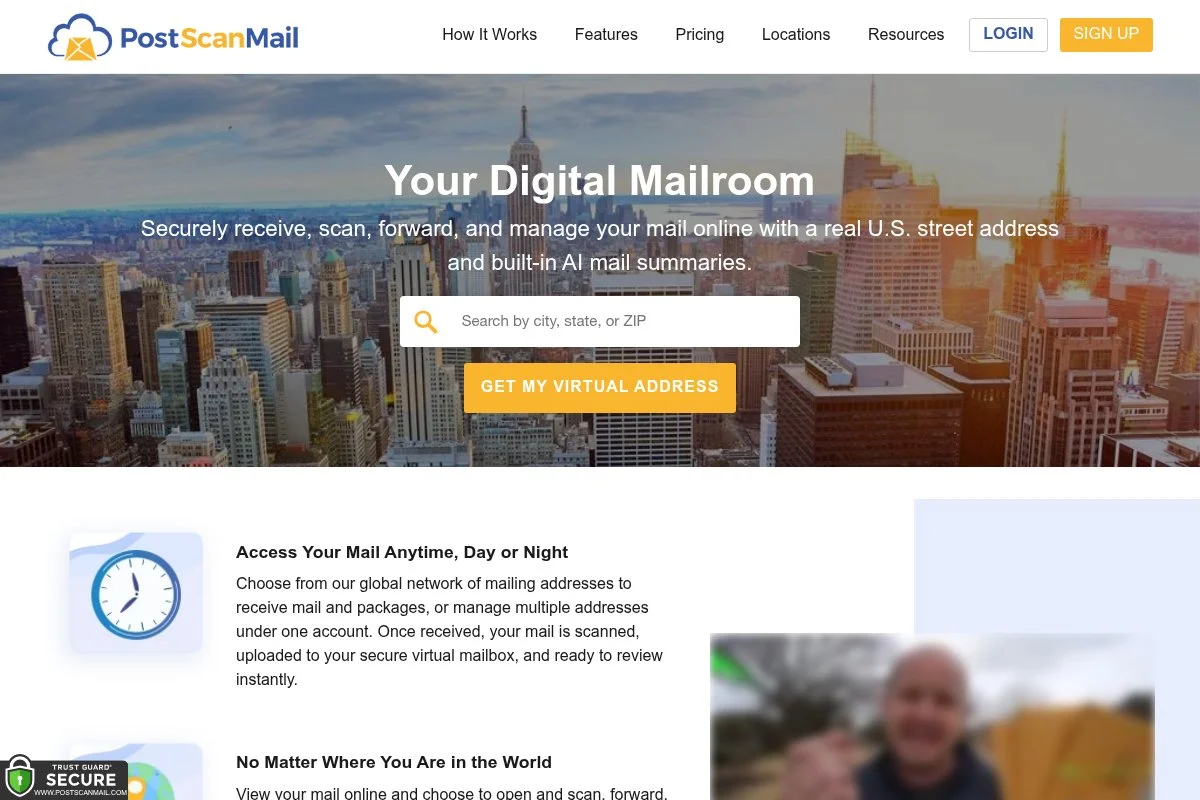
PostScan Mail is a virtual mailbox service focused on straightforward plans with clear inclusions. It offers a consistent app experience across addresses, which reduces surprises after signup. You can start on a budget-friendly tier and upgrade as mail volume grows. The dashboard is uncluttered: view envelopes, request scans, forward, or recycle. Setup is quick once USPS Form 1583 is verified.
Recent improvements have centered on app usability and location coverage, giving more choices in midsize cities. That helps if you want an address near clients or a familiar metro. Higher plans increase scan and recipient limits, plus offer better package-handling terms. The consistency across locations is a plus for those who prefer predictable policies.
I recommend PostScan Mail to solopreneurs who want simple plans and a clean interface. It hits the basics hard without layering on extra services you might not need. Support channels include email and chat. Response times in my experience have been solid during business hours.
How PostScan Mail Works and Key Features
The main interface is WYSIWYG for mail actions: preview items, request open-and-scan, and select forwarding. You can set storage windows and receive notifications when new mail arrives or when scans are complete. There are no design templates here, but you can export PDFs, attach notes, and organize items by tags. Activity logs and status tracking help with audits and bookkeeping.
Automation is light but practical, with email alerts and rule-based forwarding. Support is reachable via chat and email with helpful guides on common tasks. Overall, it is a balanced platform that is beginner-friendly and reliable for steady-volume users.
Who PostScan Mail Is For
Good for freelancers, small agencies, online sellers, and remote workers who want predictable pricing and policies. If you need extras like registered agent service or complex compliance workflows, consider VPM. Non-technical users will be fine.
PostScan Mail Pricing
Pricing is tiered by included scans and recipient limits, with a clear entry plan and two simple upgrades. Extra scans and forwarding are charged per item when you pass limits.
- Starter: about $10/month, includes a basic number of scans and standard actions
- Regular: mid‑tier price, increases scans and recipients
- Premium: higher tier for heavier mail volume and packages
Compared to rivals, PostScan Mail is middle‑of‑the‑road on pricing and strong on clarity. Annual billing can lower the monthly cost. Check per‑item fees if you expect frequent scanning.
Pros and Cons of PostScan Mail
Pros
- Simple, consistent plans
- Clean, no-frills interface
- Good value for steady, moderate volume
Cons
- Not the absolute cheapest in every city
- Advanced features are limited compared to VPM
- Heavy scanning can raise costs
If you want predictable plans and a tidy dashboard, PostScan Mail is a good fit. If you need compliance extras or registered agent perks, look at VPM.
PostScan Mail Reviews
Public reviews are available across platforms like Trustpilot and on the site, though counts vary. G2/Capterra coverage is limited for mailbox services. Feedback often praises the straightforward interface.
4. PhysicalAddress.com
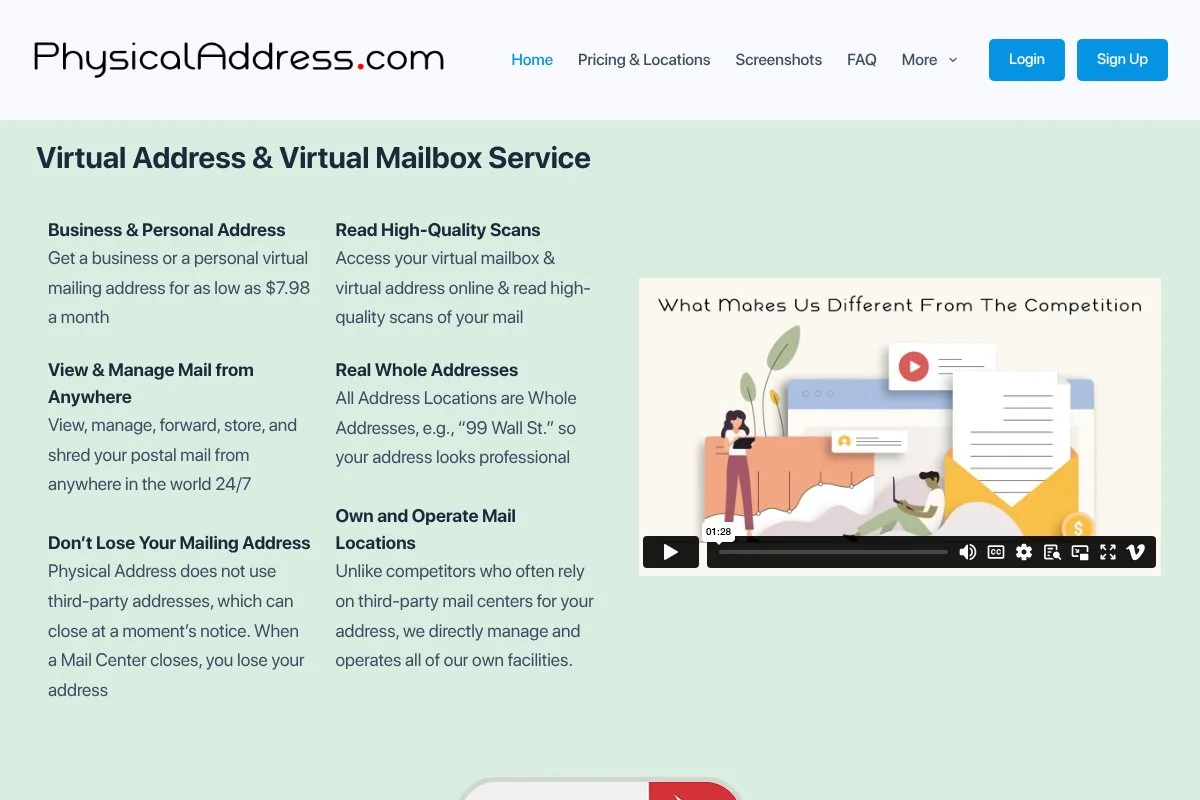
PhysicalAddress.com focuses on simple, flat pricing with U.S. street addresses and a uniform app experience. It is known for its clean design, unlimited cloud storage for scanned items, and free shredding, which helps keep ongoing costs lower. Getting started is quick: choose a city, pick a low‑cost plan, and complete identity verification. The interface is intuitive: click to open and scan, tag documents, and forward items as needed. Recent updates have improved the web dashboard’s speed and mobile responsiveness. That matters if you process mail on the go or from a client site.
Higher tiers tend to increase the number of recipients and include scans, with add‑ons like check deposit available. The consistent policies across locations are helpful for small teams that want fewer surprises. I appreciate that PhysicalAddress.com keeps fees predictable and the interface clean. For many solo LLCs, it hits the sweet spot of price and simplicity.
Support is responsive during business hours via email and phone, with helpful guides on USPS form requirements and forwarding.
How PhysicalAddress.com Works and Key Features
The interface is clean and WYSIWYG for common tasks: open and scan, download PDFs, forward, or shred. You can tag items, search, and keep unlimited digital storage, which helps with bookkeeping and audits. Advanced options include multiple recipients and an optional check deposit. Notifications keep you updated on new mail and completed scans. The system logs actions for historical and transparency purposes.
Support channels include phone and email. Documentation is clear and practical for first-time virtual mailbox users. Overall, it is beginner‑friendly and steady, with enough features for most self‑employed pros.
Who PhysicalAddress.com Is For
Ideal for consultants, therapists, tutors, and solo agencies who want a straightforward address with predictable fees. It is good for Google profile use and invoicing. If you need international locations or deep compliance extras, consider Anytime Mailbox or VPM. No technical skill required.
PhysicalAddress.com Pricing
Pricing is flat and competitive, with an entry plan under ten dollars in many cases. Higher tiers add recipients, scans, and priority handling, keeping costs predictable for small operations.
- Basic: $9.98/month, includes core scans and digital storage
- Mid-tier: Adds more recipients and scans for growing teams
- Business tier: Higher volumes and faster handling for small offices
Compared with competitors, it offers one of the better values for a uniform experience. Annual billing can reduce the effective monthly price. Check add‑on pricing if you anticipate frequent check deposits.
Pros and Cons of PhysicalAddress.com
Pros
- Low entry price, predictable plans
- Unlimited digital storage and free shredding
- Clean, easy interface
Cons
- Fewer international options
- Advanced automation is limited
- Package handling varies by location
Pick PhysicalAddress.com for a simple, affordable address with tidy digital storage. If you require global locations or compliance extras, look to Anytime Mailbox or VPM.
PhysicalAddress.com Reviews
Public reviews are available on Trustpilot and across site testimonials, though counts vary. G2/Capterra listings are limited for this category. Feedback often praises the clean interface and predictable fees.
5. US Global Mail
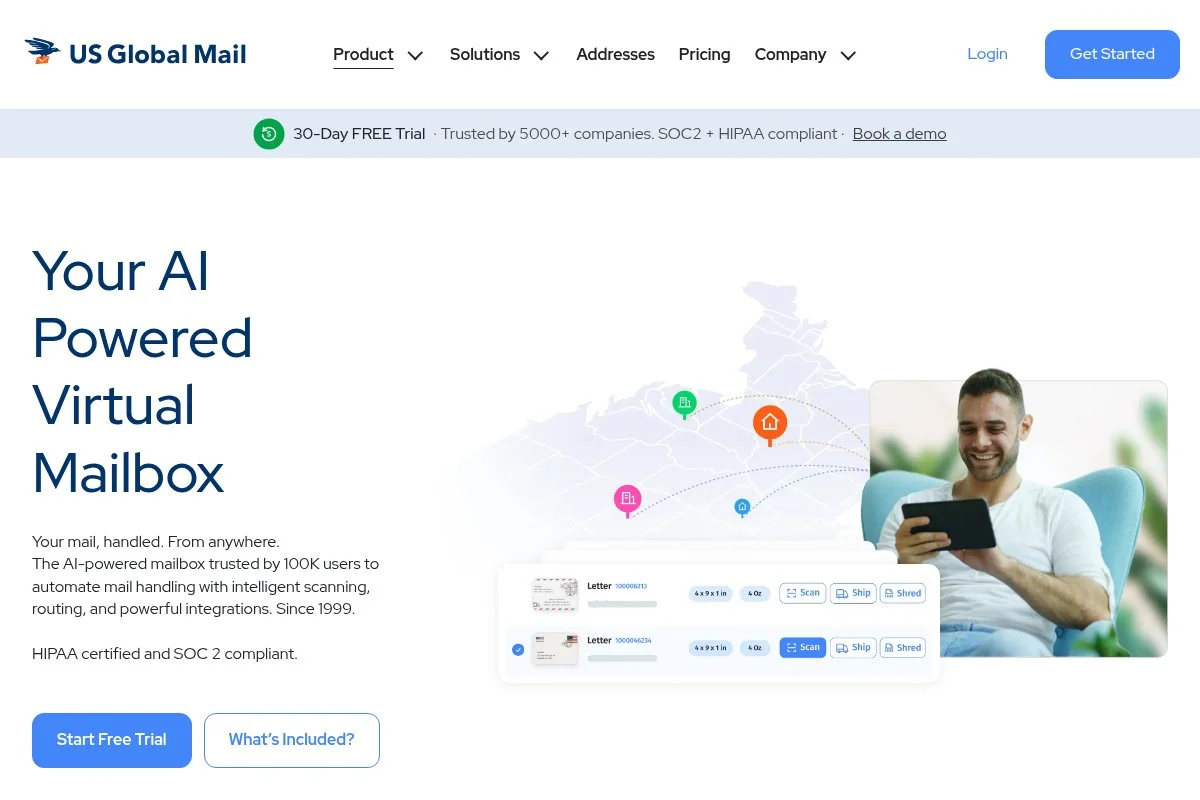
US Global Mail is a virtual mailbox service known for strong mail forwarding and international shipping options. It has been around for years and is popular with expats and remote workers who need reliable global delivery. Setup is straightforward, and the dashboard makes it easy to request scans, consolidate packages, and forward shipments. It is a step up in price from the absolute cheapest options, but the forwarding features stand out.
Recent enhancements have focused on shipping options and account management, which help if you handle frequent packages or need customs-friendly workflows. Higher tiers add more recipients, include scans, and business‑friendly features. If you ship internationally or manage returns, the consolidation tools can reduce overall costs.
I recommend US Global Mail for self‑employed folks who work across borders or sell physical products. The shipping side is where it shines. Support has been knowledgeable on forwarding and customs questions in my experience, which is not always the case with cheaper providers.
How US Global Mail Works and Key Features
The interface is practical: preview items, request scans, and create consolidated forwarding shipments. You can set shipping preferences and carriers to balance speed and cost. You will find activity logs, email alerts, and downloadable PDFs for recordkeeping. Extras include an optional check deposit and storage windows for mail and packages.
Support covers both mailbox and shipping questions, which helps when you are juggling returns, suppliers, and clients. Overall, it is more powerful for shippers, while still friendly for everyday mail tasks.
Who US Global Mail Is For
Great for international freelancers, ecommerce sellers, digital nomads, and consultants who get frequent packages. It is especially useful if you need consolidation and reliable global carriers. If you only need a rock‑bottom price and light scanning, Anytime Mailbox or iPostal1 may be cheaper. Beginner‑friendly.
US Global Mail Pricing
Pricing is tiered and reflects the availability of stronger shipping features. There is an individual plan for personal use and a business plan with higher limits and extras.
- Individual: from $14.99/month, includes scans and standard forwarding
- Business: from a higher monthly rate, adds recipients, and business tools
Compared to the cheapest services, US Global Mail costs more but can save money via consolidation and carrier options if you ship often. Annual billing discounts are available.
Pros and Cons of US Global Mail
Pros
- Excellent international forwarding and consolidation
- Reliable support for shipping questions
- Good balance of mail and package tools
Cons
- Higher starting price than bare‑bones options
- May be overkill for light mailers
Pick US Global Mail if shipping reliability matters. If you only need a low‑cost address and light scans, start with Anytime Mailbox or iPostal1.
US Global Mail Reviews
US Global Mail has established public feedback across review sites, often highlighting international forwarding strength. Formal software review platforms like G2/Capterra have limited coverage due to the service category.
6. Traveling Mailbox
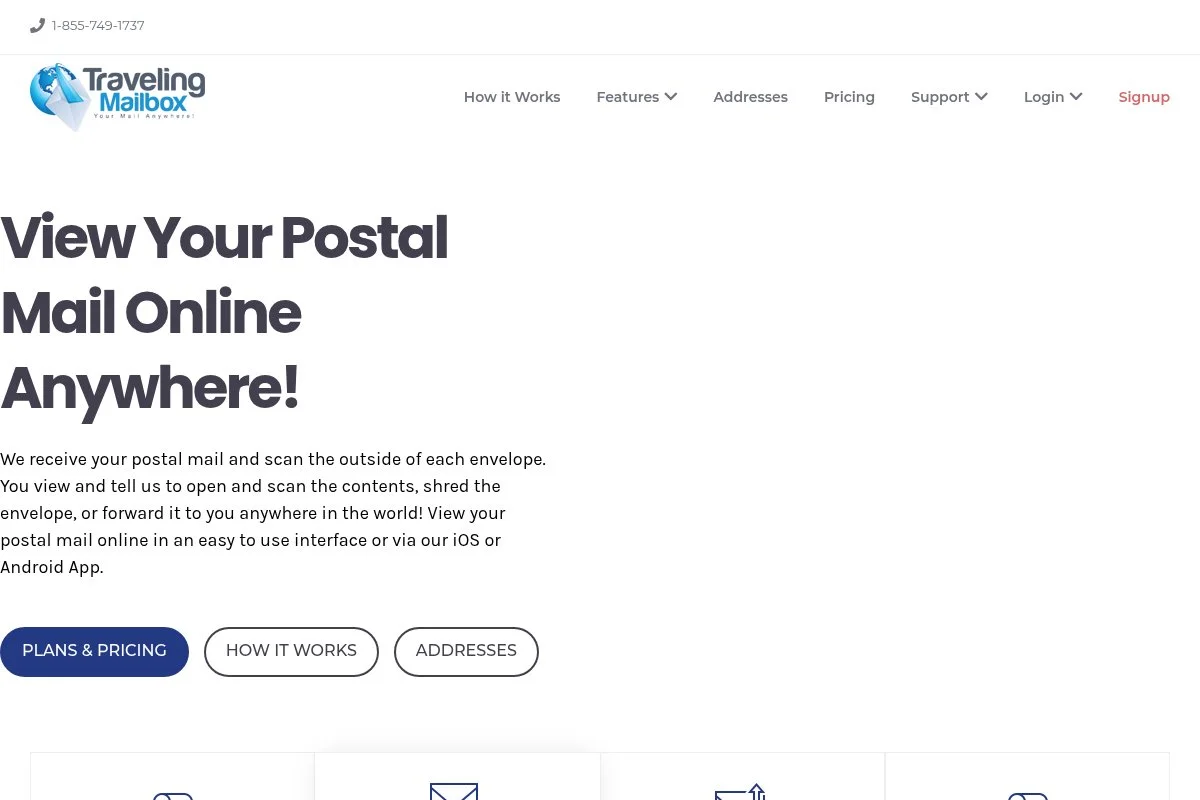
Traveling Mailbox serves remote workers, RVers, and nomads who want steady scanning and solid forwarding. It is not the absolute cheapest, but it offers dependable processing and good documentation, which many traveling pros value. Setup is routine. Pick a city, choose a plan, and complete Form 1583. The app lets you request scans, forward mail, and store items without fuss. The plans are transparent, including scans and pages.
Recent improvements have focused on mobile experience and shipping partners. That helps if you manage mail from the road and need predictable deliveries. Higher tiers increase scan limits, recipient limits, and package handling. Add‑ons include check deposit and fax services, which can be handy for certain industries.
I like Traveling Mailbox for users who value reliability over rock‑bottom pricing. It is a dependable middle choice. Support has been clear and timely in my tests, especially on forwarding and storage policies.
How Traveling Mailbox Works and Key Features
The interface is simple: click to open and scan, download PDFs, and set up forwarding. You can consolidate packages and choose carriers. Notifications and logs keep you informed on actions and delivery status. Automation is basic but useful, with email alerts and rules. There are extras like check deposit and an optional fax service. Support is available by email and phone with thorough help articles.
Overall, it is beginner-friendly and steady for frequent travelers who need consistent processing.
Who Traveling Mailbox Is For
Best for digital nomads, field consultants, remote technicians, and military families who want predictable scanning and forwarding. It is not the cheapest option for low-volume mailers, so budget-conscious mailers may start with Anytime Mailbox. No technical skills required.
Traveling Mailbox Pricing
Pricing is transparent by scan limits and recipients. The entry plan starts at around $15, with two higher tiers for growing needs.
- Basic: $15/month, includes a starter set of scans
- Extended: mid‑tier price for higher scan volumes
- Small Business: higher tier for multiple recipients and packages
It is not the cheapest, but reliability and clear inclusions make it a fair value. Annual billing discounts are available.
Pros and Cons of Traveling Mailbox
Pros
- Consistent scanning and forwarding
- Good mobile experience for travelers
- Useful extras like check deposit and fax
Cons
- Higher entry price than marketplace-style services
- Maybe more than you need for light mail
Choose Traveling Mailbox if dependability and travel-friendly features matter. If cost is your top concern, start with Anytime Mailbox or iPostal1.
Traveling Mailbox Reviews
Public feedback is generally positive on reliability and support. Formal software review sites have limited listings for this category; most ratings appear on consumer review platforms.
7. VirtualPostMail (VPM)
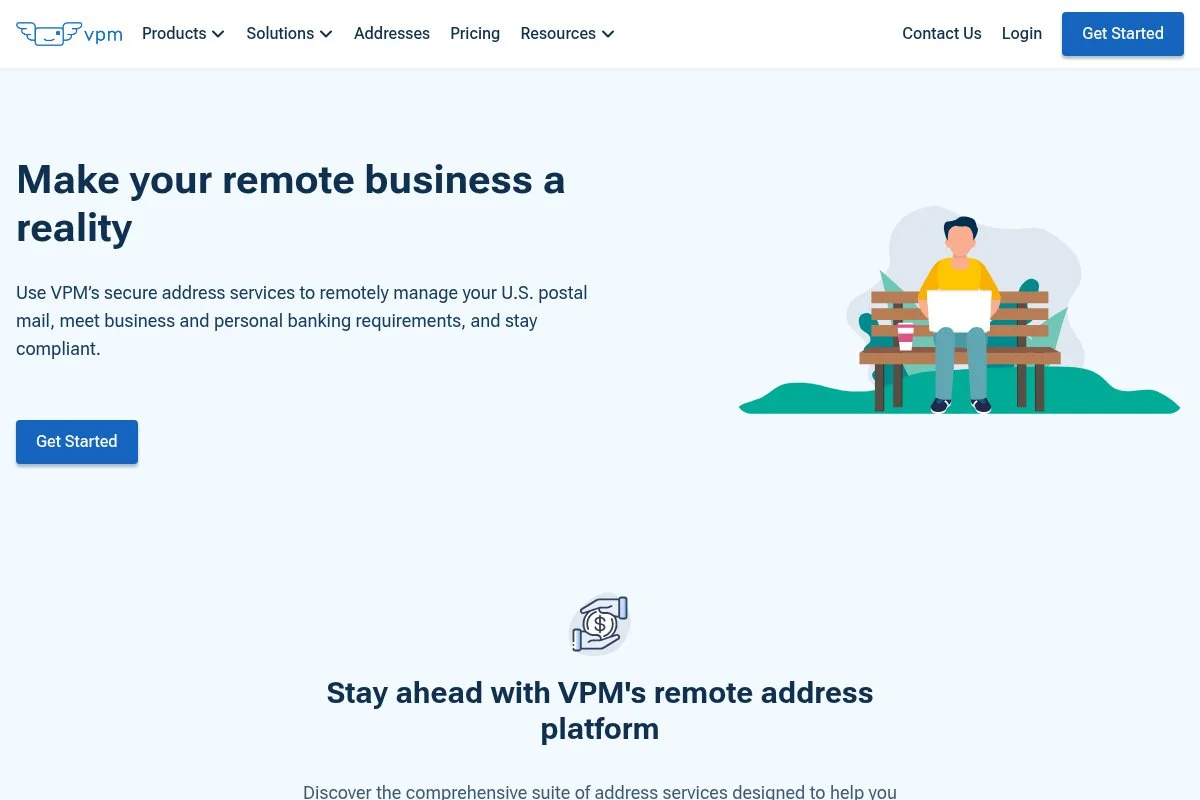
VirtualPostMail (VPM) is a premium-leaning virtual address provider that owns and operates its locations rather than solely partnering with third parties. That control tends to yield consistent policies and strong compliance support, including registered agent service in select states. Setup is smooth, and the dashboard feels polished. You can open and scan, forward, and request check deposits with clear logs. While the starting price is higher than the cheapest services, you get consistency and extras that many LLC owners appreciate.
VPM has leaned into business compliance use cases, improving documentation and support for formation and ongoing filings. For self‑employed owners who want one vendor for address and registered agent services, it is compelling. Higher tiers increase scan limits, recipient limits, and package handling, and some plans bundle registered agent fees. That combination is uncommon among lower-priced competitors.
I recommend VPM for solo owners who prioritize compliance, registered agent perks, and consistent service. It is not the cheapest, but it can reduce admin tasks and vendor sprawl. Support quality is a strong point. The help team has been knowledgeable about the use of formation and address information in public filings.
How VirtualPostMail Works and Key Features
The interface is polished and intuitive. You request scans, check deposits, and forwarding with clear status updates. PDFs are crisp and easy to store or share with your accountant. VPM offers activity logs, searchable archives, and detailed receipts for actions, useful for audits and reimbursements. You can add recipients and addresses within the same account.
Automation centers on alerts and rules, and support is responsive via email and phone. Documentation covers registered agent and LLC filings in plain language. Overall, it is beginner-friendly but shines for compliance-focused owners who want fewer moving parts.
Who VirtualPostMail Is For
Best for LLC owners, consultants handling sensitive documents, regulated freelancers, and founders who want an address plus a registered agent in one place. It works well for public filings and bank onboarding. If the budget is tight and you only need light scanning, Anytime Mailbox or iPostal1 may be cheaper. Beginner‑friendly.
VirtualPostMail Pricing
Pricing is tiered higher than entry‑level services, reflecting owned locations and compliance features. Some plans include registered agent service in select states, reducing total vendor costs.
- Starter: $20/month, includes basic scans and core actions
- Plus: mid‑tier price, adds recipients, and higher scan limits
- Business: higher tier with more volume and package handling; registered agent perks on select plans
Compared to budget options, VPM costs more monthly but can save money if you would otherwise pay separately for a registered agent. Annual billing discounts are available.
Pros and Cons of VirtualPostMail (VPM)
Pros
- Owned locations and consistent policies
- Registered agent service in select states
- Strong support and clear documentation
Cons
- Higher starting price than marketplace services
- Fewer ultra-cheap addresses
Choose VPM if compliance and consistency outrank rock‑bottom monthly cost. If you only need a simple, cheap address, pick Anytime Mailbox or iPostal1.
VirtualPostMail Reviews
Public reviews emphasize the quality and reliability of support. Formal G2/Capterra listings are limited for virtual address tools, so most feedback appears on consumer platforms and forums.
What Is the Best Virtual Business Address Right Now?
My top three picks this year are Anytime Mailbox for the cheapest entry price, iPostal1 for balanced value and optional virtual office add‑ons, and VirtualPostMail (VPM) for compliance-focused owners who want registered agent perks.
Anytime Mailbox is my personal starter pick, and I have used it for small projects. This is not sponsored. I found it after comparing prices across locations in my city and two suburbs. What impressed me first was the ultra‑low entry price at a nearby location and how fast I could get an address live for invoices and my Google profile. The clincher was the app’s speed (tap, scan, done) without nickel‑and‑diming me on day one.
In terms of value, Anytime Mailbox scales economically if your mail volume stays light to moderate. Many locations start around the cost of two coffees a month. Alternatives with higher flat rates can make sense for heavy scanners, but for a self‑employed pro with a few pieces a week, the math favors an ultra‑low monthly plus à la carte extras only when you need them.
iPostal1 is a close second for me. The ability to grow into a virtual office (by adding a business phone and fax) checks that “look established” box without having to chase different vendors. If I needed a bundled business number during my launch, I might have started there. Its unique strength is the upgrade path. Start lean with a low‑cost address, then add phone/fax as you start fielding more client calls. The network breadth also makes it easier to find a neighborhood that fits your brand.
My third recommendation is VPM. If you care about registered agent service and consistency across owned locations, it is hard to beat. It is pricier up front, but when you factor in a separate registered agent fee, VPM can come out close, sometimes cheaper, in total. I also use more than one service. For a side brand with minimal mail, I use a bargain city on Anytime Mailbox. For a consulting entity where compliance matters more, I lean into a provider with tighter controls.
Choosing among these three is a good problem to have. I stuck with Anytime Mailbox for the low upfront cost and fast setup, but if I had to ramp up phone presence or tighten compliance, I would jump to iPostal1 or VPM without hesitation. I hope this helped you land on the right fit. Keep your home private, your brand polished, and your mail under control, without paying for space you do not need.
Frequently Asked Questions
Q: Can I use a virtual business address for my LLC and Google Business Profile?
Yes, most virtual business addresses are real street addresses suitable for LLC filings and Google listings. Avoid P.O. Boxes. Always confirm the provider supports business use at your chosen location.
Q: What fees should I watch for with cheap plans?
Look for per‑scan charges, extra page fees, recipient add‑ons, and forwarding costs. The monthly price can be low, but the total cost rises if you receive frequent mail or packages.
Q: How fast will my mail be scanned and forwarded?
Turnaround varies by provider and location. Many scans within 1 to 2 business days on base plans, faster on higher tiers. If speed is critical, check stated SLAs before you choose.
Q: Is a virtual address the same as a registered agent?
Not always. Some services, like VPM, also offer a registered agent in select states. Others are mailbox-only. If you need service of process handling, explicitly confirm that registered agent support is available.
Photo by ThisisEngineering: Unsplash


