


I remember scrambling to draft my first independent contractor agreement after leaving a full-time role. I had clients waiting, but I didn’t have clean templates or cash for a law firm. I needed affordable, reliable legal documents that wouldn’t slow deals or sink my budget. That moment sent me on a long hunt. My goal was simple: protect my work, get paid on time, and stay compliant without spending thousands. I leaned on other editors, founders, and solo consultants I trust. Many were using low-cost services rather than bespoke law firms.
Here’s what I learned the hard way. Choosing the right service is trickier than it looks, and the pricing is messy. Some sites lock features behind trials. Others have great templates but poor guidance, and a few bury crucial clauses unless you know where to look. The people I admire keep it simple. They use a dependable document library for day‑to‑day contracts, then pay a lawyer only when something high‑stakes appears. You don’t need an expensive suite to start. You need clear templates, plain instructions, and an easy way to customize.
Comparison of 7 Best Legal Document Services in 2026 With Pricing and Recommended Use Cases
What Is a Legal Document Service?
A legal document service is an online platform that helps you generate, customize, and manage contracts and forms. Its main purpose is to give you lawyer‑written templates you can tailor to your business without hiring a firm for every document. There’s a saying I live by: don’t let perfect kill good. For self‑employed pros, that means using vetted templates for routine needs and saving attorney time for edge cases. The big win is speed and cost control while staying protected.
Think of it like this: paying a lawyer to draft a basic independent contractor agreement could cost a few hundred dollars. With a document service, you can create multiple contracts in minutes for a small monthly fee, often less than a single billable hour. At their core, these tools let freelancers, consultants, and small businesses answer guided questions, pull data from their details, and output ready‑to‑sign documents that reflect state and federal standards.
Most users pair a document service with e‑signature tools, bookkeeping software, and secure cloud storage. Together, you get fast drafting, easy signing, clean records, and fewer admin headaches. Not every option is equal in quality, guidance, or value, so it pays to compare carefully before committing.
How to Choose the Best Legal Document Service
Picking a legal document service can feel overwhelming. There are many brands, many trials, and lots of fine print. It’s easy to pay for features you don’t need or miss a clause you do. I put this guide together to help you match the right tool to your current stage. Whether you’re drafting your first client contract or forming an LLC with an operating agreement, I want you to move forward with confidence.
Most roundups you’ll see are written by the companies themselves or stacked with sponsored placements. I’m not sponsored by any platform on this list. What follows is a straight, honest overview based on real research and practical use across our team.
Here are some questions you should ask when looking for a legal document service:
- How generous is the free tier or trial, and what’s limited?
- Is the document builder easy for everyday tasks like NDAs and proposals?
- Can the platform scale as you add clients, staff, and entities?
- How does pricing rise with usage or added features over a year?
- Does it include the specific templates you need in your state or industry?
- What analytics or status tracking exists for document activity and e‑signing?
- How difficult is it to export documents and move to another provider?
- What quality controls exist (attorney review, update cadence, state‑specific notes)?
- Any technical needs, such as custom clauses, integrations, or API access?
7 Best Legal Document Services in 2026
Here are my top picks for the best legal document services:
- Rocket Lawyer
- Legal Templates
- LegalNature
- LawDepot
- eForms
- LegalZoom
- Incfile
Let’s see which one is right for you.
1. Rocket Lawyer
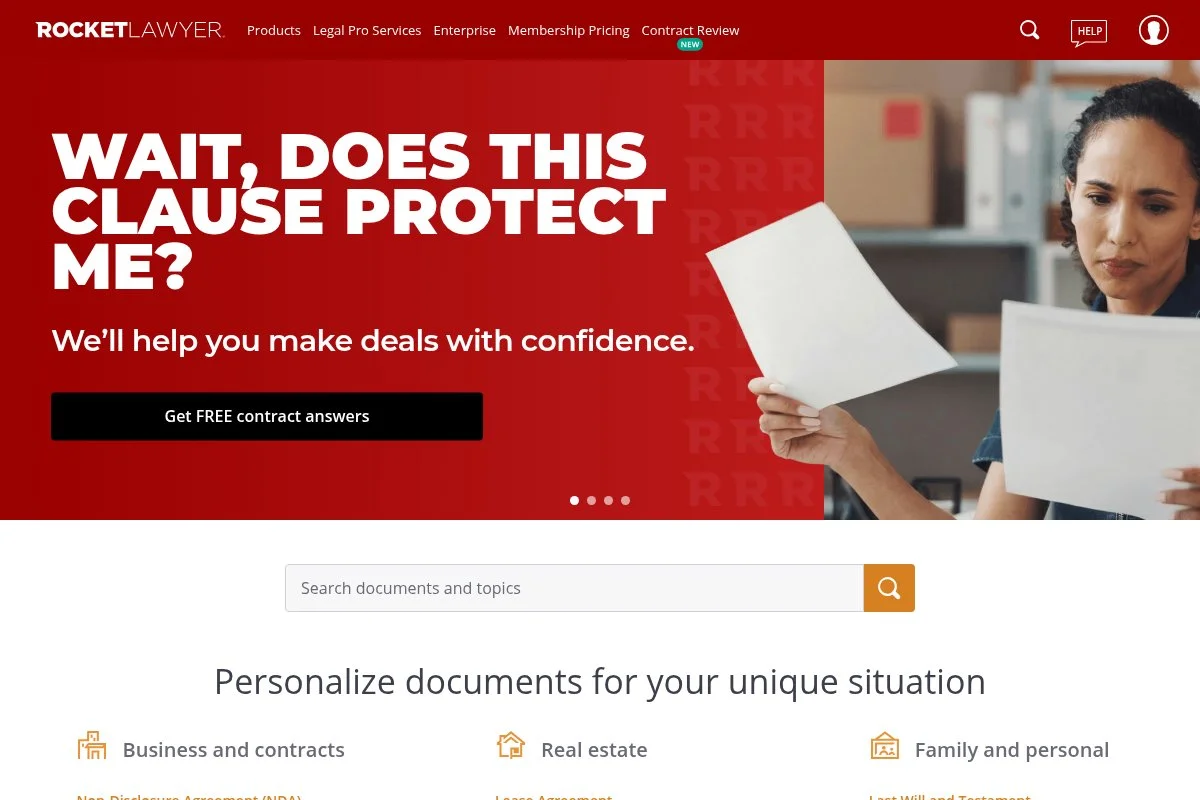
Rocket Lawyer is an all‑in‑one legal help platform built around a deep document library plus on‑demand attorney guidance. It’s been around for years and is a go‑to for many small businesses that need fast, trustworthy documents without big‑firm invoices. You can start with a membership priced at $39.99 per month. The onboarding walks you through a short quiz and drops you into an intuitive document builder. Daily tasks feel simple: generate NDAs, contractor agreements, and service contracts; send for e‑signature; and store them in one place.
Recent updates have focused on clearer guidance in the questionnaire flow and easier access to attorney Q&A. The combo of templates plus affordable legal help makes it more practical for freelancers who sometimes need a quick sanity check. On higher tiers and add‑ons, you’ll find features like discounted attorney consultations, registered agent services, and entity formation help. That breadth is useful if you expect to grow from solo to small team or open an LLC this year.
I’ve used Rocket Lawyer for baseline contracts and to sanity‑check tricky clauses. It’s not a replacement for a dedicated lawyer, but it reduces how often I need one. I also like the plain‑English notes attached to many templates. They explain why clauses exist and where you can tweak safely, which saves time and keeps me from over‑editing.
How Rocket Lawyer Works and Key Features
Rocket Lawyer uses a guided, WYSIWYG‑style builder. You answer prompts, and the platform inserts the right clauses. Templates cover common business needs, with options to customize names, fees, and scope. Advanced users can adjust clauses and add custom terms before saving a final PDF or Word file. You can track document status, request signatures, and keep a record of completed agreements. The system supports reminders and lets you duplicate past docs for new clients. Integrations are straightforward. You download to your drive, send for signature, and keep organized by client or project.
Support includes help articles and access to ask legal questions through the membership. I’ve found response times reasonable for routine items. One consultant told me, “It’s my safety net for contracts,” which matches my experience. Overall, Rocket Lawyer is beginner‑friendly while still flexible enough for pros who need custom clauses and repeatable workflows.
Who Rocket Lawyer Is For
Best for freelancers, consultants, coaches, independent creatives, and small agencies. It shines for NDAs, SOWs, independent contractor agreements, and service contracts. If you want attorney Q&A plus templates in one place, it’s a strong pick. If you never plan to consult a lawyer and only need one or two templates a year, a lower‑cost single‑doc service might fit better. No special technical skill is required.
Rocket Lawyer Pricing
Rocket Lawyer uses a membership model centered on access to the document library and legal help features. There’s typically a free trial, then a flat monthly fee.
- Membership: $39.99/month, access to document library, e‑signature for generated docs, and the ability to ask legal questions.
- Add‑ons: Registered agent, business formation, and other services are priced separately.
For most self‑employed folks, the membership is a good value compared with paying per document elsewhere. Annual billing, when offered, usually lowers the cost. If you need heavy formation or compliance help, compare add‑on totals against formation‑focused providers.
Rocket Lawyer Pros and Cons
Pros
- Large library for common business contracts
- Attorney Q&A included with membership
- Clear, guided builder and e‑signature
- Good overall value for frequent users
Cons
- Per‑doc buyers may find membership overkill
- Add‑ons can raise the total cost
- Not a substitute for complex, bespoke legal work
If you want templates plus legal help in one place, start here. If you only need a single form, you may save with a per‑doc site.
Rocket Lawyer Reviews
Third‑party review coverage is available on sites such as Trustpilot and ConsumerAffairs. Ratings and counts change often, so I recommend checking current listings before purchasing.
2. Legal Templates
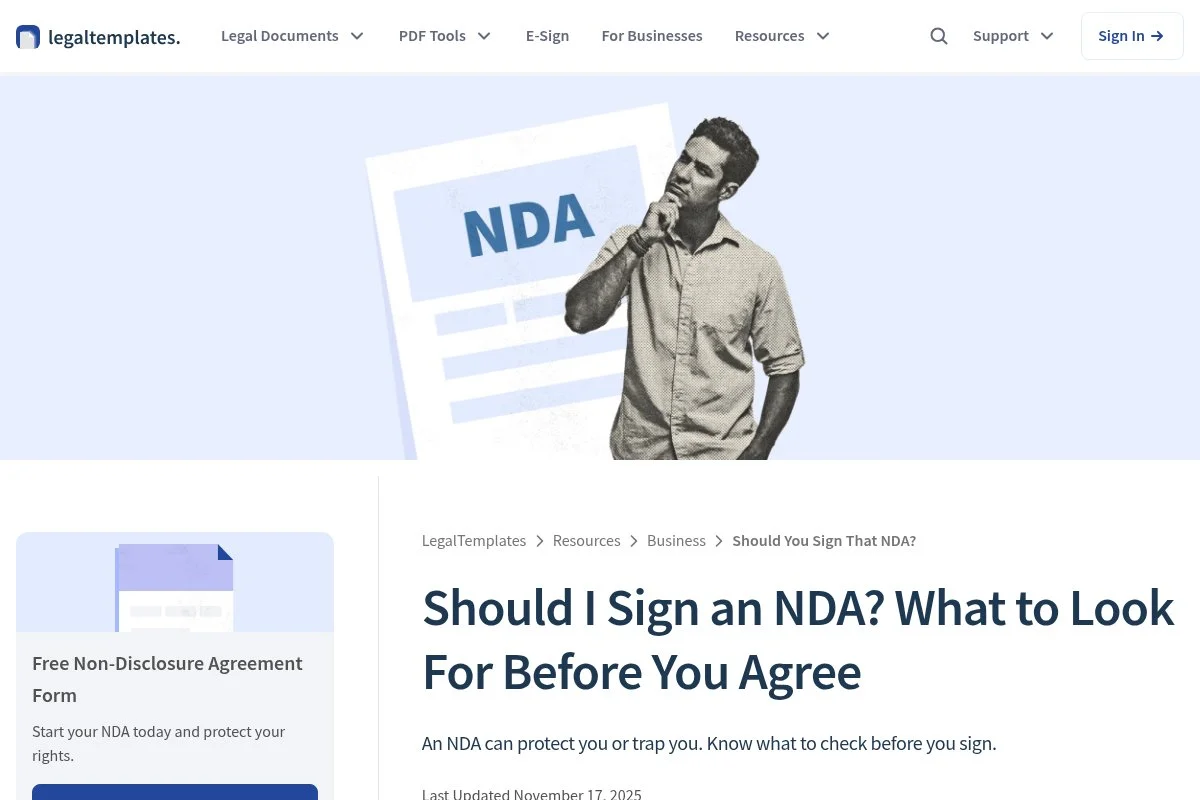
Legal Templates focuses on fast, guided document creation with a straightforward interface. It’s popular among solo operators who want clean, fill‑in‑the‑blank contracts without extra features. The company has built a comprehensive library covering freelance, rental, and business essentials. You can start with a monthly plan (commonly around $39.95) or choose an annual plan for a lower effective rate. The builder is simple: pick a document, answer the prompts, and download it as Word or PDF. Everyday wins here are speed and clarity.
Recent improvements highlight state‑specific guidance and cleaner export options. The team keeps adding niche variants, which helps when you need something slightly off the beaten path. Advanced features are limited by design. You won’t find attorney consultations or formation services built in. But the value is strong if you need reliable templates and want to keep costs tight.
I don’t use Legal Templates daily, but I recommend it to new freelancers who need a few rock‑solid documents to get moving. One nice touch: documents are easy to re‑edit later, so you can maintain your “master” clauses and tweak per client.
How Legal Templates Works and Key Features
The interface is minimal and direct. Templates open in a guided editor with suggested clauses, plain‑English tips, and optional sections. You can customize headers, payment terms, and scope, then export to Word or PDF. Advanced users can paste in custom language to fit specific workflows.
There’s no fancy analytics, but you can track versions by saving drafts. Automation is basic: duplicate and modify. Support is available through help content and standard channels, which I’ve found adequate for routine questions.
Overall, the experience is fast and focused, great for people who want documents, not a suite.
Who Legal Templates Is For
Great for new freelancers, independent designers, social media managers, fitness coaches, landlords with a unit or two, and small consultants. It excels at NDAs, independent contractor agreements, and basic service contracts. If you need attorney Q&A or formation help, pick a broader platform. No technical skill needed.
Legal Templates Pricing
Pricing is subscription‑based, with a monthly plan and a discounted annual option. You pay for access to the full document library and downloads.
- Monthly Plan: commonly around $39.95/month, full library access, and unlimited downloads.
- Annual Plan: discounted effective monthly price, full access, and unlimited downloads.
Compared with lawyer time or per‑doc fees, the subscription can pay for itself in a single client win. If you only need one document, check single‑purchase options before subscribing. Annual billing usually offers meaningful savings.
Legal Templates Pros and Cons
Pros
- Clean, fast document builder
- Wide coverage of freelancer and small‑biz forms
- Good value for frequent downloads
Cons
- No attorney consultation features
- Limited automation and analytics
- Fewer business formation tools
If you need speed and clarity, it’s a strong fit. If you want legal advice bundled in, consider Rocket Lawyer.
Legal Templates Reviews
You’ll find public feedback on Trustpilot and other review sites. Ratings fluctuate; check current listings for the most accurate picture.
3. LegalNature
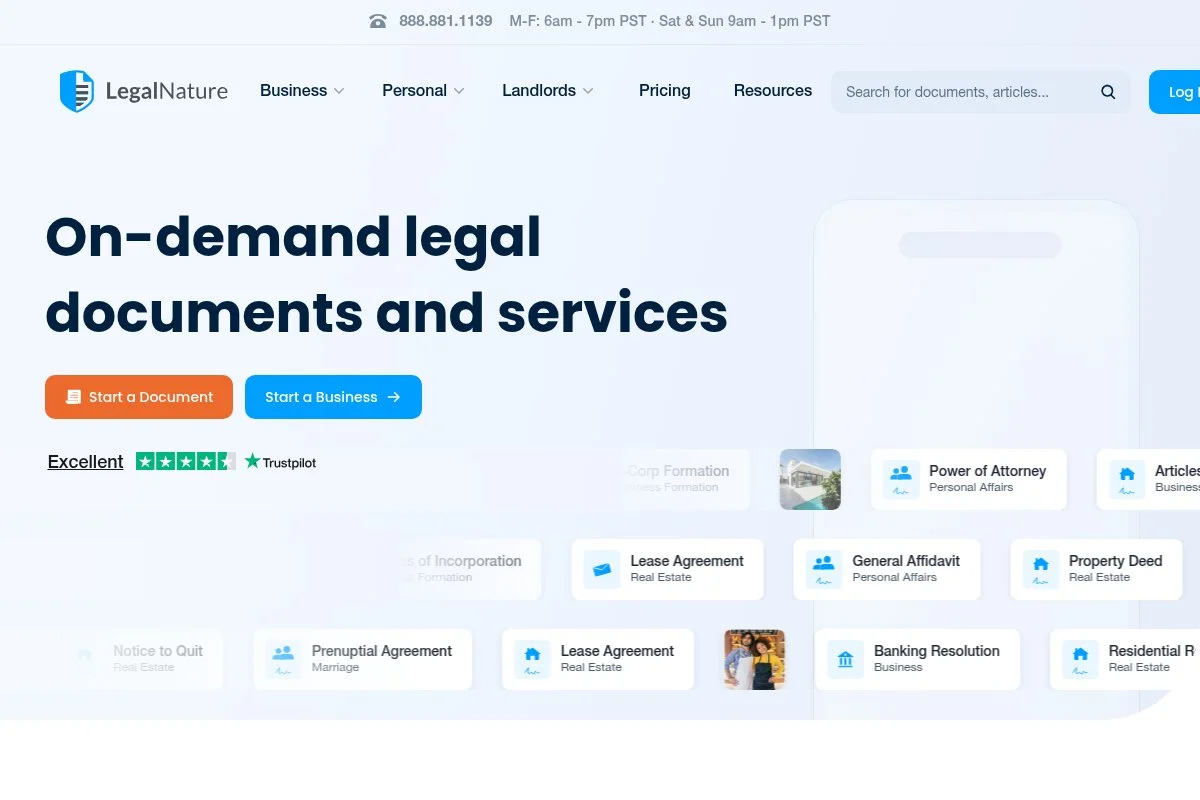
LegalNature is a business‑first document service known for contract coverage and simple workflows. It’s been serving small companies and self‑employed pros for years with a practical balance of templates and customization.
Entry pricing typically starts near $39 per month, with annual plans available. Setup is quick: choose a document, answer step‑by‑step prompts, and export. The interface feels like a guided form builder with optional clauses and helpful tips.
Recent product polish focused on clearer state guidance and smoother editing. That helps when you’re juggling clients in different states or shifting deal terms.
Higher tiers emphasize broader access and, in some cases, multi‑user collaboration features. While it doesn’t include its own attorney marketplace, the document depth is strong for day‑to‑day client work.
I’ve recommended LegalNature to agencies that need repeatable service agreements and SOWs. It hits a nice middle ground between flexibility and price.
Documentation is clear, and the site does a good job explaining optional sections before you include them.
How LegalNature Works and Key Features
LegalNature’s editor is a question‑and‑answer flow with preview. Templates cover core business documents, HR forms, and personal legal needs. You can customize language and export in multiple formats. Advanced users can add custom clauses and reuse prior answers for faster drafting.
Analytics are basic, mainly document status and history. Automation centers on reusing data and duplicating templates for new clients. Support is available through help resources and standard channels.
The overall experience fits both beginners and small teams who want dependable templates without extra overhead.
Who LegalNature Is For
Good for boutique agencies, marketing consultants, IT contractors, and online service providers. It’s strong for service contracts, SOWs, NDAs, and HR onboarding docs. If you need bundled legal advice, look to Rocket Lawyer. It’s friendly for non‑technical users.
LegalNature Pricing
LegalNature uses subscription pricing with monthly and annual options. Plans differ by access level and features.
- Standard Access: from around $39/month, includes most document templates and downloads.
- Higher‑Tier/Business: higher monthly cost, adds expanded access and collaboration‑oriented features.
Value sits in the middle of the market. Annual billing typically reduces the effective monthly price. If you only need a couple of documents a year, compare per‑doc alternatives before committing to a subscription.
LegalNature Pros and Cons
Pros
- Strong business contract coverage
- Clear, guided editing with optional clauses
- Balanced pricing for ongoing use
Cons
- No built‑in attorney consultation options
- Analytics and automation are basic
- Per‑doc buyers may find subscriptions pricey
Pick LegalNature if you want a steady library and simple workflows. Choose a per‑doc site if you only need a one‑off form.
LegalNature Reviews
Public ratings are available on sites like Trustpilot. The volume and scores change over time, so check current pages to validate fit for your needs.
4. LawDepot
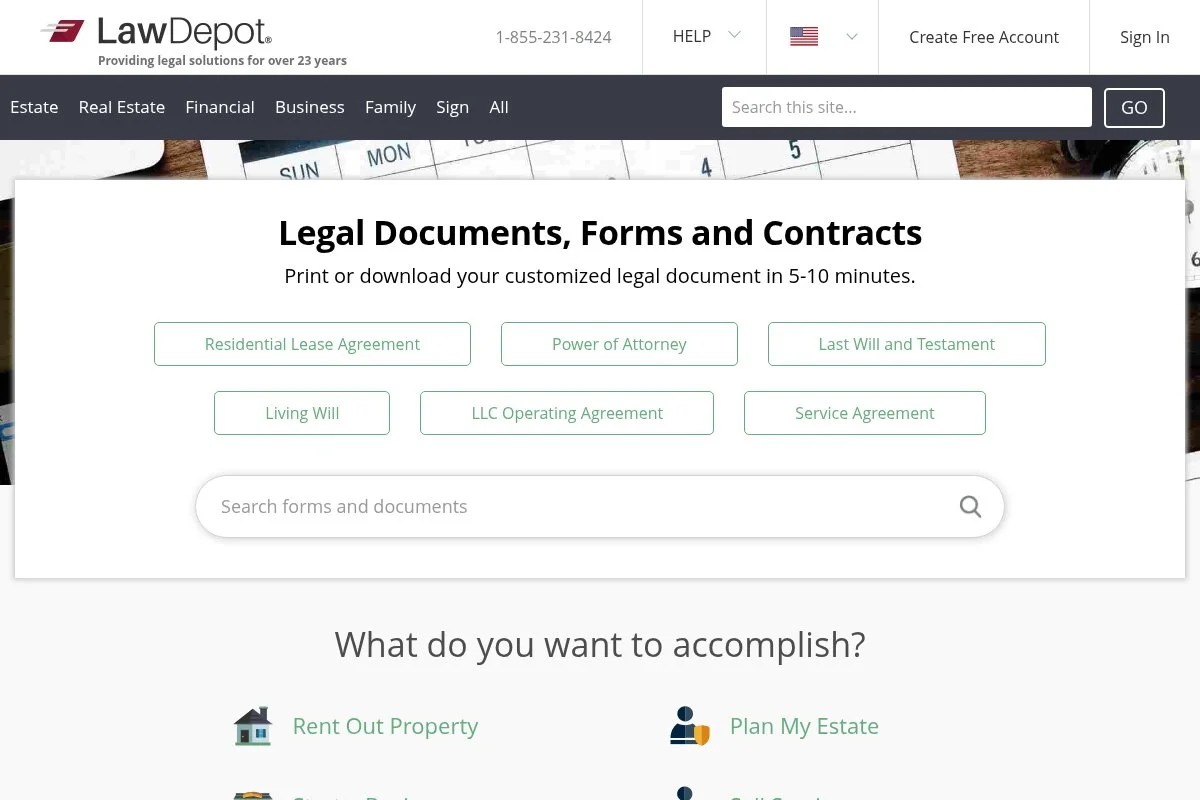
LawDepot is a long‑running document library for personal and business needs. It’s known for wide coverage, including leases and estate planning, plus the usual freelancer contracts. Many self‑employed folks start here for quick NDAs and simple agreements.
You can buy per document or use a monthly or annual subscription. The builder walks you through a questionnaire and outputs a ready‑to‑download file. It’s fast, and the instructions are clear enough for non‑lawyers.
Recent site refreshes improved navigation and state filters. That’s handy if you operate across states and need confidence your document reflects local rules.
Premium users get broader access and more flexibility in downloads. There’s no attorney network baked in, but the per‑doc option is helpful when you only need one contract.
I’ve used LawDepot for simple NDAs and a basic service contract. It did the job quickly, and the output looked clean.
I appreciate the breadth of templates. If your work touches real estate, having leases and notices handy is a plus.
How LawDepot Works and Key Features
LawDepot’s flow is straightforward: choose a document, answer guided questions, preview, and download. Templates include business and real estate forms, HR‑friendly documents, and personal legal items. You can customize clauses, add details, and export to Word or PDF for final tweaks.
There’s no complex analytics, but you can save drafts and versions. Automation mainly means duplicating past work. Support is available via help content and standard channels; responses have been reasonable for basic questions in my experience.
Overall, it’s a practical solution for one‑off needs and small sets of recurring documents.
Who LawDepot Is For
Ideal for solo consultants, landlords managing a few units, personal trainers, photographers, and side‑gig operators. It’s great for NDAs, contractor agreements, and leases. If you expect to ask legal questions often, a platform with attorney access fits better. No technical skill required.
LawDepot Pricing
LawDepot lets you pay per document or subscribe monthly/annually for broader access. Pricing varies by region and plan.
- Per‑Document: single purchase for one template and downloads.
- Monthly Subscription: access to the library with downloads included.
- Annual Subscription: discounted rate for year‑round access.
If you only need a few documents, the per‑doc route is cost‑effective. Frequent users should compare monthly versus annual. Watch for trial offers, and always confirm renewal terms.
LawDepot Pros and Cons
Pros
- Per‑doc flexibility keeps costs low
- Wide coverage, including real estate forms
- Easy, guided builder
Cons
- No integrated attorney consultations
- Fewer business growth features
- Limited automation or analytics
Choose LawDepot for quick, one‑off docs. If you want bundled advice and formation help, look elsewhere.
LawDepot Reviews
LawDepot has public feedback on Trustpilot and other consumer sites. Ratings shift, so check the latest before you buy.
5. eForms
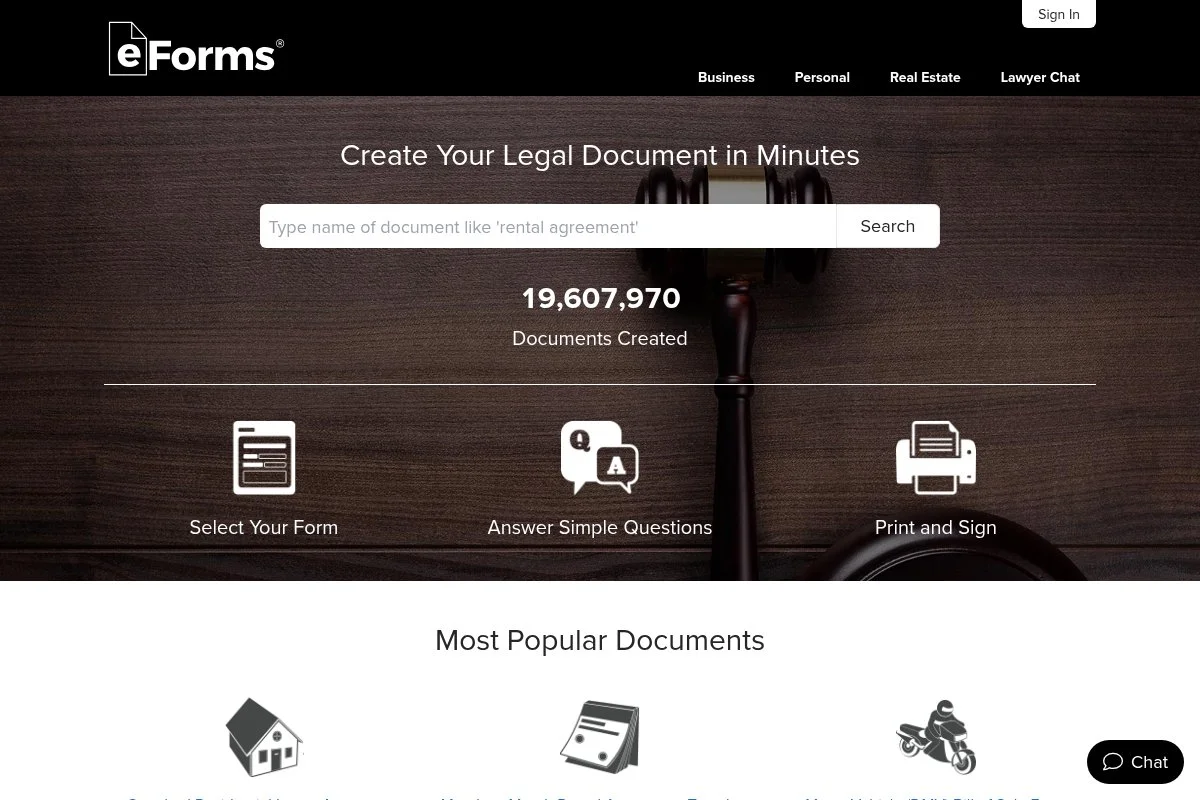
eForms focuses on fillable legal forms, many of them state‑specific. It’s a strong option if you want quick PDFs that match local requirements, including leases, notices, and routine business agreements.
Plans commonly start near $39 per month, with an annual option. The experience is direct: choose your state, pick a form, fill fields, and download. It’s fast when you need a document right now.
The team has continued to expand state coverage and keep forms current, which matters if you work across jurisdictions or handle real estate.
Advanced features are minimal. This is more about accurate forms than a full suite. You’ll find enough customization to add clauses and adjust terms when needed.
I’ve pointed real‑estate‑heavy freelancers to eForms because it shines on leases and notices. It’s also handy for standard NDAs and contractor agreements.
One thing I appreciate: the state filters help you avoid using a generic form where a state‑specific one is safer.
How eForms Works and Key Features
eForms uses a simple form‑fill interface with state filters. Templates cover business, real estate, and personal legal categories. You complete fields, add clauses, and export to PDF or Word. It’s quick to duplicate older forms for repeat work.
There’s no deep analytics dashboard, but you can manage versions and keep organized by state or client. Support is available through help content and standard support channels.
Overall, it’s a practical, state‑aware system that suits both beginners and experienced operators who need compliant forms fast.
Who eForms Is For
Great for landlords, property managers, mobile notaries, independent contractors working across states, and service providers who need reliable state‑specific documents. It excels at leases, notices, NDAs, and basic contracts. If you want bundled attorney advice, choose a different service. No technical skills needed.
eForms Pricing
eForms offers subscription plans with monthly and annual billing. Pricing reflects access to the full library and downloads.
- Monthly Access: from around $39/month, access to forms and downloads.
- Annual Access: discounted effective monthly rate for year‑round use.
If you’re heavy on state‑specific documents, the value is clear. Casual users should compare per‑doc alternatives to avoid paying for access they won’t use. Annual plans usually save money for regular use.
eForms Pros and Cons
Pros
- Strong state‑specific coverage
- Fast, fillable forms and clean PDFs
- Good for real estate and routine contracts
Cons
- Limited analytics and automation
- No integrated legal consultations
- Subscription may be overkill for rare use
Choose eForms if state‑specific accuracy matters most. If you need legal advice bundled in, consider Rocket Lawyer.
eForms Reviews
Public reviews appear on Trustpilot and similar sites. Scores and counts shift, so check current listings to confirm fit.
6. LegalZoom

LegalZoom is the best‑known brand in online legal help. It’s especially strong for business formation and registered agent services, with add‑on documents like operating agreements and contracts. The company has served millions of customers over the years and continues to expand services.
You can purchase documents individually or bundle them with formation packages and advisory plans. The interface is polished and walks you through each step. Everyday tasks include creating an operating agreement, drafting an NDA, and managing compliance dates.
Recent moves emphasize $0‑plus‑state‑fee formations and streamlined compliance tools. That makes it easier to start an entity and keep it in good standing without a patchwork of tools.
On higher tiers, you’ll find business advisory plans, registered agent services, and tax add‑ons. Those can replace several vendors if you want one source of truth.
I like LegalZoom for formation and compliance. For everyday contracts alone, it’s not the cheapest, but as a one‑stop, it’s convenient.
The knowledge base is solid, with helpful explanations for first‑time founders.
How LegalZoom Works and Key Features
LegalZoom uses guided workflows. You answer questions, and the system builds your document or files it with the state when forming an entity. Templates span operating agreements, NDAs, and basic contracts. You can export to Word or PDF and keep versions organized in your account.
Analytics are focused on status tracking and compliance reminders. Automation includes renewals and registered agent tasks if you add those services. Support is available by phone, chat, and articles, which is handy during formation season.
Overall, it’s polished and reliable for people who want documents, formation, and compliance in a single brand.
Who LegalZoom Is For
Best for new LLC owners, solo founders, consultants planning to hire, and anyone who wants formation, registered agent, and documents under one roof. It excels at operating agreements, compliance, and state filings. If you only need a few contracts, a lighter template site may cost less. Beginner‑friendly.
LegalZoom Pricing
LegalZoom uses per‑document pricing and service‑based fees. Formation offerings often start at $0 plus state fees, with paid tiers adding extras.
- Per‑Document: pay for individual templates, such as NDAs or operating agreements.
- Formation Packages: $0 + state fees for entry; higher tiers add features.
- Add‑Ons: registered agent, compliance, and advisory plans are priced separately.
If you’re forming an entity anyway, the bundle can be a good value. For contracts alone, compare a subscription library for better overall pricing. Annual options and promotions can reduce costs.
LegalZoom Pros and Cons
Pros
- Strong formation and compliance focus
- Well‑known brand with extensive resources
- One account for multiple needs
Cons
- Per‑doc pricing can add up
- Not the cheapest for simple contracts
- Upsells can increase the total cost
Pick LegalZoom if you’re forming or managing an entity. If you only need templates, a subscription library may be cheaper.
LegalZoom Reviews
LegalZoom has extensive, mixed‑to‑positive coverage across Trustpilot and other consumer sites. Ratings and review counts change frequently; check current listings for the most accurate snapshot.
7. Incfile

Incfile is known for budget‑friendly business formation, often starting at $0 plus state fees for entry‑level packages. It also sells key documents, such as operating agreements, EIN assistance, and compliance tools. For many solo founders, it’s a fast on‑ramp to a formal business. Getting started is simple: choose your entity type, answer guided prompts, and select add‑ons as needed. You’ll finish with an official filing and the docs required to open accounts and start operations.
Recent improvements highlight tracking dashboards and clearer compliance reminders. That reduces the risk of missing deadlines after formation. Higher tiers add features like faster filing, contract templates, and registered agent services. It’s not a document library like Rocket Lawyer, but it’s strong for startup paperwork.
I’ve seen many first‑time founders use Incfile to get an LLC done on tight budgets. It gets you from idea to EIN quickly. I like the clean checkout that spells out what’s included so you can skip extras you don’t need.
How Incfile Works and Key Features
Incfile runs on a guided filing flow. You pick a state, choose your package, answer business details, and proceed to checkout. The platform handles state filings and provides docs when approved. You can add operating agreements, registered agent service, and compliance tools. Analytics revolve around filing status and compliance timelines. Automation includes annual report reminders and registered agent tasks if you add that service. Support is available through articles, chat, and phone during business hours.
It’s beginner‑friendly for formation and solid for core startup paperwork.
Who Incfile Is For
Best for new LLCs, single‑member S‑corps, Amazon sellers, consultants turning pro, and creators opening a business bank account. It excels at formation, operating agreements, and compliance basics. If you want an ongoing contract library, pair it with a template service. Very beginner‑friendly.
Incfile Pricing
Incfile uses tiered formation packages plus add‑ons. Entry pricing often starts at $0 plus state fees, with paid tiers adding speed and extras.
- Entry Formation: $0 + state fees, includes basic filing and standard features.
- Mid‑Tier Formation: paid package with faster processing and added documents.
- Top‑Tier Formation: premium package with rush filing and extras.
- Add‑Ons: registered agent, operating agreement, EIN, and compliance tools available separately.
For contract libraries, Incfile isn’t the cheapest path. But for budget formation, it’s hard to beat the entry package. Compare total costs with LegalZoom and Zen‑style providers if you value bundled compliance.
Incfile Pros and Cons
Pros
- $0 + state fee entry for many formations
- Clear, guided flow for first‑timers
- Helpful compliance reminders
Cons
- Not a full contract template library
- Upsells can raise the total price
- Less suited for complex multi‑state setups
Use Incfile to form quickly and cheaply. Pair with a document library for everyday contracts.
Incfile Reviews
Incfile has broad review coverage across Trustpilot and similar sites. Scores and counts vary over time; check the latest data to confirm service levels.
What Is the Best Legal Document Service Right Now?
My top picks this year are Rocket Lawyer for all‑around value, Legal Templates for the fastest path to clean documents, and LegalNature for a balanced business library. Each fits a different stage, but all three protect your time and budget.
Rocket Lawyer is my personal #1. I use it, and this is not sponsored. I discovered it while juggling multiple client contracts and needing a quick legal sanity check. The guided builder, clean templates, and the option to ask a lawyer sealed it for me. The main selling point was peace of mind at a flat monthly price.
From a value angle, Rocket Lawyer’s membership can replace several one‑off purchases. If a single custom contract from a lawyer can run a few hundred dollars, $39.99 per month for a library plus Q&A is easy math. For teams that send frequent agreements, the savings compound throughout the year.
Legal Templates is a close second. It’s excellent for quick wins like NDAs, contractor agreements, and proposals, and it doesn’t require extra features. Recent Polish and state guidance make it more compelling for new freelancers who need speed over breadth. If I were starting from zero with three clients next month, I’d feel good using it.
Its unique strength is focus. There’s no fluff, and the editor stays out of your way. If my work didn’t require occasional legal questions, I might have chosen it as my daily driver.
LegalNature is my third choice. It’s a steady, business‑oriented library that scales well as you add clients and formalize scopes of work. If you don’t need attorney access and want a reliable set of service contracts and HR forms, it’s a smart pick. Annual plans help keep costs down.
I also mix tools. I use Rocket Lawyer for recurring contracts and sanity checks, then reach for a formation‑focused provider like LegalZoom or Incfile when someone on my team needs to spin up a new entity or update an operating agreement.
Choosing between these is a real decision. I stuck with Rocket Lawyer because it cut my risk for tricky clauses and saved time during busy months. If your work is simpler, Legal Templates or LegalNature could be cheaper and just as effective.
I hope this helped you pick a service with less stress and more confidence. Protect the work you do, and get back to doing it.
Frequently Asked Questions
Q: Do I still need a lawyer if I use a legal document service?
For routine contracts, a document service is usually enough. I still loop in a lawyer for high‑value deals, equity, or anything unusual. Use templates for the 80%, and get counsel for the risky 20%.
Q: Which documents should every self‑employed person have ready?
I keep an NDA, independent contractor agreement, services agreement, or SOW, invoice terms, and a simple amendment template. If you formed an LLC, add an operating agreement and compliance reminders.
Q: What’s the cheapest way to start if I’m on a tight budget?
Start with a per‑document platform or a monthly plan you can cancel after downloading a core set of templates. If you need ongoing help or Q&A, a flat membership like Rocket Lawyer usually pays for itself.
Q: Are these templates valid in every state?
Most services include state‑specific versions or guidance. Always pick your state during setup. For unusual terms or multi‑state work, I ask an attorney to review the final draft before sending.
Photo by Sasun Bughdaryan: Unsplash


