


I spend a lot of time inside accounting tools for work. I test features, break things, and help solo founders stop guessing with their books.
My first year freelancing, I tried to manage receipts with a spreadsheet and a shoebox. Tax week nearly broke me. That mess sent me on this mission.
I wanted simple invoicing, clean reports, and bank feeds that did not mislabel half my income. I also needed room to grow without paying enterprise prices.
Picking the right tool surprised me. Marketing pages looked the same, but daily use felt wildly different. One extra click on every invoice adds up.
What I’ve seen from successful small teams: they keep the chart of accounts tight, automate reconciliations, and review cash flow weekly. They choose tools that support those habits.
You do not need the most expensive plan. You need clear invoices, accurate categorizations, and reports you trust. The rest can wait.
This guide shares what actually worked for me across real client files and test accounts. I call out pricing, limits, and where each tool shines or stumbles.
Use the quick summary below as a jump-off point, then skim the detailed notes for your situation. Let’s start with the comparison table.
Comparison of 11 best accounting software in 2026 with pricing and recommended use cases
Scroll for my hands-on notes for each option. I’ll also share which one I use daily, plus a few free options for beginners.
What is an accounting software?
Accounting software is a tool that records, categorizes, and reports your money in and out. It replaces manual spreadsheets with automated bank feeds, invoicing, and reports.
There’s a saying: what gets measured gets managed. Good accounting makes cash visible, so you can make smarter calls, keep more profit, and avoid surprise tax bills.
Think of it like this: reconciling 300 transactions by hand might take 10 hours. With rules and bank feeds, the same work can take 45 minutes and reduce errors.
At its core, accounting software lets owners, bookkeepers, and accountants import bank data, tag income and expenses, invoice customers, manage bills, and produce accurate financial statements.
Most teams pair accounting with payment processing, payroll, receipt scanning, and time tracking. Some also connect inventory, CRM, and project tools for deeper reporting.
Not every product handles these jobs equally well, so it pays to compare before you commit.
How to choose the best accounting software
There are many solid tools, which makes choosing hard. Features overlap, pricing pages are long, and limits hide in the fine print.
I wrote this to help you match your workflow, not someone else’s. My tests focus on daily tasks, not just the marketing checklist.
Most guides are written by the companies or by media running paid placements. I am not sponsored by any platform on this list. This is my straight take after hands-on use and real setups.
Here are some questions you should ask when looking for a tool:
- Is there a free plan or trial, and what are the real limits?
- How fast can I send an invoice and match a payment?
- Will it scale to more users, entities, or currencies?
- What happens to monthly cost as transactions and users grow?
- Does it support my essentials: bank feeds, rules, quotes, inventory?
- Are the reports clear, with cash flow and aging I can trust?
- How hard is it to export data and migrate later?
- Is the bank feed stable and are outages rare?
- Does it handle sales tax/VAT, 1099s, and payroll integrations?
It’s a lot, but my rankings below answer these points with real pros and cons. You’ll see where each tool fits best.
Okay, enough of me rambling, let’s get into the list.
11 best accounting software in 2026
Here are my top picks for the best accounting software:
- QuickBooks Online
- Xero
- Zoho Books
- FreshBooks
- Wave
- Sage Accounting
- Odoo Accounting
- FreeAgent
- ZipBooks
- Kashoo
- NetSuite
Let’s see which one is right for you.
1. QuickBooks Online
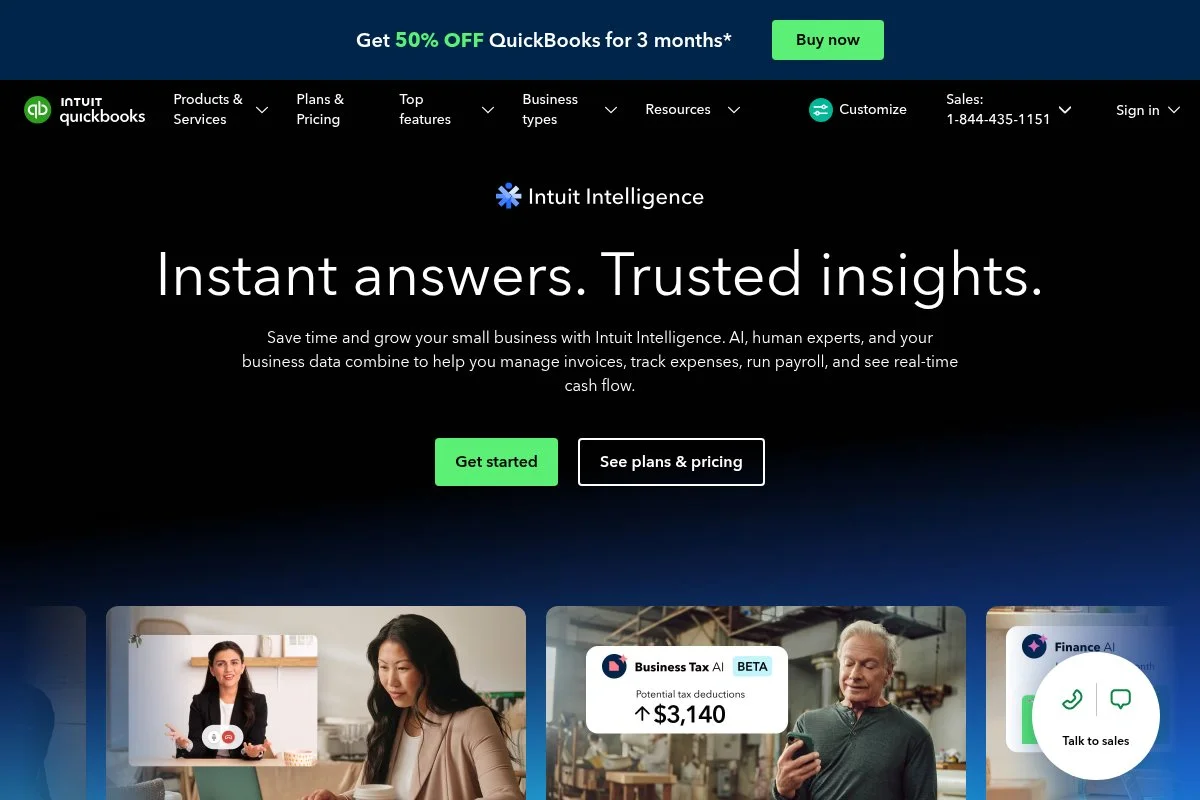
QuickBooks Online is the default for many U.S. small businesses. It’s backed by Intuit, which also runs TurboTax and Mailchimp, and supports millions of customers.
You can start at the Simple Start plan, usually $30 per month, often with a discount. Setup is quick: connect bank feeds, choose your chart of accounts, and start invoicing.
Recent updates improved bill pay, 1099 e-file, and cash flow forecasting. The new Business View also trims jargon, making it easier for non-accountants to navigate.
Higher tiers add advanced bill approvals, inventory, projects, and time tracking. QuickBooks Advanced layers on batch transactions, custom fields, and strong reporting.
I use QuickBooks Online for my client work. The automations save me hours each month, and my accountant prefers it for tax prep.
Support has been faster lately, and the ecosystem is huge. There’s an app for almost any niche workflow, from job costing to recurring billing.
How it works and key features
The interface is clean, with a left sidebar and quick create button. Invoicing is WYSIWYG, and bank rules reduce repetitive categorizing.
You get modern invoice templates, customizable fields, and payment links. Power users can add custom fields, import CSVs, and link hundreds of apps via Zapier.
Reports include P&L, balance sheet, cash flow, and aging. QuickBooks Advanced adds custom reporting and basic analytics dashboards.
Automations include scheduled invoices, recurring bills, and bank rules. Extras: mileage tracking, time tracking, estimates, and project profitability.
Support is chat and phone on paid plans, plus a deep help center. “QuickBooks let us close two days faster,” says a controller at a 15-person agency.
It’s strong for beginners and scales well for growing teams.
Who it’s for
Best for U.S. small businesses, agencies, e-commerce sellers, contractors, and consultants. Great for invoicing, bills, and basic inventory. If you need multi-entity consolidation or heavy manufacturing, look at Xero or NetSuite. Non-technical users do fine after a short learning curve.
QuickBooks Online pricing
QuickBooks prices by features and users, with frequent intro discounts and a 30-day trial.
- Simple Start: $30/month, 1 user, invoices, bills, basic reports
- Essentials: $60/month, 3 users, bills, time tracking, enhanced reports
- Plus: $90/month, 5 users, projects, inventory, budgeting
- Advanced: $200/month, 25 users, custom fields, batch, advanced reporting
Value is strong thanks to ecosystem depth and accountant familiarity. Annual billing can save more during promos. If you add payroll, expect extra monthly fees based on features and headcount.
Pros and cons
Pros: Huge ecosystem; fast bank rules; accountant-friendly; strong reports on Advanced; frequent discounts.
Cons: Pricing adds up with add-ons; occasional bank feed hiccups; learning curve for inventory and projects.
Overall: my top pick for most small U.S. businesses. If your needs are very simple or very global, compare with Wave or Xero.
QuickBooks Online reviews
G2: 4.0/5 (3,000+ reviews). Capterra: 4.3/5 (6,000+ reviews). Reviews highlight strong invoicing and reporting with occasional bank feed issues.
2. Xero
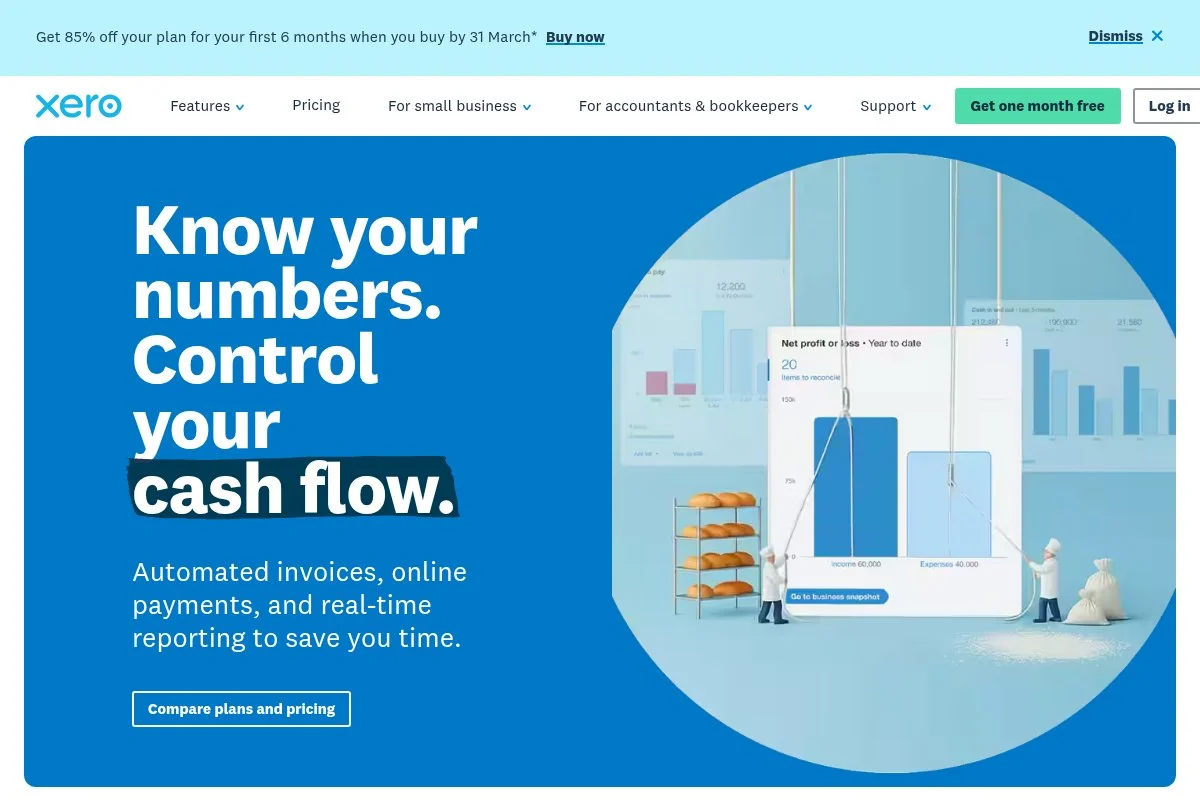
Xero is a cloud accounting platform popular outside the U.S. It’s known for clean design, strong multi-currency, and a partner network of accountants.
Entry pricing starts with Early around $15 per month, which limits invoices and bills. Setup is smooth, and the dashboard feels tidy yet powerful.
Recent improvements include better bank reconciliation, short-term cash flow, and integrated e-invoicing. Xero’s app marketplace keeps growing with solid global options.
Higher tiers add analytics, expense management, projects, and multi-currency. Inventory is simple but covers most small-product sellers.
I recommend Xero for global teams with multi-currency needs or firms working across different tax regimes. Many bookkeepers like its reconciliation workflow.
Support is helpful, and the learning resources are clear. The overall experience feels calm and organized, even with many transactions.
How it works and key features
Xero’s interface is minimal with a strong bank reconciliation screen. Templates for invoices and quotes are clean and easy to customize.
Advanced users can add custom code through integrations and the API. There’s a wide selection of add-ons for inventory, expenses, and payroll.
Analytics shows cash flow forecasts, trends, and aged receivables. Automations include repeating invoices, bank rules, and payment reminders.
Extras include projects, expenses, and file attachments. Support is ticket-based with good documentation. “Reconciliation is a joy in Xero,” says a UK bookkeeper I trust.
It works for both beginners and power users, especially outside the U.S.
Who it’s for
Best for global SMBs, agencies with multi-currency, UK/AU/NZ firms, and accountants managing many clients. Great for recurring invoices and clean reconciliations. U.S.-only businesses with heavy payroll needs may prefer QuickBooks. Beginner-friendly with strong scalability.
Xero pricing
Xero prices by features and invoice limits at the entry level. Plans vary by country.
- Early: ~$15/month, 20 invoices/quotes, 5 bills, bank reconciliation
- Growing: ~$42/month, unlimited invoices and bills
- Established: ~$78/month, multi-currency, projects, expenses
The value is great for multi-currency at the Established tier. Annual deals appear less often than competitors. Costs rise with add-ons like payroll and expenses.
Pros and cons
Pros: Excellent reconciliation; multi-currency; tidy UI; strong global ecosystem.
Cons: Entry plan limits invoices; U.S. payroll needs add-ons; inventory is basic for complex needs.
Overall: top choice if you bill in multiple currencies or operate outside the U.S.
Xero reviews
G2: 4.3/5 (600+ reviews). Capterra: 4.4/5 (3,000+ reviews). Users praise reconciliation and global support.
3. Zoho Books
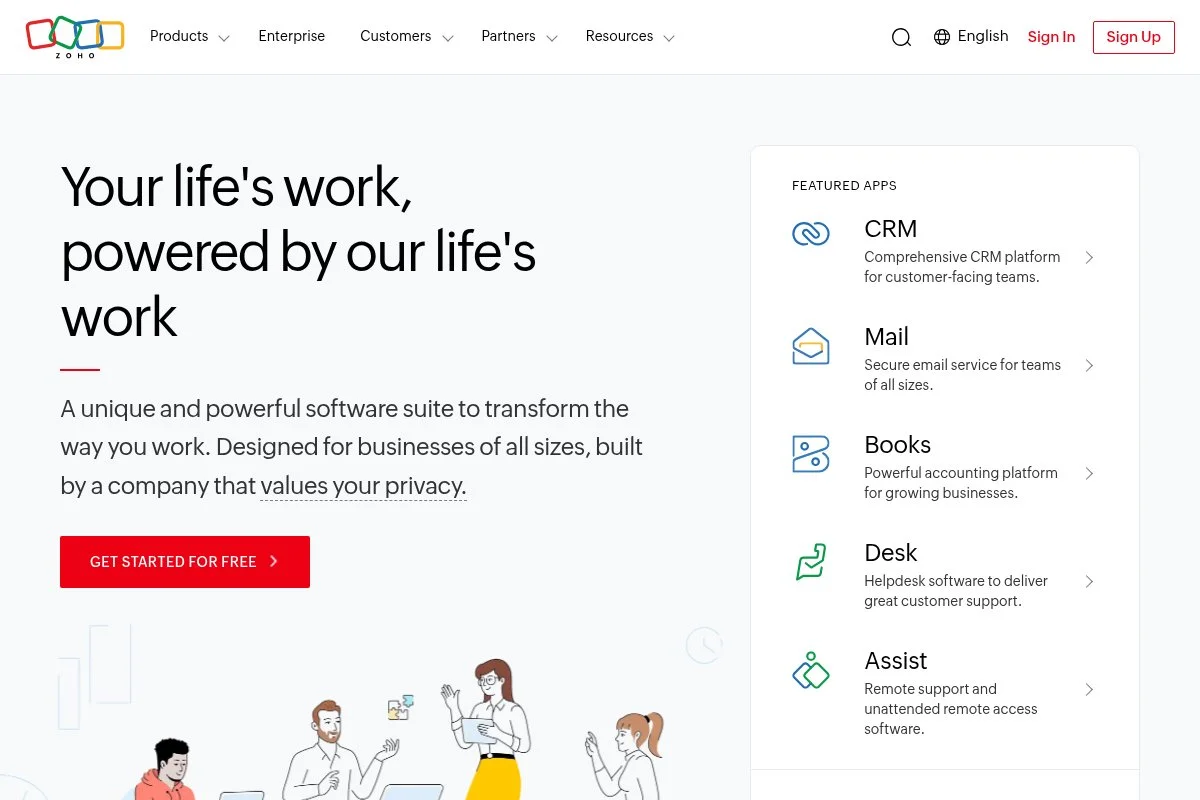
Zoho Books is part of the Zoho suite, known for strong value. It integrates well with Zoho CRM, Projects, and Inventory for a connected workflow.
There’s a free plan for very small businesses in supported regions. Paid plans start around $20 per month and are easy to set up with guided steps.
Recent updates improved GST/VAT handling, client portal features, and automation rules. The mobile apps are also better for receipts and approvals.
Upper tiers add advanced inventory, custom roles, and analytics. If you already use Zoho products, the cross-app sync is a major plus.
I like Zoho Books for value-focused teams that want tight CRM links. It punches above its price in automation and approvals.
Documentation is strong, and support is responsive. The interface has many features but stays organized with clear tabs.
How it works and key features
The interface uses tabs for Sales, Purchases, Banking, and Reports. Templates are flexible, with branded invoices and estimates.
Advanced users can build workflows, webhooks, and custom fields. Integrations span payments, taxes, CRM, and more.
Reports are detailed, with cash flow, budgets, and audit trails. Automations cover reminders, approval chains, and recurring transactions.
Extras include a client portal, time tracking, recurring billing, and expense management. Support is via email, chat, and a helpful knowledge base.
It balances beginner-friendly setup with deep features for scaling teams.
Who it’s for
Best for value seekers, startups using Zoho CRM, agencies with approvals, and international SMBs with VAT needs. Great for automated workflows and client portal billing. If you need U.S. payroll baked in, QuickBooks may be easier. It’s approachable for non-technical users.
Zoho Books pricing
Zoho Books is tiered by features and users, with a free plan in select countries.
- Free: $0/month, 1 user + accountant, basic invoicing/expenses
- Standard: $20/month, 3 users, invoices, bills, reporting
- Professional: $50/month, 5 users, purchase orders, inventory
- Premium: $70/month, 10 users, custom fields, vendor portal
- Elite: $150/month, advanced inventory, Shopify integration
- Ultimate: $275/month, advanced analytics
It’s one of the best values, especially if you already pay for Zoho apps. Annual billing usually discounts pricing. Add-ons like payroll vary by country.
Pros and cons
Pros: Excellent value; strong automation; tight Zoho integrations; thorough VAT support.
Cons: Interface can feel busy; U.S. payroll depends on partners; learning all features takes time.
Overall: a powerhouse for the price, especially inside the Zoho ecosystem.
Zoho Books reviews
G2: 4.5/5 (300+ reviews). Capterra: 4.4/5 (600+ reviews). Reviewers like automation and value.
4. FreshBooks
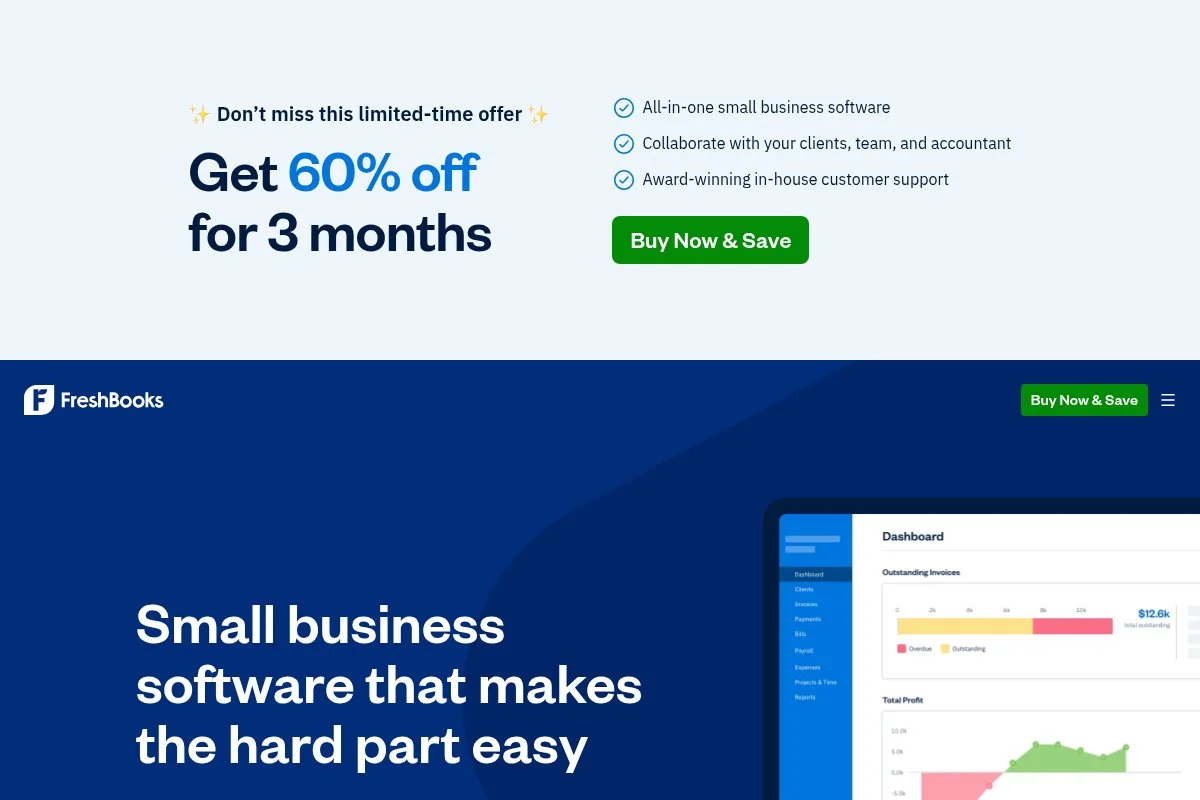
FreshBooks is built for service businesses that invoice often. It’s known for good-looking invoices, time tracking, and client communications.
You can start at $19 per month for up to five billable clients. Onboarding is quick, and estimates convert to invoices with a click.
Recent changes improved project tracking, retainers, and payments. The mobile app also speeds up receipt capture on the go.
Higher tiers unlock more clients, automation, and analytics. There’s also a Select plan with dedicated support for larger firms.
I like FreshBooks for designers, consultants, and small agencies. Clients pay faster thanks to clear invoices and built-in reminders.
Support is friendly, and the UI stays simple as you scale. It focuses on doing service invoicing very well.
How it works and key features
The editor is WYSIWYG with drag-and-drop invoice sections. Templates are modern with branding and payment terms.
Advanced users can connect payment gateways, Zapier, and custom fields. The project module tracks time against invoices and retainers.
Reports cover profit by client, expenses, and aging. Automations include recurring invoices, late fees, and reminders.
Extras: proposals, estimates, and simple inventory items. Support is email and phone with helpful guides. A photographer told me, “FreshBooks cut my invoice time in half.”
It’s beginner-friendly and strong for service billing.
Who it’s for
Best for freelancers, consultants, designers, and small agencies. Great for recurring invoices, retainers, and project time tracking. If you need deep inventory or multi-entity, try QuickBooks or Xero. No advanced manufacturing features, but very simple for non-technical users.
FreshBooks pricing
FreshBooks prices by number of billable clients and features, with promos common.
- Lite: $19/month, 5 billable clients, invoices, estimates
- Plus: $33/month, 50 clients, recurring billing, late fees
- Premium: $60/month, unlimited clients, advanced reports
- Select: Custom, more automation and dedicated account manager
Value is high for service pros who need polished invoices. Annual plans discount the monthly rate. Payments and payroll are extra.
Pros and cons
Pros: Beautiful invoices; easy retainer billing; fast to learn; reasonable pricing.
Cons: Basic inventory; limited multi-entity; reports less deep than QuickBooks Advanced.
Overall: great for service businesses that live in invoices and time tracking.
FreshBooks reviews
Capterra: 4.5/5 (4,000+ reviews). G2: 4.5/5 (600+ reviews). Users love invoices and support.
5. Wave
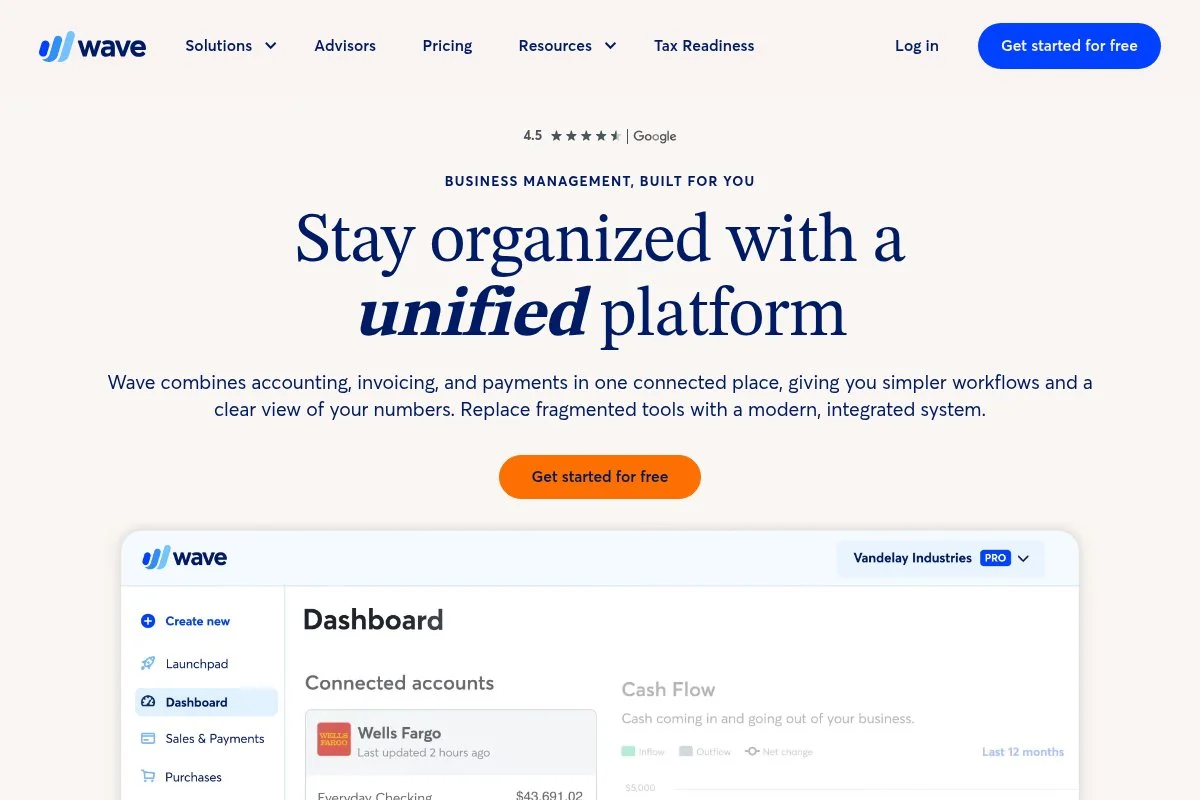
Wave offers free core accounting and invoicing, which is perfect for tight budgets. It funds development through payments and add-ons.
Setup is quick: connect a bank, create your first invoice, and turn on payment links. The interface is simple and friendly.
Recent upgrades improved money movement, recurring billing, and receipt capture. The product stays focused on small business basics.
Paid extras include payroll (in select regions) and professional bookkeeping. Payments are competitive and easy to enable.
I suggest Wave for side hustles and lean solos who need invoicing and basic reporting without monthly fees.
Support is mostly self-serve on the free tier, with chat options on paid services. The help articles are clear.
How it works and key features
Wave’s dashboard keeps invoices, payments, and expenses front and center. Invoice templates are clean and include payment buttons.
Advanced customization is limited, but integrations via Zapier cover common tasks. You can attach receipts and run simple reports.
Reports include P&L, balance sheet, and aging summaries. Automations handle recurring invoices and payment reminders.
Extras: payroll in supported regions, payment processing, and advisors. “It’s free and good enough for my Etsy shop,” a maker told me.
Wave is beginner-friendly and fine for simple service or micro-retail.
Who it’s for
Best for side hustles, freelancers, and very small shops. Good for basic invoices, expense tracking, and free accounting. If you need inventory depth or multi-currency, choose Zoho Books or Xero. No advanced features, but zero monthly cost is hard to beat.
Wave pricing
Wave’s core accounting and invoicing are free. You pay for payments, payroll, and bookkeeping.
- Accounting & Invoicing: $0/month, unlimited invoices and basic reports
- Payments: Pay-as-you-go, per-transaction fees
- Payroll: Paid add-on in select regions
- Advisors/Bookkeeping: Optional paid services
Value is excellent for zero-fee basics. As you grow into deeper features, migration to QuickBooks or Xero is common.
Pros and cons
Pros: Free core tools; fast invoicing; simple setup; good for beginners.
Cons: Limited inventory; fewer integrations; support is lighter on free.
Overall: perfect starter option; upgrade when you outgrow it.
Wave reviews
Capterra: 4.4/5 (1,000+ reviews). G2: 4.4/5 (300+ reviews). Users like the price and ease.
6. Sage Accounting
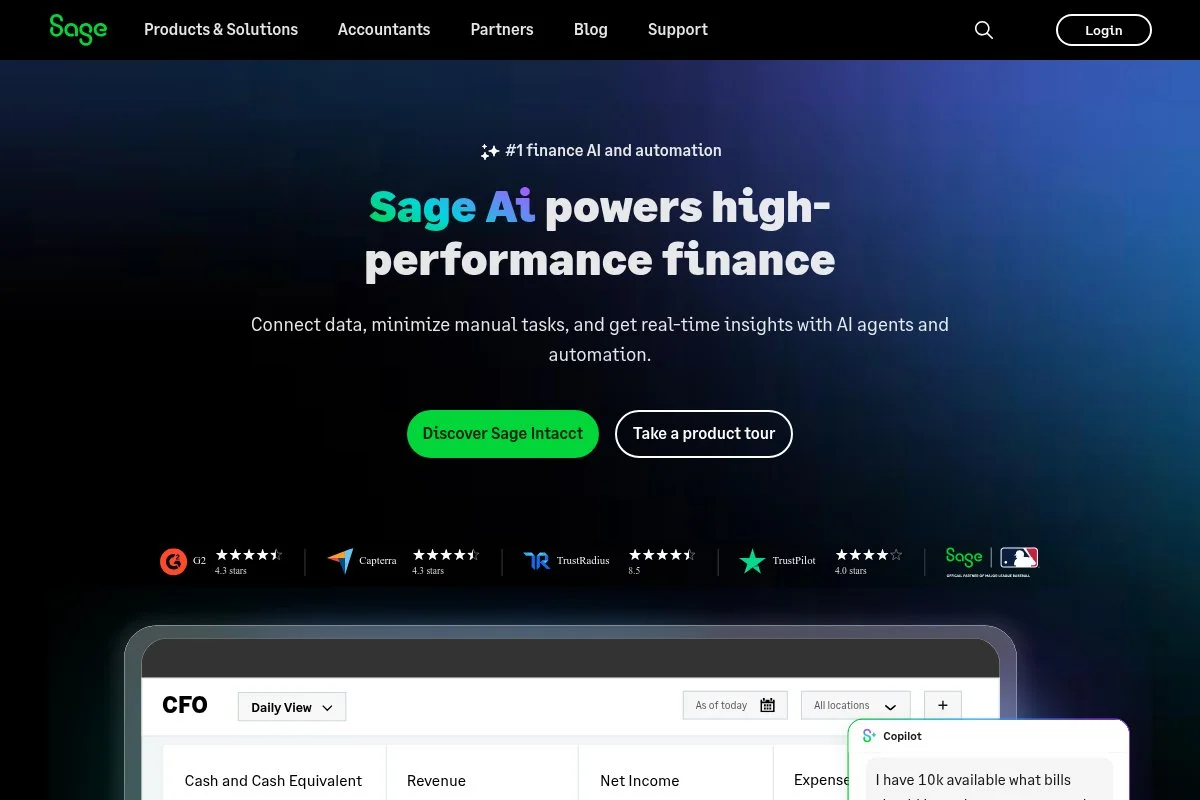
Sage Accounting (formerly Sage One) focuses on simple, dependable bookkeeping. Sage is a long-standing finance brand with global reach.
You can start around $10 per month on the entry plan. Setup is guided, and the interface is friendly for non-accountants.
Recent product work improved bank feeds and mobile apps. Sage also strengthened MTD/VAT features for UK businesses.
Higher plans add quotes, purchase invoices, and cash flow forecasting. It pairs well with Sage Payroll and Sage HR.
I like Sage for owners who want stability more than a giant app marketplace. It does the basics well with little fuss.
Support is consistent, and the help center is solid. The company invests steadily in core workflows.
How it works and key features
The UI is straightforward with clear menus for Sales, Purchases, and Banking. Templates are simple and clean.
Advanced users can connect apps, but customization is lighter than QuickBooks or Xero. CSV import and export are available.
Reports include standard financials and cash flow. Automations cover bank rules and recurring invoices.
Extras: inventory light, quotes, and vendor bills. Support is via chat and phone depending on region. A UK retailer said, “Sage just works and keeps my VAT right.”
This is a steady, beginner-friendly pick.
Who it’s for
Best for small retailers, trades, and UK firms needing VAT/MTD. Good for owners who want straightforward bookkeeping and reliable compliance. Not ideal for complex inventory or multi-entity groups. Easy for non-technical users.
Sage Accounting pricing
Sage prices by features, with frequent regional promos.
- Start: ~$10/month, invoicing and basic bookkeeping
- Accounting: ~$25/month, quotes, purchase invoices, cash flow
Value is solid for simple needs, especially in the UK. Annual discounts vary. Add-ons like payroll cost extra.
Pros and cons
Pros: Reliable basics; strong VAT/MTD; approachable UI; fair pricing.
Cons: Fewer integrations; limited advanced inventory; less flexible than Xero.
Overall: a steady option if you value stability and compliance.
Sage Accounting reviews
Capterra: 4.2/5 (1,000+ reviews). G2: 4.1/5 (300+ reviews). Reviews praise VAT handling and ease.
7. Odoo Accounting
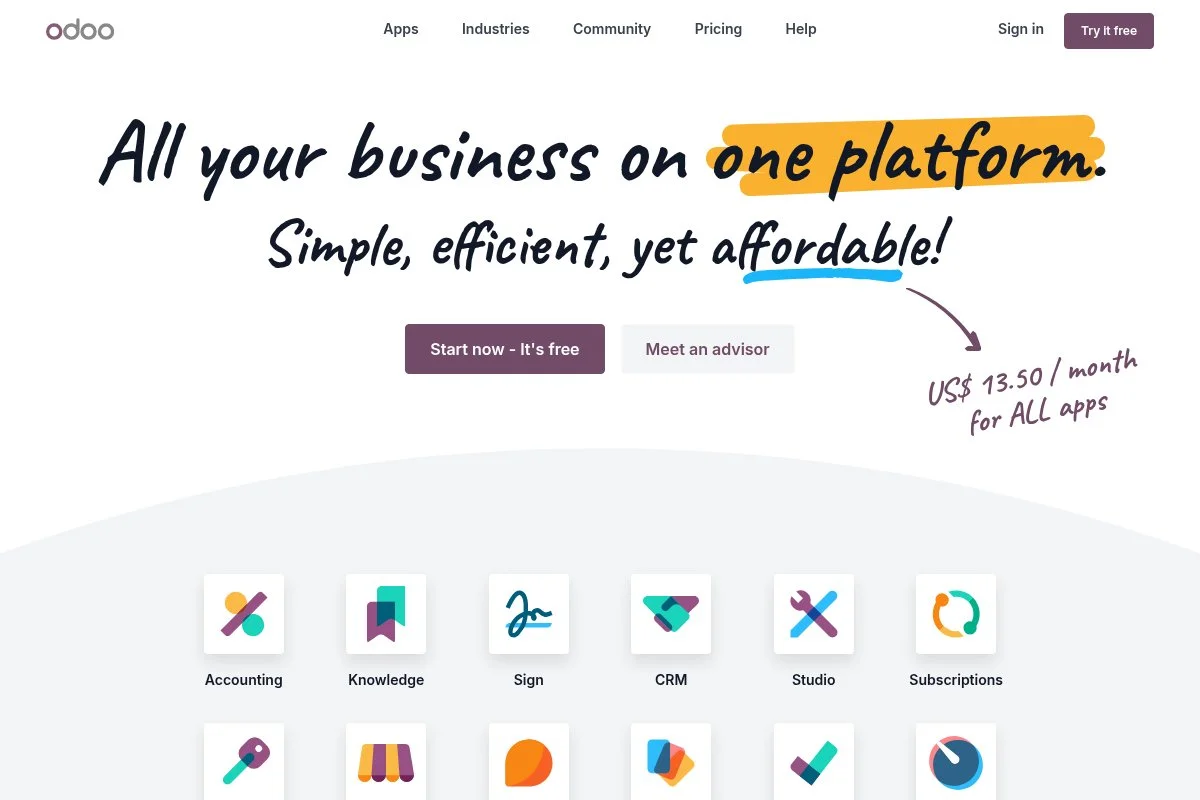
Odoo Accounting is part of Odoo’s modular business suite. You can start with one app free, then add CRM, Inventory, or Manufacturing as you grow.
Setup is guided, and the interface is modern. The Accounting app covers invoices, bills, bank feeds, and reconciliation.
Recent versions improved bank matching, OCR for bills, and EU e-invoicing. The suite continues to tighten cross-app workflows.
Premium features shine when paired with other Odoo apps: integrated inventory, POS, and web shop syncing into the ledger.
I like Odoo for teams that want accounting inside a wider, modular system. It’s flexible without jumping between vendors.
Community and documentation are active. Implementation partners can help if you go deep.
How it works and key features
The UI is card-based with clear pipelines for invoices and bills. Templates are simple, with branding and payment links.
Advanced users can customize with Studio, APIs, and modules. Integrations span payments, shipping, and tax engines.
Reports cover financials, taxes, and analytical accounts. Automations include recurring entries, bank rules, and approvals.
Extras: website, CRM, inventory, and POS. Support depends on your Odoo plan or partner. One ops lead told me, “Odoo connected our shop, warehouse, and books in one week.”
It suits teams that want breadth with steady depth.
Who it’s for
Best for product companies, manufacturers, and retailers that want ERP-style links. Great when you need accounting tied to inventory and POS. Overkill for tiny service shops; Wave or FreshBooks might fit better. Reasonable for non-technical users with a bit of setup help.
Odoo Accounting pricing
Odoo’s model is per user, plus apps. One app is free; more apps require paid plans.
- One App Free: $0/month, one app only for unlimited users
- Standard: From ~$31.10/user/month, all apps on Odoo Online
- Custom: Higher price, on-premise options, Odoo Studio, and external API
Value is strong if you plan to adopt multiple apps. Annual billing discounts apply. Costs scale with users, so plan headcount.
Pros and cons
Pros: Suite-wide integrations; flexible modules; good analytical accounting; strong value at scale.
Cons: Pricing grows with users; setup can need partner help; learning curve for deep customizations.
Overall: great if you want accounting inside a broader system.
Odoo Accounting reviews
G2 (Odoo): 4.2/5 (700+ reviews). Capterra (Odoo): 4.1/5 (2,000+ reviews). Users like the integrated suite approach.
8. FreeAgent
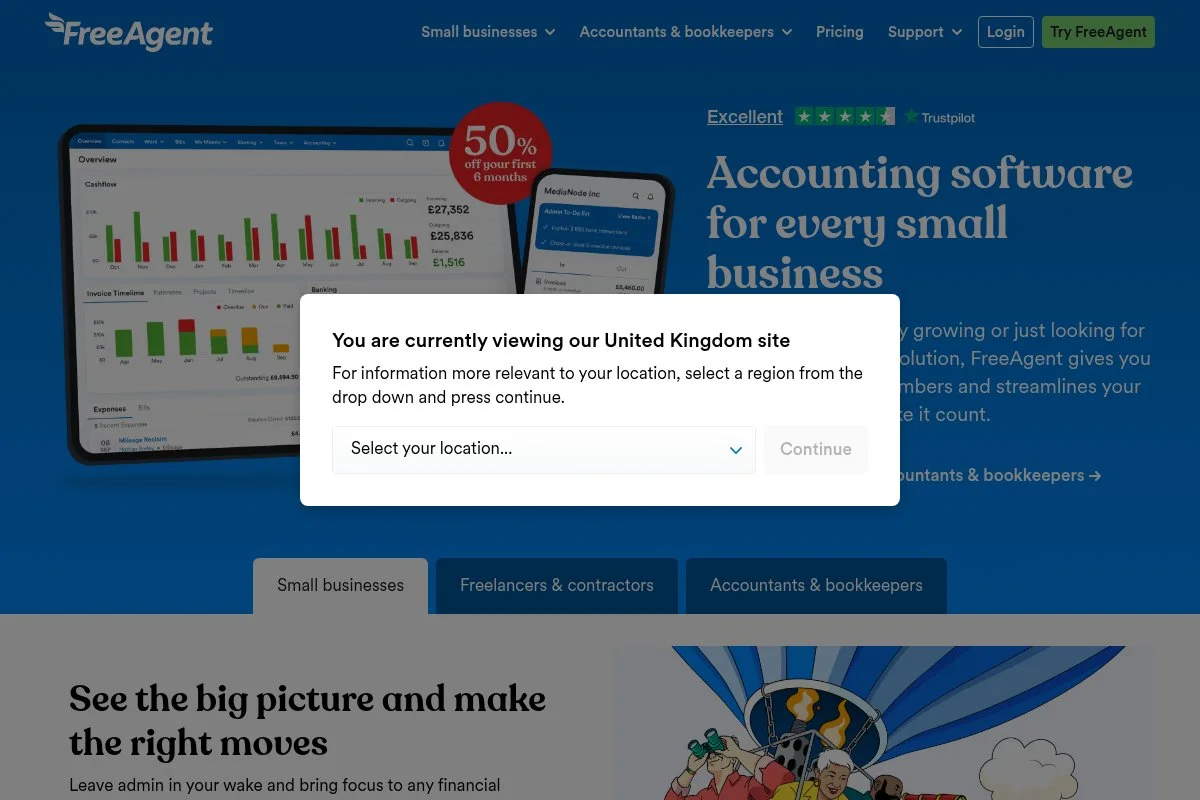
FreeAgent is a UK-focused accounting tool with smart invoicing and tax features. It’s popular with freelancers and micro-businesses.
Getting started is quick, and the dashboard shows invoices due, bank feeds, and tax timelines. The client portal is friendly.
Recent work improved MTD, CIS support, and mobile scanning. NatWest and RBS customers may get FreeAgent included, which is a nice perk.
Projects, time tracking, and expense claims are included. VAT and self-assessment tools save time at year-end.
I reach for FreeAgent for UK consultants and contractors who need HMRC compliance with minimal fuss.
Support is responsive, and the knowledge base is very UK-specific, which helps.
How it works and key features
The UI guides you with tax alerts and helpful prompts. Invoice templates are clear and handle multiple tax rates.
Advanced users can connect bank feeds via Open Banking and link payment processors. Integrations cover proposals, payments, and time tools.
Reports include P&L, balance sheet, VAT returns, and dividend notes. Automations handle reminders, recurring invoices, and tax estimates.
Extras: projects, timesheets, and expense approvals. “FreeAgent keeps me compliant without stress,” a contractor told me.
It’s beginner-friendly with a UK-first focus.
Who it’s for
Best for UK freelancers, contractors, and micro-agencies. Excels at VAT, CIS, and self-assessment estimates. Not ideal outside the UK or for complex inventory. Easy for non-technical users who want tax clarity.
FreeAgent pricing
FreeAgent is flat-rate with frequent introductory discounts. Some UK bank customers get it included.
- Sole Trader: ~£19/month first 6 months; then ~£38/month
- Partnership/LLP/Limited Company: ~£14–£28/month first 6 months; then ~£28–£38/month
Value is strong for UK compliance features. Annual billing may save more. Check bank offers for deeper discounts.
Pros and cons
Pros: UK tax built-in; simple projects and time; clear client portal; bank offers.
Cons: Smaller app marketplace; not ideal for complex stock; pricing higher outside promos.
Overall: a UK favorite that keeps taxes simple for independents.
FreeAgent reviews
Capterra: 4.4/5 (1,000+ reviews). G2: 4.6/5 (200+ reviews). Users highlight UK tax workflows.
9. ZipBooks
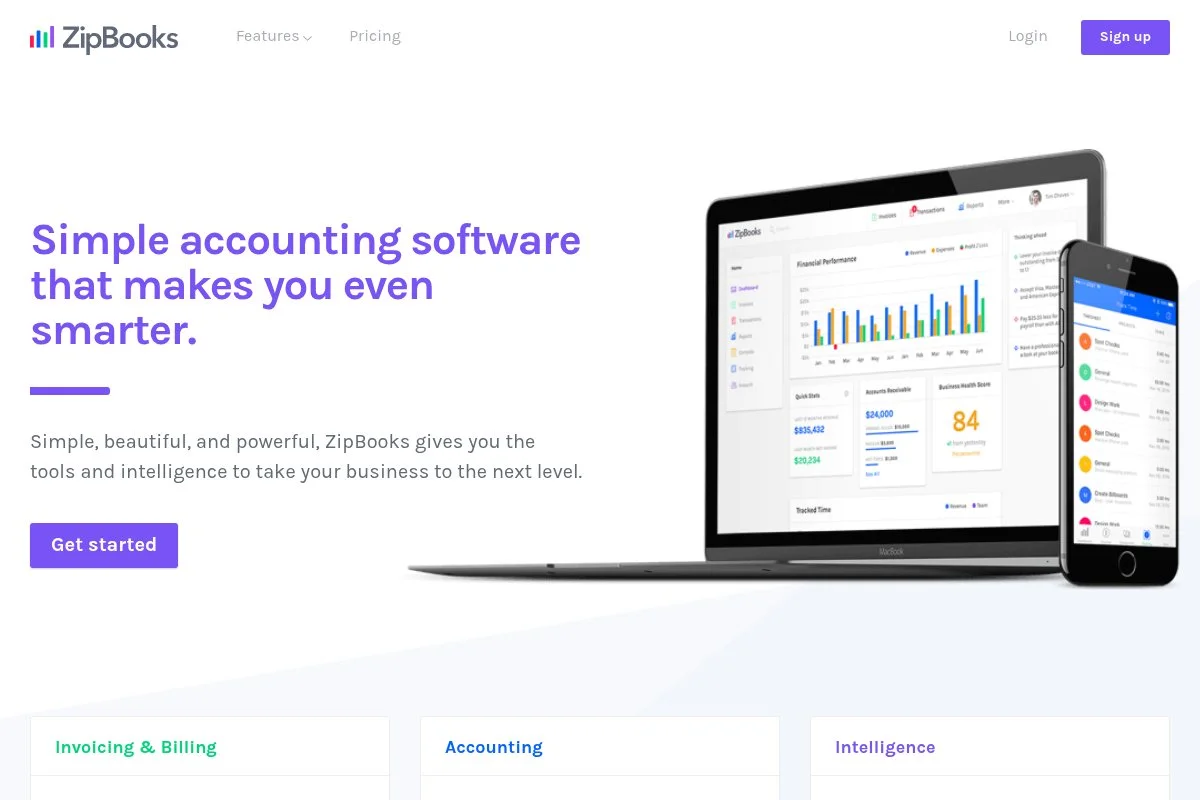
ZipBooks is a clean, lightweight accounting app that’s easy to learn. It’s good for simple invoicing and basic reporting.
The free starter plan helps you try it without risk. Setup is fast, and the interface stays uncluttered.
Recent tweaks improved invoicing and categorization rules. The product focuses on simplicity rather than a massive feature list.
Paid tiers add smart tagging, more reports, and better automation. It’s a gentle step up from manual spreadsheets.
I recommend ZipBooks to solos who want clean invoicing before moving to heavier tools later.
Support is friendly on paid plans, and help docs are short and clear.
How it works and key features
The editor is straightforward with quick invoice creation. Templates are simple with logos and payment links.
Advanced users can connect Stripe, PayPal, and Zapier. Custom categories and tags help fine-tune reports.
Reports include P&L, balance sheet, and simple insights. Automations cover reminders and recurring invoices.
Extras: estimates, time tracking, and basic vendor bills. “It’s the least fussy tool I’ve used,” one freelancer told me.
It’s beginner-friendly with clear paths to upgrade.
Who it’s for
Best for freelancers, side hustles, and tiny service shops. Great for invoice and expense basics with clear reports. Not built for inventory or multi-currency. Very easy for non-technical users.
ZipBooks pricing
ZipBooks offers a free starter tier, then adds features with paid plans.
- Starter: $0/month, basic invoicing and simple reports
- Smarter: $15/month, time tracking, reminders, more reports
- Sophisticated: $35/month, smart tagging, advanced reports
- Accountant: Custom, tools for client management
Pricing is fair for the feature set. Annual discounts may apply. As you add complexity, consider QuickBooks or Zoho Books.
Pros and cons
Pros: Clean UI; free starter; quick invoicing; easy learning curve.
Cons: Limited inventory; fewer integrations; lighter analytics.
Overall: a simple, friendly starter with room to grow.
ZipBooks reviews
Capterra: 4.5/5 (300+ reviews). G2: 4.4/5 (100+ reviews). Reviews praise simplicity and value.
10. Kashoo
Kashoo focuses on straightforward bookkeeping with clear categorization. It also offers TrulySmall Accounting for micro-businesses.
Setup is quick, and the dashboard highlights invoices, expenses, and bank feeds. It avoids clutter and sticks to essentials.
Recent updates improved AI categorization and receipt scanning. The product stays aimed at very small teams.
Higher tiers unlock more reports and automation. If you want simple books without bloat, Kashoo fits.
I like it for owner-operators who want clear basics and accurate categories.
Support is responsive, and setup help is available on request.
How it works and key features
Kashoo’s interface is minimal with quick entry forms. Invoice templates are plain but effective.
Advanced users can import CSVs and connect payments. Integrations are lighter than bigger tools.
Reports include P&L, balance sheet, and sales tax. Automations center on categorization rules and recurring invoices.
Extras: receipt scanning and vendor bills. A contractor told me, “Kashoo keeps my books tidy without extra clicks.”
It’s beginner-friendly, especially for very small shops.
Who it’s for
Best for trades, consultants, and micro-retail. Good for basic invoicing and expense tracking. Not ideal for deep inventory or multi-currency. Easiest for non-technical owners who value simplicity.
Kashoo pricing
Kashoo offers clear tiers for small businesses.
- TrulySmall Invoices: ~$0–$5/month, simple invoicing
- TrulySmall Accounting: ~$20/month, invoices, expenses, reports
- Kashoo (Full): ~$30/month, advanced reports and features
Pricing is fair for basic needs. If you outgrow it, migration to QuickBooks or Xero is straightforward with CSV exports.
Pros and cons
Pros: Simple UI; fast categorization; fair pricing; receipt capture.
Cons: Few integrations; limited inventory; lighter analytics.
Overall: ideal for owners who want no-frills bookkeeping.
Kashoo reviews
Capterra: 4.5/5 (200+ reviews). G2: 4.3/5 (50+ reviews). Users appreciate simplicity and support.
11. NetSuite
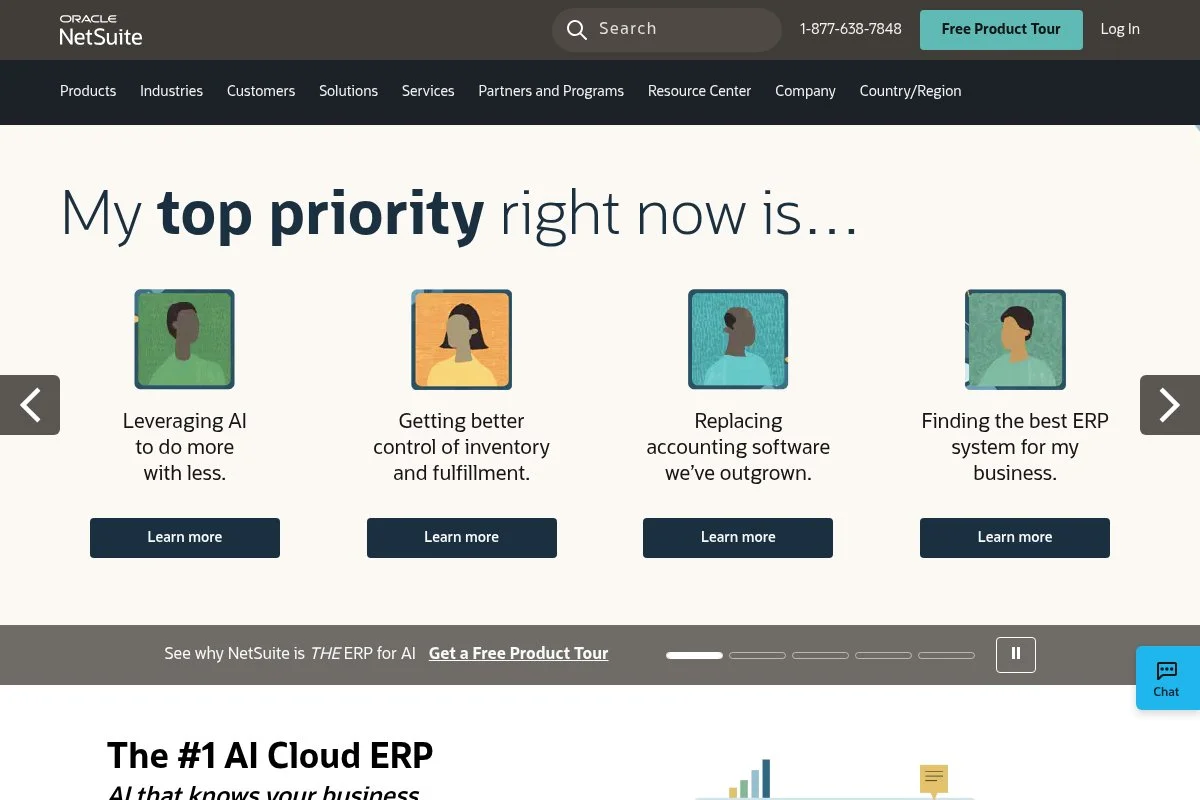
NetSuite is a full ERP with powerful accounting for mid-market and enterprise. Oracle owns it, and it’s used by thousands of complex organizations.
There’s no free plan. Pricing is custom, typically with a base license and user fees. Implementation takes time and planning.
Recent releases improved SuiteAnalytics, revenue recognition, and multi-subsidiary management. It’s a leader for consolidations and compliance.
Advanced modules include inventory, manufacturing, WMS, and CRM. SuiteFlow and SuiteScript offer deep customization.
I recommend NetSuite only when you need audits, multi-entity consolidation, and complex approvals. It’s powerful but not simple.
Partners and support are extensive. Expect a formal onboarding process with training.
How it works and key features
The interface is role-based with dashboards for finance, ops, and executives. Templates for documents are customizable with SuiteBuilder.
Advanced users rely on SuiteScript, APIs, and integrations. It connects to banks, tax engines, and data warehouses.
Analytics includes SuiteAnalytics workbooks, saved searches, and KPIs. Automations cover approvals, workflows, and scheduled jobs.
Extras: CRM, inventory, commerce, and projects in one system. Support is via Oracle and partners with SLAs. “Close is faster and cleaner,” a controller told me after go-live.
It suits advanced teams with dedicated finance staff.
Who it’s for
Best for multi-entity groups, SaaS with ASC 606, manufacturers, and global distributors. Excels at consolidations, approvals, and audit trails. Overkill for small businesses. Requires finance and IT involvement.
NetSuite pricing
NetSuite is license-based with add-on modules and user fees. No public pricing, but typical packages include:
- Base license: Often around $999/month, core financials
- User licenses: Often ~$99/user/month
- Add-on modules: Revenue recognition, WMS, planning, more
Expect implementation costs and annual contracts. Value is high for complex needs and multi-entity reporting. For SMBs, QuickBooks or Xero is more cost-effective.
Pros and cons
Pros: Deep multi-entity; strong controls; powerful analytics; wide module range.
Cons: Expensive; long implementation; steep learning curve.
Overall: the right pick for complex finance teams, not for beginners.
NetSuite reviews
G2: 4.1/5 (2,000+ reviews). Capterra: 4.1/5 (1,000+ reviews). Reviews praise breadth and consolidation features.
What is the best accounting software right now?
My top picks: QuickBooks Online for most small U.S. businesses, Xero for global and multi-currency teams, and Zoho Books for best value with automation.
QuickBooks Online is my number one, and I use it every week. No sponsorship here—just years of testing. I first tried it after an accountant friend swore it would cut my month-end in half. The bank rules, solid reports, and huge app marketplace won me over fast.
On value, QuickBooks scales well. Simple Start at $30/month gets you going. Even at Plus, the time saved by automations pays for itself. Xero’s Established tier is great for multi-currency, but for a U.S.-only shop, QuickBooks often ends up cheaper once you factor in advisor familiarity and payroll options.
Xero is my close second. If you invoice in multiple currencies or operate in the UK, AU, or NZ, it shines. The reconciliation screen is a joy, and recent analytics upgrades help owners visualize cash without exporting to spreadsheets.
Xero’s standout strength is consistency. Bank recs are fast, and multi-currency is baked in at the right tier. If I ran a distributed agency billing clients in EUR, GBP, and USD, I’d likely choose Xero.
Zoho Books is my third choice, especially if you live in Zoho CRM already. It has a real free tier in some regions and paid plans that undercut most rivals. Automation rules, client portals, and approvals make it feel like a pricier tool.
I also mix tools for testing and edge cases. For side projects, I’ve used Wave to keep costs at zero, then moved to QuickBooks once revenue grew and I needed deeper reports.
Choosing between these three is not easy. I stuck with QuickBooks because my accountant works in it daily, and the time saved on month-end close and 1099s matters more than anything.
I hope this helped you settle on a stack that fits your stage and stress level. Tight books, fewer headaches—see you at month-end close.


